Frappe Support Portal
Effective: 1st August 2023
Customer Portal: frappeio-support.frappe.cloud/register-customer
Frappe Agent Portal: https://frappeio-support.frappe.cloud/helpdesk/tickets
Customer Registration
- Customers on sign-up can register on Frappe Support via frappeio-support.frappe.cloud/register-customer. This link will be sent to them via drip email on sign-up. Additionally, they'll be able to access this link in-app via Help > Frappe Support.
- Customer needs to enter their site name, and the same login credentials (email id and password) as their ERPNext instance.
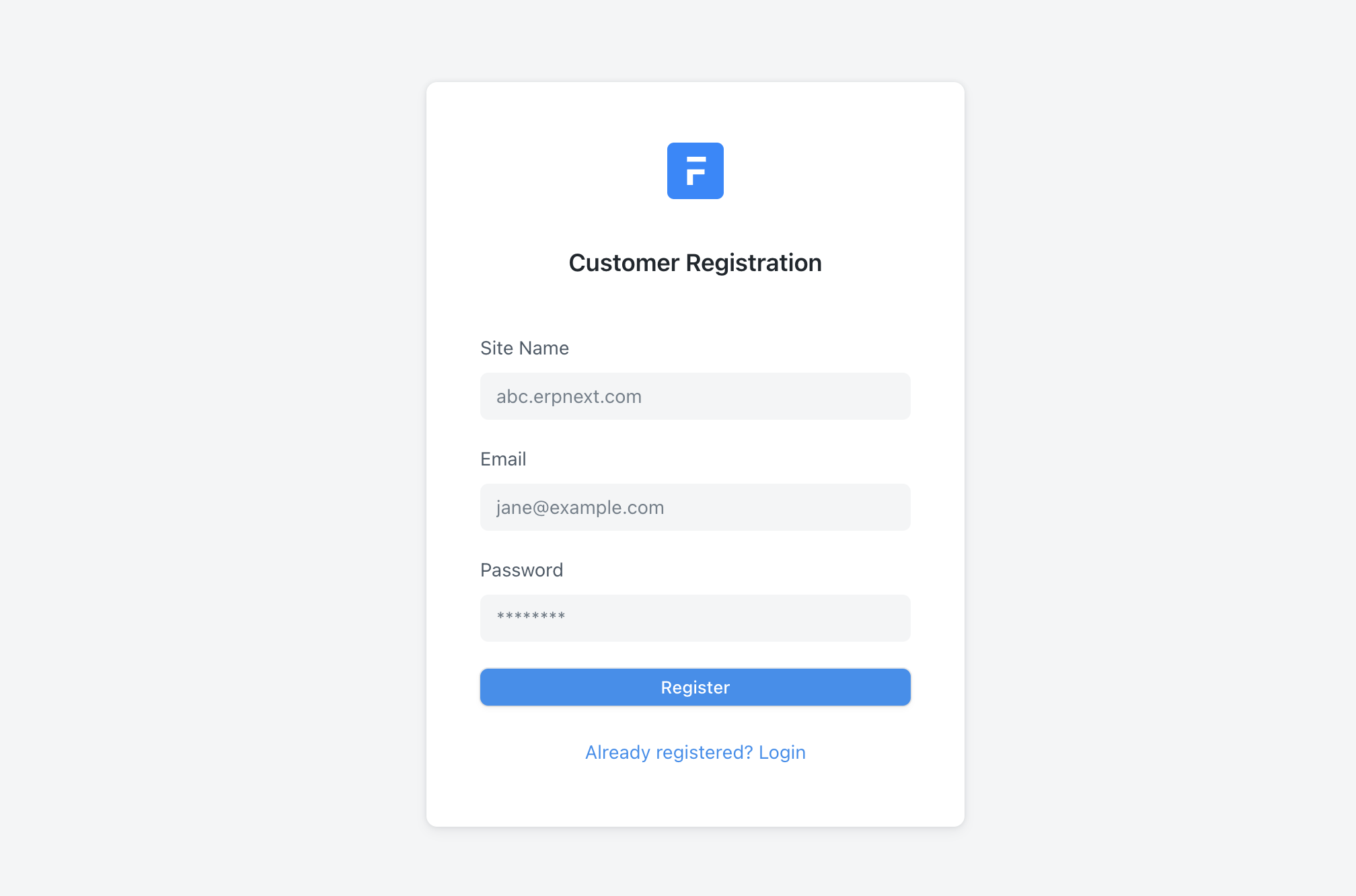
3. If the site is Active on a plan that is eligible for Frappe Support, and if the user is a valid, enabled, system user of the site, then a password reset email is sent to the customer. On successful resetting of the password, the registration is complete.
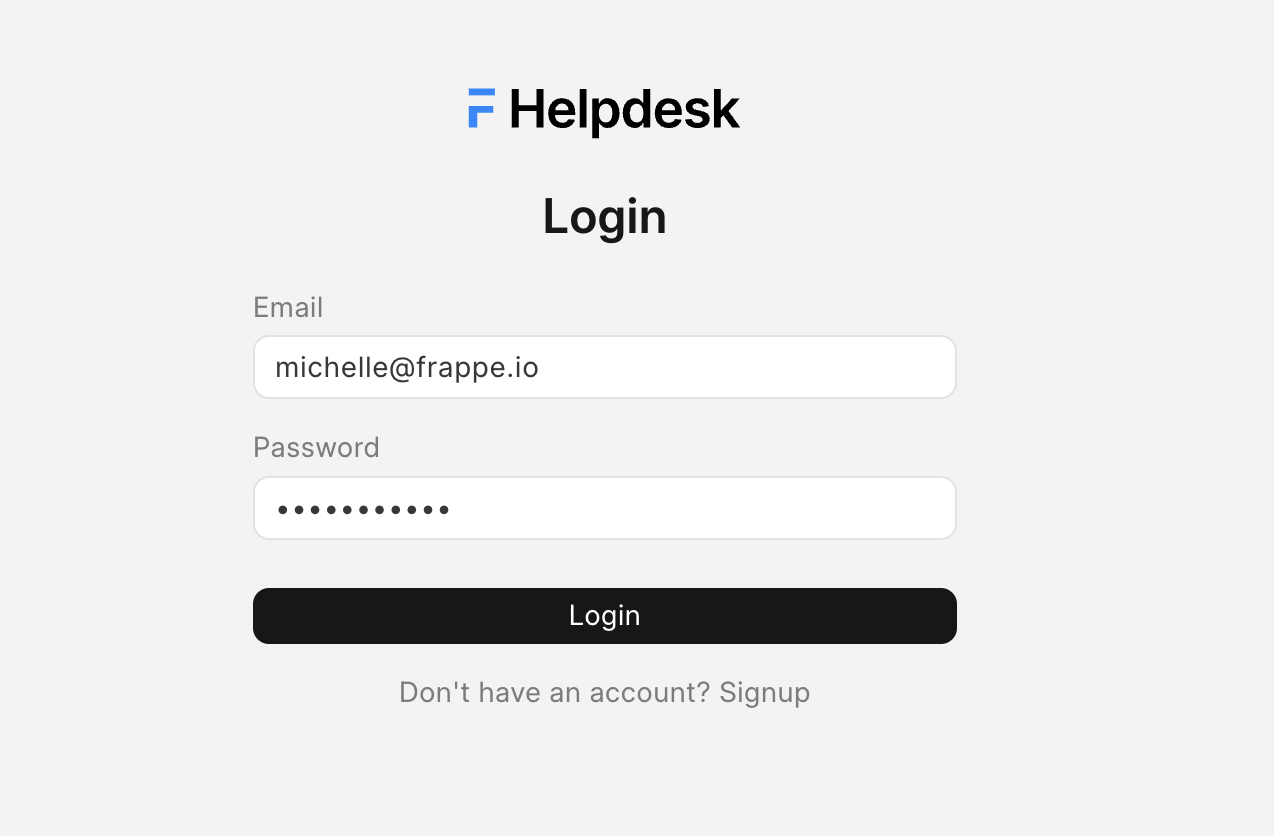
4. If the customer has already registered, then they can directly log in by clicking on the login button and entering their credentials.
Supported Site Details
- When a customer registers their site, a Supported Site record gets created.
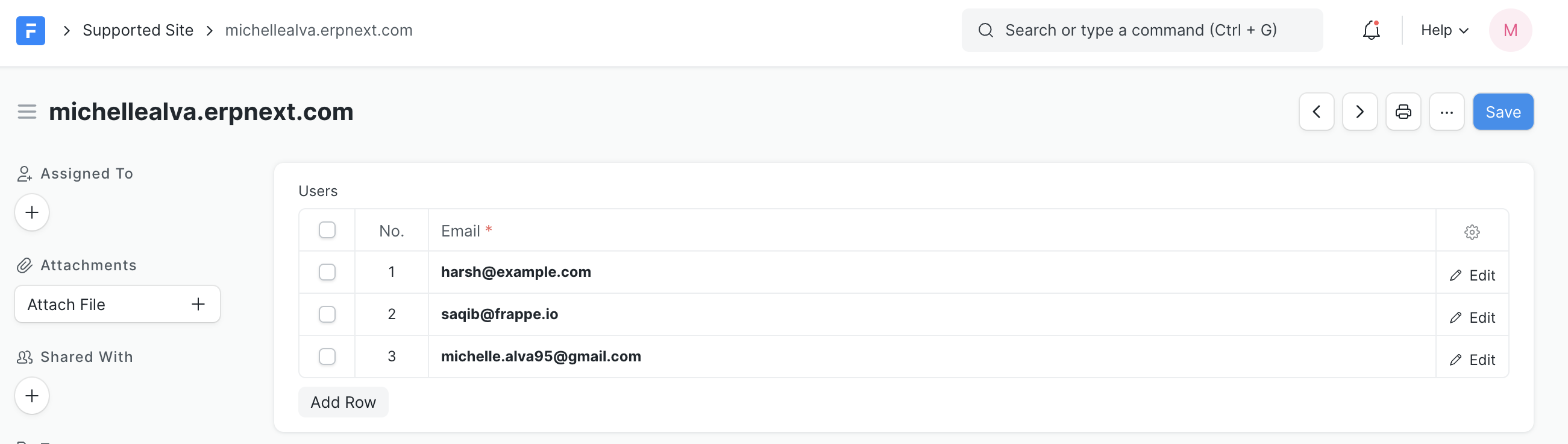
2. When the other users of the site register, they get appended in the Users table of the record. When the user is disabled/deleted, they will get deleted from the Users table of the Supported Site record as well.
Note: You need not edit this record, this record gets auto-updated.
Handling Tickets
- As a support agent, you need to log into https://frappeio-support.frappe.cloud and navigate to https://frappeio-support.frappe.cloud/helpdesk/tickets to view your tickets.