Asset Cleanup Process
Delete Frappe User
- During onboarding, you must have created two user namely Frappe and Personal (or user with your name).
- To delete the frappe user, follow the steps given below:
Before the deleting the frappe user, please make sure you are logged in from Personal user (not Frappe user) and you have admin access, if not check How to give the user admin access.
- On your Mac, click the Apple Menu Icon (top left corner) -> System Perferences -> Users & Groups.
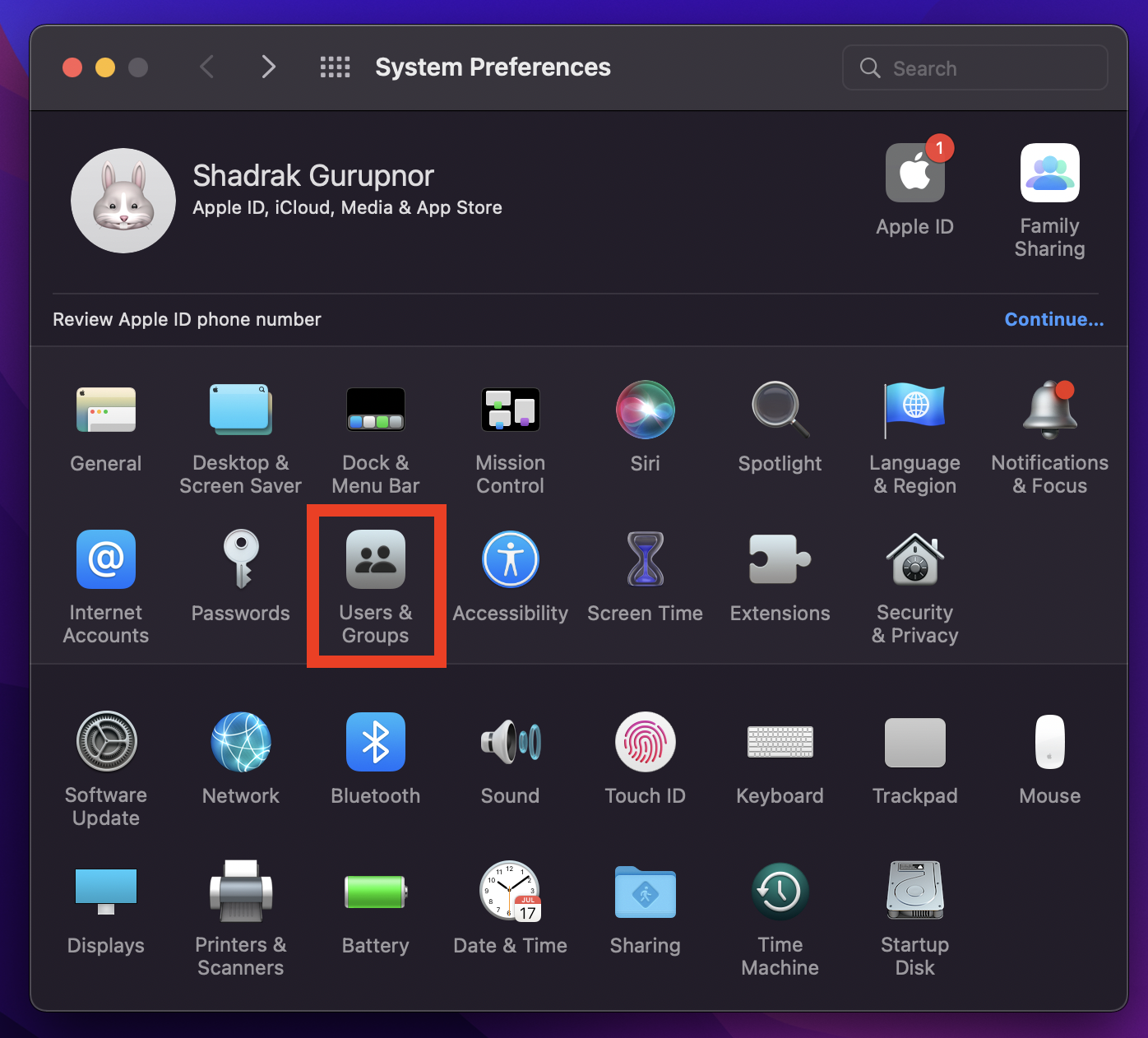
if the lock at the bottom is locked, click it to unlock the perference pane. Enter your laptop password if asked.
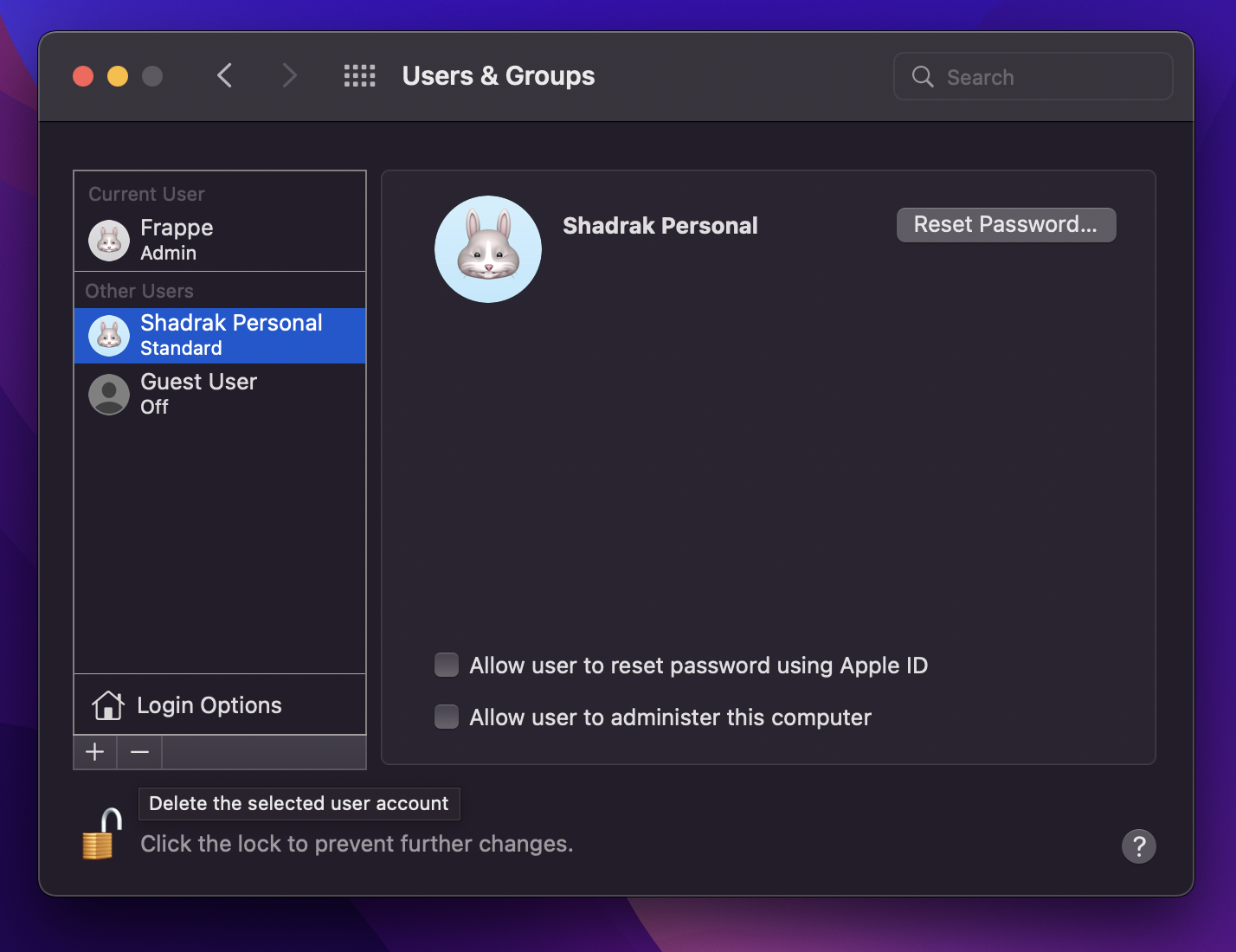
- Select a user you want to delete and click on the minus (-) sign to delete the user account. This will delete the entire user record and all the files of the user.
Create a Admin User
Skip this step if you have admin user other than Frappe User
-
To make a standard user an Admin user, follow these steps:
-
On your Mac, click the Apple Menu Icon (top left corner) -> System Perferences -> Users & Groups.
-
If the lock at the bottom is locked, click it to unlock the perference pane. Enter your laptop password if asked.
-
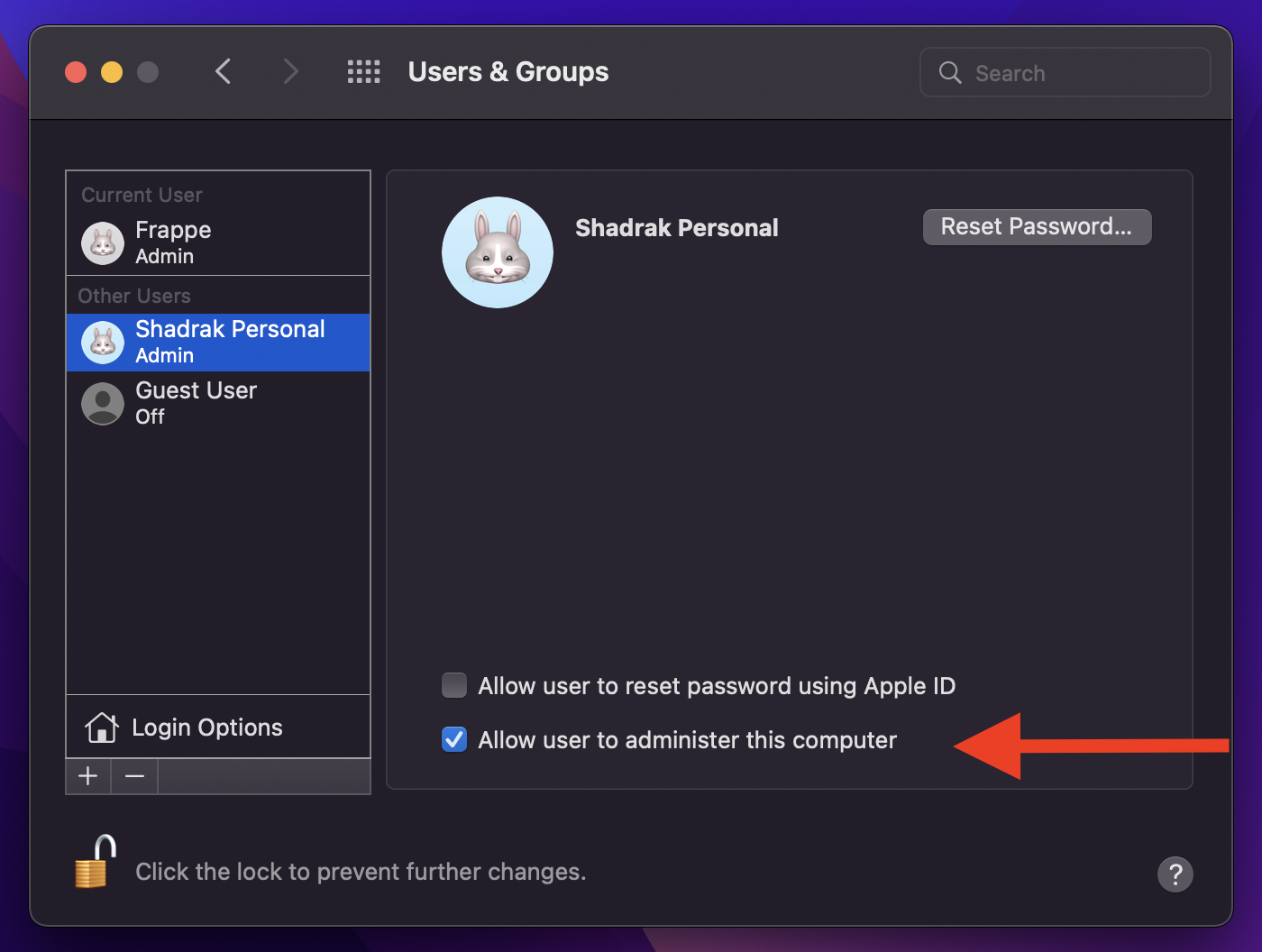
Select the user you want to give the admin access to and click on Allow user to administrator this computer check.
Sign out from Mac ID
-
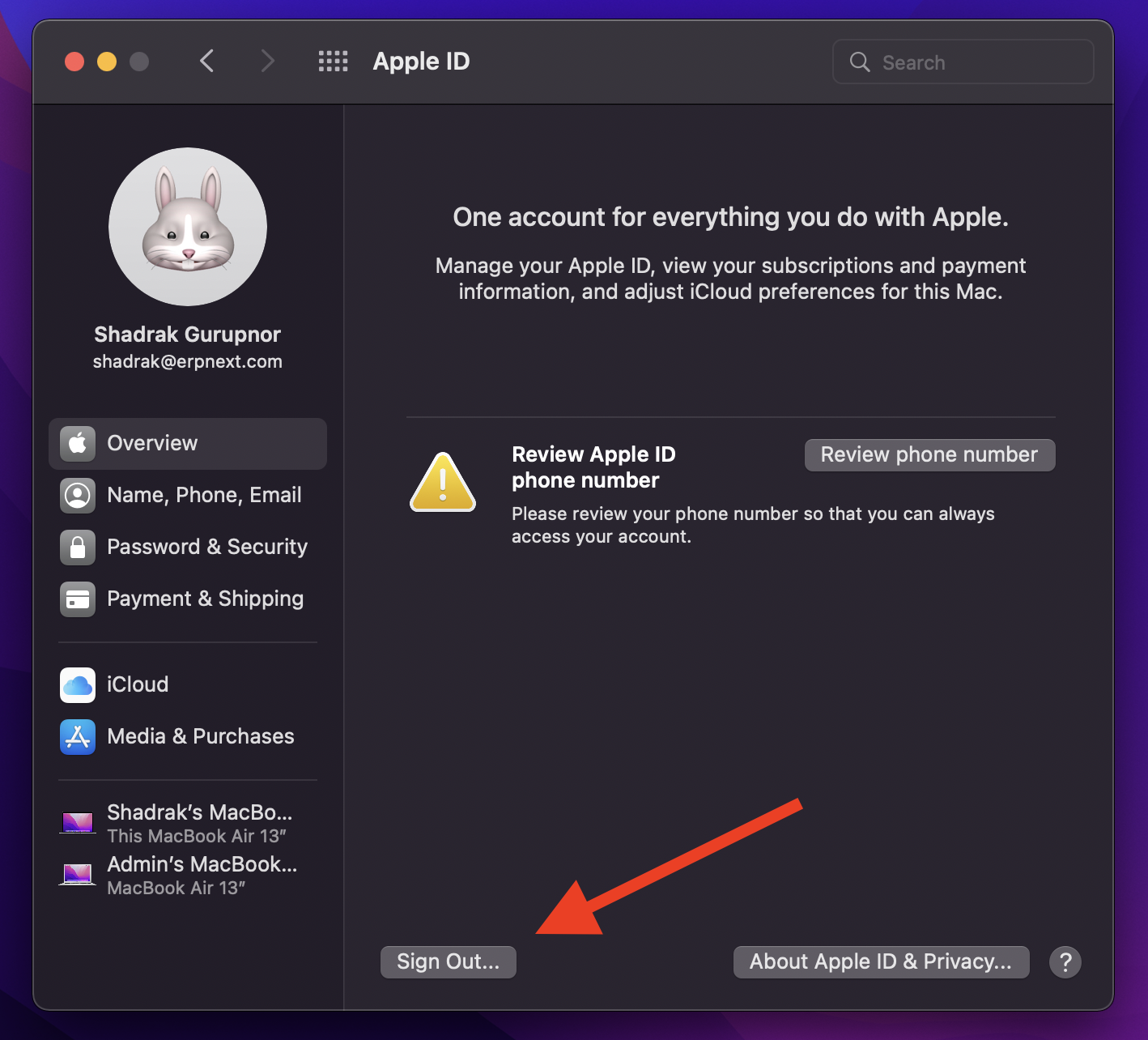
Open the System perference menu on your laptop, and click on Apple ID.
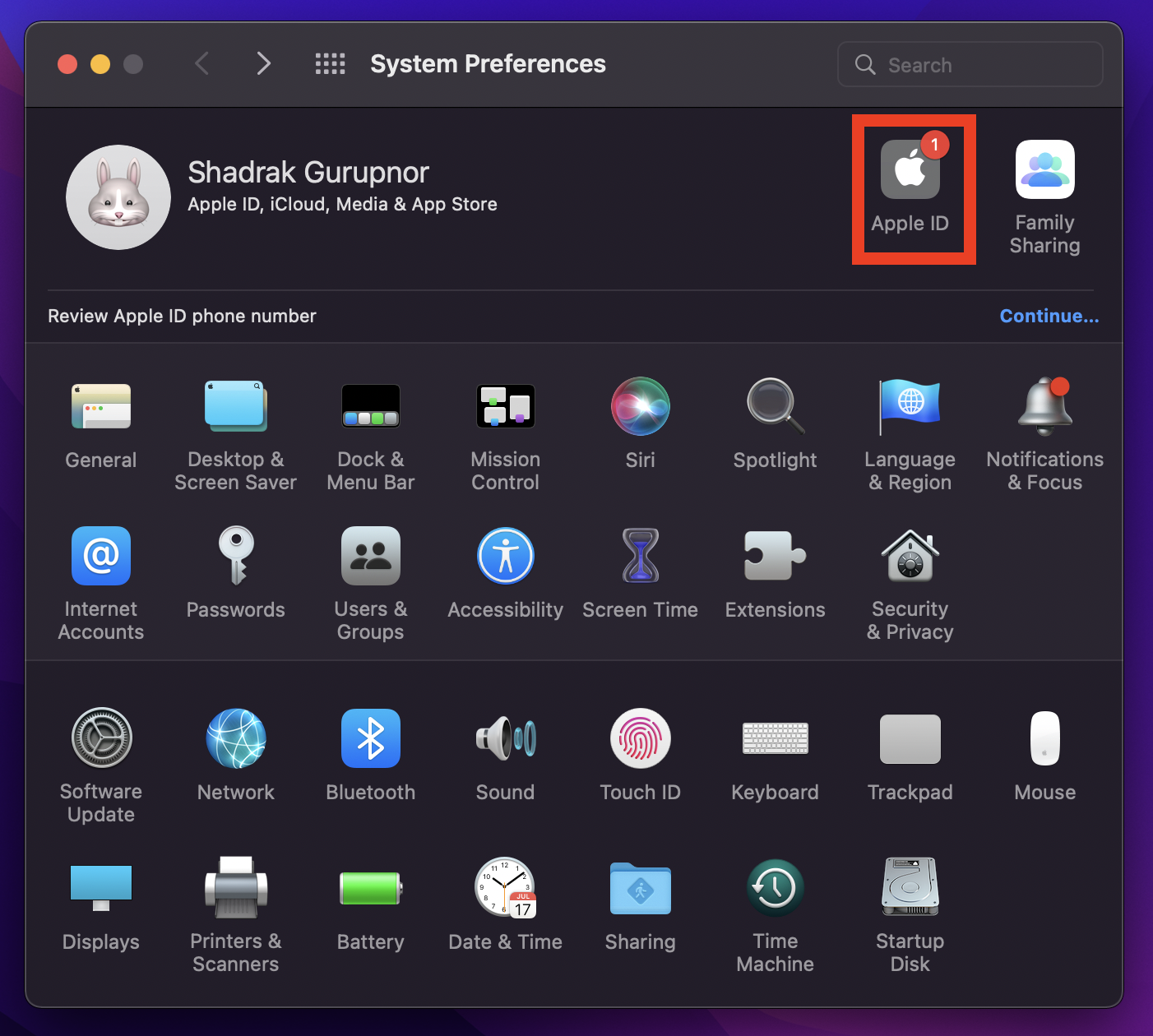
-
Click on Sign out button.