Frappe Customer Support Portal
Customer Registration
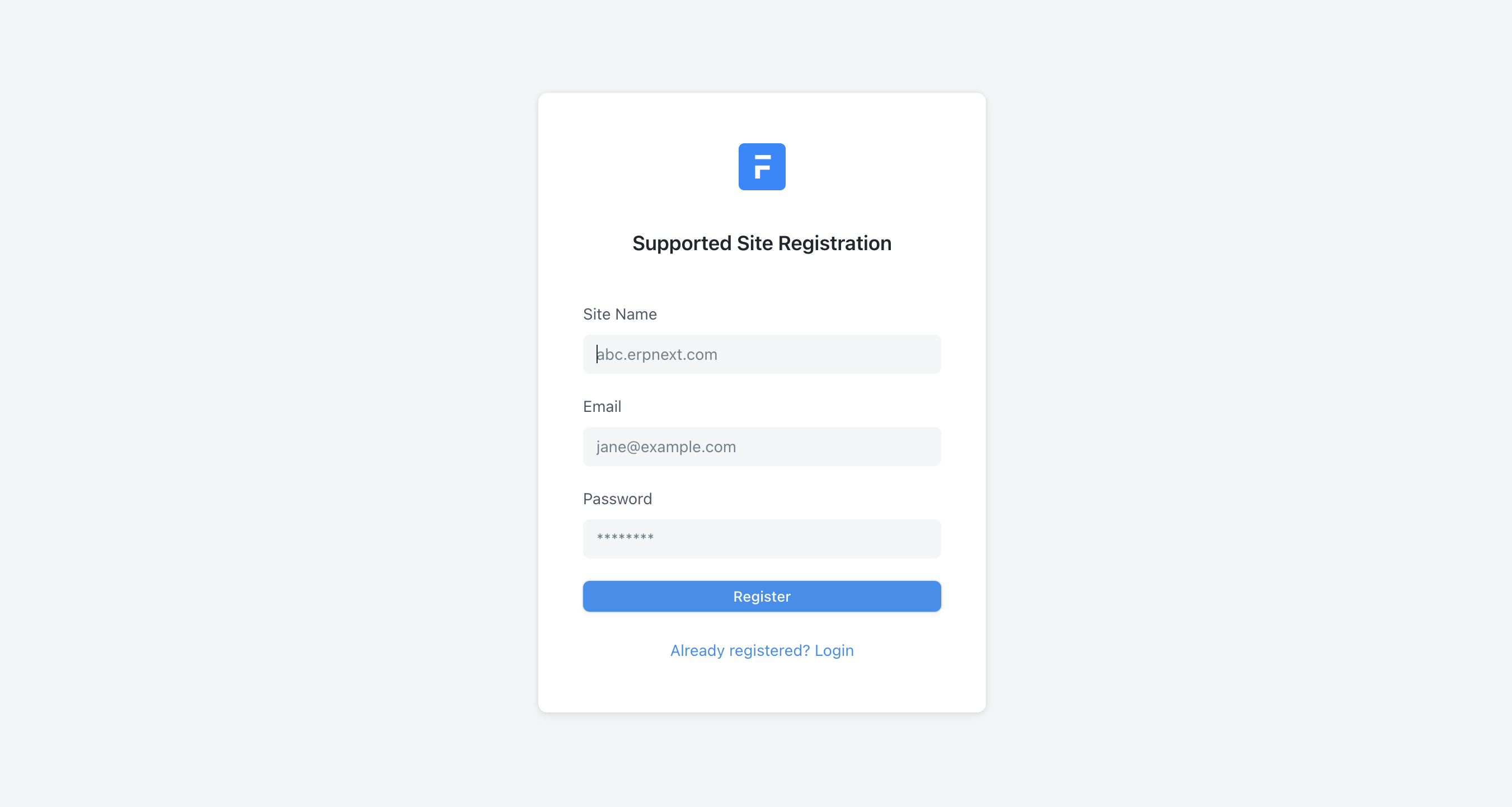
In order to raise tickets, you will first have to register your site on the Frappe Support Portal. If you have multiple sites hosted with us, you will have to register them at least once with us.
To do so:
- Go to support.frappe.io/register.
- Enter your site name, email id, and password. Your email id and password will be the same as the one you have set for the site. You should be an Active, System User and your site should be under a valid Frappe Subscription.
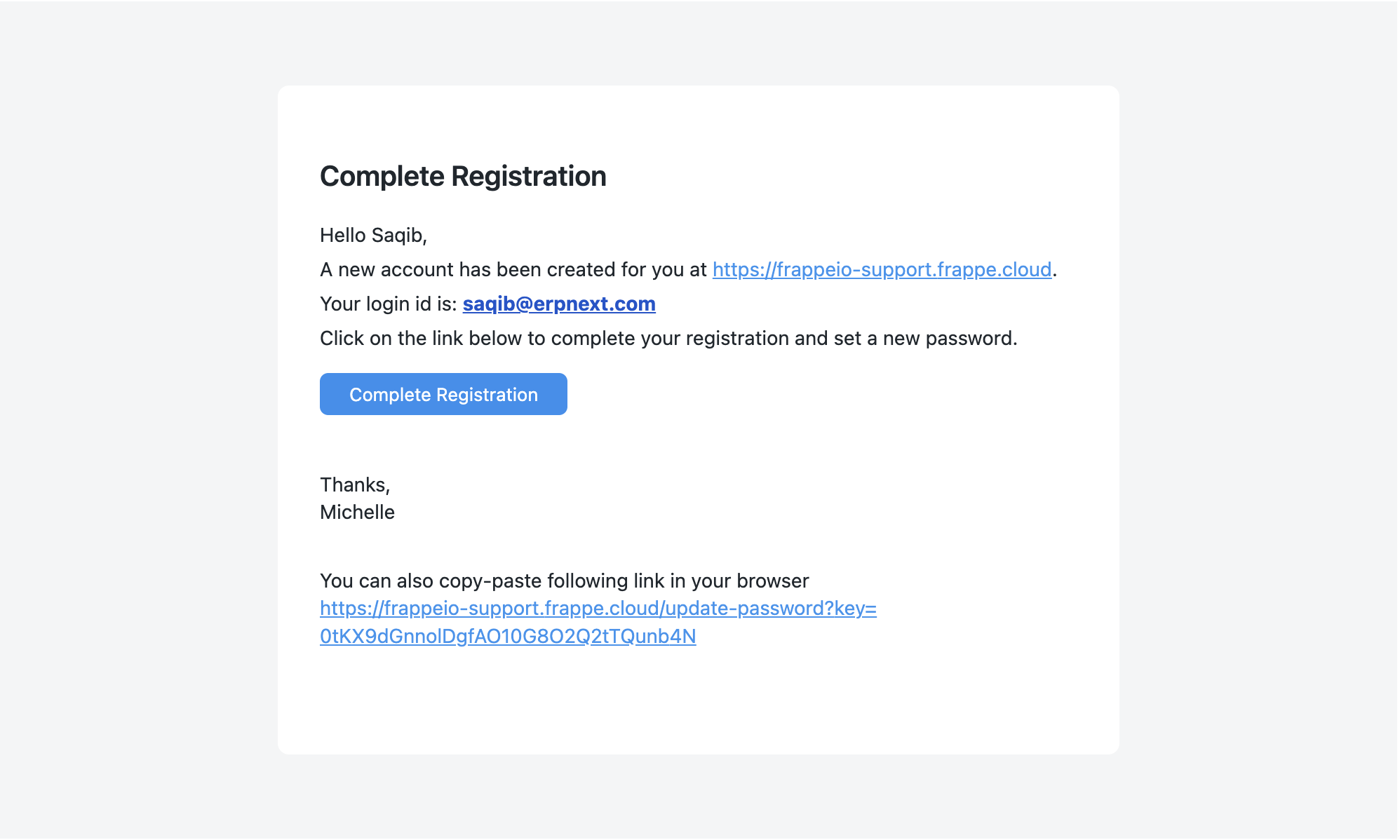
3. You will receive a verification email on your email id. Please use the "Complete Registration" button to proceed with the registration process.
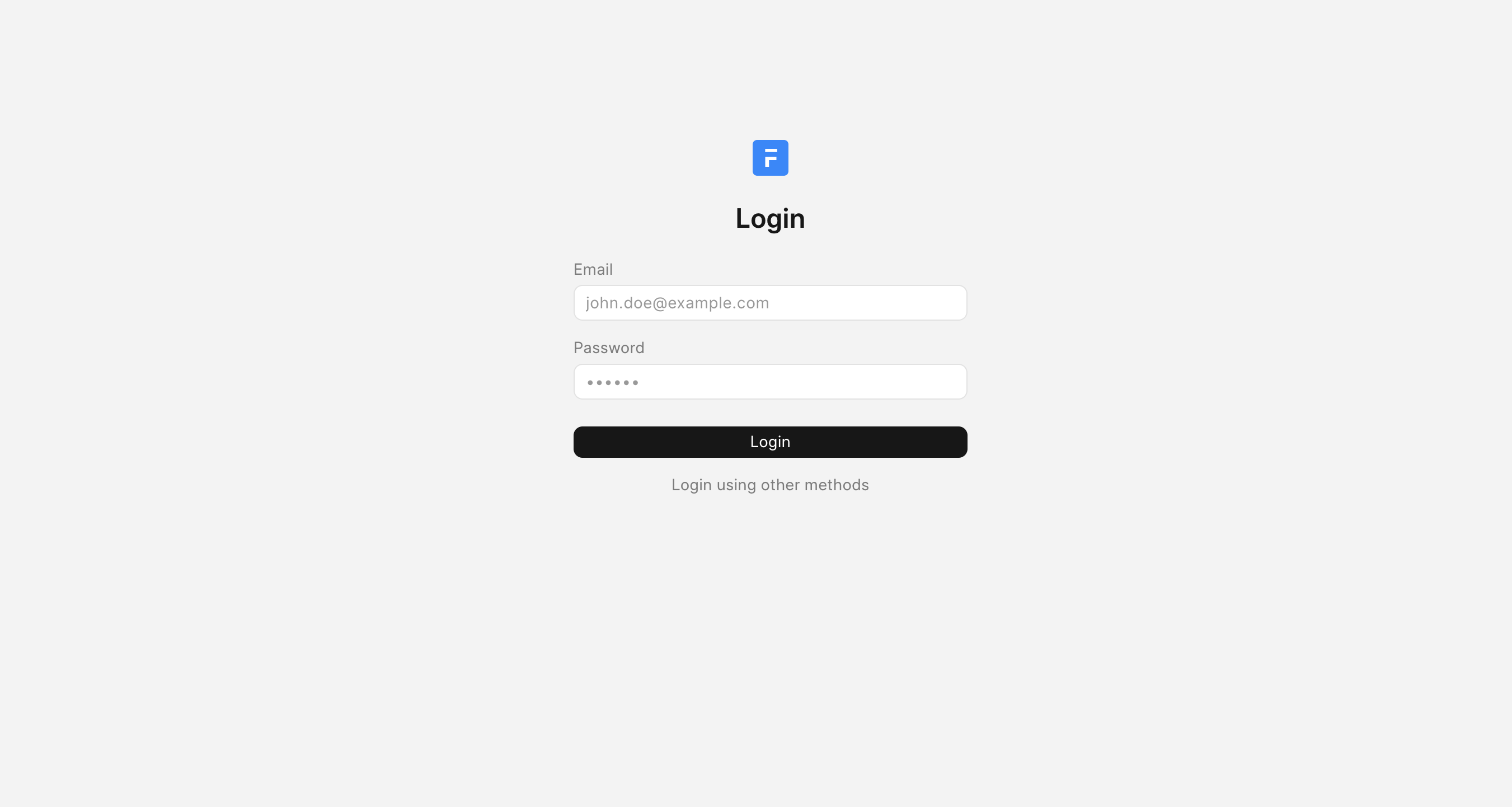
4. Once you complete the registration process, you can log into your support portal.
Raise a Ticket
Once you have successfully registered your site on the support portal, you can now raise a ticket with us. To do so:
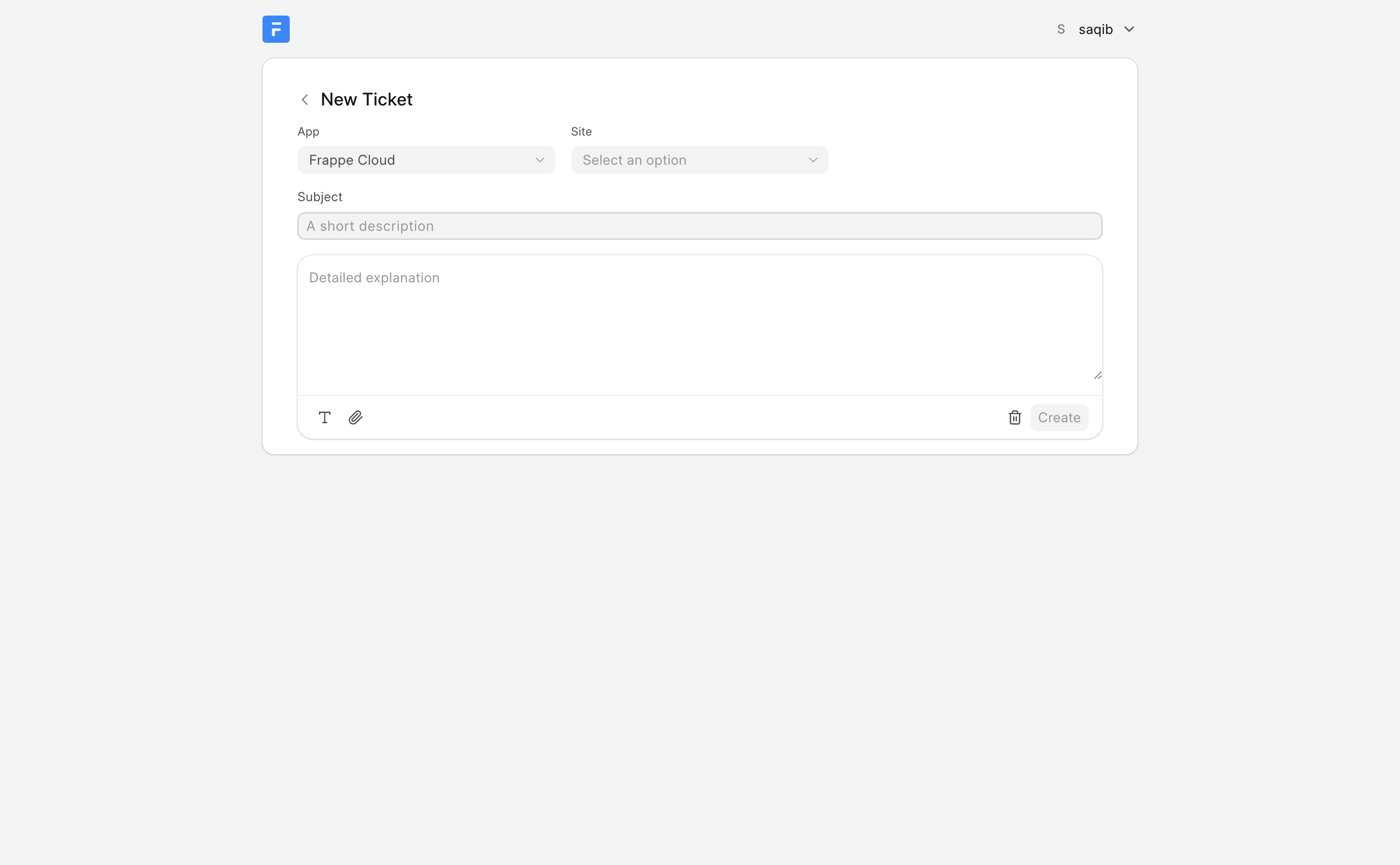
- Click on the "New Ticket" button.

2. Select the App in which there is an issue. You will be able to raise tickets only for the apps you have purchased support for.
3. Select the site.
4. Enter the issue in detail. We also encourage you to attach screenshots of the issue so that we could understand it better.
5. Click on Create.
6. You can check all your tickets at support.frappe.io/helpdesk/my-tickets.
In case you face any issues with the new portal, you can reach out to us at [email protected].