Frappe
Products
Helpdesk
Integrations
Frappe
Products
Insights
features
Integrations
Frappe Helpdesk connects to the email accounts, phone system and customer records your team already uses.
You can connect your support email so emails become tickets, call customers from a ticket with Twilio or Exotel, and keep your customer list in sync with ERPNext.
1.
Connect your email accounts
2.
Set up calling with Twilio or Exotel
3.
Call customers from a ticket
4.
Keep customers in sync with ERPNext
Connect your email accounts
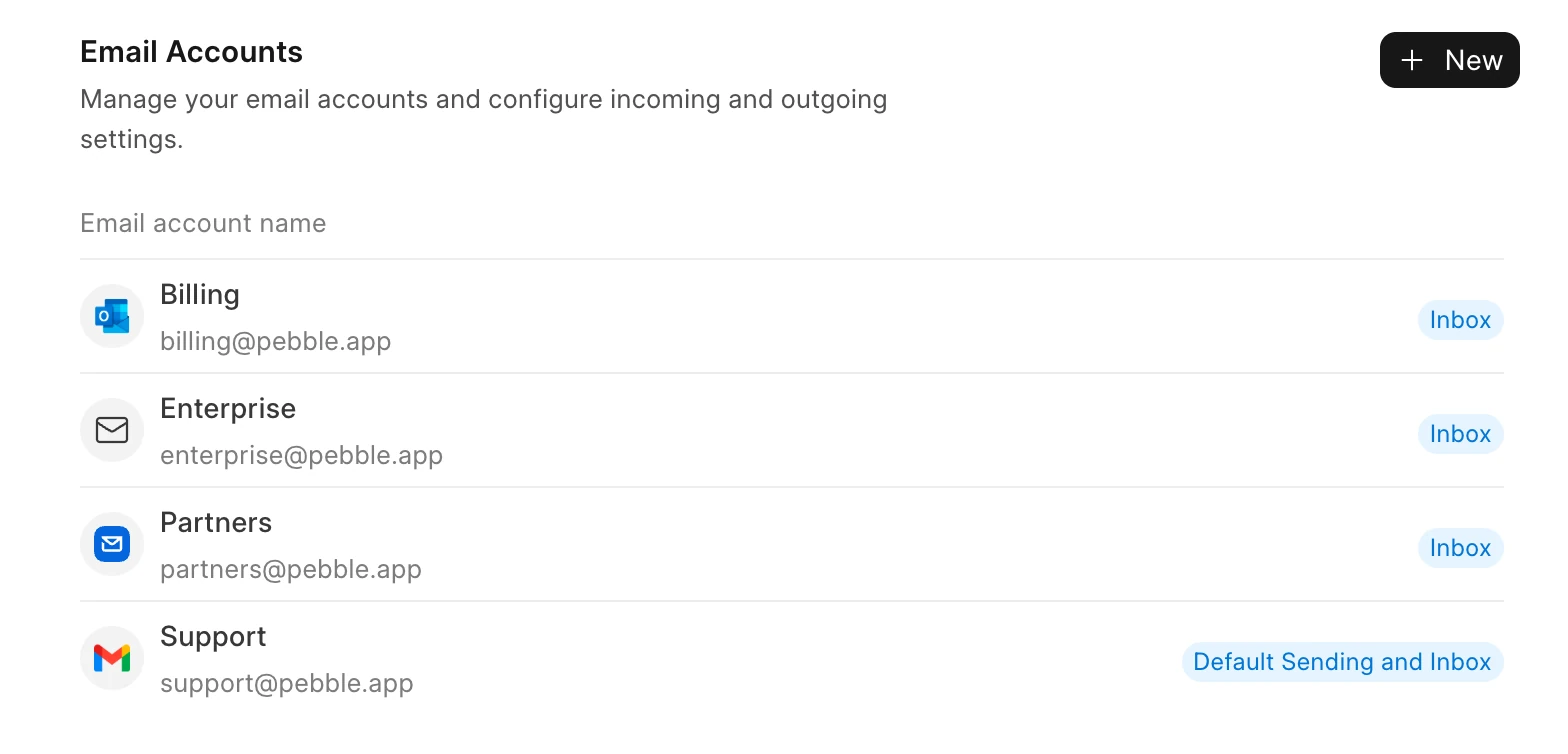
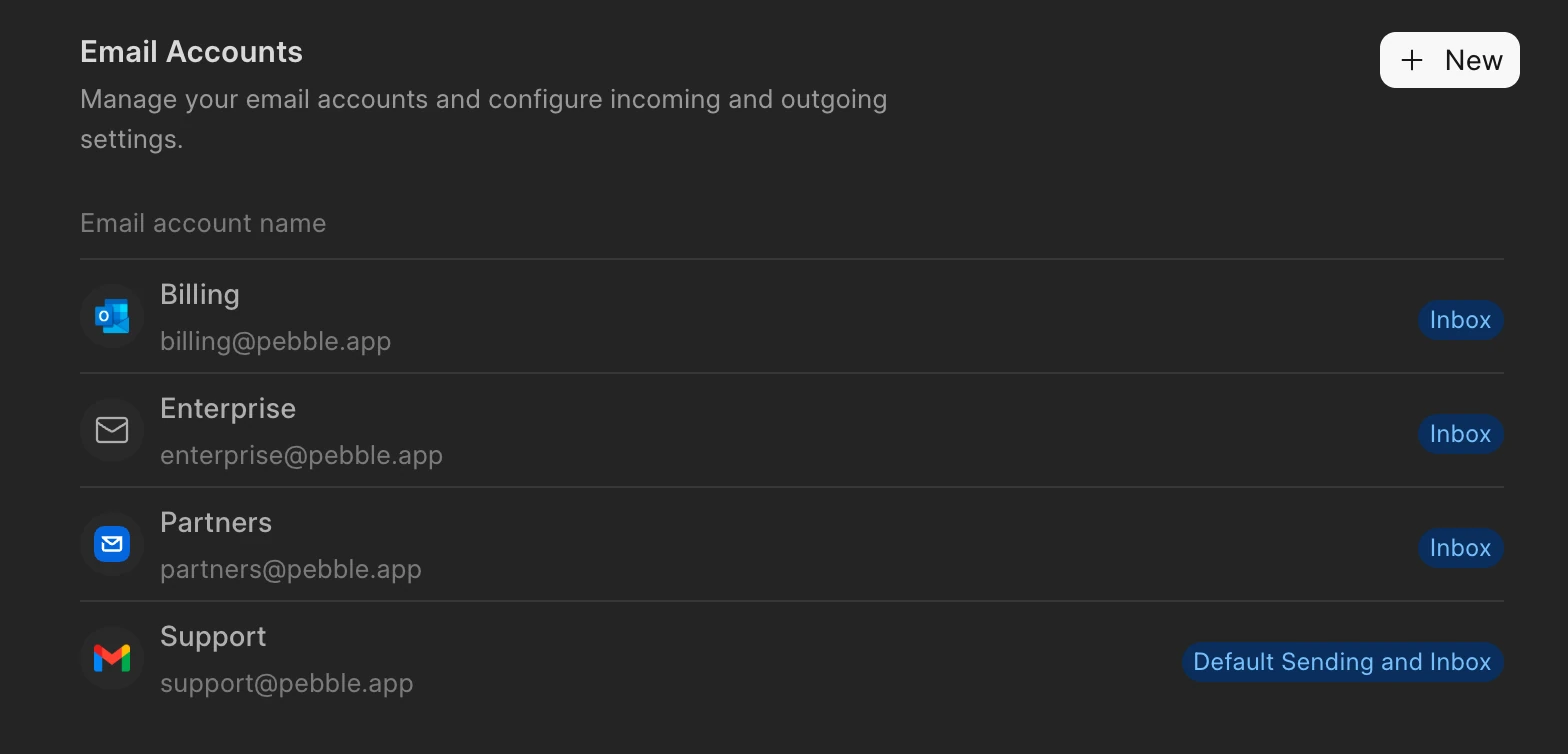
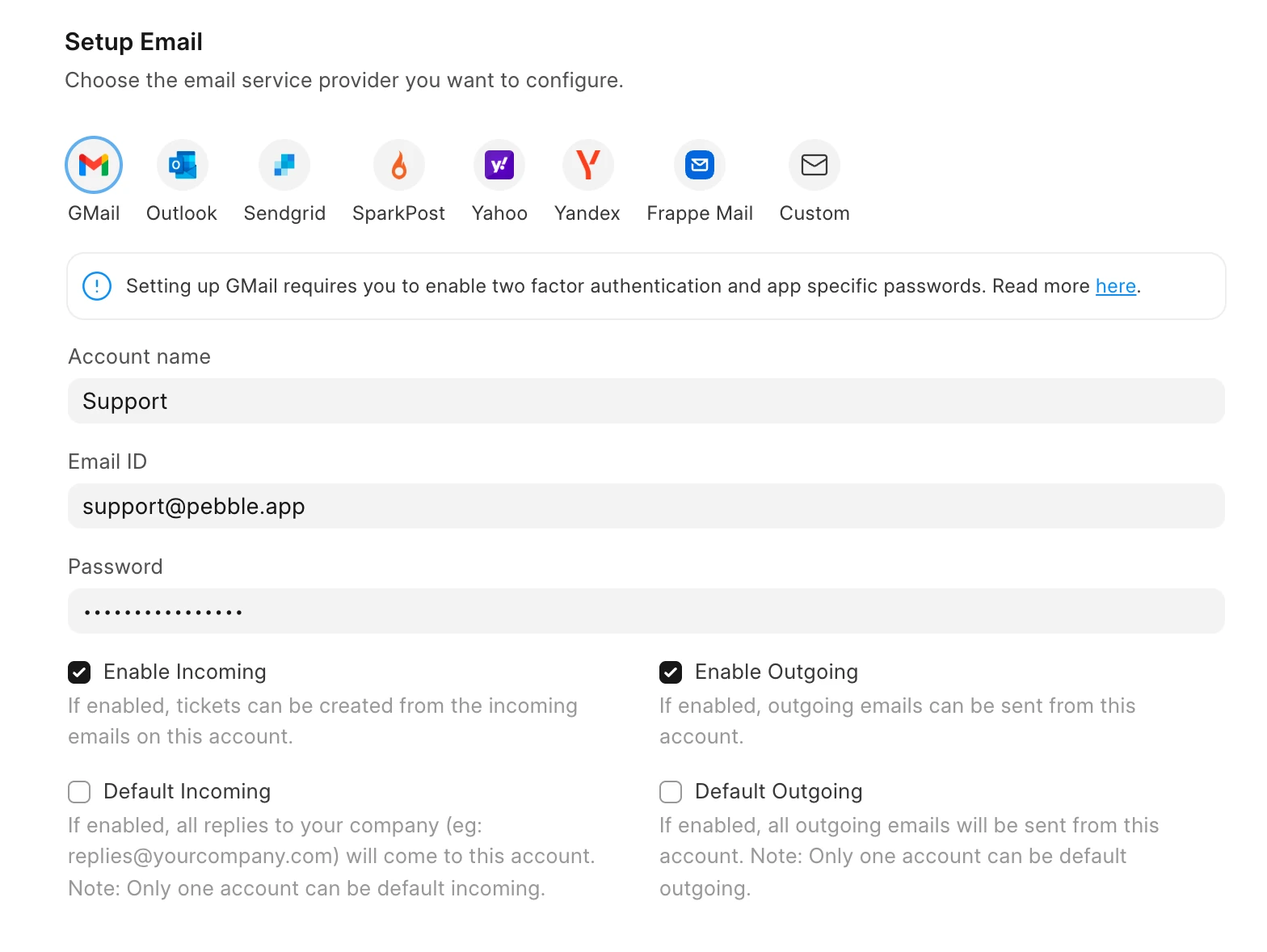
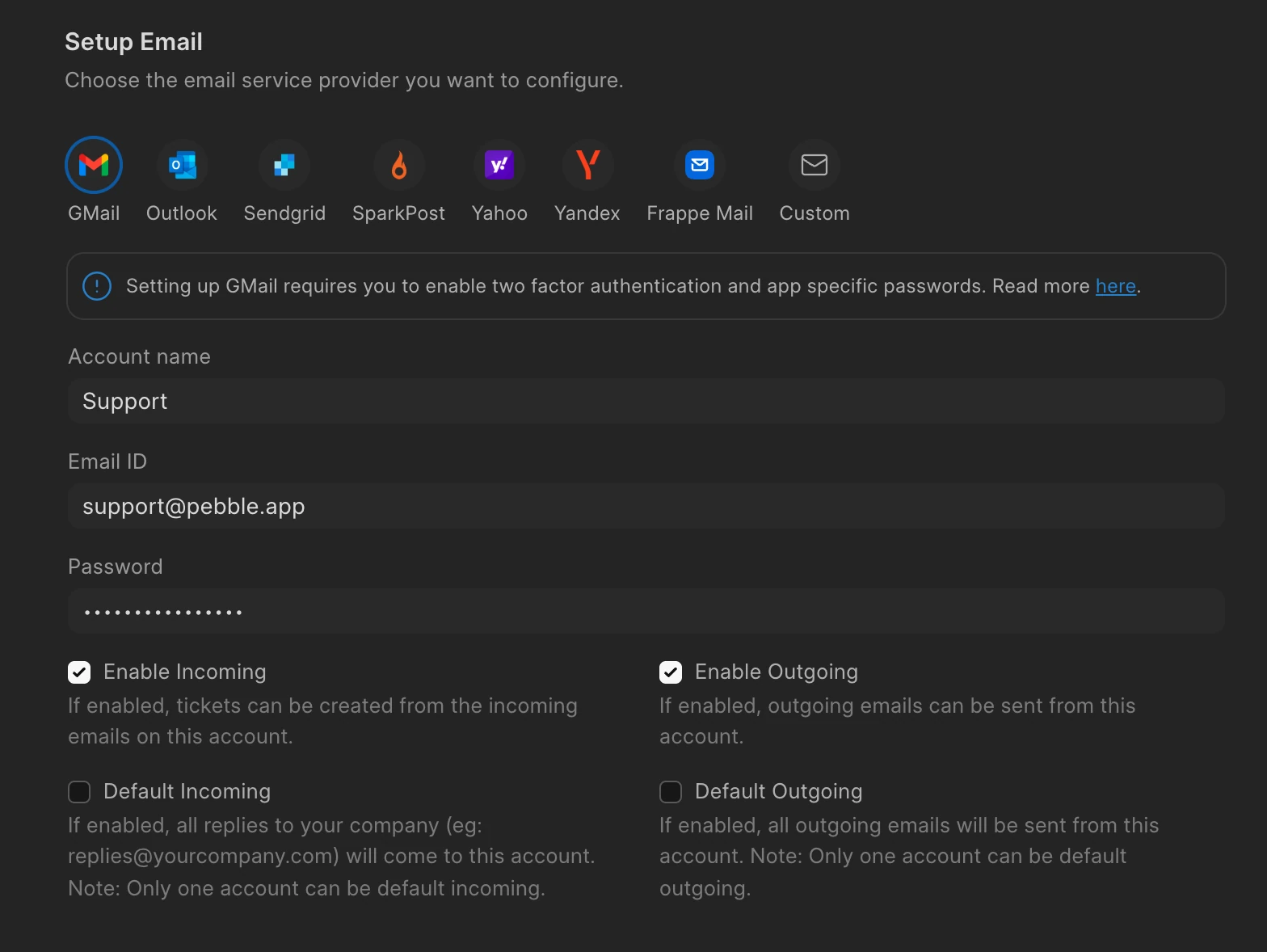
Add the email addresses your customers write to, like support@ or billing@. Helpdesk works with Gmail, Outlook, Sendgrid, SparkPost, Yahoo, Yandex and Frappe Mail. For any other provider, you can add your own IMAP and SMTP settings.
For each account, you choose whether it receives emails, sends them, or both. Emails that come in become tickets. You can also pick one account as the default for incoming and outgoing emails.
Set up calling with Twilio or Exotel
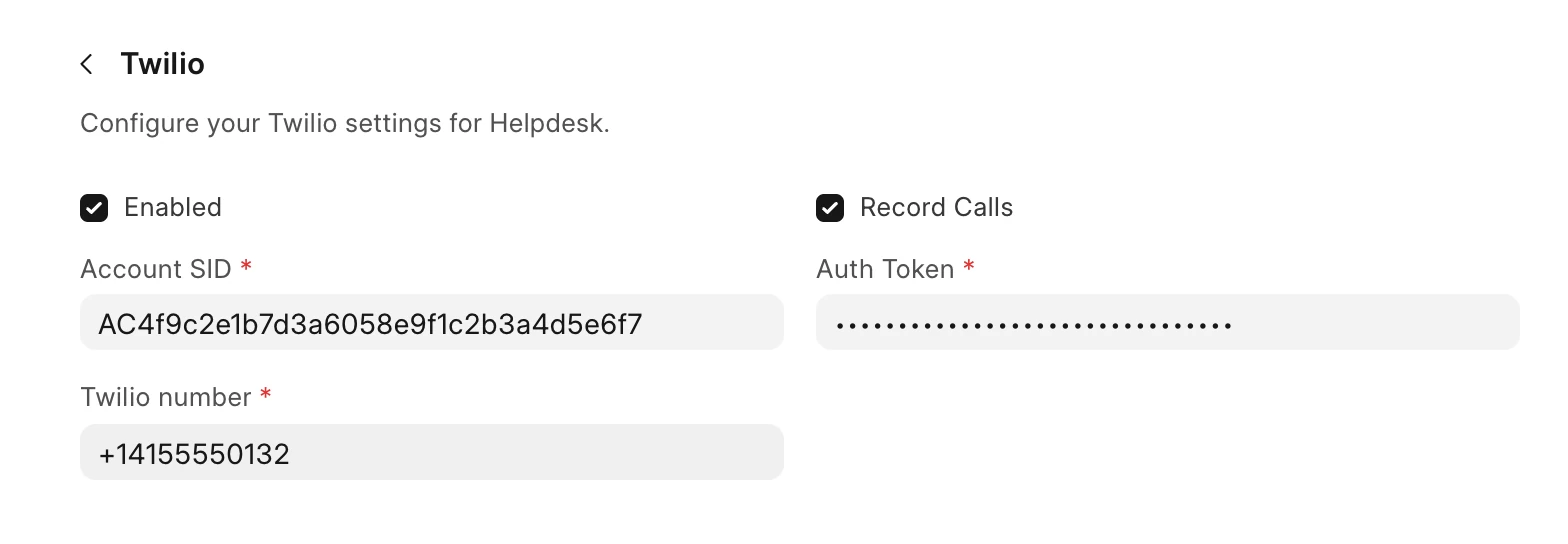
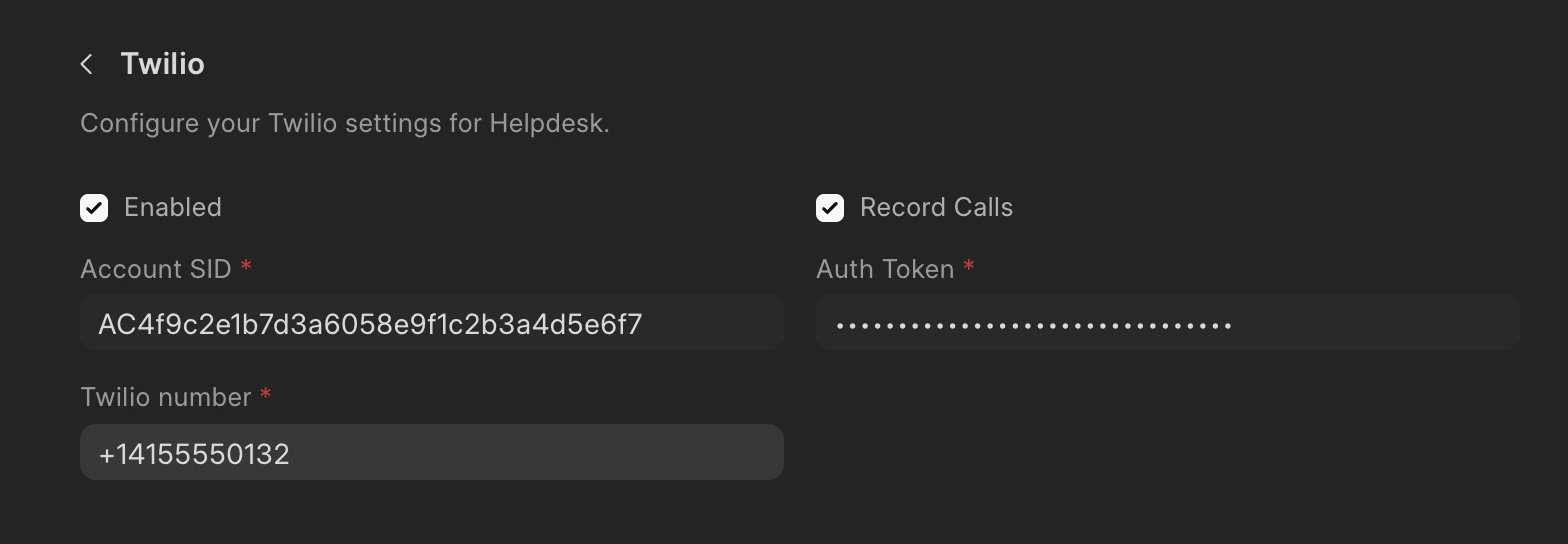
Add your Twilio or Exotel account details in Settings, under Telephony. You can also choose to record calls.
If you set up both, each agent can choose which one they call with by default.
Call customers from a ticket
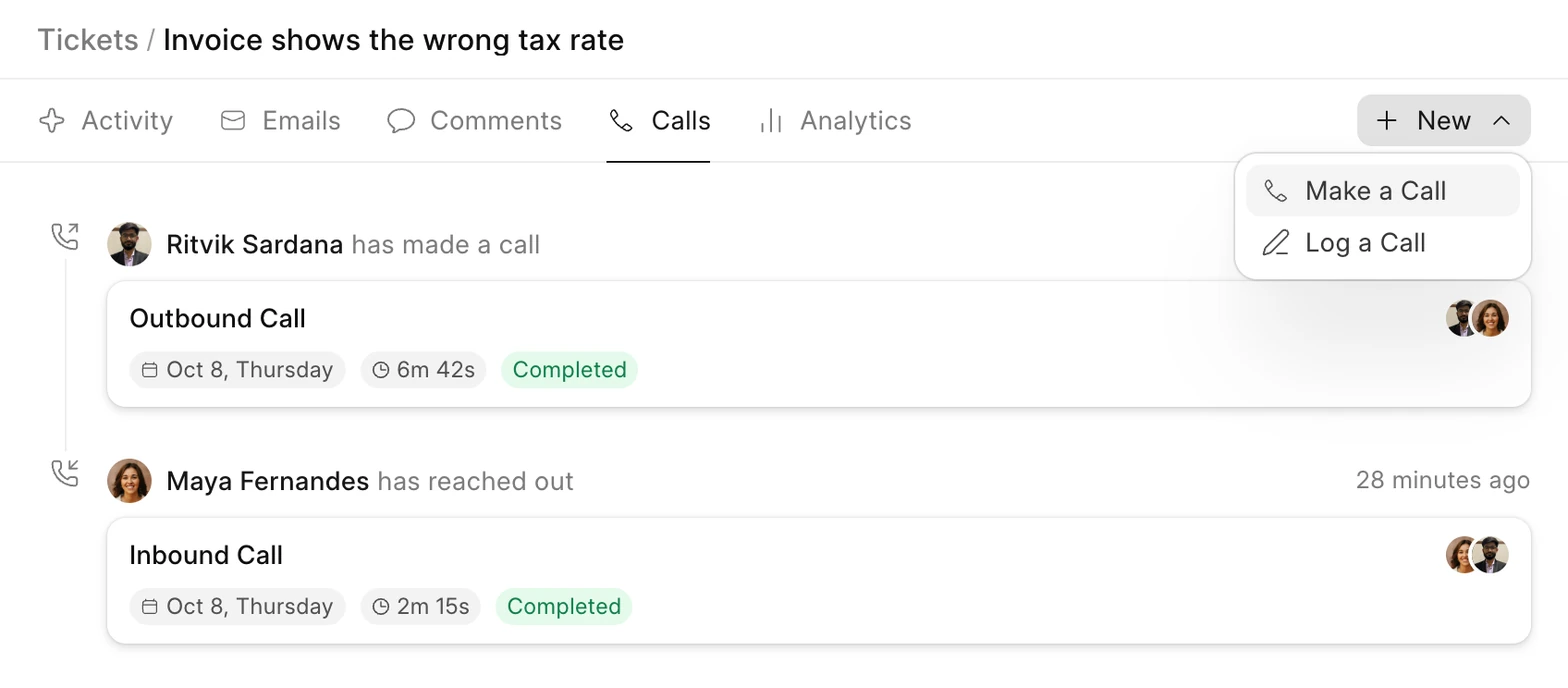
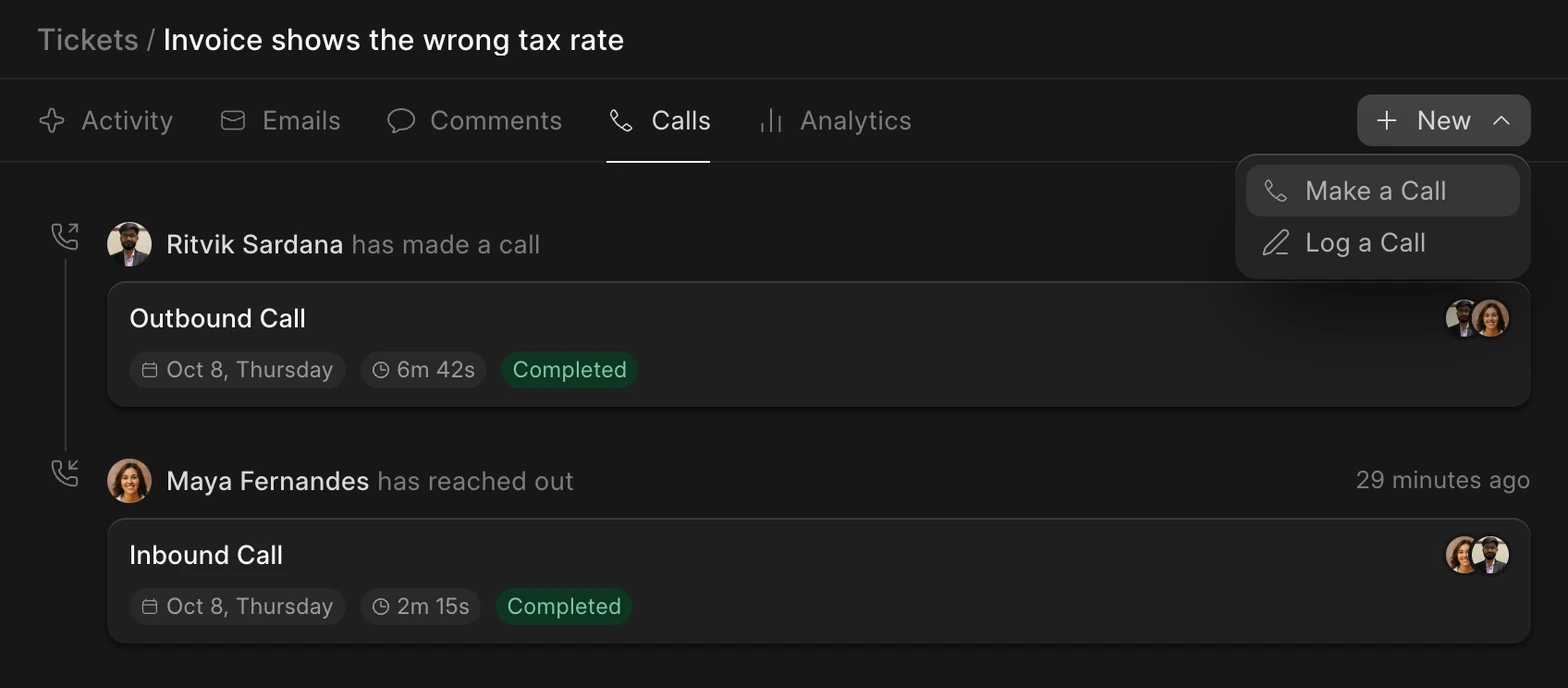
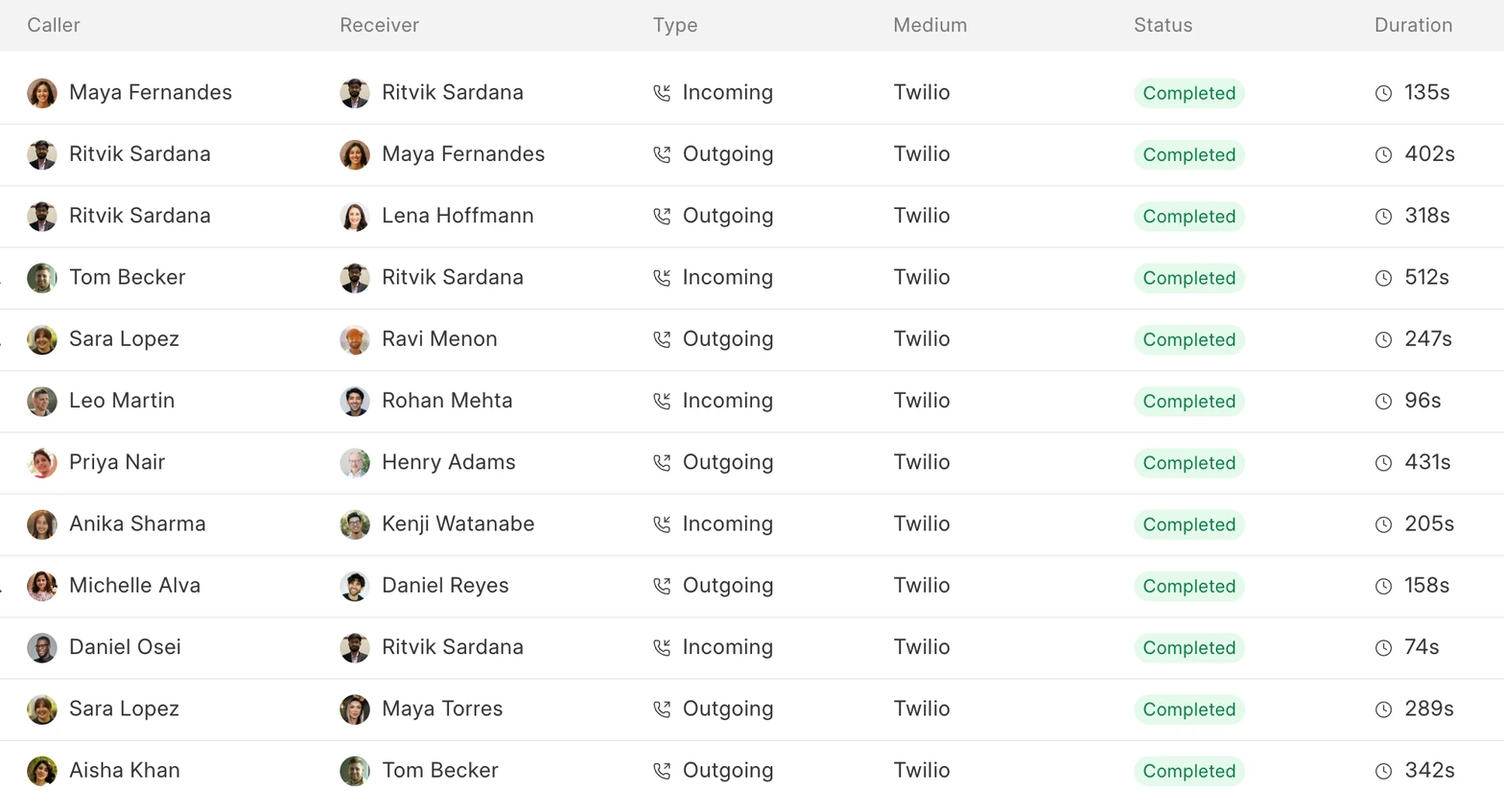
Agents can call a customer from the ticket they’re working on. Calls show up in the ticket’s Calls tab, with who called, when, and how long the call lasted.
If a call happened outside Helpdesk, use Log a Call to add it to the ticket yourself. Every call, incoming or outgoing, is also listed in Call Logs.
Keep customers in sync with ERPNext
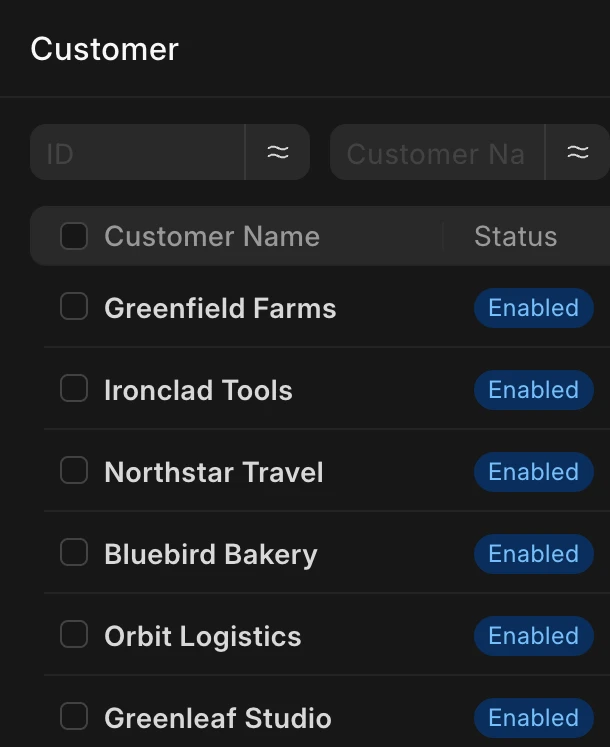
If ERPNext is installed on the same site, turn on the ERPNext integration in Settings and click Sync now. Customers you have in Helpdesk are added to ERPNext, and customers from ERPNext are added to Helpdesk. If a customer with the same name exists on both sides, the two are linked instead of creating a copy.
After that, new customers, name changes and logos carry over in both directions.
 Frappe Helpdesk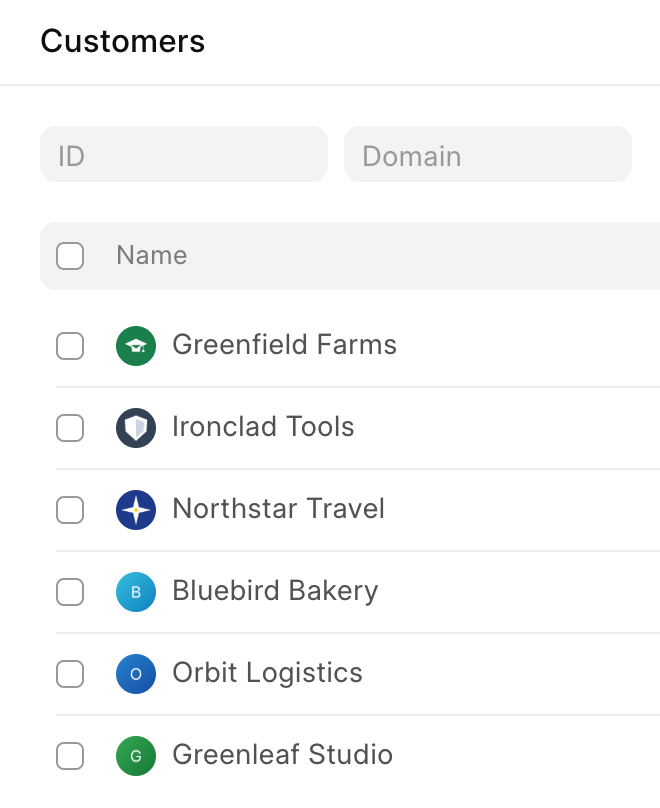
 ERPNext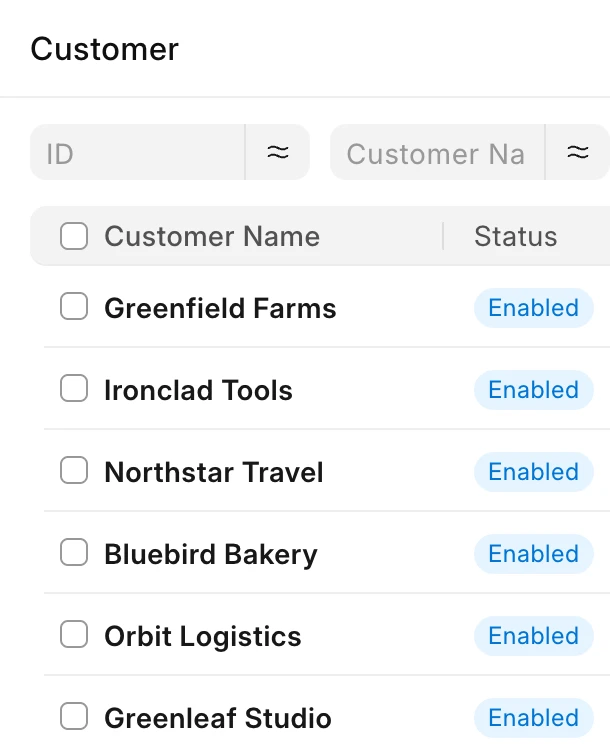
previous feature
Insights and Reporting
next feature
Progressive Web App (PWA)