Frappe
Products
Helpdesk
Customer Self-Service
Frappe
Products
Insights
features
Customer Self-Service
Customers often want to check on a ticket or find an answer without waiting for an email. Frappe Helpdesk gives them a customer portal and a knowledge base for that.
In the portal, customers raise tickets, reply to your team and see where each ticket stands. The knowledge base holds your help articles, and you decide who can read each one and how it looks.
1.
Raise a ticket
2.
Reply as a chat or a timeline
3.
See where a ticket stands
4.
Manage your organization
5.
Open your knowledge base to everyone
6.
Make the knowledge base look like yours
Raise a ticket
Customers raise a ticket from the portal with a subject, a description, attachments and any fields you add to the form.
As they type the subject, Helpdesk suggests help articles that match it. They can open an article right there, and if it answers the question, there’s no need to send the ticket.
Reply as a chat or a timeline
Customers reply to your team from the ticket page. They can choose how the conversation looks: as a timeline of emails, or as a chat with their own messages on the right.
The setting is in their profile, so each person can pick the layout they like.
See where a ticket stands
Next to the conversation, customers see the ticket’s status, team and priority, and a timeline of what has happened so far: when the request was received, when it was assigned, when your team first replied and when it’s due to be resolved.
Under that, Related help lists articles from your knowledge base that match the ticket, so customers can read up while they wait for a reply.
Manage your organization
Customers see the tickets of every organization they belong to, and can filter the list by organization. In Manage organization, they see their role in each one and who else is a member. Owners and managers can invite people from there.
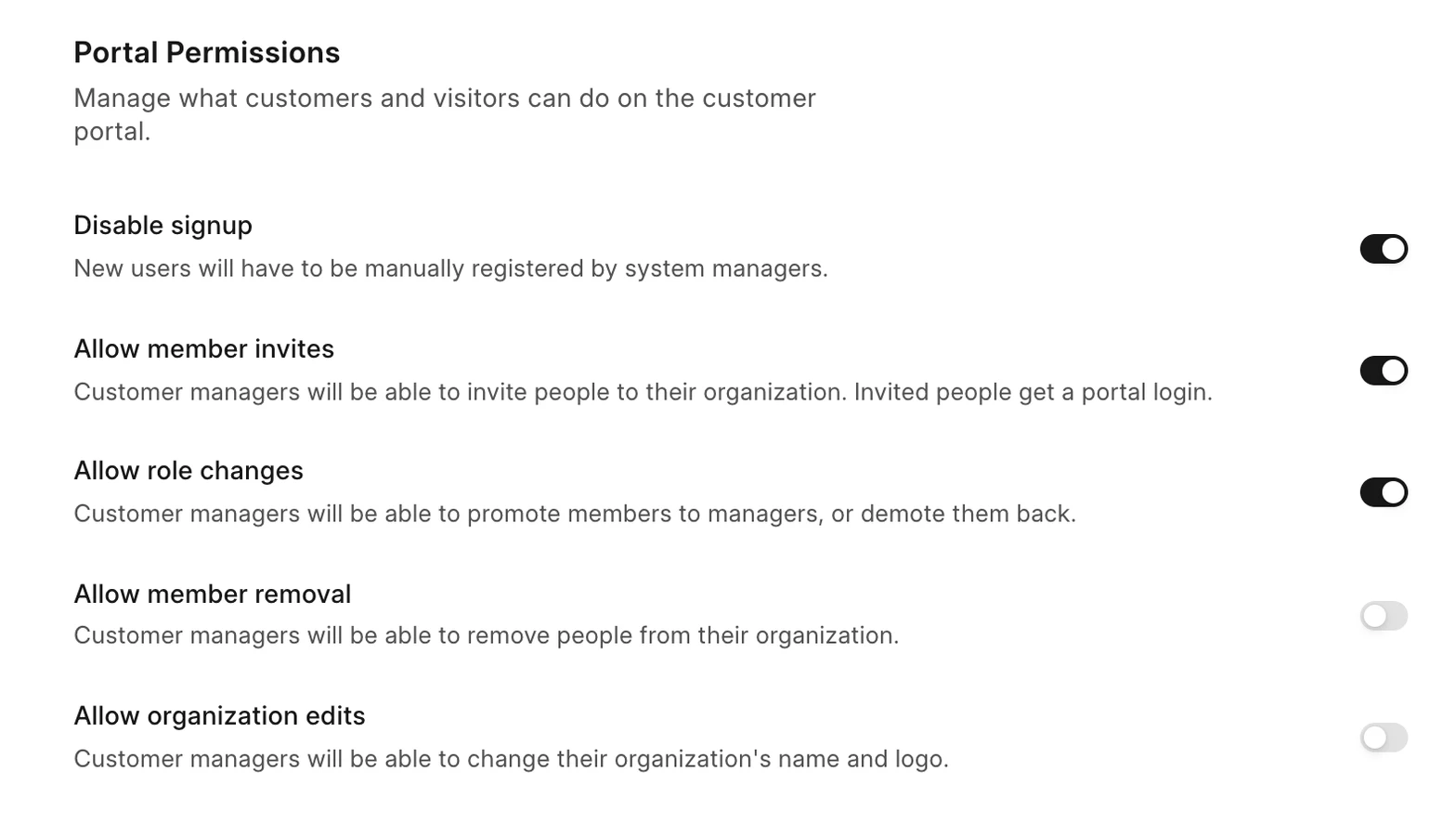
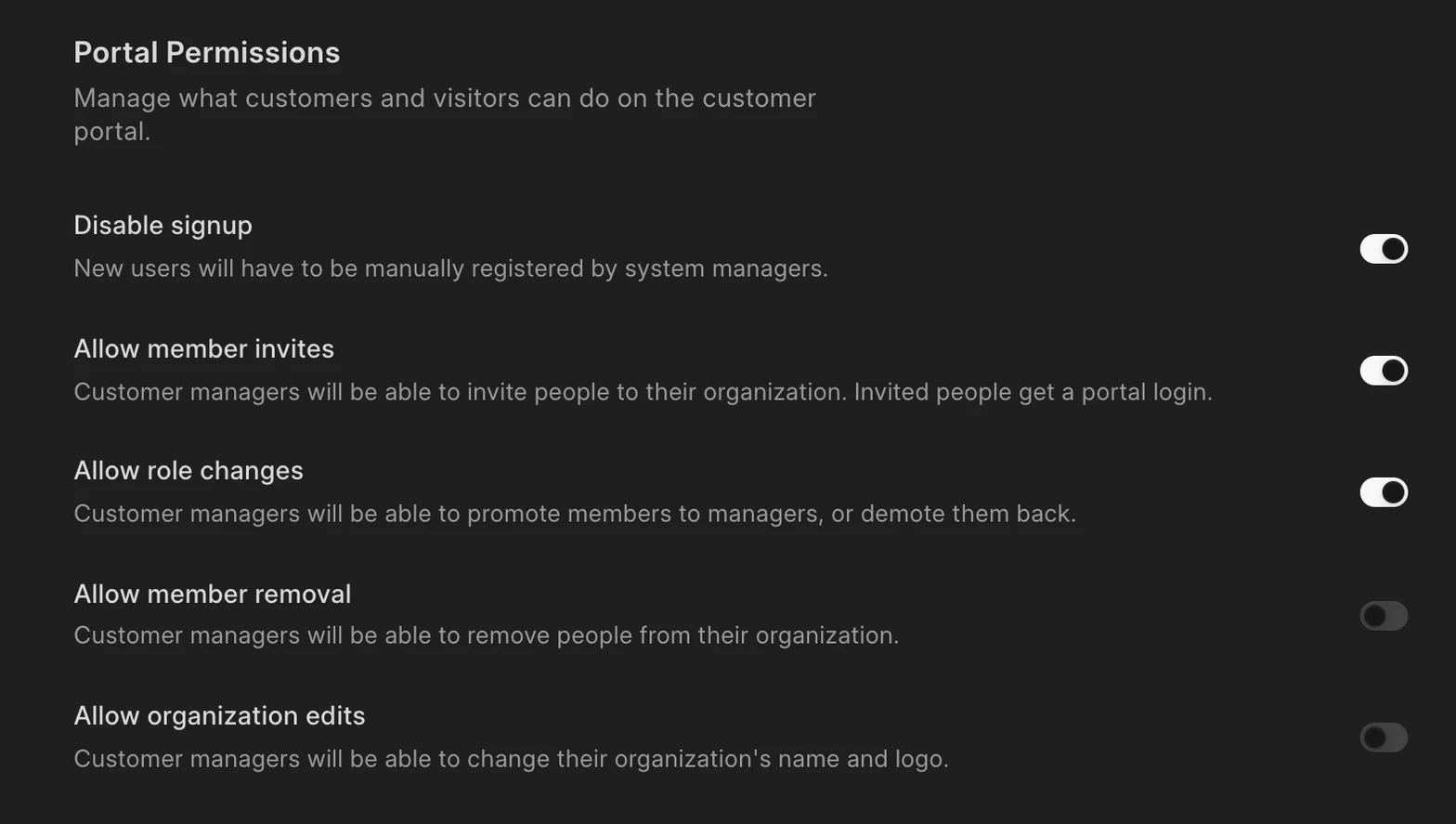
You decide what customer managers can do from Portal permissions: invite people, change roles, remove members or edit the organization’s name and logo. You can also turn off signup, so only people you add get a portal login.
Open your knowledge base to everyone
You can make the knowledge base public, so anyone can read articles without logging in. You can also let visitors vote on whether an article was helpful.
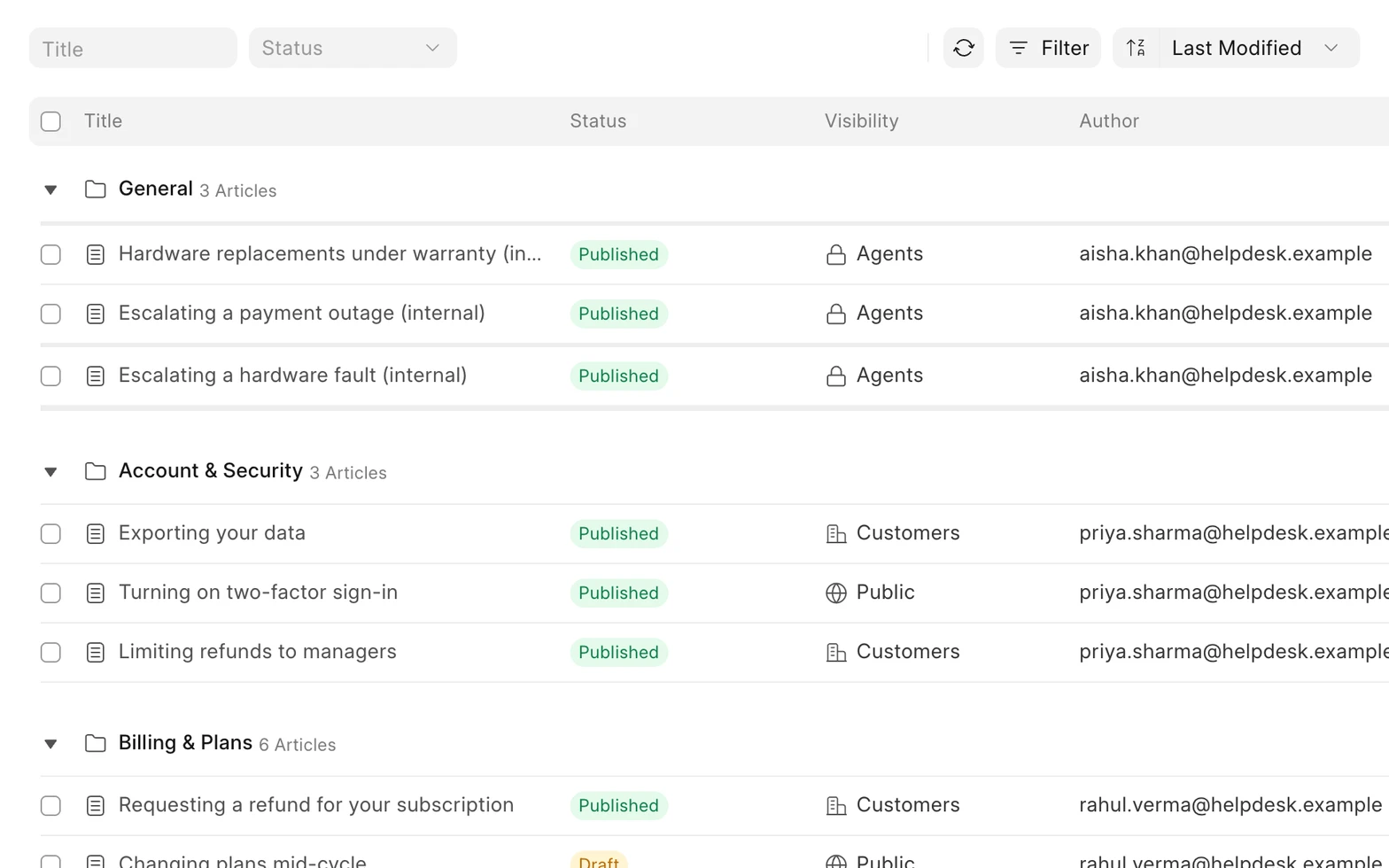
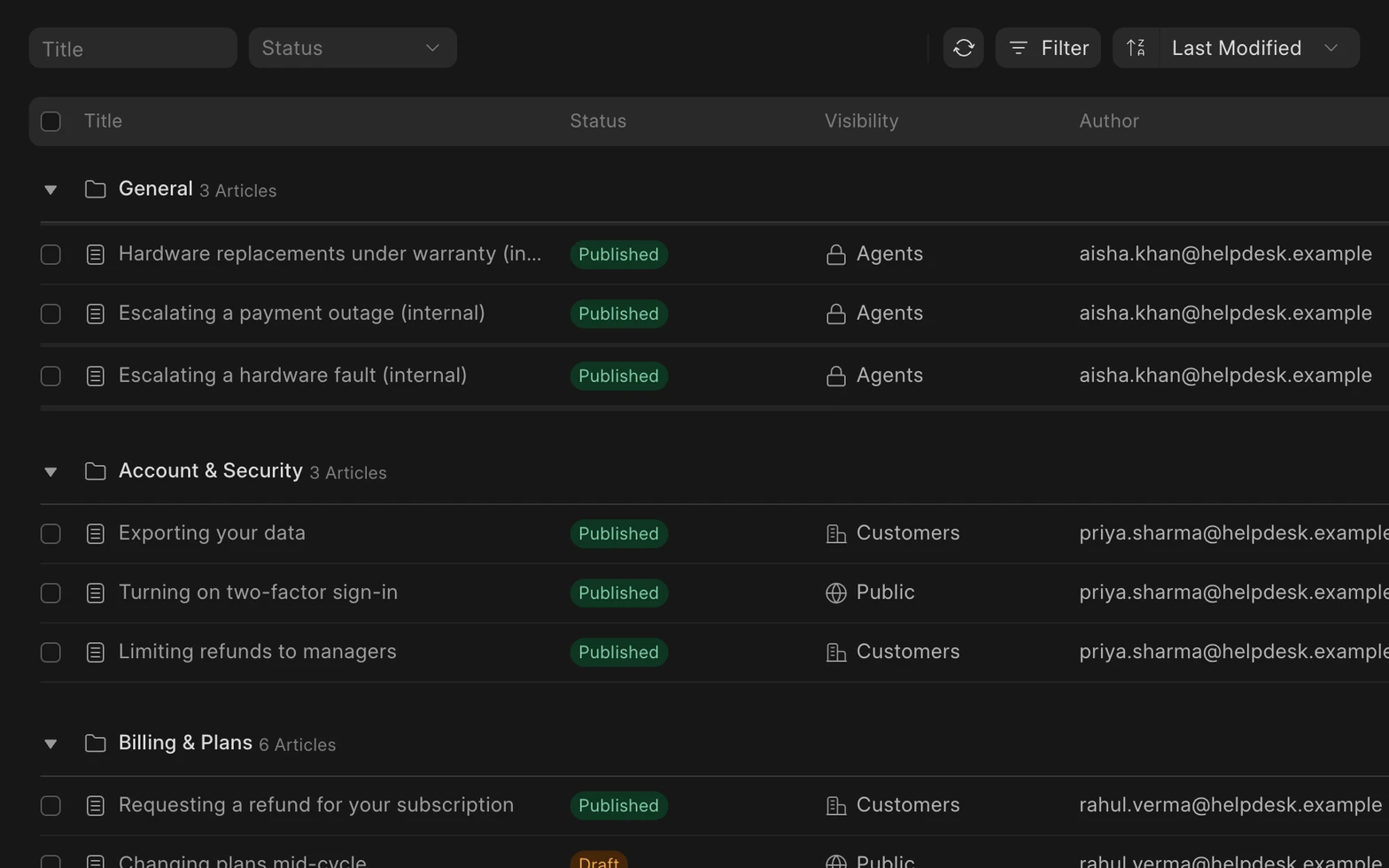
Each article has its own visibility. Public articles can be read by anyone, Customers only articles need a portal login, and Agents only articles stay with your team.
Make the knowledge base look like yours
Choose which categories show on the knowledge base home page, and add a color, pattern or your own image behind the search bar.
You can also add quick links to your website, docs or social pages. They show at the top right of every knowledge base page.
previous feature
Customer Management
next feature
Insights and Reporting