Frappe
Products
Helpdesk
Customer Management
Frappe
Products
Insights
features
Customer Management
Frappe Helpdesk keeps a record of every customer you support and the people who write in from them. Agents can see who they're helping, what they asked before, and how happy they've been with your support.
If you use ERPNext, your customers can stay in sync between the two. See Integrations.
1.
See who you're helping
2.
See how each customer is doing
3.
Read what customers said
4.
Choose who sees what in the portal
See who you're helping
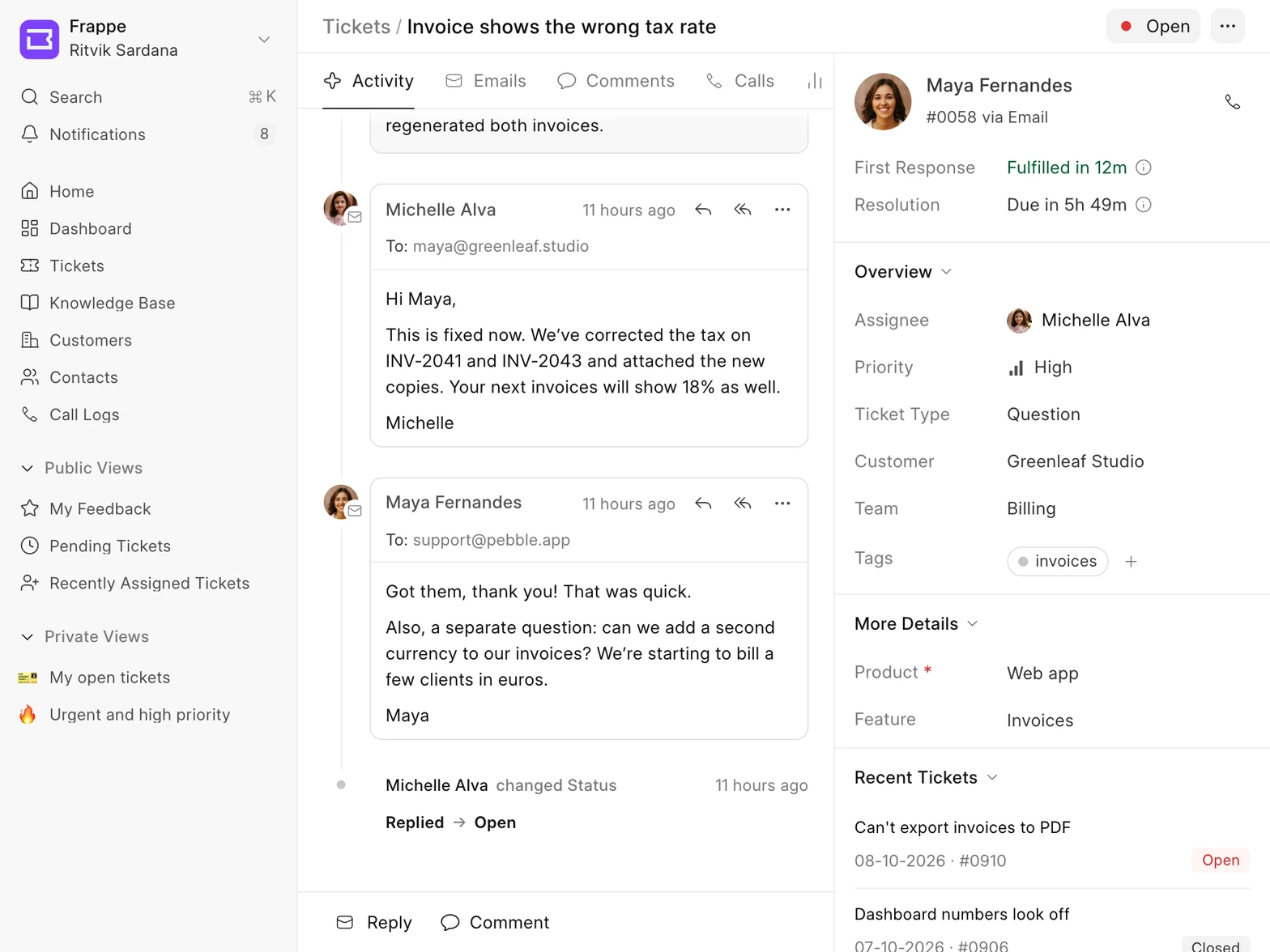
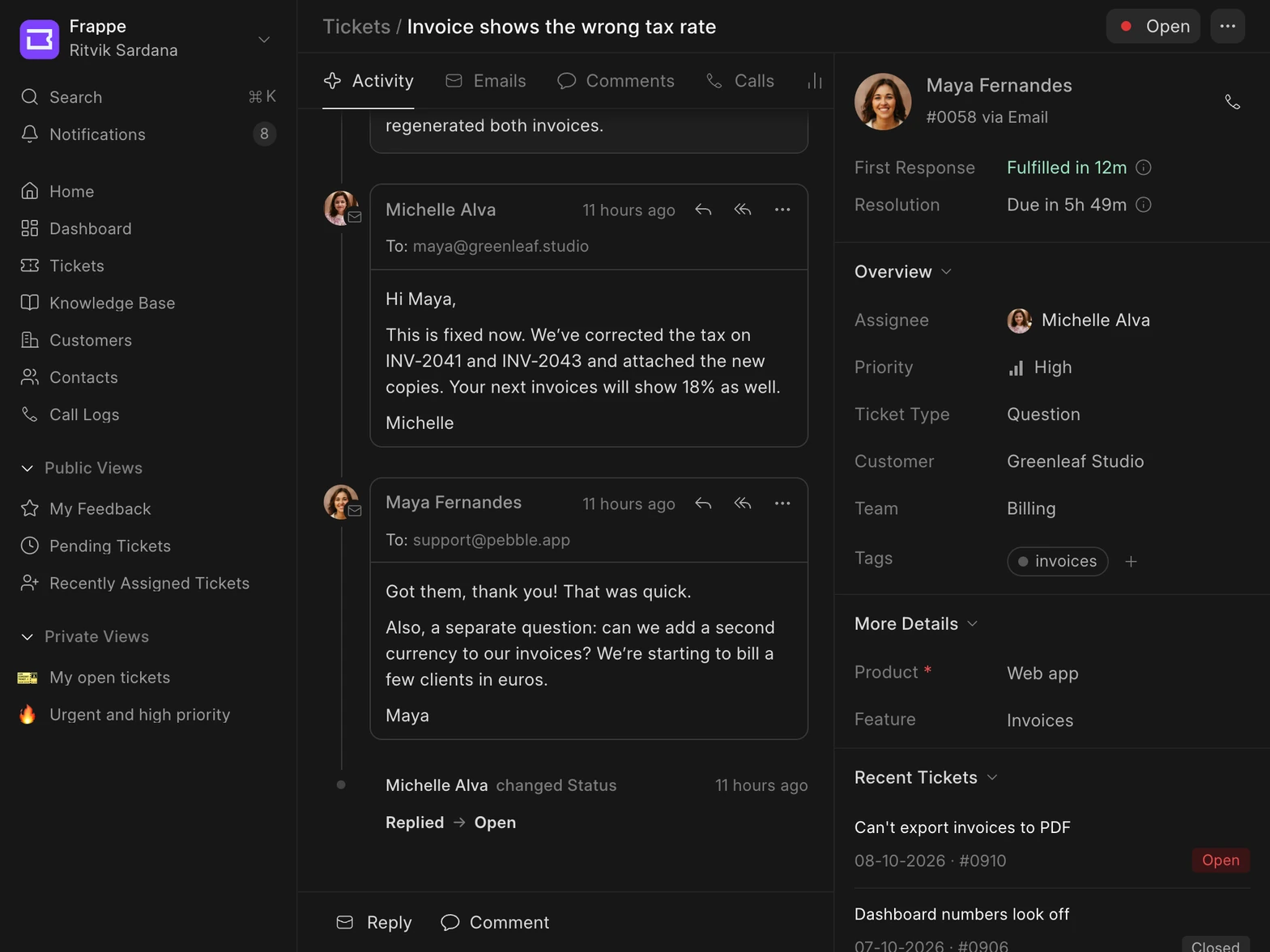
When you open a ticket, the sidebar shows who wrote in, whether it came by email or the portal, and which customer they belong to. You can also call them from there.
Under Recent Tickets, you can see what the same person asked before.
See how each customer is doing
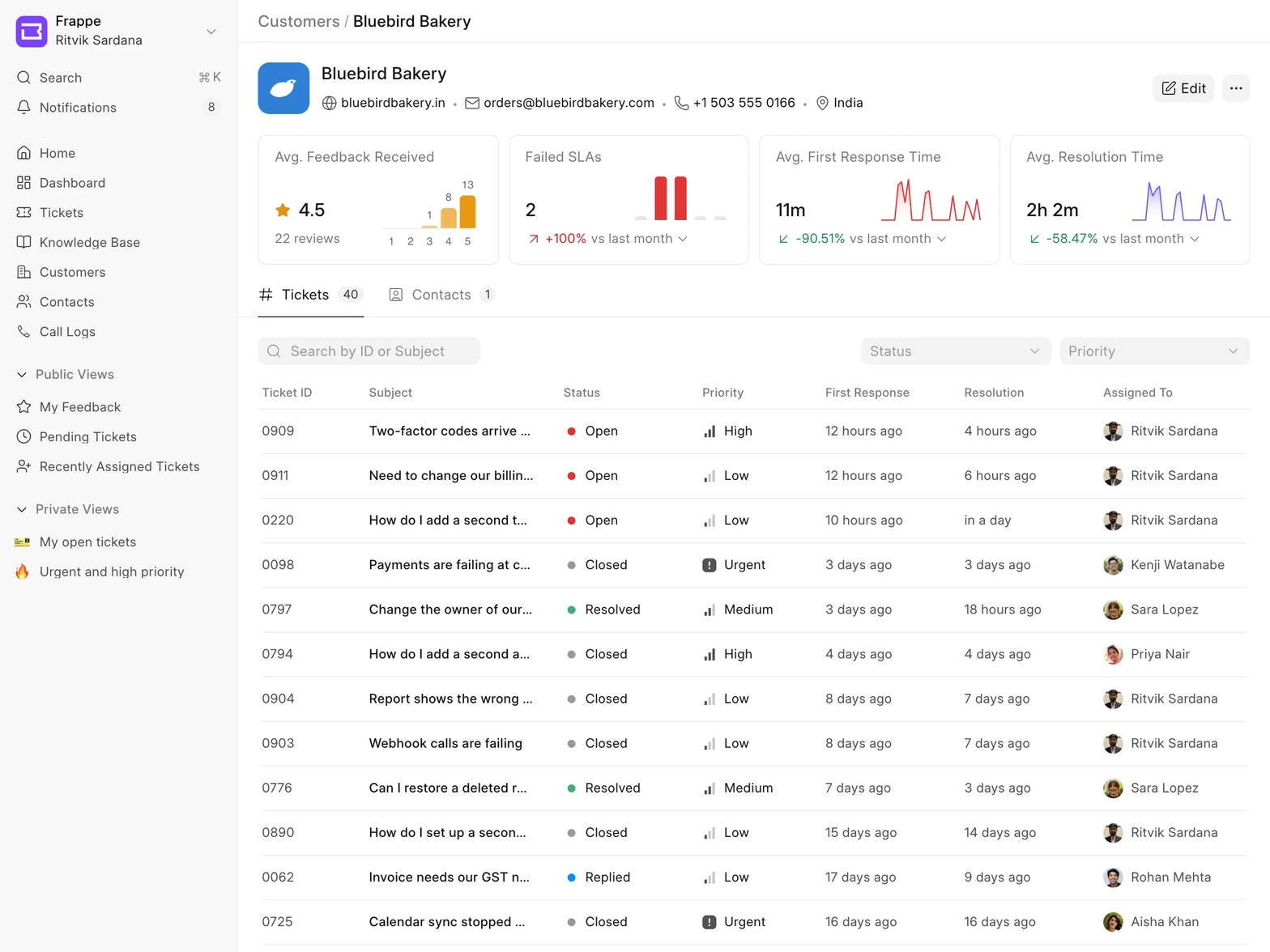
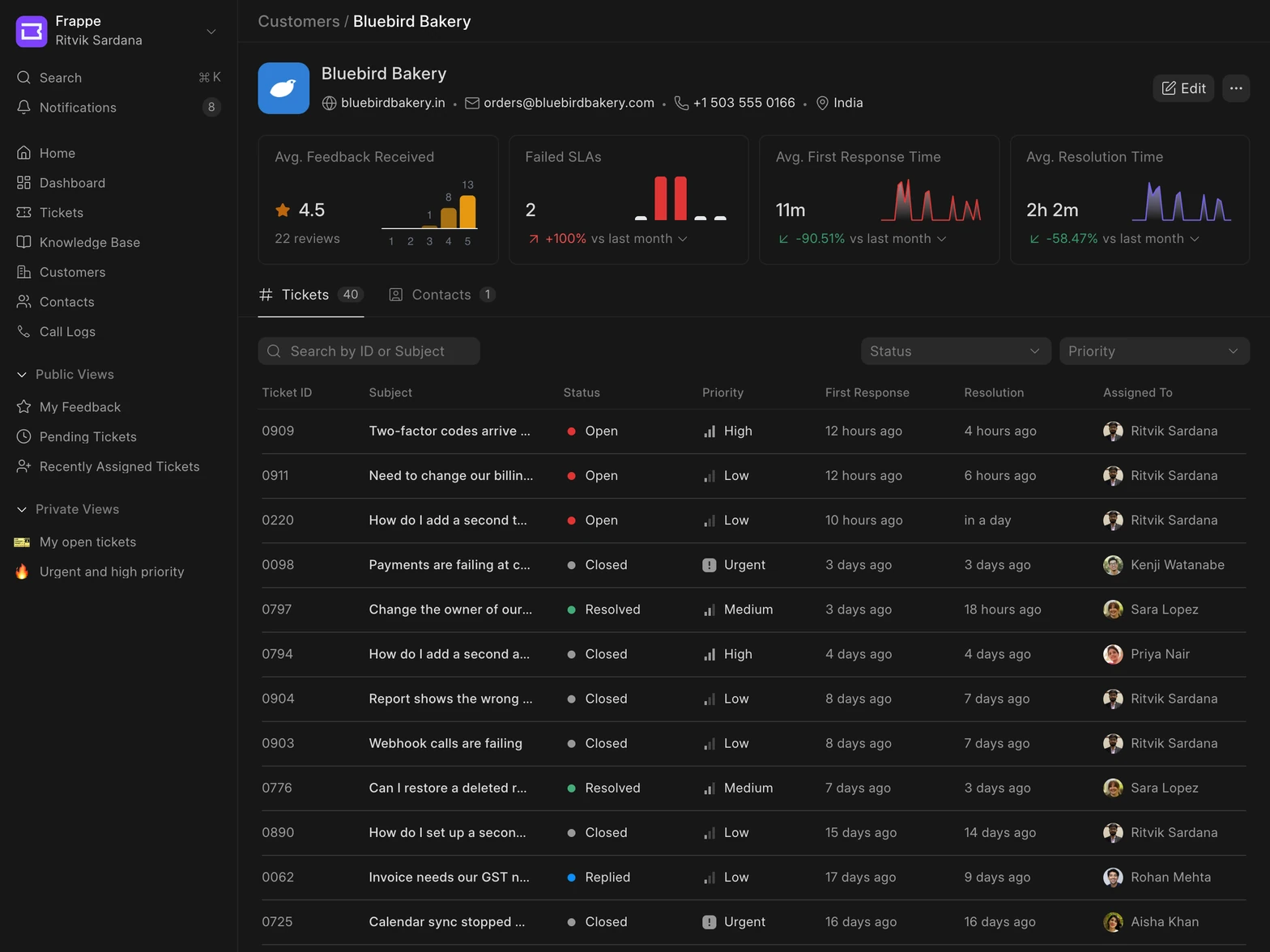
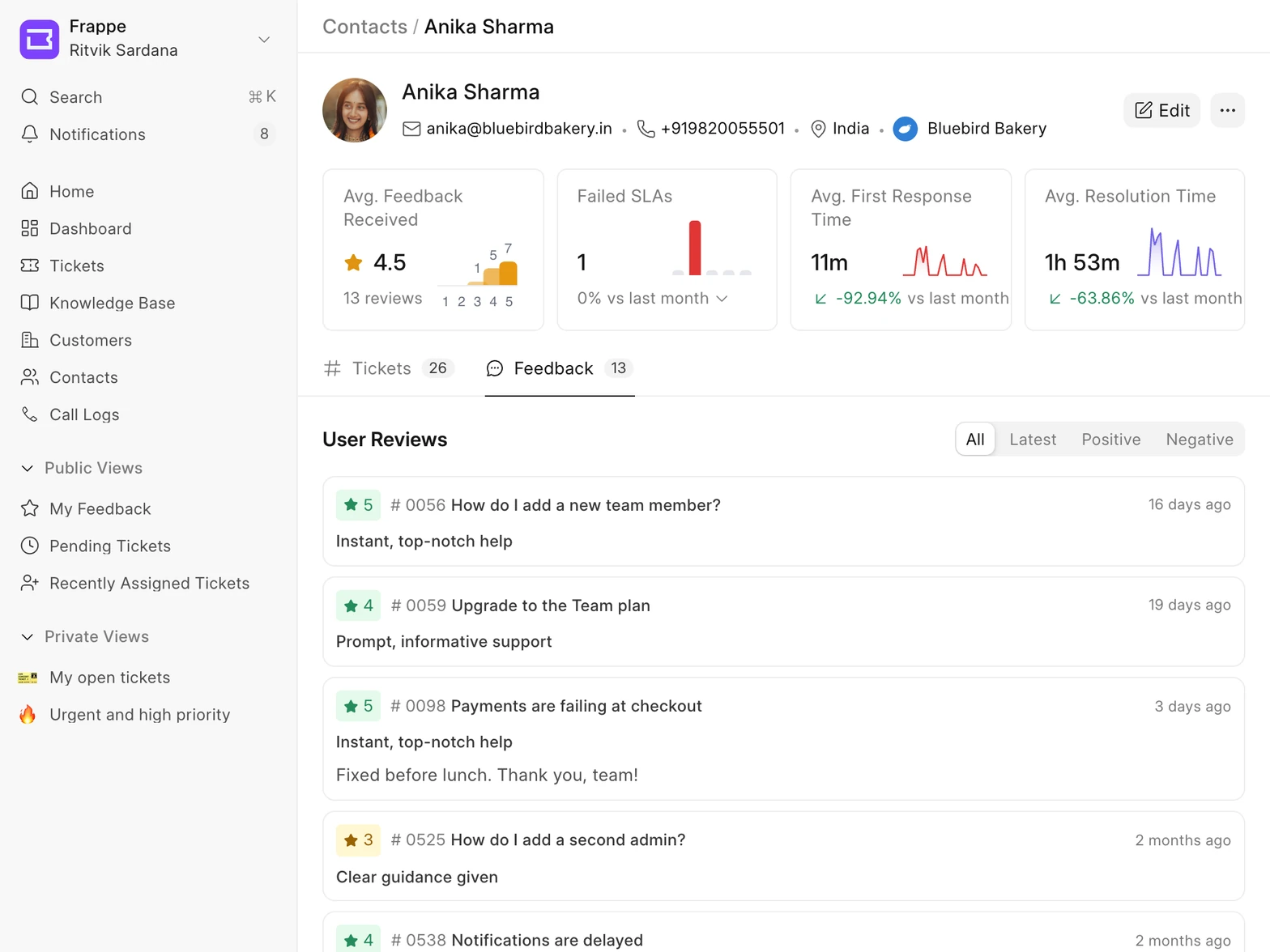
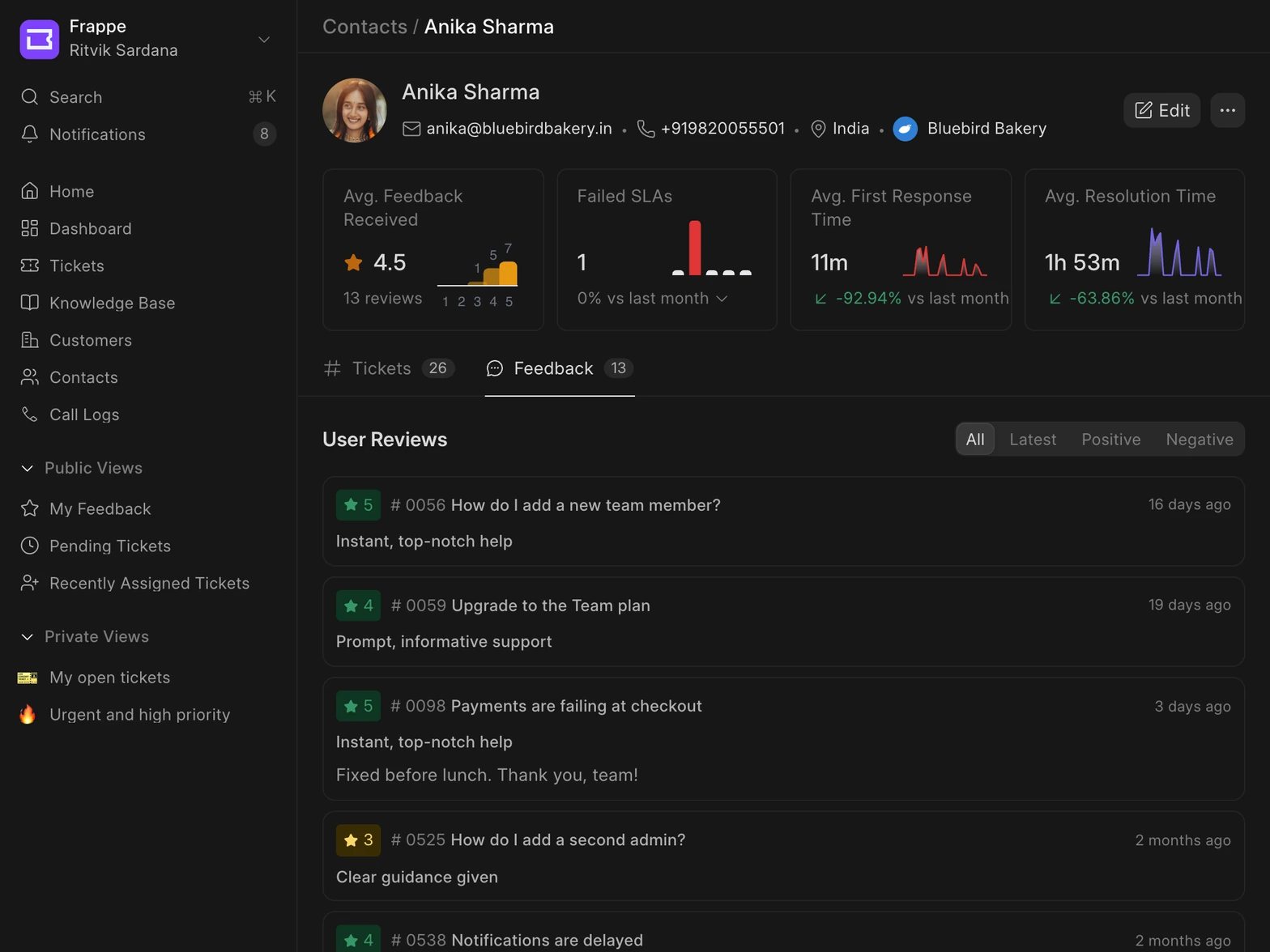
Every customer has a page with all their tickets. At the top, you can see the average rating they've given, how many SLAs were missed, and how long your team took to reply and to resolve their tickets, compared with last month.
Each contact has the same page, so you can see these numbers for one person too.
Read what customers said
When a customer rates a ticket, the rating and their comment show up in the Feedback tab on their contact page. You can filter it to see only positive or only negative reviews.
Choose who sees what in the portal
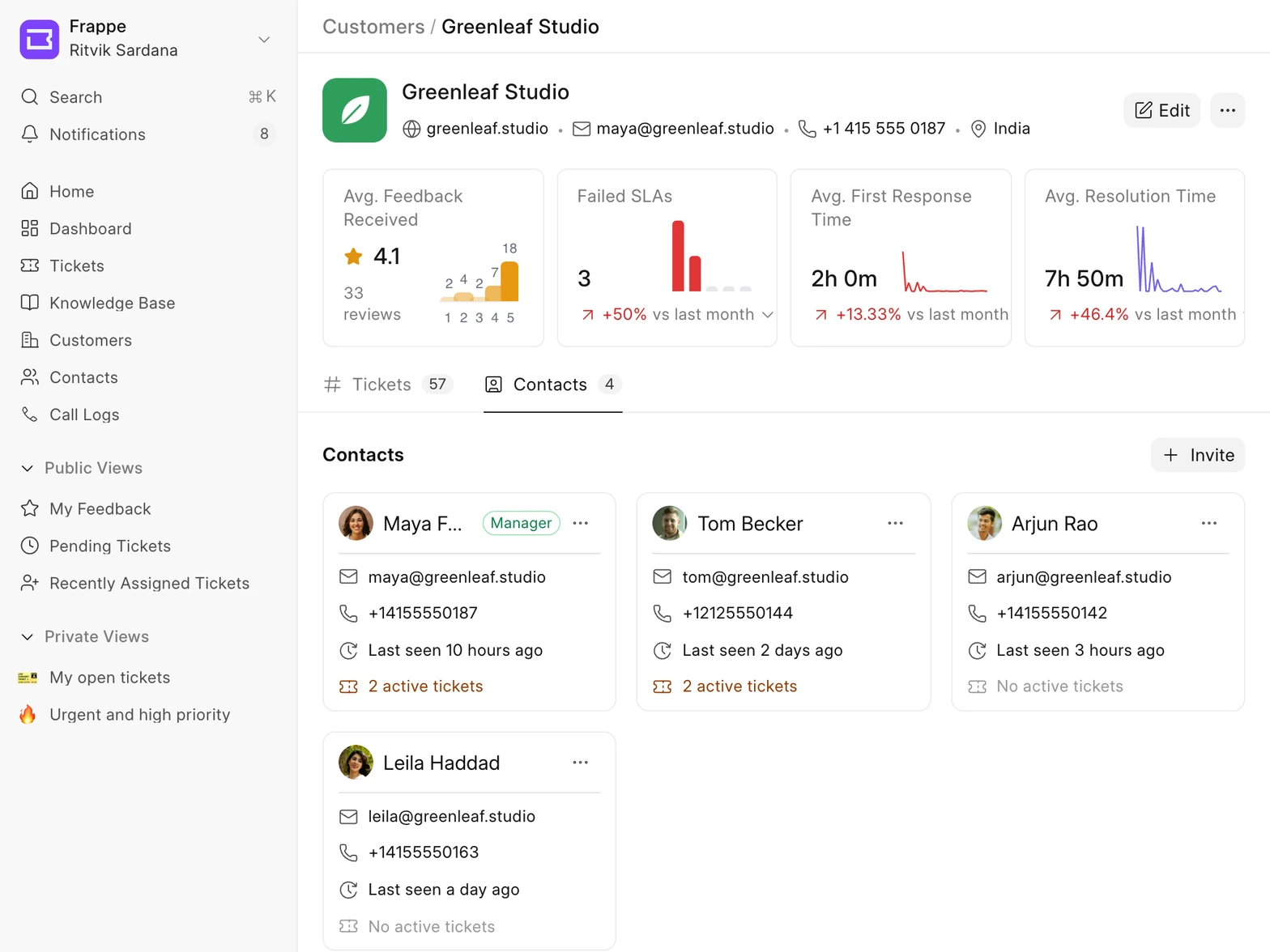
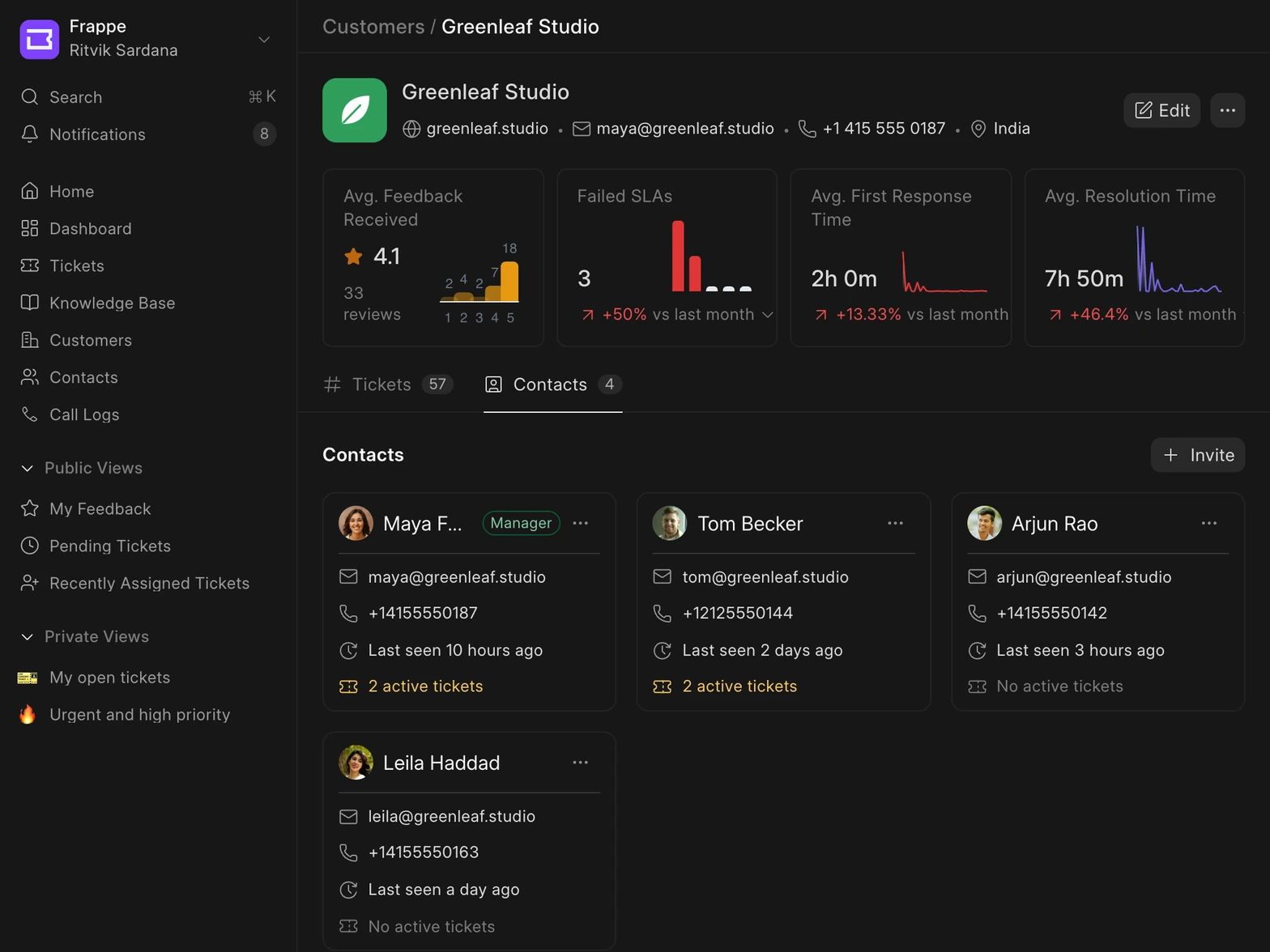
The Contacts tab lists everyone who works at a customer, when they last signed in, and how many tickets they have open. Click Invite to give someone access to the customer portal.
Contacts see only their own tickets. If you make someone a manager, they can see every ticket from their company. Customer Self-Service shows what customers see in the portal.
previous feature
Customization & Controls
next feature
Customer Self-Service