Frappe
Products
Helpdesk
Comparisons
Frappe Helpdesk vs Shared Inbox
Frappe
Products
Insights
Comparison
Frappe Helpdesk vs a Shared Inbox
Start free trial
Your support inbox has outgrown email.
Most teams start support with a shared inbox, a Google Group or an Outlook shared mailbox. It works until two people reply to the same customer, an email sits unanswered because everyone thought someone else had it, and nobody can say how quickly you usually reply.
Frappe Helpdesk keeps your support address and turns every email into a ticket, with an owner, a deadline and the whole conversation in one place.

At a glance
Here's what changes when your support email flows into Frappe Helpdesk.
| Frappe Helpdesk | Shared inbox (Gmail or Outlook) | |
|---|---|---|
| Who handles each email | Built in: assignment rules, round robin or by workload | Manual; Google Groups can assign a conversation |
| Deadlines | Built in: SLAs that count working hours | Not available |
| Status | Built in: open, replied, resolved and your own | Labels, or marked complete in Google Groups |
| Internal notes | Built in: comments on the ticket | Forwarding or separate chat |
| Knowledge base | Built in, public | Not available |
| Customer portal | Built in | Not available |
| Reports | Built in: volume, response times, recurring issues | Not available |
| Customer ratings | Built in | Not available |
| Cost | From $20₹2,000 a month for the whole team | Included with Google Workspace or Microsoft 365 |
Shared inbox features are from Google's and Microsoft's documentation in November 2026.
Keep your support address
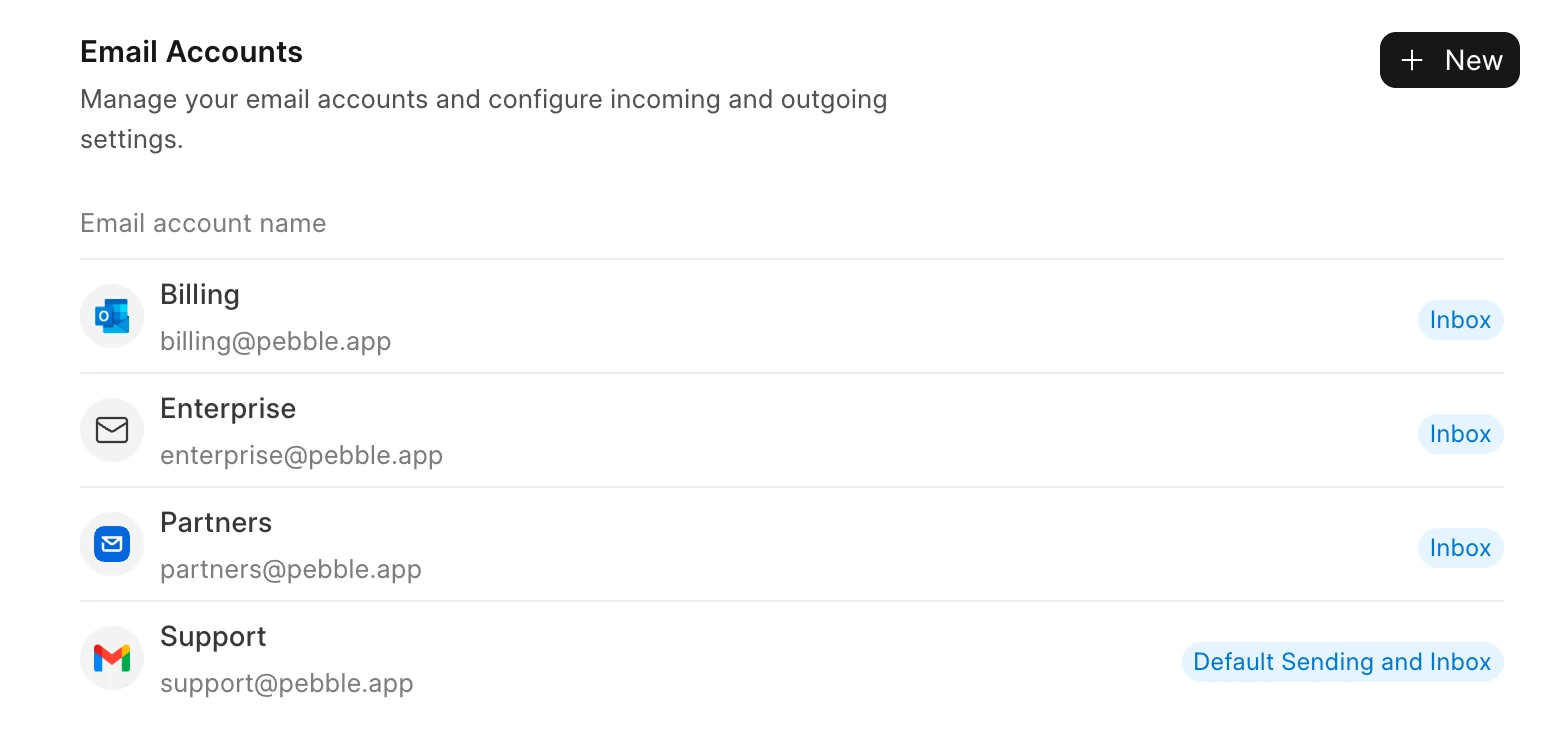
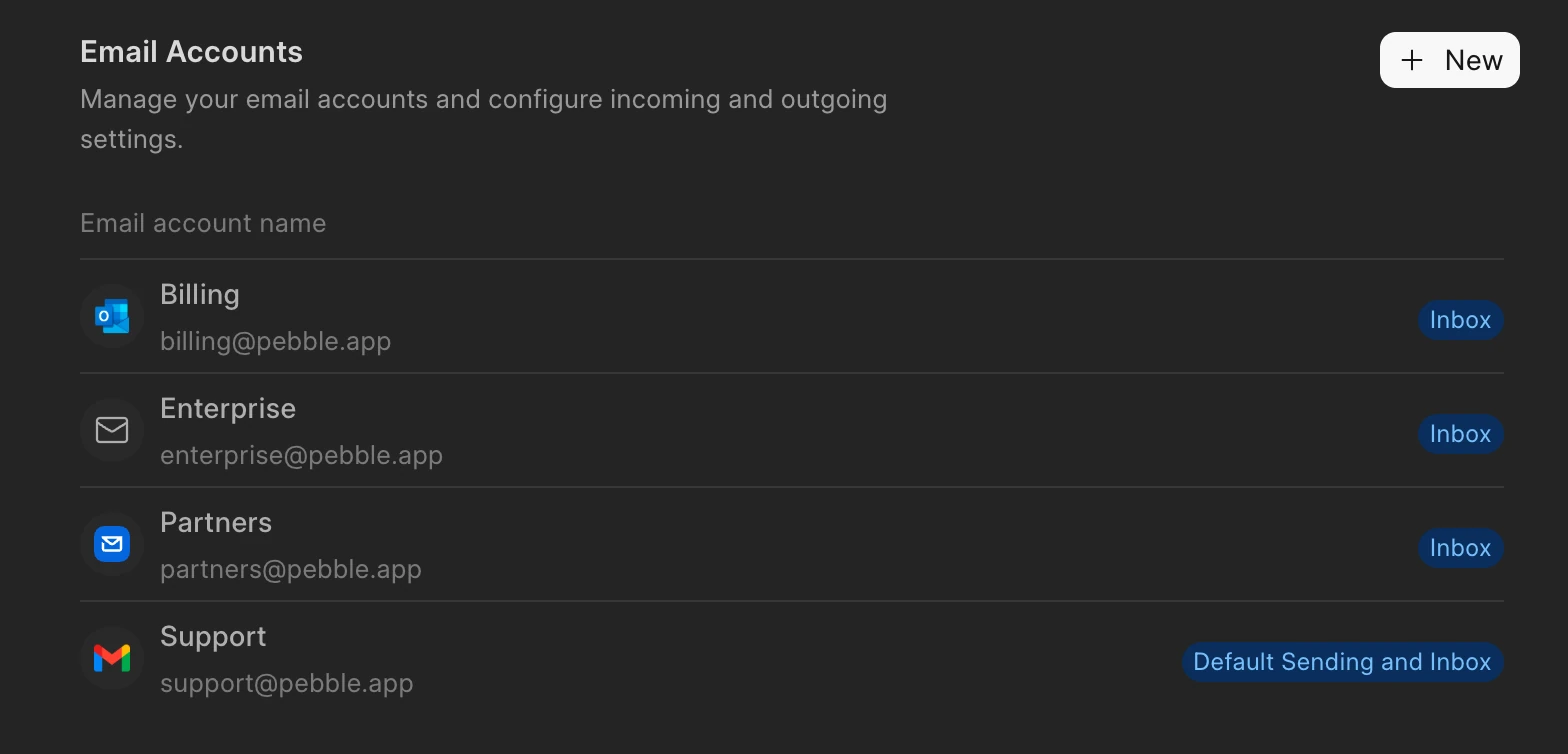
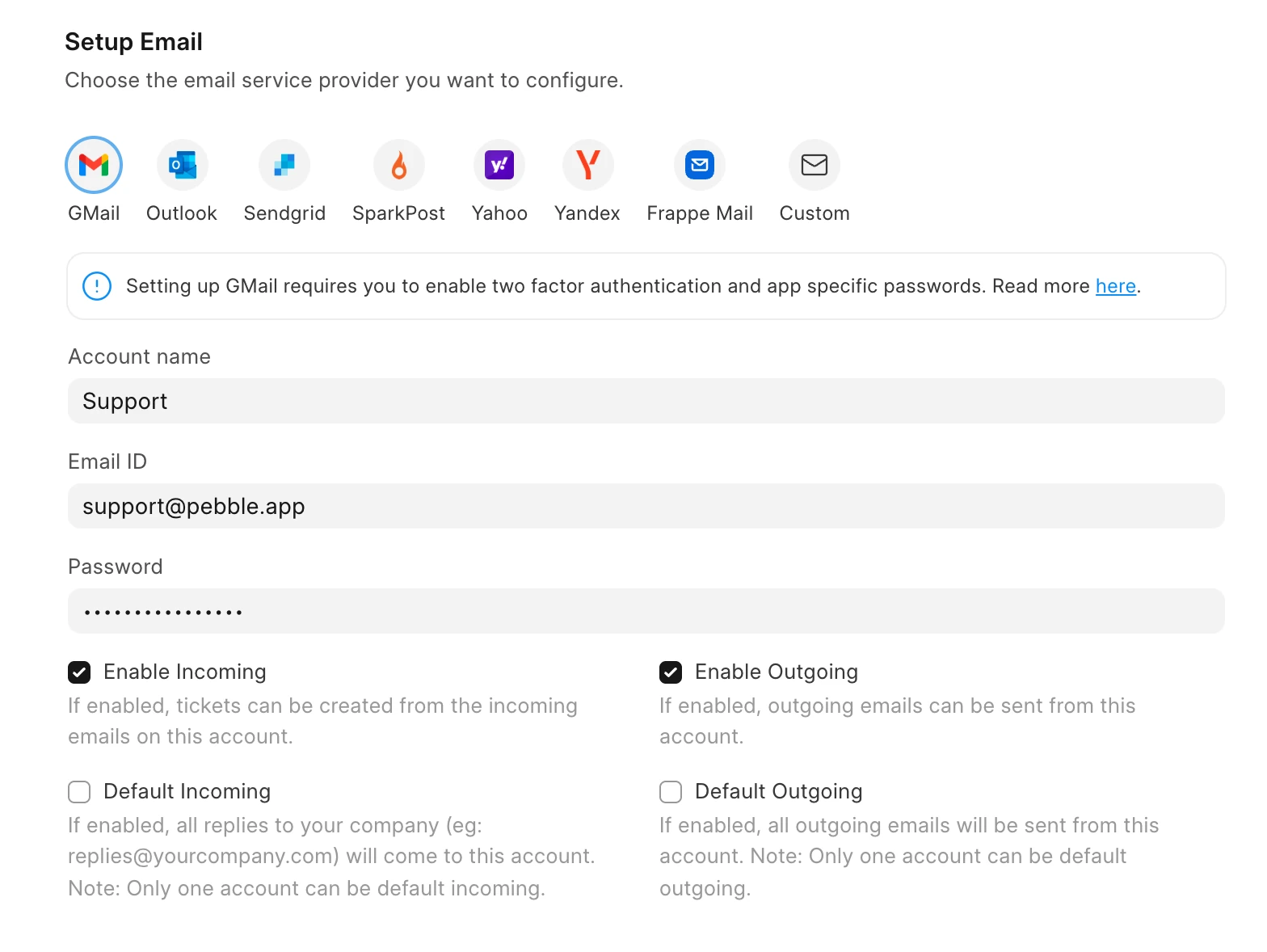
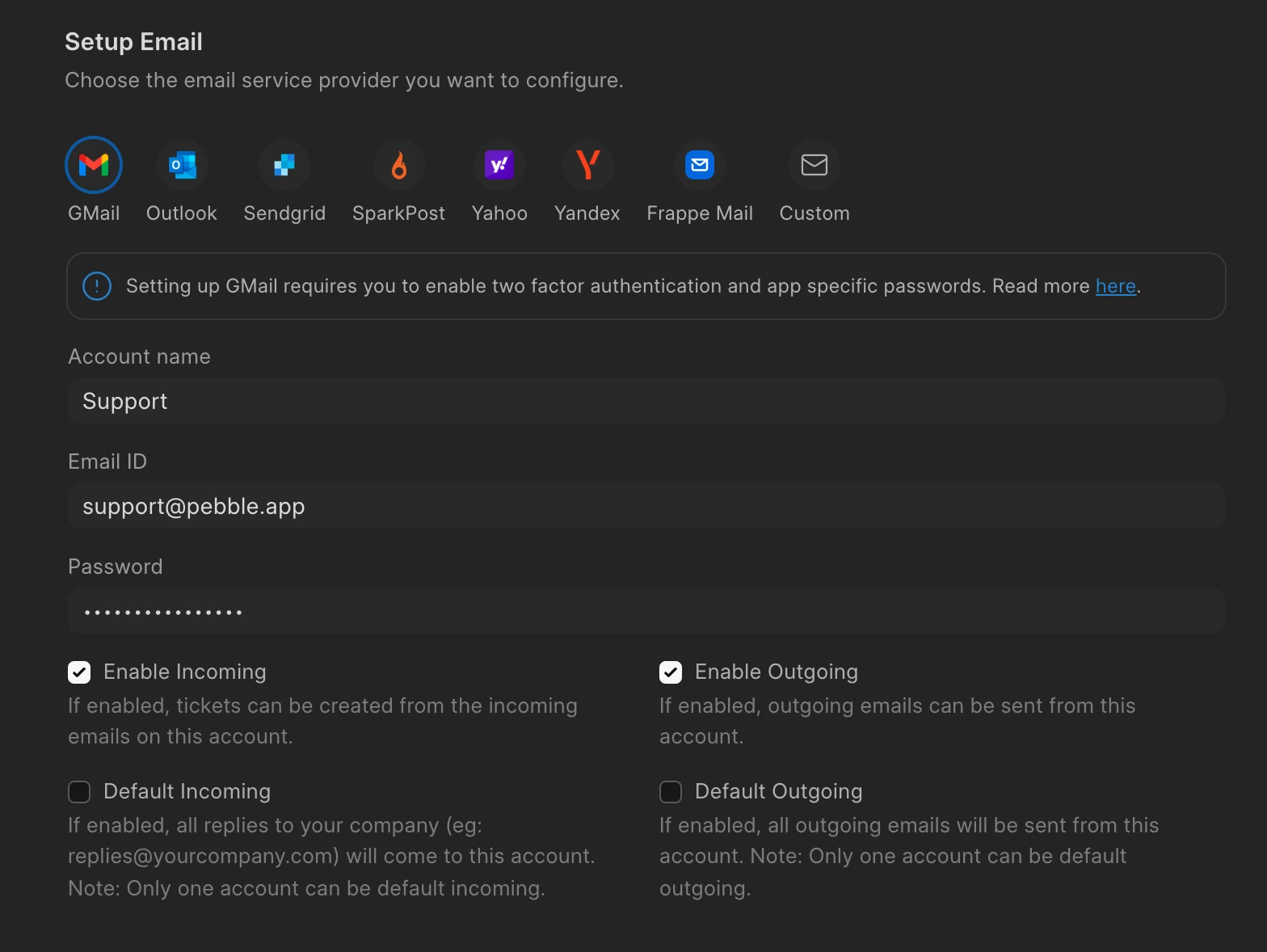
Connect [email protected], or any address you use today, and every email becomes a ticket. Customers don't change anything, and replies still come from your address. A Google Group or an Outlook shared mailbox also replies from that address, so this part works the way you're used to.
Every ticket has an owner
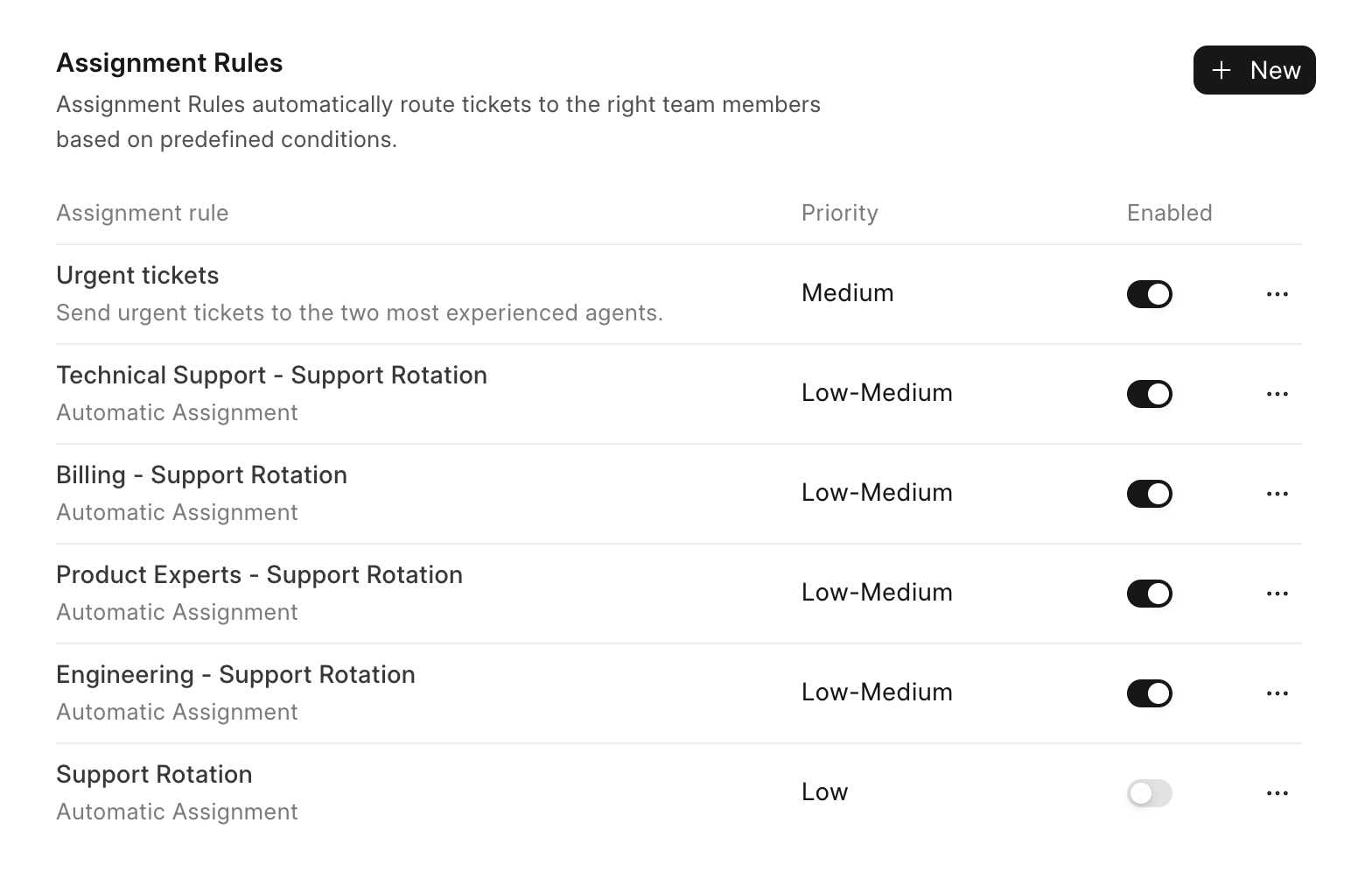
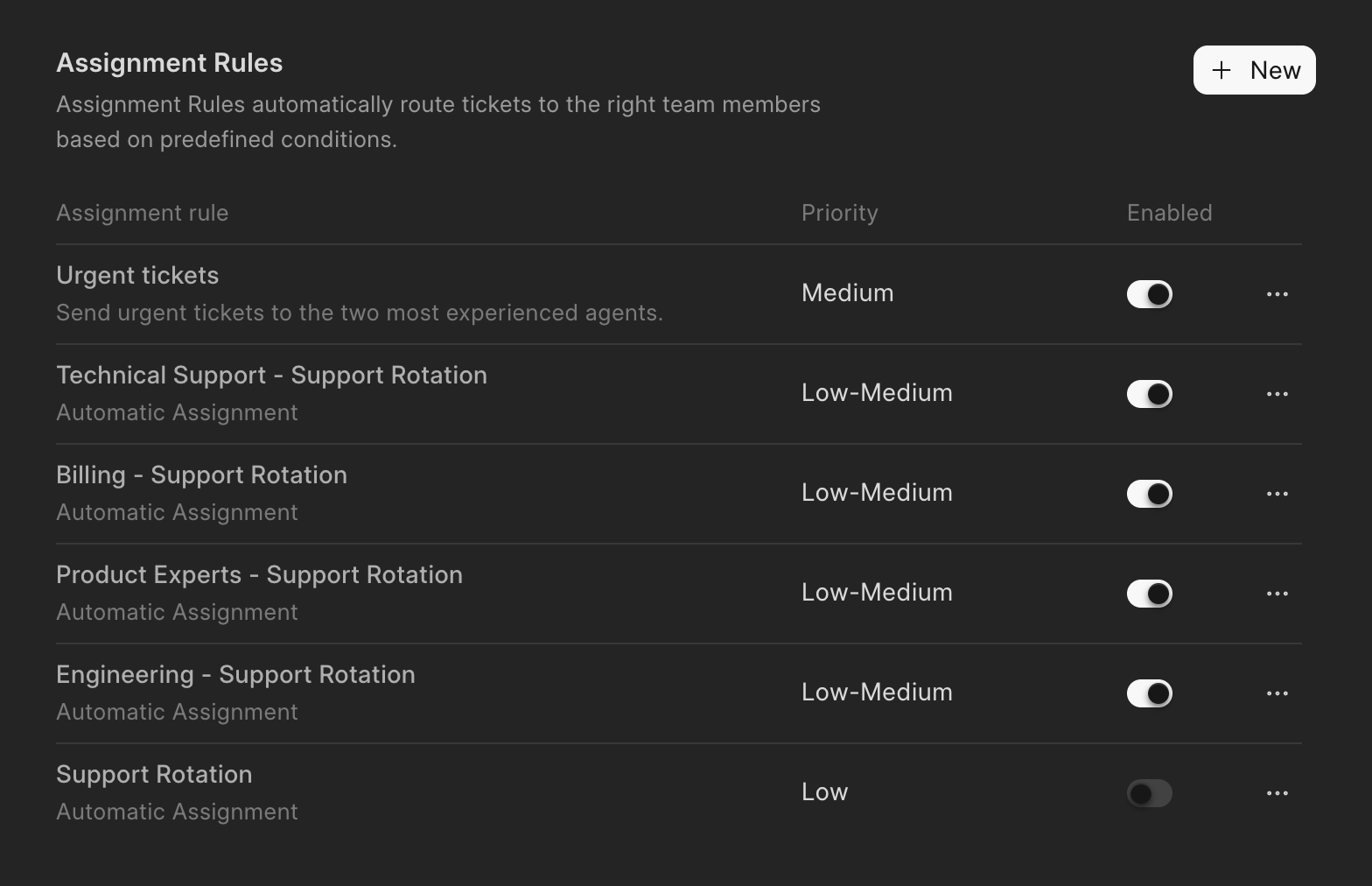
Assignment rules give each new ticket to the right person, by round robin or by workload, and skip people who are away, so nobody replies twice and nothing slips through. In a Google Groups collaborative inbox, a member assigns each conversation by hand, and in an Outlook shared mailbox people work out among themselves who replies.
Know what's due
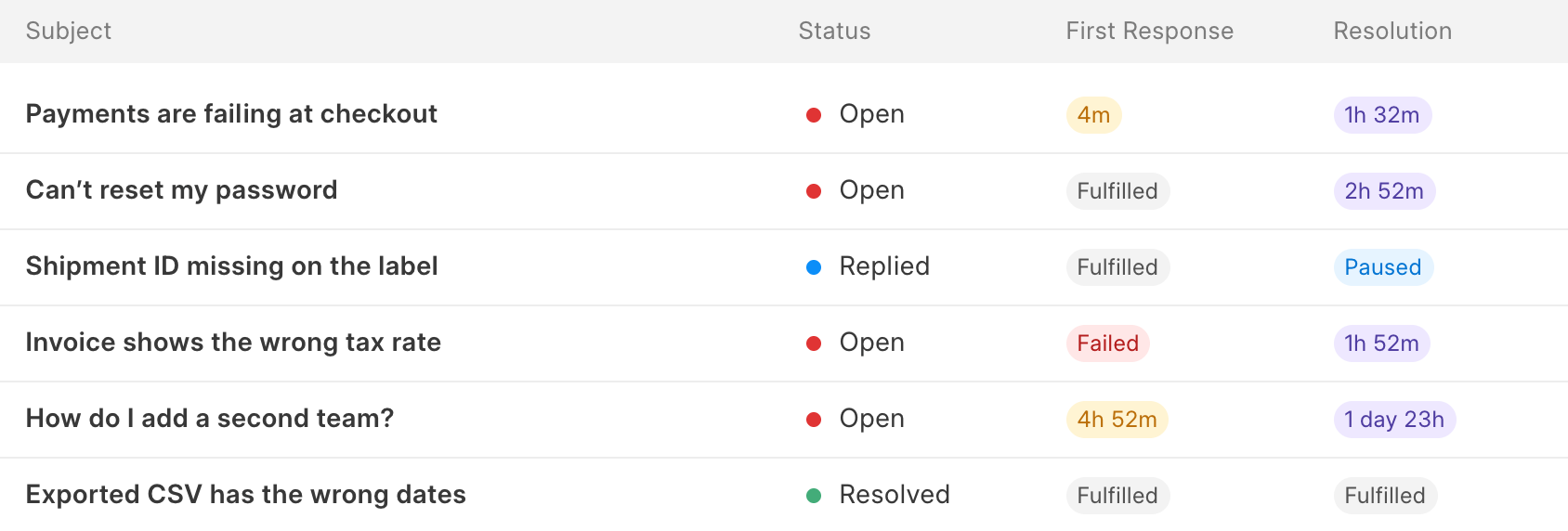
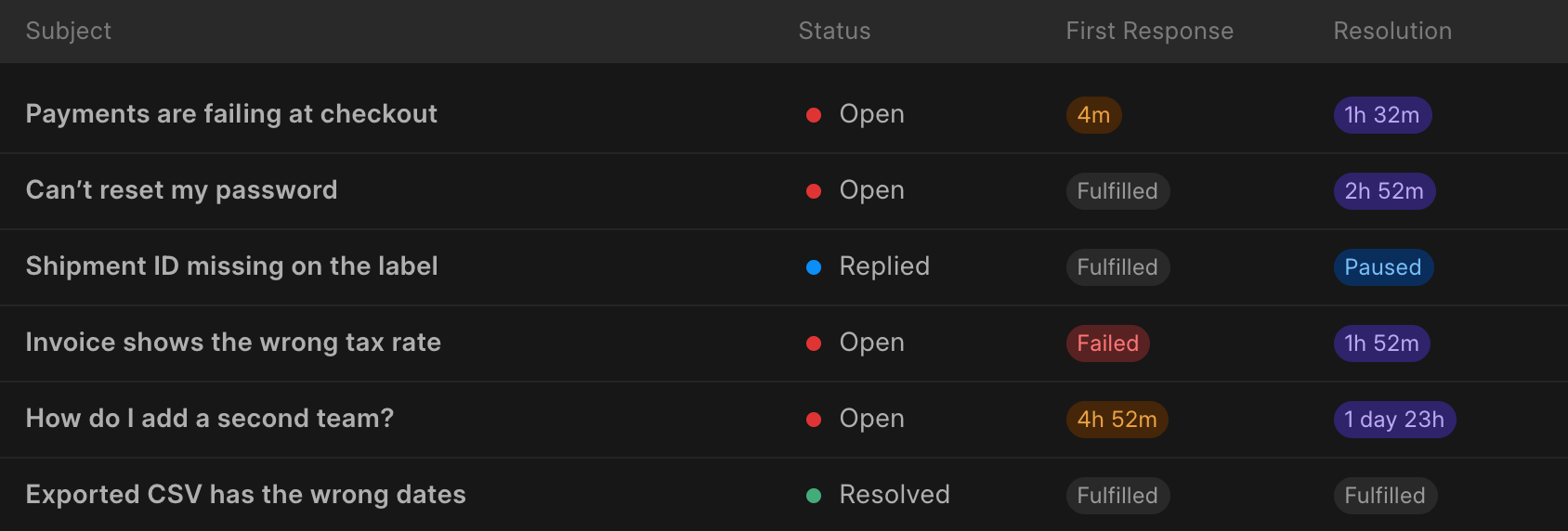
Set how fast you reply to each priority, counting only working hours. Frappe Helpdesk shows what's about to be late, so the oldest email isn't the one that gets forgotten. A Google Groups collaborative inbox can mark a conversation complete, but neither it nor an Outlook shared mailbox tracks reply deadlines.
Talk to your team on the ticket
Add internal comments next to the conversation, mention a colleague, and pin the important note to the top, instead of forwarding emails around.
Answer common questions once
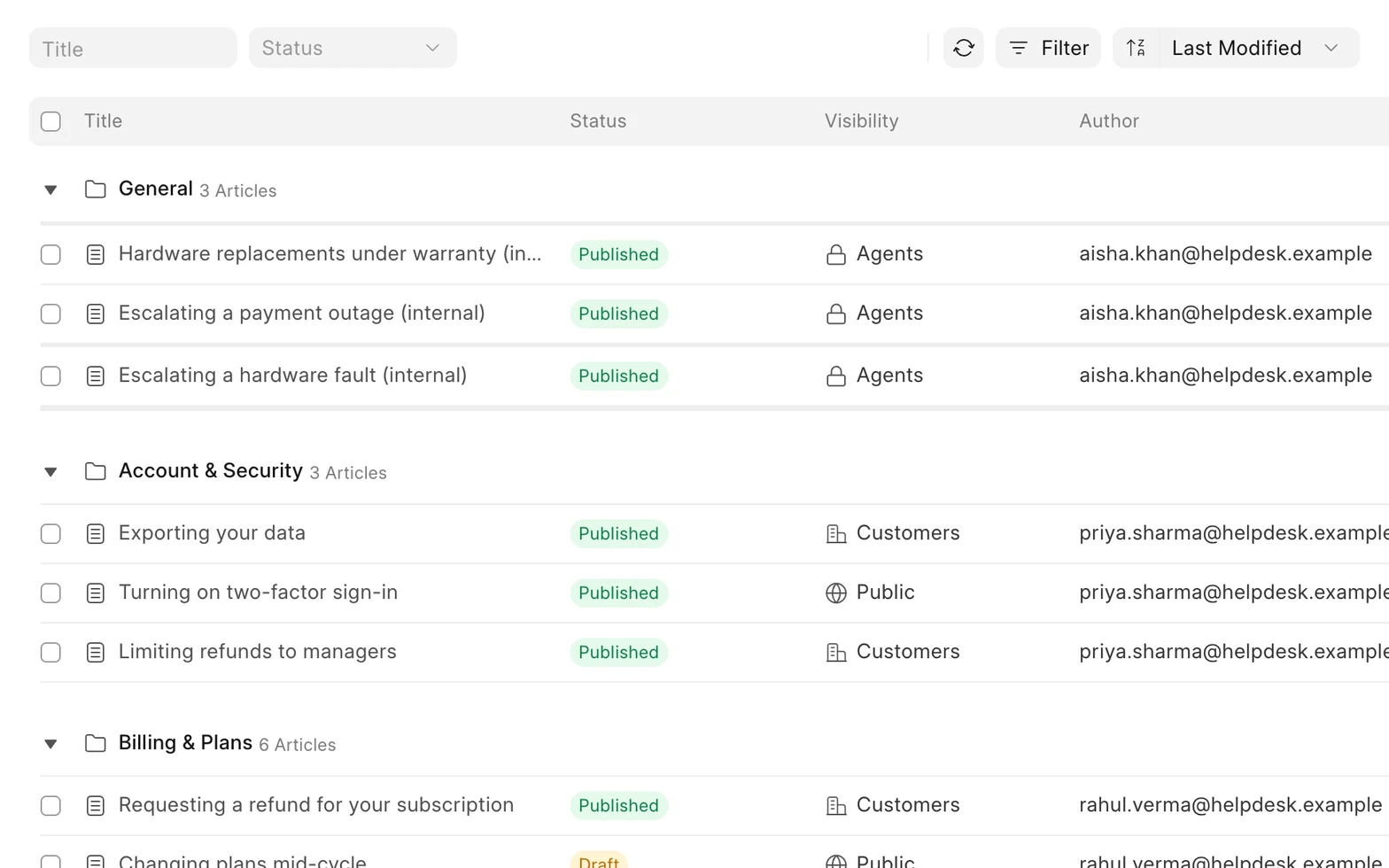
Publish answers in a public knowledge base that anyone can read without signing in, and give customers a portal to raise and follow their tickets. A shared inbox has neither, so every question arrives, and gets answered, by email. See it live at support.frappe.io/help, our own help center.
See how support is going
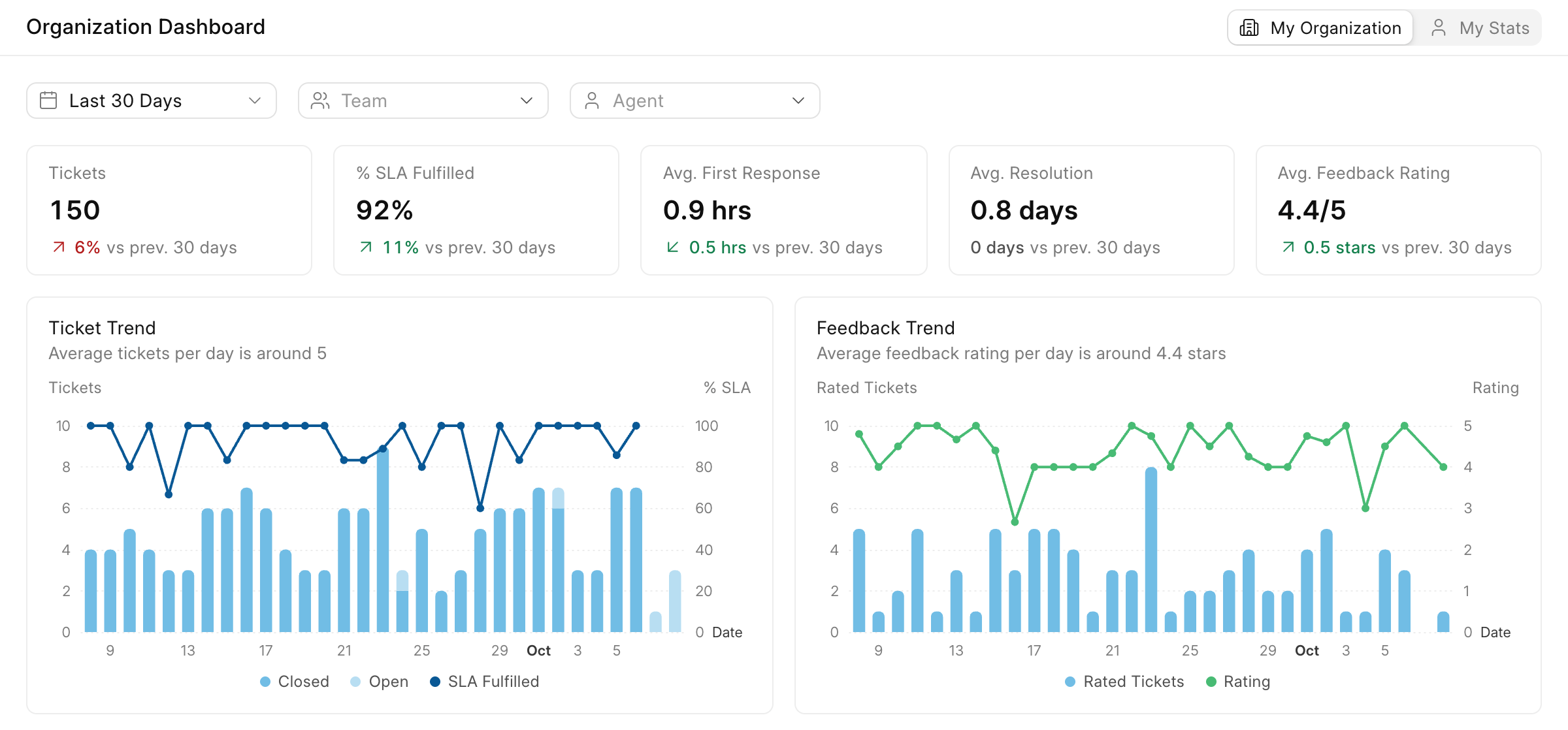
Track ticket volume, response times and the issues that keep coming up, and let customers rate each ticket once it's resolved. A shared inbox has no reports or ratings, so response times have to be worked out by hand.
What it costs
A shared inbox comes with Google Workspace or Microsoft 365, which you already pay for. Frappe Helpdesk starts at $20₹2,000 a month for your whole team, with unlimited agents, after a 7-day free trial. Or host it yourself with no software license fee.
Built by a team that answers tickets every day
We moved our own support into Frappe Helpdesk: more than 60,000 tickets across 7,000 customers. More than 1,000 teams use it.
“Our support resolution time improved. Client satisfaction and overall transparency also increased.”
Dany Robert, Wahni IT Solutions
When a shared inbox is enough
If one or two people handle a few emails a day, a shared inbox is often all you need.
Once more people share the work, Frappe Helpdesk gives every email an owner and a deadline, and every customer a place to find answers.
Frequently asked questions
Will my customers notice the change?
No. They keep writing to the same address, and replies come from it too.
How long does it take to set up?
Connect your email account, invite your team and set an assignment rule, and you're ready to answer tickets.
Is there a mobile app?
Frappe Helpdesk is a PWA: install it from your phone's browser and it opens full screen like an app. There's no separate app in the app stores.
Choose Frappe Helpdesk
Every email, owned and answered