Frappe

Products

Helpdesk

Comparisons

Frappe Helpdesk vs Freshdesk

Frappe

Products

Insights

Comparison

Frappe Helpdesk vs Freshdesk

Start free trial

Affordable to start. Affordable as you grow.
Freshdesk is a popular choice because it starts at a low price per agent. As your support team grows, the features you reach for next, like more than one SLA policy, custom dashboards and smarter routing, sit in Pro and Enterprise. Its AI is metered too, down to the actions an AI tool takes through MCP.
Frappe Helpdesk includes those features for every agent, and you pay for hosting, not per agent.
Frappe Helpdesk vs Freshdesk

At a glance

Here's where each Freshdesk plan draws the line, next to Frappe Helpdesk.
Frappe HelpdeskFreshdesk
How you payBy hosting resources, unlimited agentsPer agent, per month
A team of 10 agentsFrom $40₹4,000 a month for the whole team$550 a month on Pro ($55 per agent, billed annually)
Occasional agentsBuilt in: unlimited agentsDay passes, $2 to $12 a day by plan
SLA policiesBuilt in: as many as you need, by priority and by customerMultiple SLA policies on Pro and above
Ticket routingBuilt in: rules by conditions, round robin or workload, skipping agents who are awayIntelligent routing on Pro; skill-based routing on Enterprise
Custom reportsBuilt in: dashboard; custom dashboards available through another Frappe app (Insights)Custom dashboards on Pro and above
Knowledge base and portalBuilt in, with categories, subcategories and pinned articlesBuilt in
AIBuilt in: Frappe Flow (AI usage included up to a limit on Frappe Cloud)Copilot $29 per agent; AI Agent $49 per 100 sessions after the first 500
MCP for your own AI toolsBuilt in, no per-action charge$15 per 1,000 MCP actions
Mobile appPWAiOS and Android apps
Open sourceYes, AGPL-3.0No

Freshdesk plans are from its pricing page in November 2026. On Frappe Helpdesk, storage and computing power depend on your plan.

What a growing support team pays in a year

Here's an example as a team grows from 10 to 50 agents, on Freshdesk Pro, the plan with multiple SLA policies and custom dashboards.
Freshdesk, 10 agents
$6,600
Frappe Helpdesk, 10
$480
Freshdesk, 25 agents
$16,500
Frappe Helpdesk, 25
$960
Freshdesk, 50 agents
$33,000
Frappe Helpdesk, 50
$1,920

Example only. Freshdesk Pro at $55 per agent a month, billed annually; Frappe Helpdesk on the $40₹4,000, $80₹8,000 and $160₹16,000 plans. The plan your site needs depends on how much it's used. Before tax.

Freshdesk, 10 agents
≈ ₹6,14,000
Frappe Helpdesk, 10
₹48,000
Freshdesk, 25 agents
≈ ₹15,34,000
Frappe Helpdesk, 25
₹96,000
Freshdesk, 50 agents
≈ ₹30,69,000
Frappe Helpdesk, 50
₹1,92,000

Example only. Freshdesk Pro at $55 per agent a month, billed annually; Frappe Helpdesk on the $40₹4,000, $80₹8,000 and $160₹16,000 plans. The plan your site needs depends on how much it's used. Before tax. Competitor prices are in US dollars, converted at about ₹93 to the dollar.

No day passes

On Freshdesk, everyone who answers tickets needs a paid seat, and occasional helpers need day passes.
Frappe Helpdesk starts at $20₹2,000 a month with unlimited agents. Managers, developers and your product team can jump in on a tricky ticket, and a busy week doesn't mean buying passes.

An SLA for every kind of customer

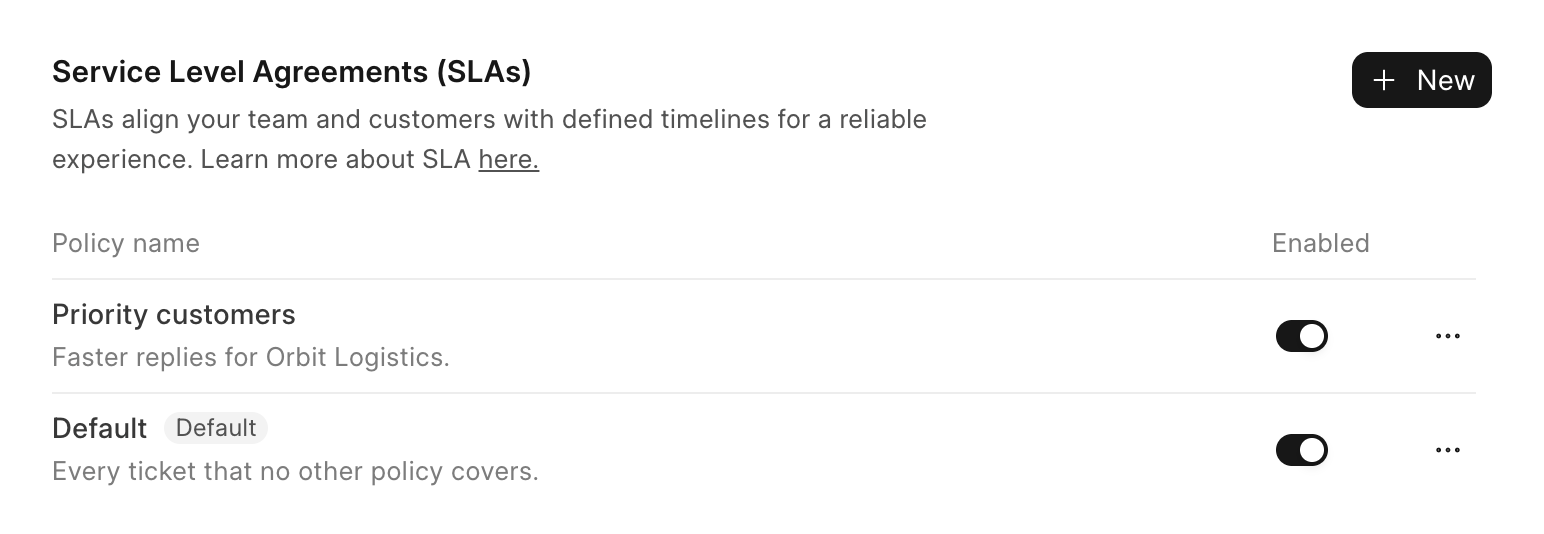
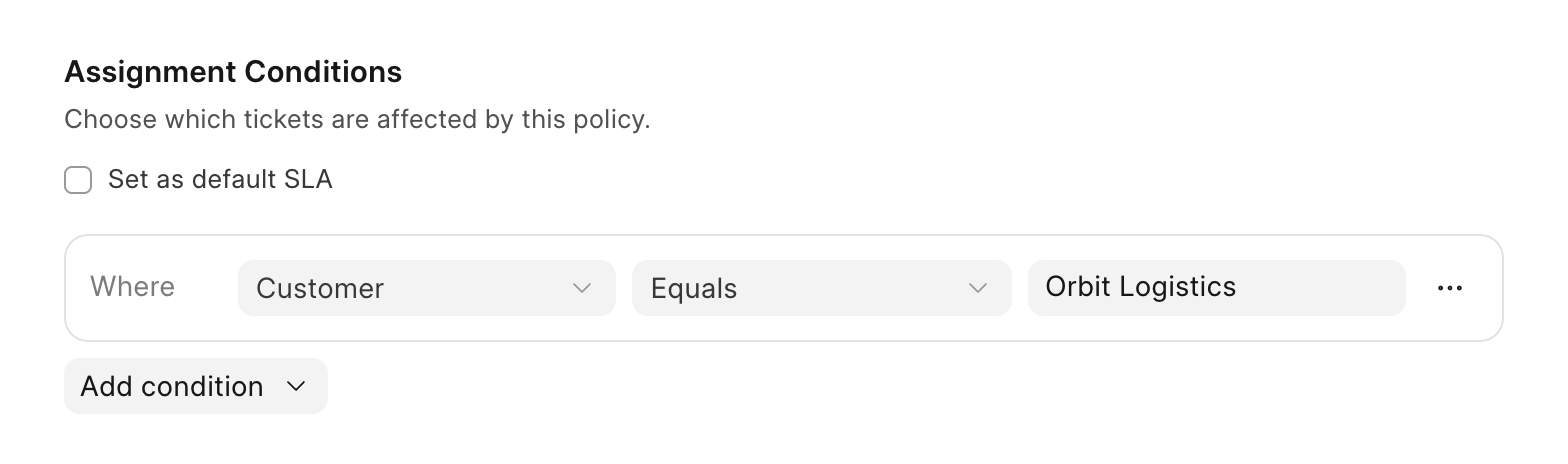
Give your biggest customers faster response times than everyone else, with as many SLA policies as you need. Each one counts only working hours, leaves out lunch breaks and holidays, and pauses while you wait on the customer. On Freshdesk, multiple SLA policies start on Pro.
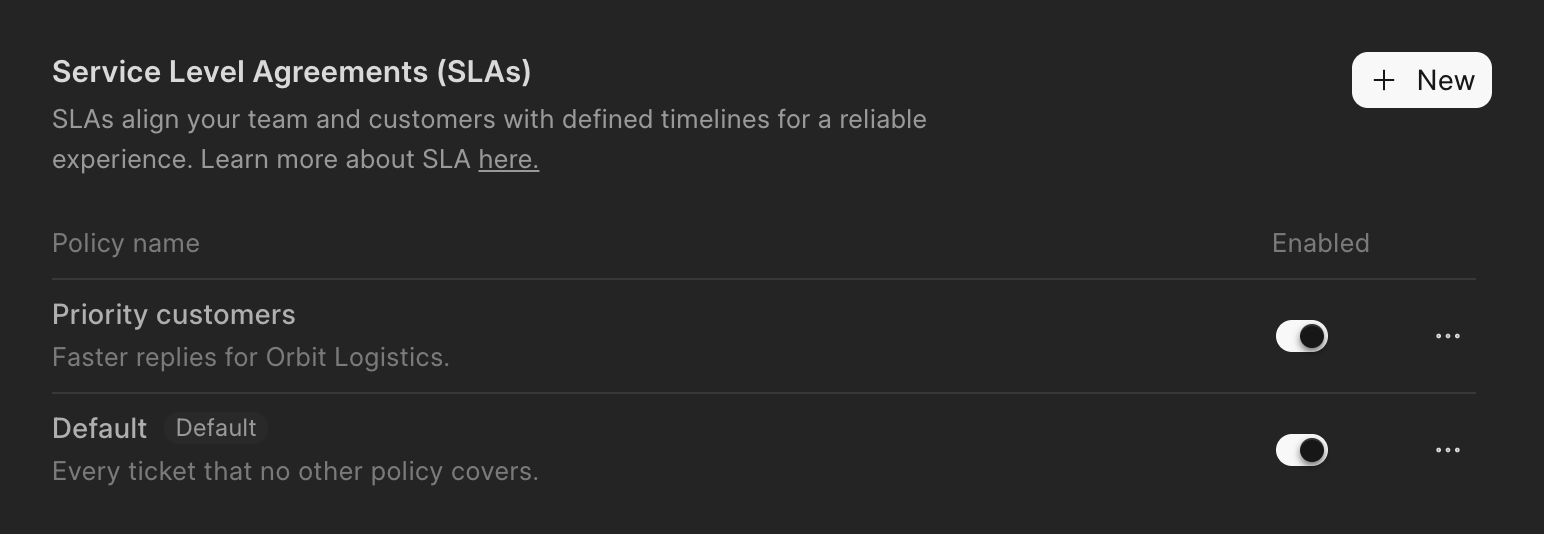
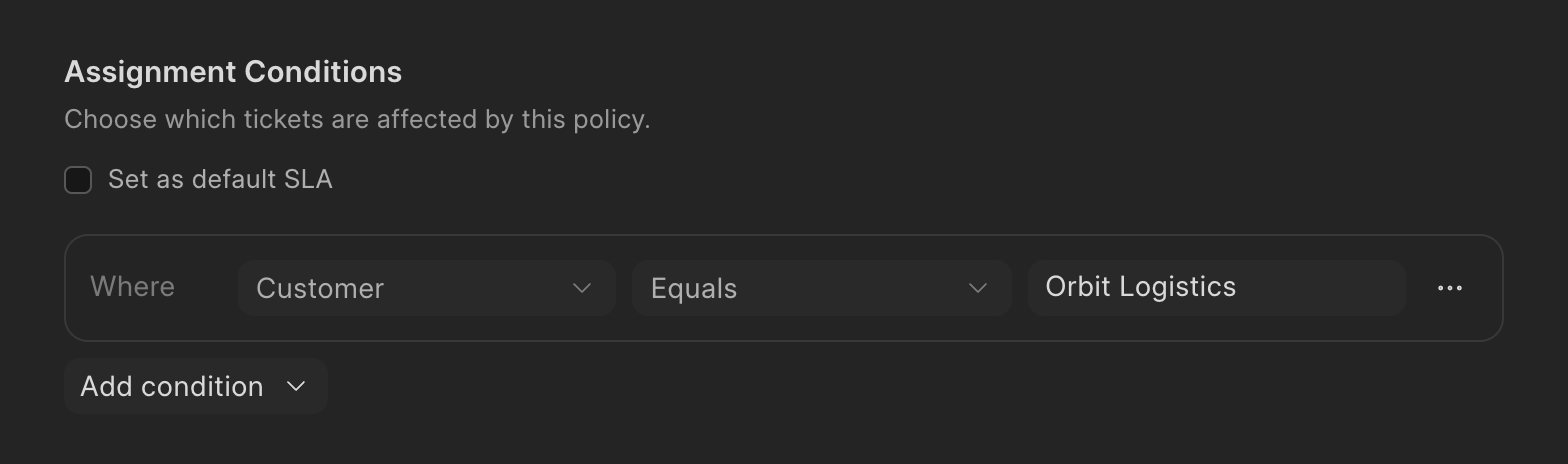
Two SLA policies in Frappe Helpdesk: Priority customers and DefaultTwo SLA policies in Frappe Helpdesk: Priority customers and DefaultSLA policy condition in Frappe Helpdesk: applies when the customer matchesSLA policy condition in Frappe Helpdesk: applies when the customer matches

Routing you control

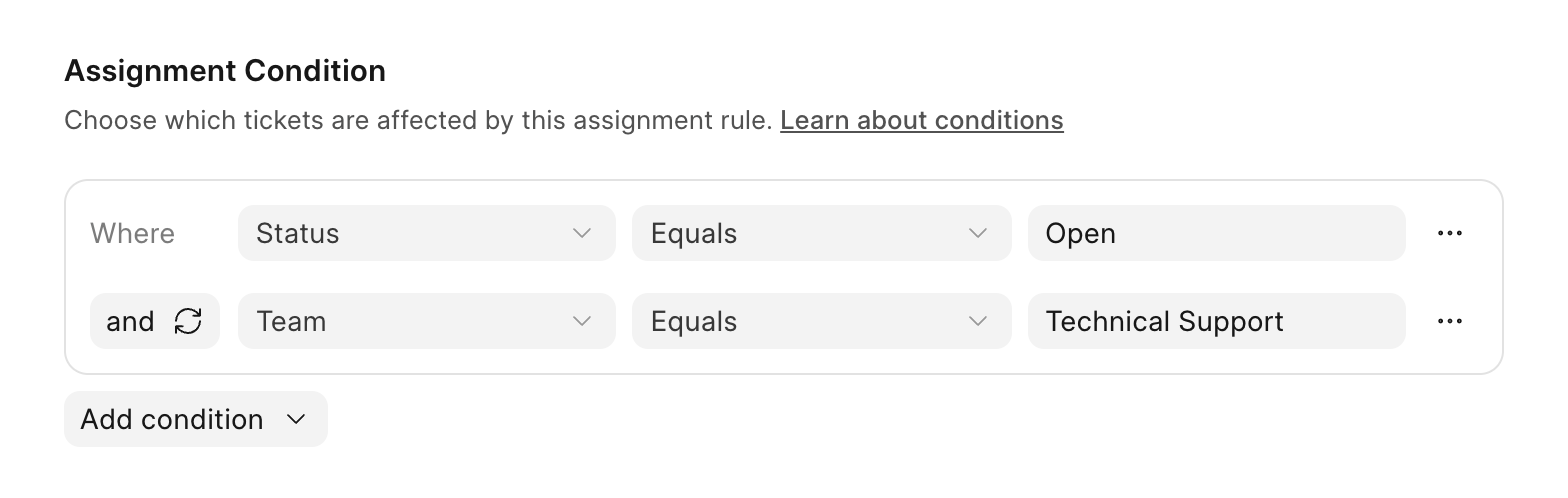
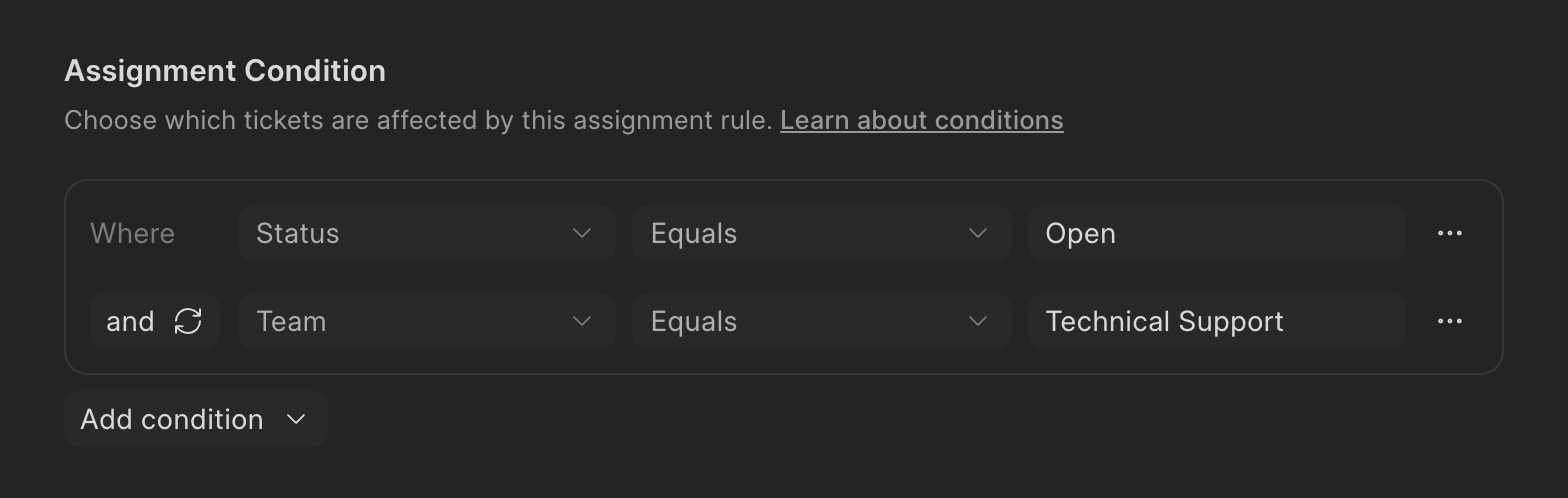
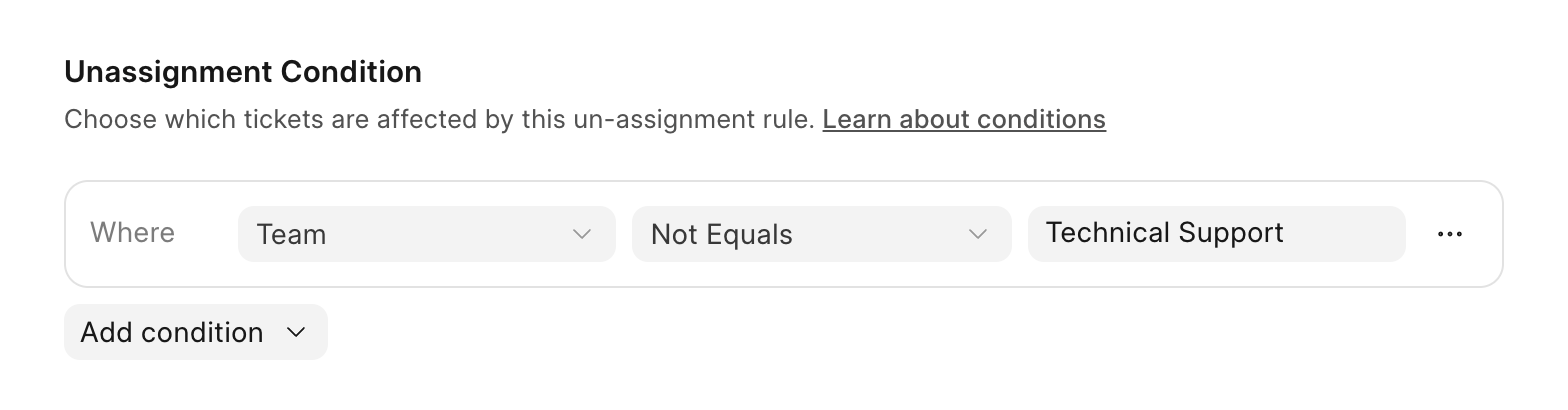
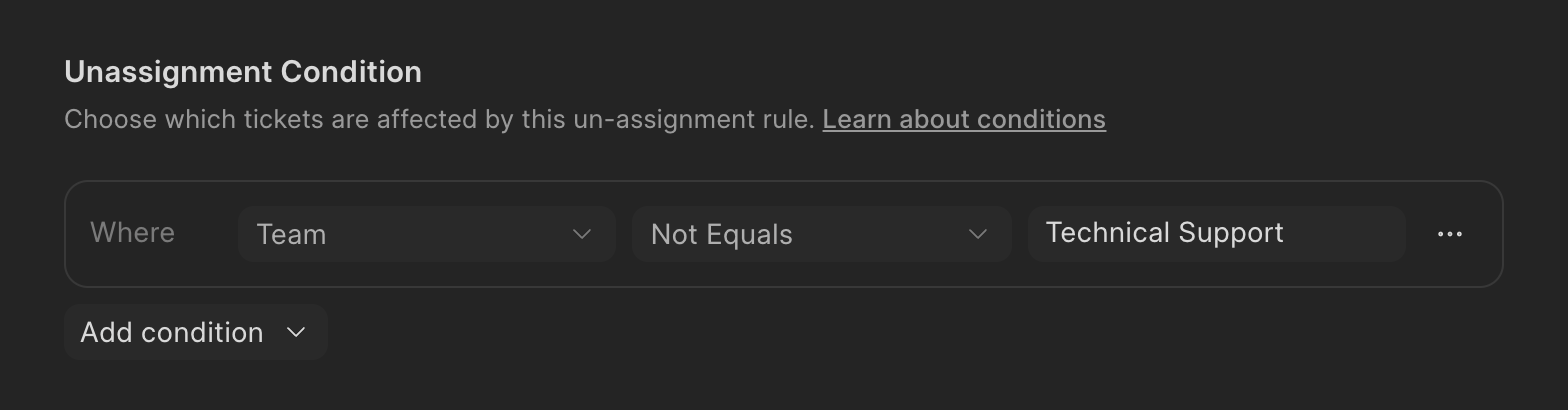
Send tickets to the right team or agent based on any condition, like the product, the customer or the priority, and share them by round robin or by workload. Freshdesk keeps intelligent routing for Pro and skill-based routing for Enterprise.
Assignment rule condition in Frappe Helpdesk: status is Open and team is Technical SupportAssignment rule condition in Frappe Helpdesk: status is Open and team is Technical SupportUnassignment condition in Frappe Helpdesk: team is not Technical SupportUnassignment condition in Frappe Helpdesk: team is not Technical Support

A portal and knowledge base you can shape

Customers raise tickets, follow their progress and read your knowledge base, with categories, subcategories and pinned articles. Articles are public, so nobody has to sign in to find an answer. The portal is built with Frappe Studio, so you can change its pages and branding. See it live at support.frappe.io/help, our own help center. Freshdesk also has a customer portal and knowledge base on every plan.

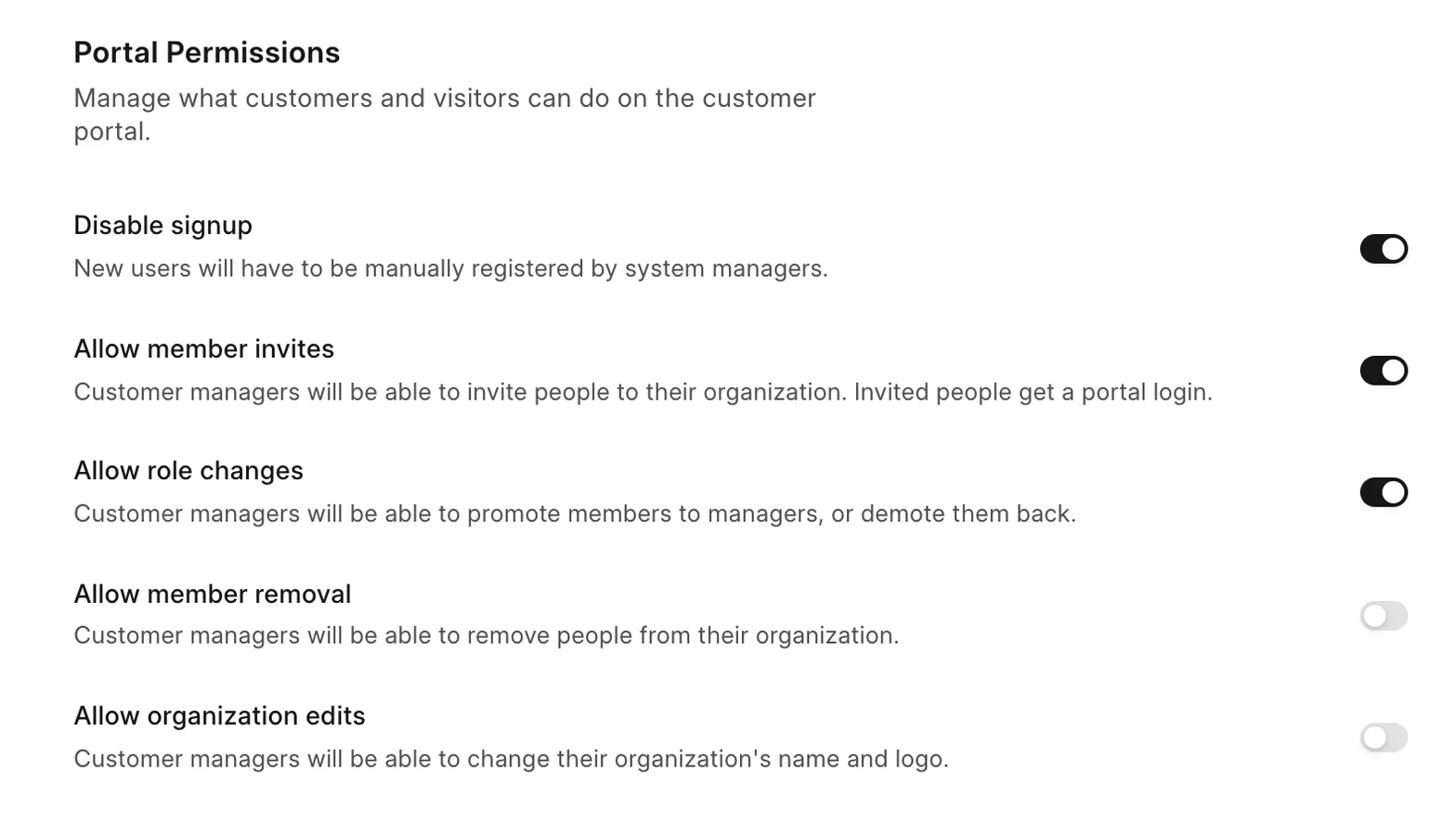
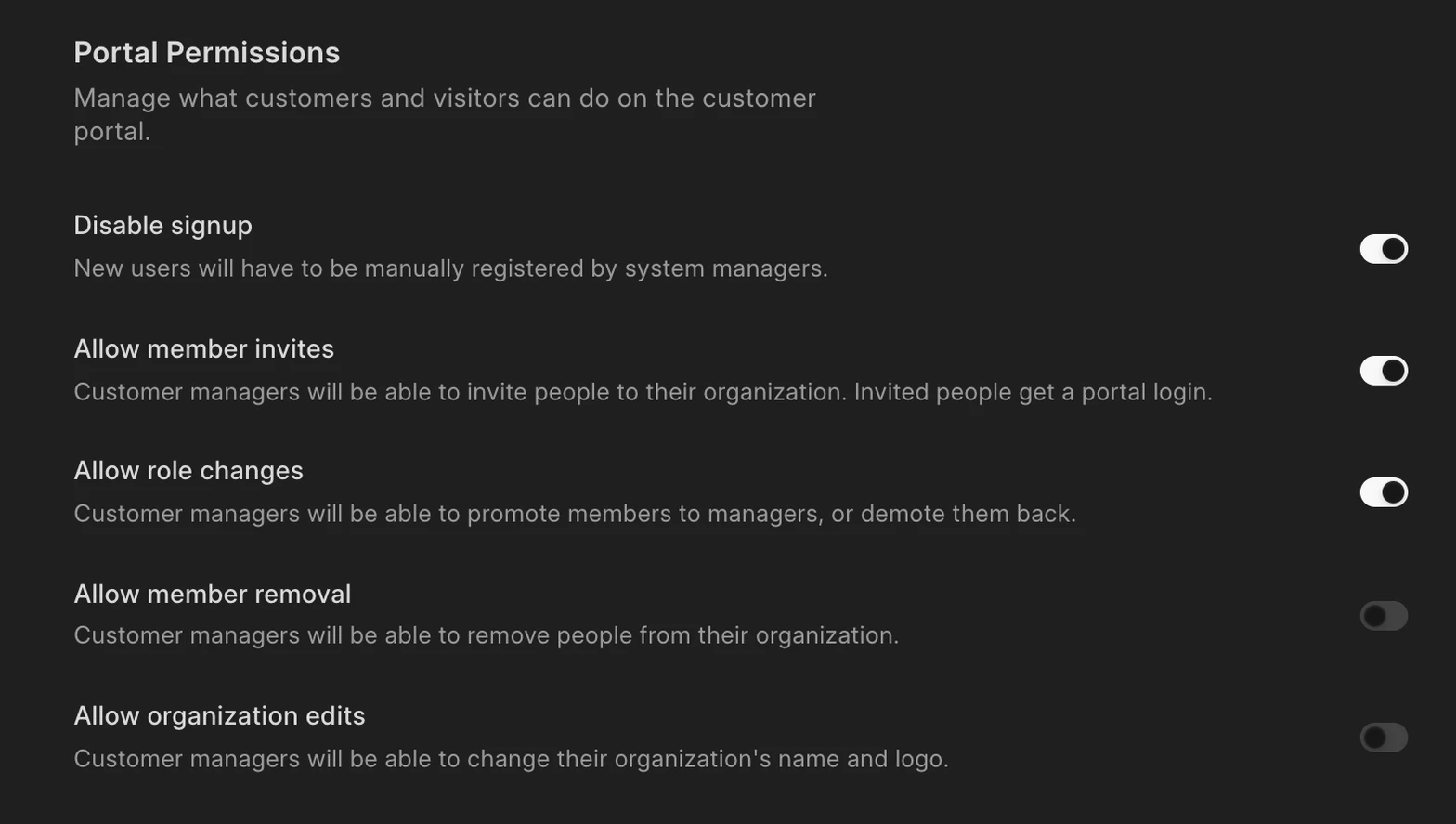
Let customers invite their team

Customers manage their own organization in the portal and invite colleagues, so a whole customer team can follow its tickets without you adding each person. On Freshdesk, an agent or admin gives each contact access to their company's tickets, and customers can't do this themselves.
Portal permissions in Frappe HelpdeskPortal permissions in Frappe Helpdesk

Let routine work run itself

Set automations that update, assign or close tickets when something happens, so agents spend their time answering customers. Freshdesk includes automations on every plan too.
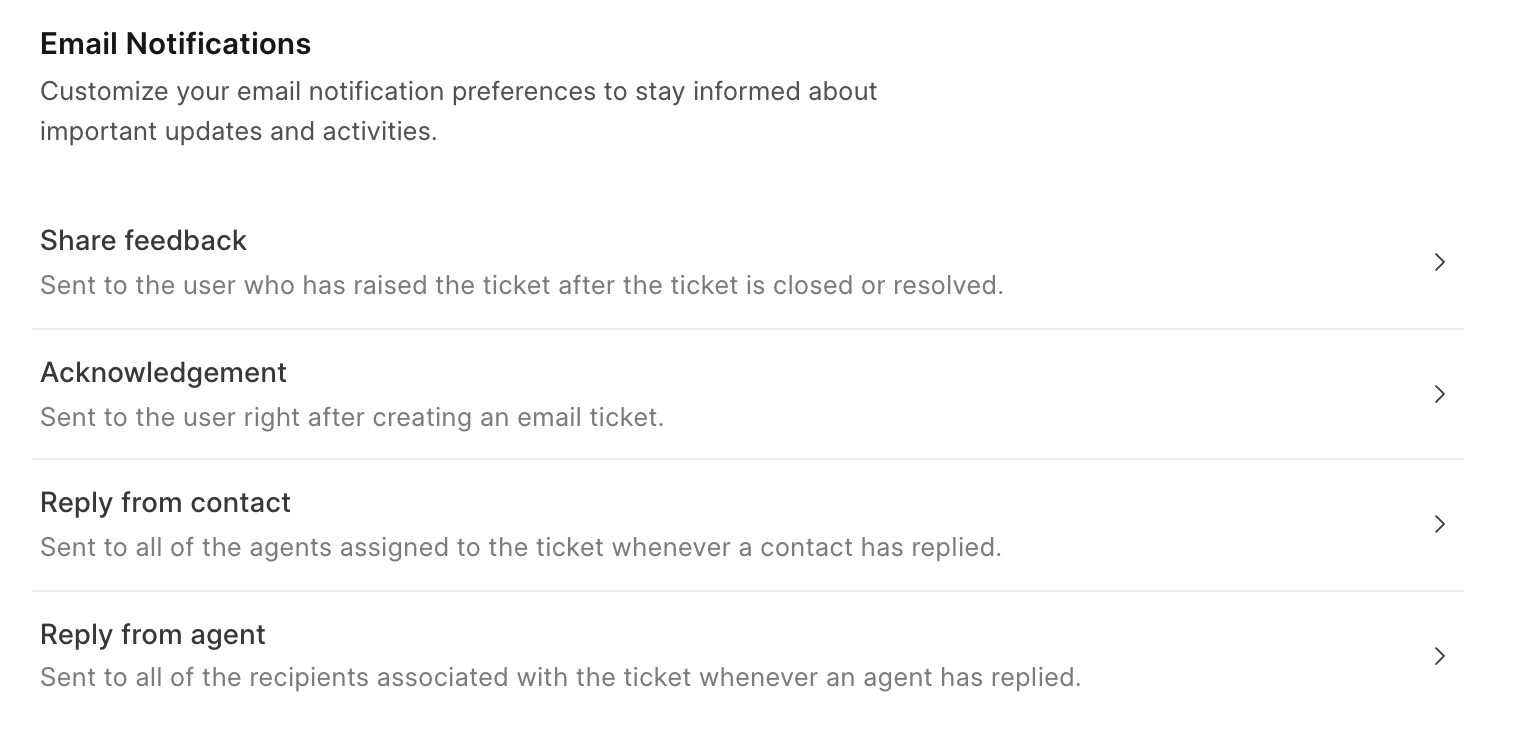
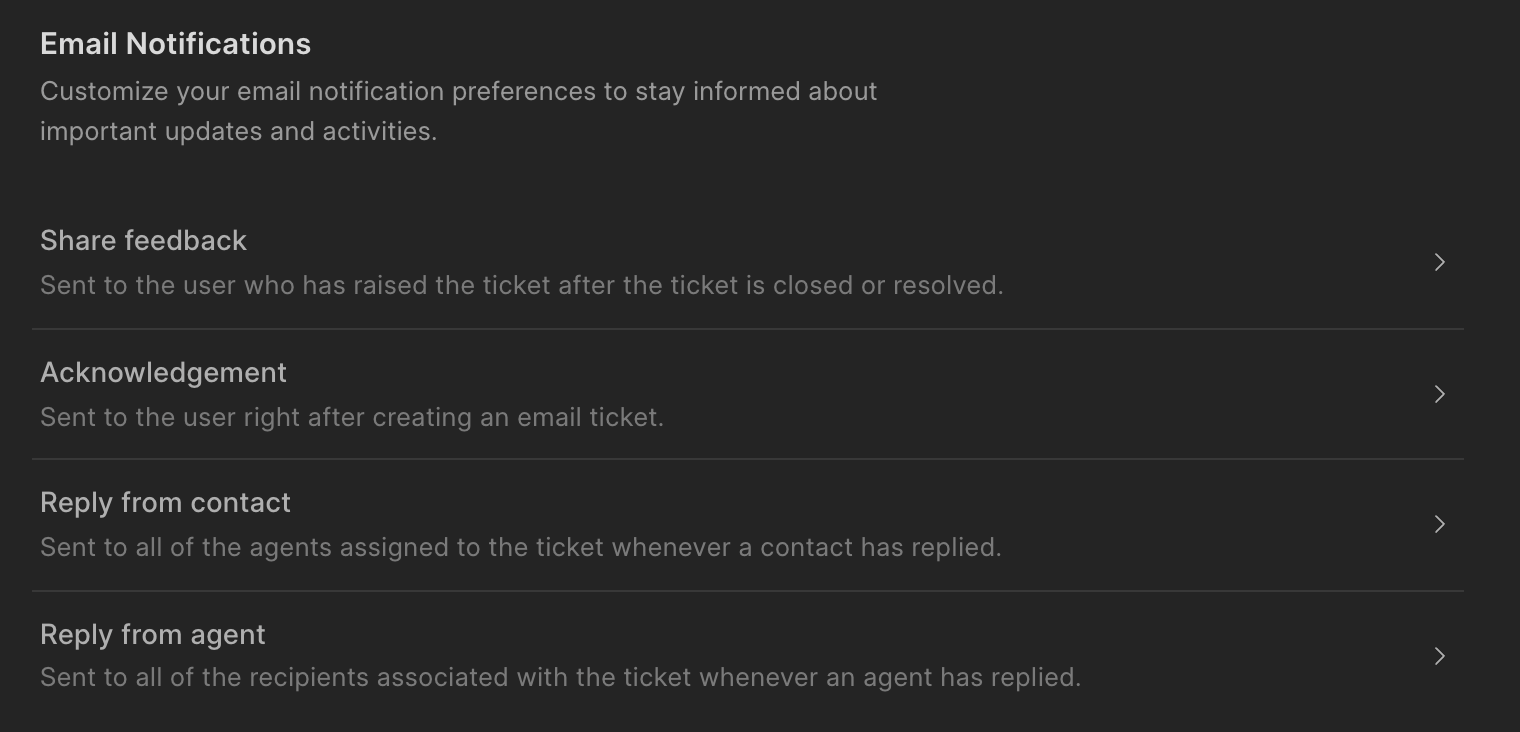
Email notifications in Frappe Helpdesk: feedback, acknowledgement and reply alertsEmail notifications in Frappe Helpdesk: feedback, acknowledgement and reply alerts

Work through tickets faster

Saved replies can also set the ticket's status, priority or team in the same click. Split a ticket that covers two problems, merge duplicates, update many tickets at once, pin the important internal comment to the top, and group the ticket list by any field to see where work is piling up. Freshdesk offers much the same on every plan: scenario automations update a ticket in one click, and agents can merge tickets or split a customer's reply into a new one.

Find the issues that keep coming up

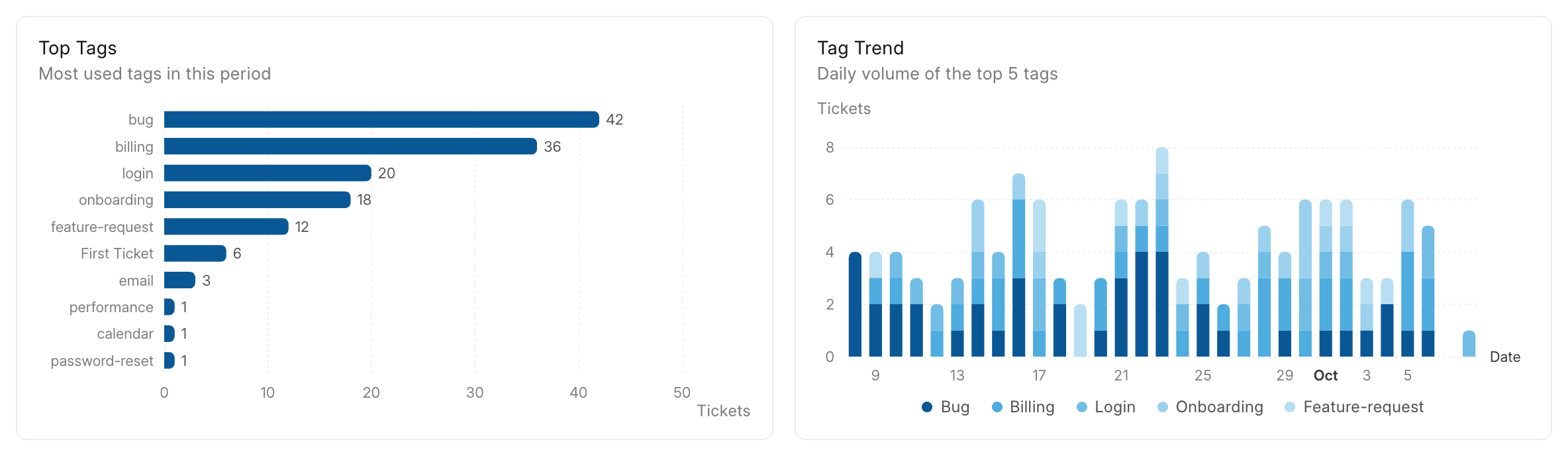
The dashboard shows ticket volume, response times and recurring issues on every plan, and you can export your data or build your own dashboards with Frappe Insights. On Freshdesk, custom dashboards start on Pro.
Open any ticket's history to see how long it waited at each step and which agents worked on it.
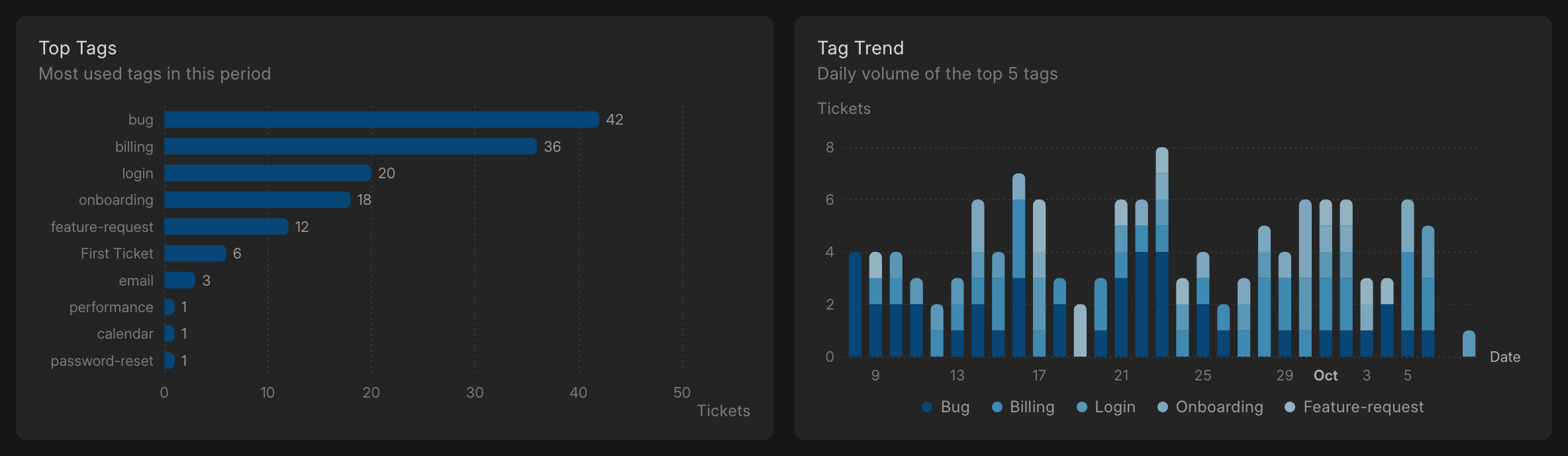
Top tags and daily tag trend in Frappe HelpdeskTop tags and daily tag trend in Frappe Helpdesk

Hear what customers think

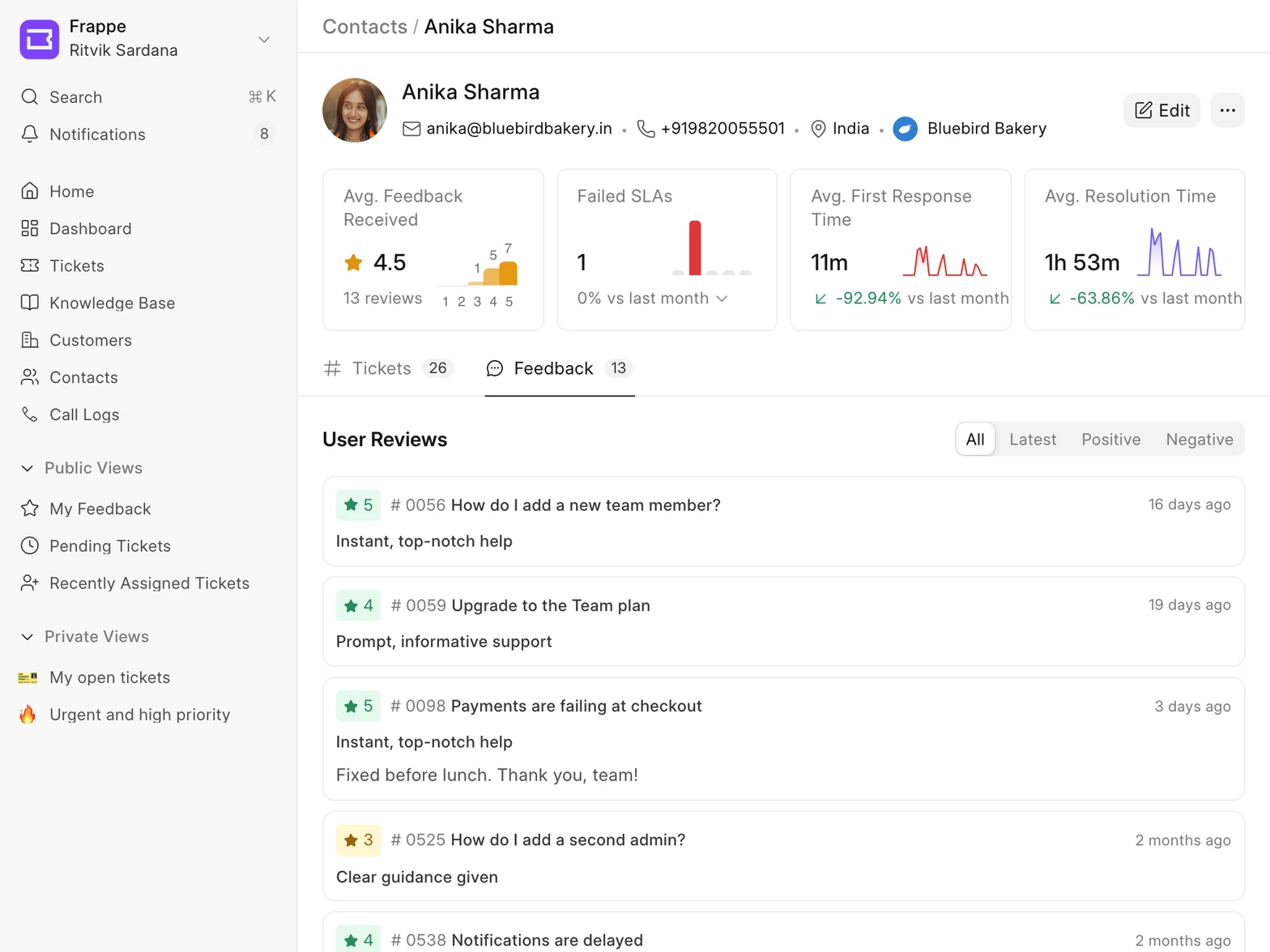
Customers rate each ticket once it's resolved, and you can read their feedback alongside everything else you know about them. On Freshdesk, satisfaction surveys and their report start on Pro.
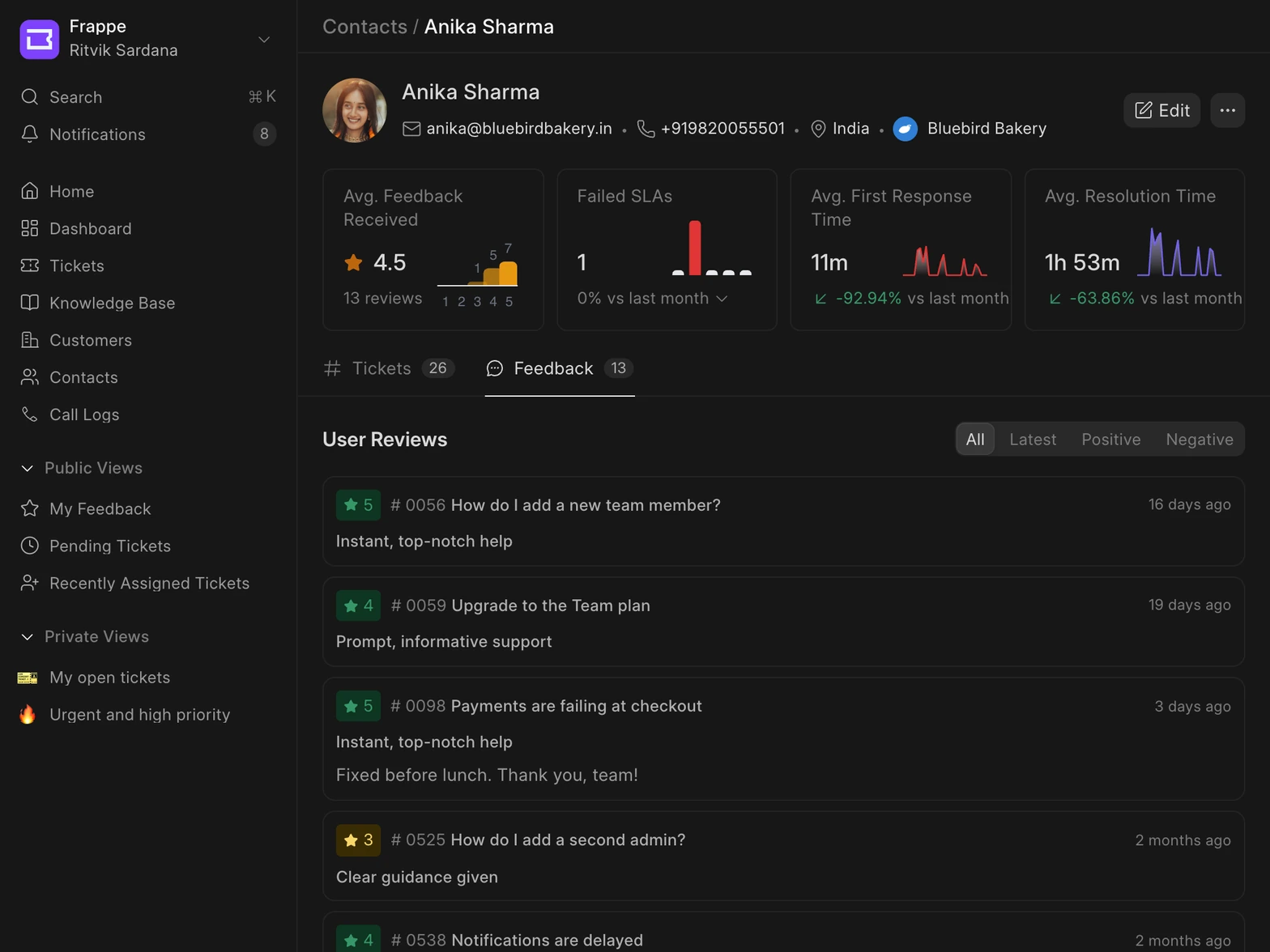
Feedback tab on a contact in Frappe Helpdesk, listing their ratings and comments by ticketFeedback tab on a contact in Frappe Helpdesk, listing their ratings and comments by ticket

Make it yours

Add the fields your team needs, choose what customers fill in, and add buttons and rules with form scripts. For bigger changes, Frappe Helpdesk is open source and built on the Frappe Framework, so you can connect anything through the REST API, build your own app on top of it, or change the code itself. Freshdesk has custom ticket fields and multiple forms on every plan and custom objects from Pro, but its code isn't open.

AI without the meter

Freshdesk's Freddy AI is built for support: its AI agent answers customers on its own, and Copilot helps agents reply. Copilot costs $29 per agent, the AI Agent charges $49 for every 100 sessions after the first 500, and even actions an AI tool takes through MCP cost $15 per 1,000.
Frappe Helpdesk comes with Frappe Flow, a general AI agent built into the Frappe Framework: ask it to set things up, update tickets or find answers. On Frappe Cloud, AI usage is included up to a limit, and you can connect your own AI provider and pick the model you prefer. The MCP server is built into every site at no extra charge, so Claude, ChatGPT and other AI tools can work with your tickets within each person's permissions.

Trusted by support teams

More than 1,000 teams answer their customers with Frappe Helpdesk, and so do we: 60,000+ tickets across 7,000+ customers.
“One of the key strengths of Frappe Helpdesk is its high level of customisation.”
Safvan Hussain, Location Solutions Telematics LLC

When Freshdesk is the better fit

Teams that want live chat, social and phone support in one omnichannel product, or Freddy's ready-made AI agents and native mobile apps, will get more from Freshdesk.
For teams that want every agent to have multiple SLAs, flexible routing, reports and a branded knowledge base without moving up a plan, Frappe Helpdesk is the better deal, and it's open source.

Moving from Freshdesk

Export your tickets, contacts and companies from Freshdesk, then set up Frappe Helpdesk and connect your support email address, so new emails become tickets straight away.
Bringing over old ticket conversations and attachments takes more work. A Frappe partner can move your history through the API if you need it.

Frequently asked questions

Can I add agents for a busy week?

Yes. There's no per-agent pricing and no day passes. Add as many agents as you need; a very busy site may need a bigger plan for more computing power.

Is there India pricing?

Yes. Plans start at ₹2,000 a month, and a team of 10 agents might start on the ₹4,000 plan.

Does Frappe Helpdesk have a live chat widget?

Frappe Helpdesk is built around email, WhatsApp and the customer portal. It has no live chat widget of its own, but any chat tool you already use can be connected with a custom integration.

Is there a mobile app?

Frappe Helpdesk is a PWA: install it from your phone's browser and it opens full screen like an app, so agents can reply and update tickets on the go. There's no separate app in the app stores.

Choose Frappe Helpdesk

Every SLA, every agent, one price