Frappe
Products
Helpdesk
Comparisons
Frappe Helpdesk vs FreeScout
Frappe
Products
Insights
Comparison
Frappe Helpdesk vs FreeScout
Start free trial
Everything included, not assembled.
FreeScout is a free, open-source shared inbox you host yourself. Most helpdesk features are paid modules: SLAs, workflows, a knowledge base, a customer portal, satisfaction ratings, reports, teams and even custom fields. And its SLA module counts every hour of the day, not just your business hours.
Frappe Helpdesk is open source too, with all of that built in, SLAs that count working hours, and the option to run it on Frappe Cloud instead of your own server.

At a glance
Both are open source. Here's what comes in the box.
| Frappe Helpdesk | FreeScout | |
|---|---|---|
| Open source | Yes, AGPL-3.0 | Yes, AGPL-3.0 |
| SLAs | Built in; counts only working hours and skips holidays, and a lunch break if you add one | Paid module; counts 24 hours a day |
| Workflows and automation | Built in | Paid module |
| Knowledge base | Built in, public | Paid module |
| Customer portal | Built in | Paid module |
| Reports | Built in | Paid module |
| Customer ratings | Built in | Paid module |
| Custom fields | Built in | Paid module |
| Hosting | Your server, or Frappe Cloud from $20₹2,000 a month | Your own server |
| ERP | Available through another Frappe app (ERPNext) | Not available |
FreeScout modules are from its modules page in November 2026. Modules are one-time purchases per installation.
Built in, not bolted on
FreeScout's paid modules are cheap one-time purchases, but you choose, buy and keep each one up to date separately.
In Frappe Helpdesk, SLAs, workflows, the knowledge base, the portal, reports, ratings and custom fields are part of the product, built and tested together.
SLAs that respect your working hours
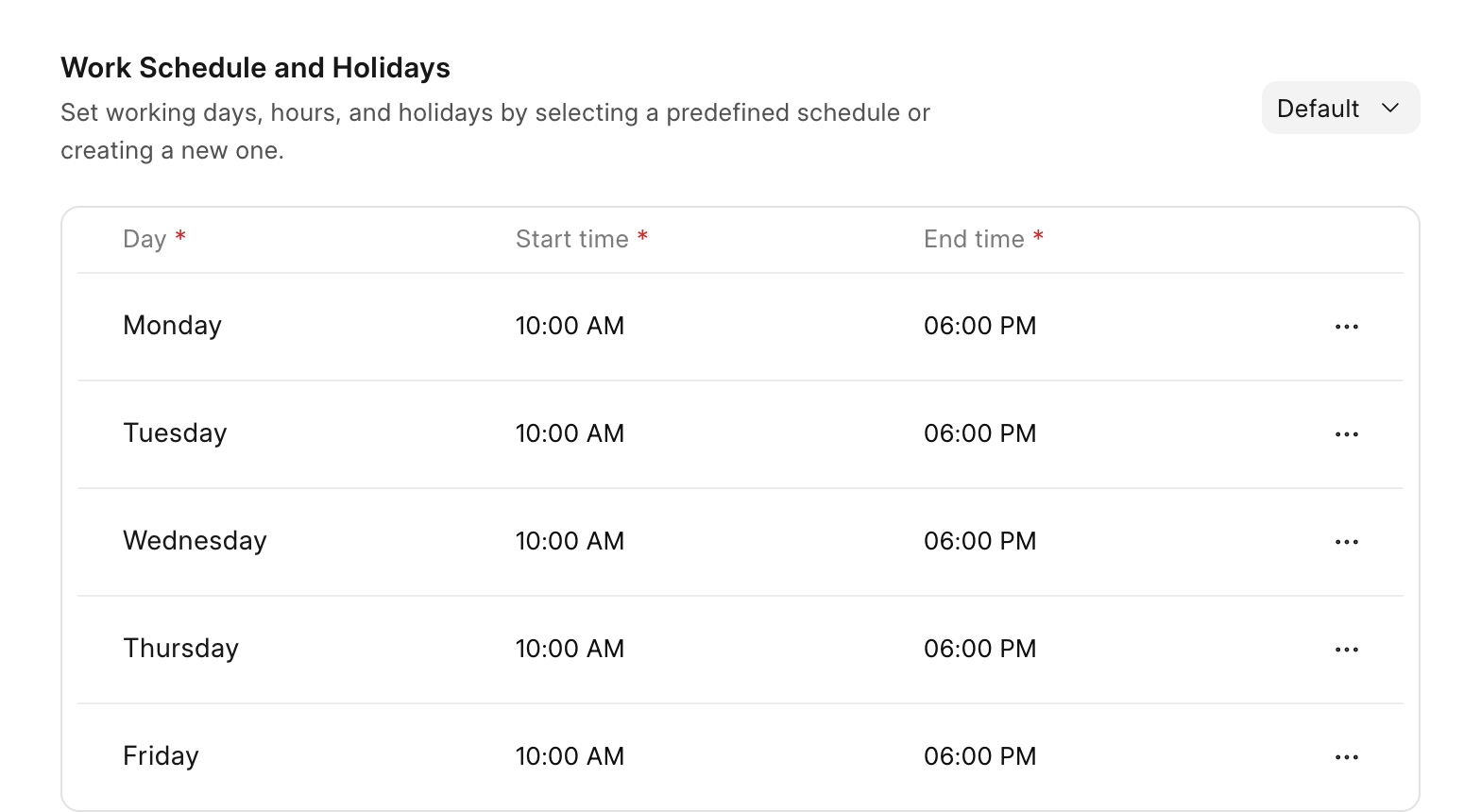
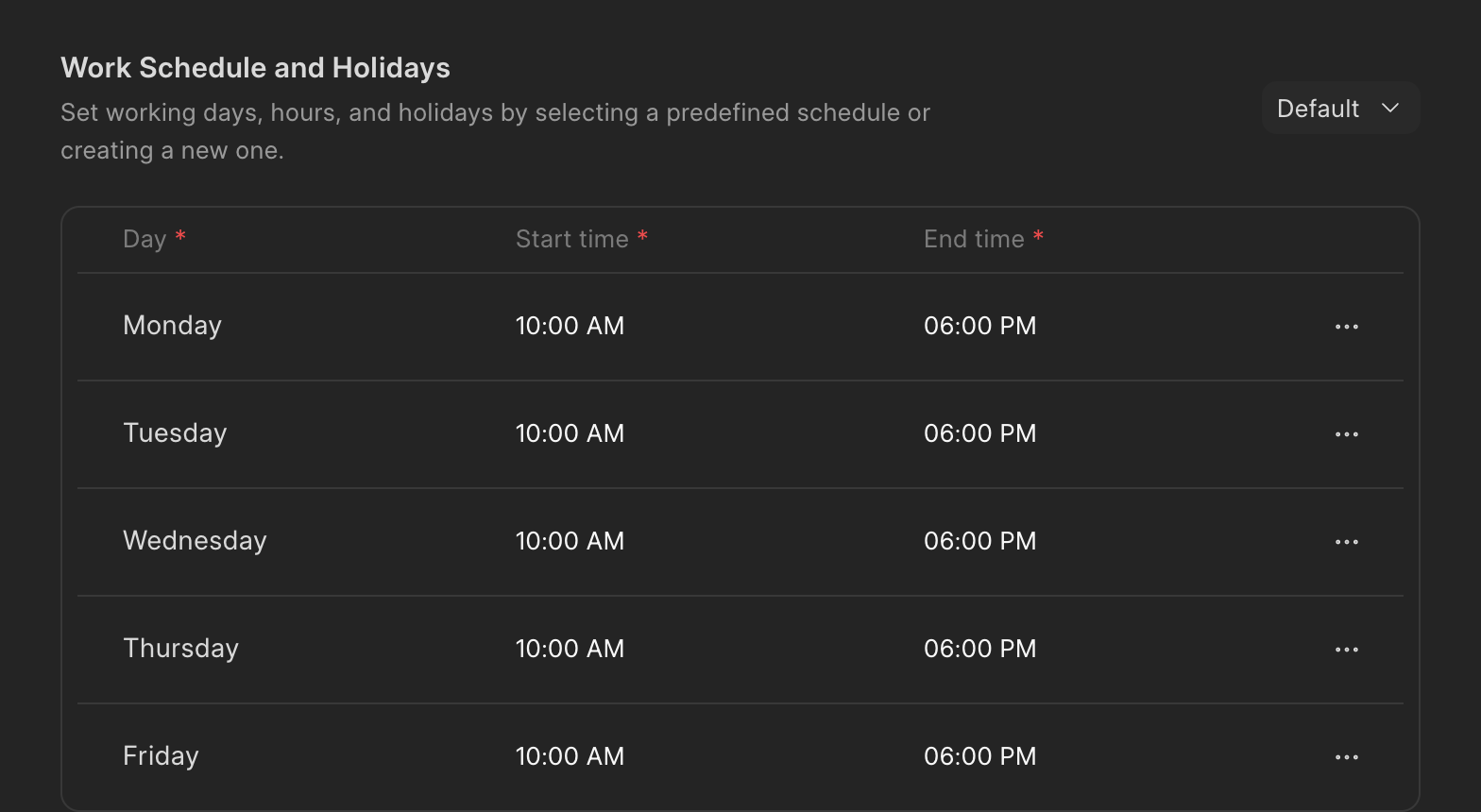
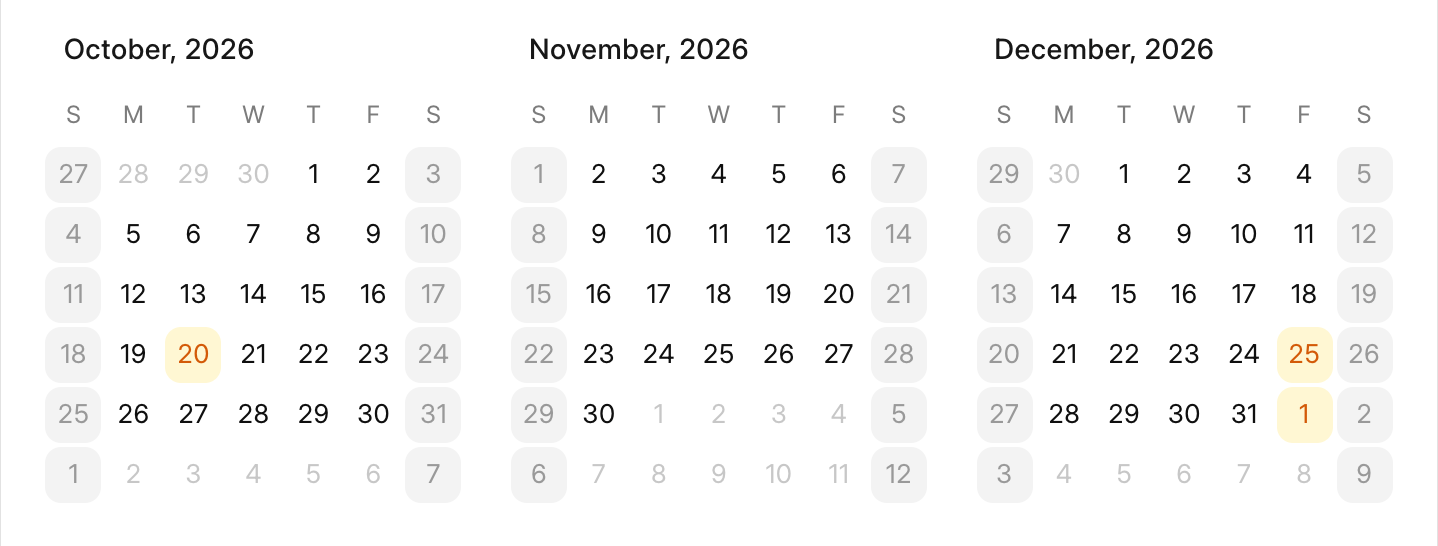
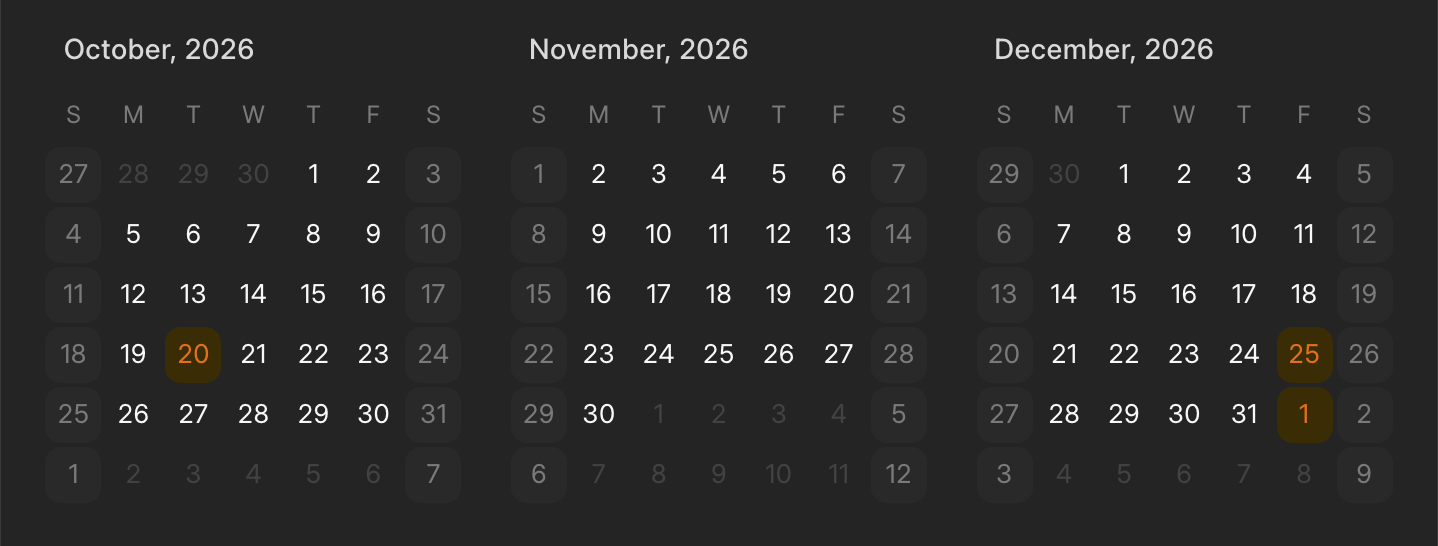
FreeScout's SLA module counts around the clock, 24×7, with no working hours or holidays. Frappe Helpdesk counts only your working hours and skips holidays, and a lunch break too if you add one. It pauses while you wait on the customer and lets important customers have their own SLA.
A portal and public knowledge base
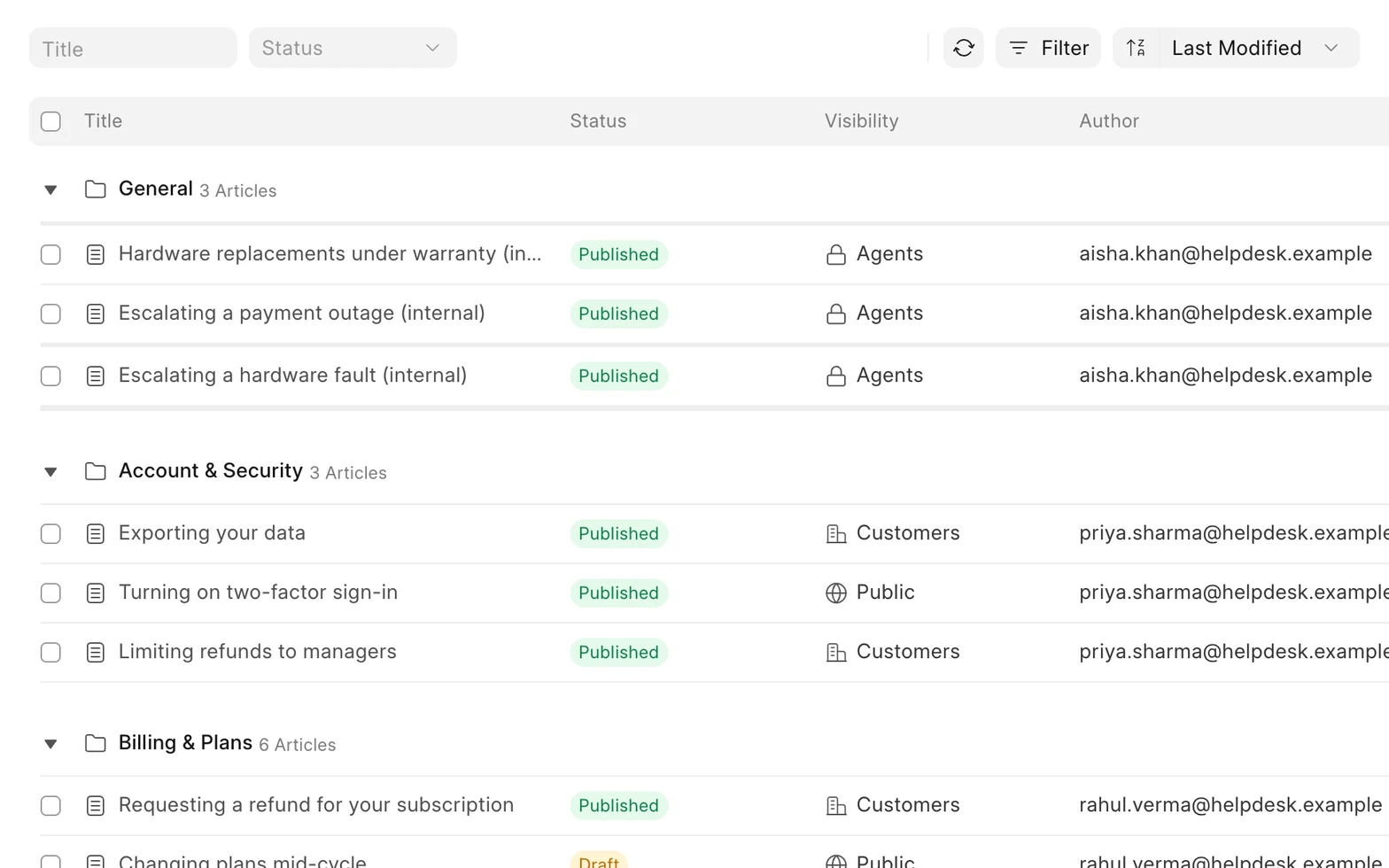
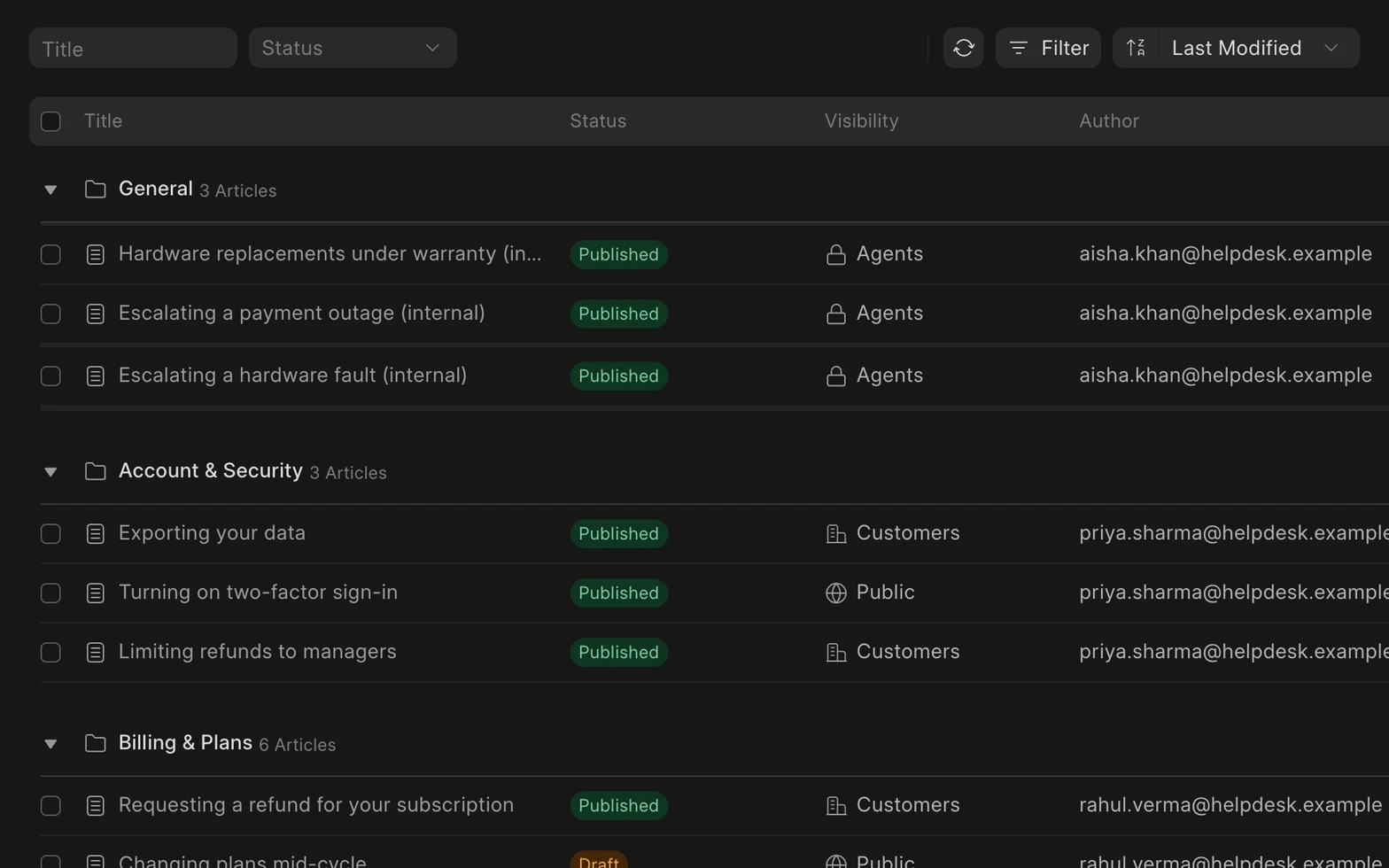
Customers raise and follow tickets, manage their organization, and read your articles without signing in. The portal is built with Frappe Studio, so you can reshape it. See it live at support.frappe.io/help, our own help center. On FreeScout, the customer portal and the knowledge base are two separate paid modules.
Assignment that keeps up
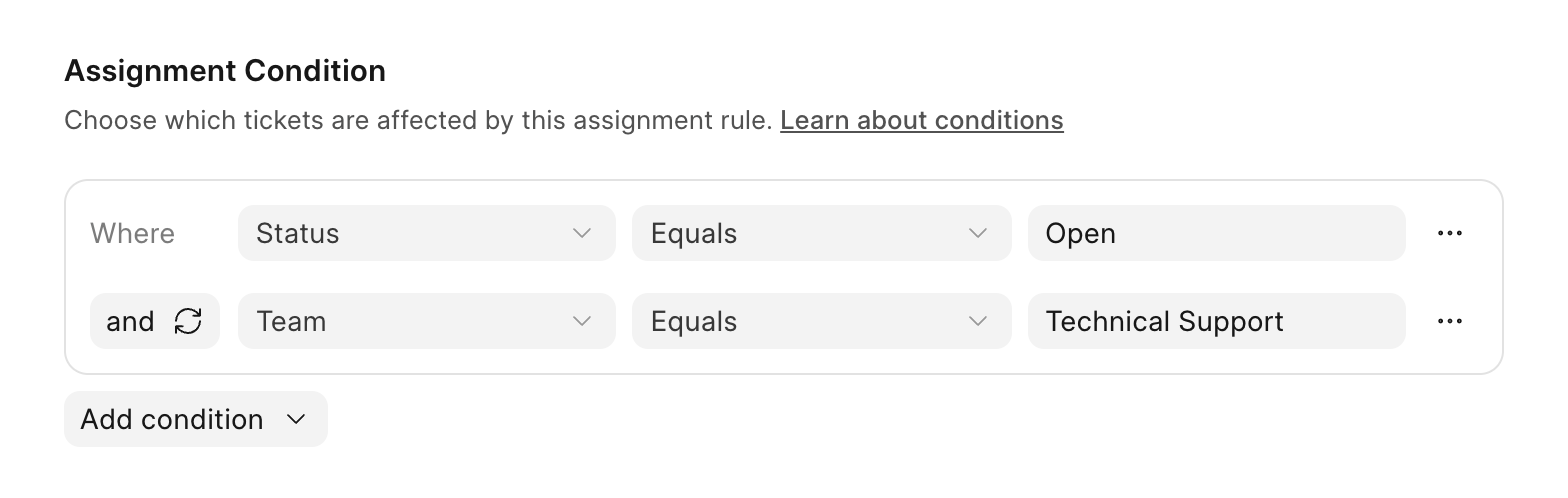
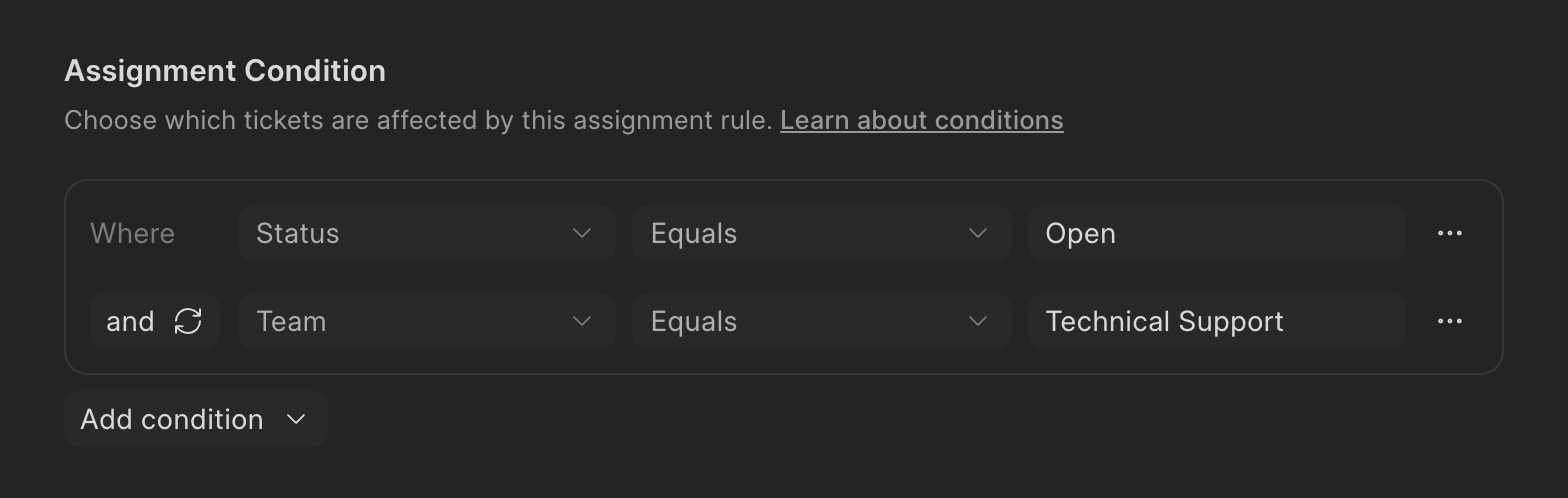
Route tickets by conditions, share them by round robin or workload, and skip agents who are away. FreeScout doesn't assign tickets automatically on its own. Assigning to the least busy agent needs its SLA and Workflows modules, skipping agents who are away needs the Out of Office module too, and there's no round robin.
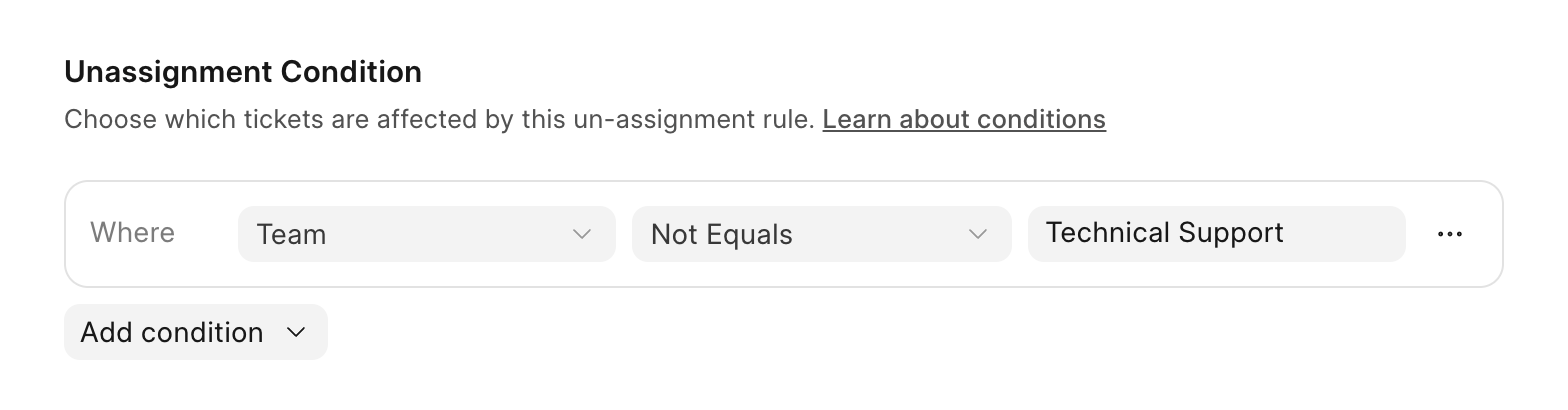
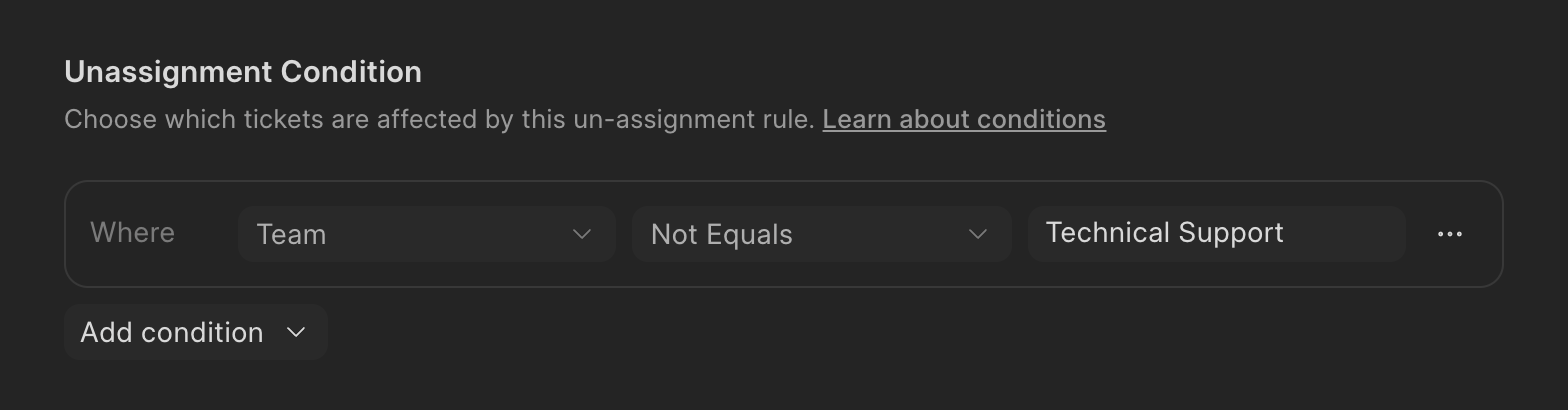
Let routine work run itself
Automations update, assign or close tickets when something happens, and saved replies can set the status, priority or team in one click. On FreeScout, automations and saved replies are two more paid modules, Workflows and Saved Replies.
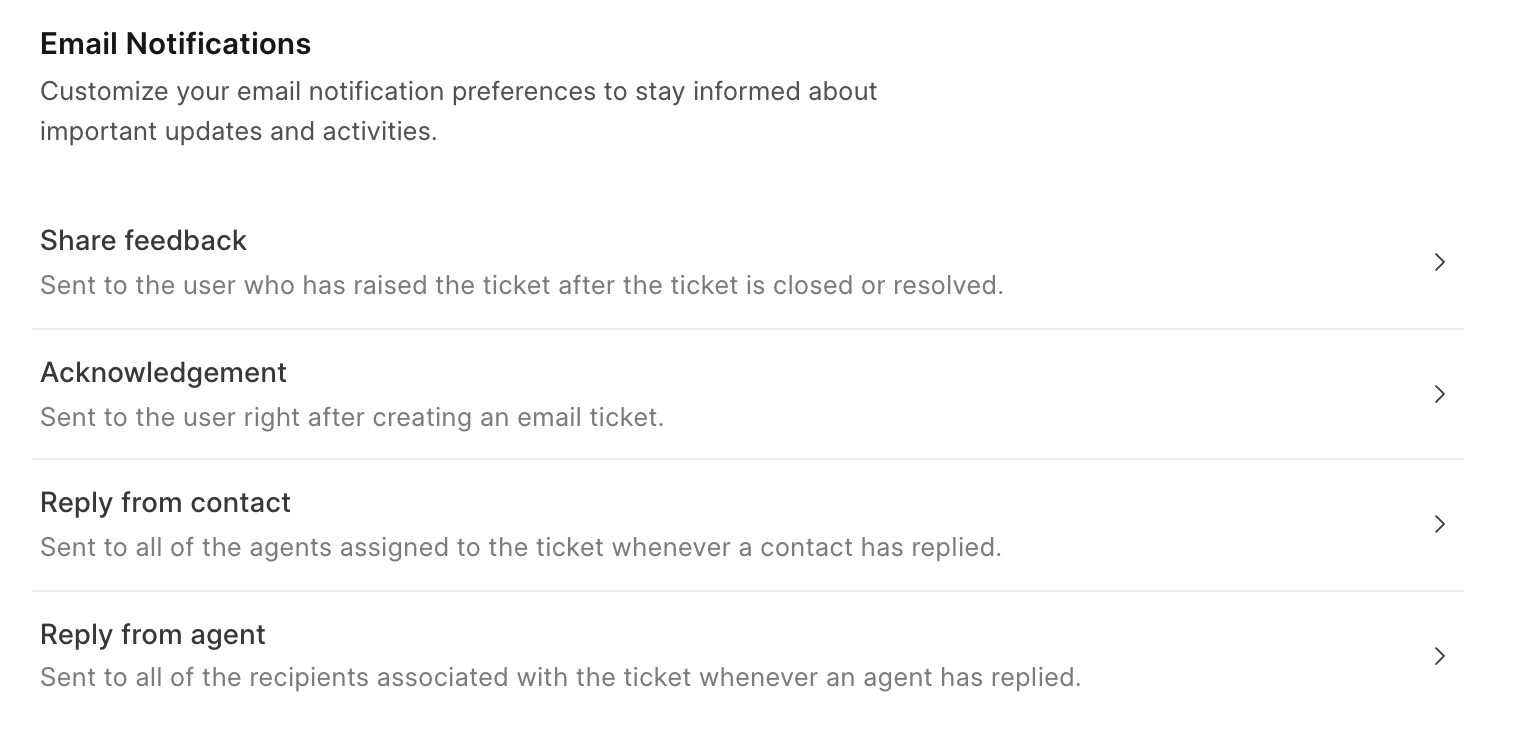
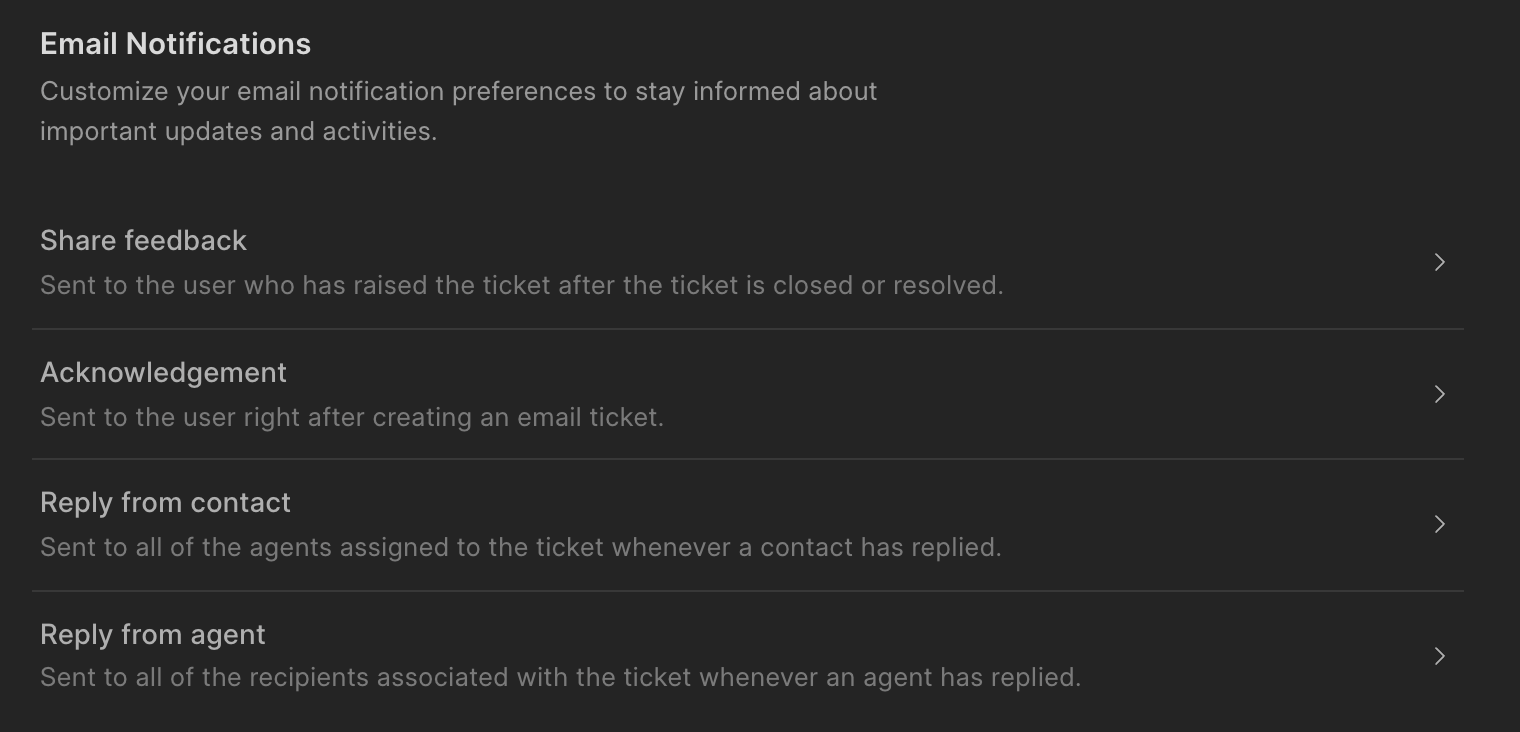
Reports and ratings
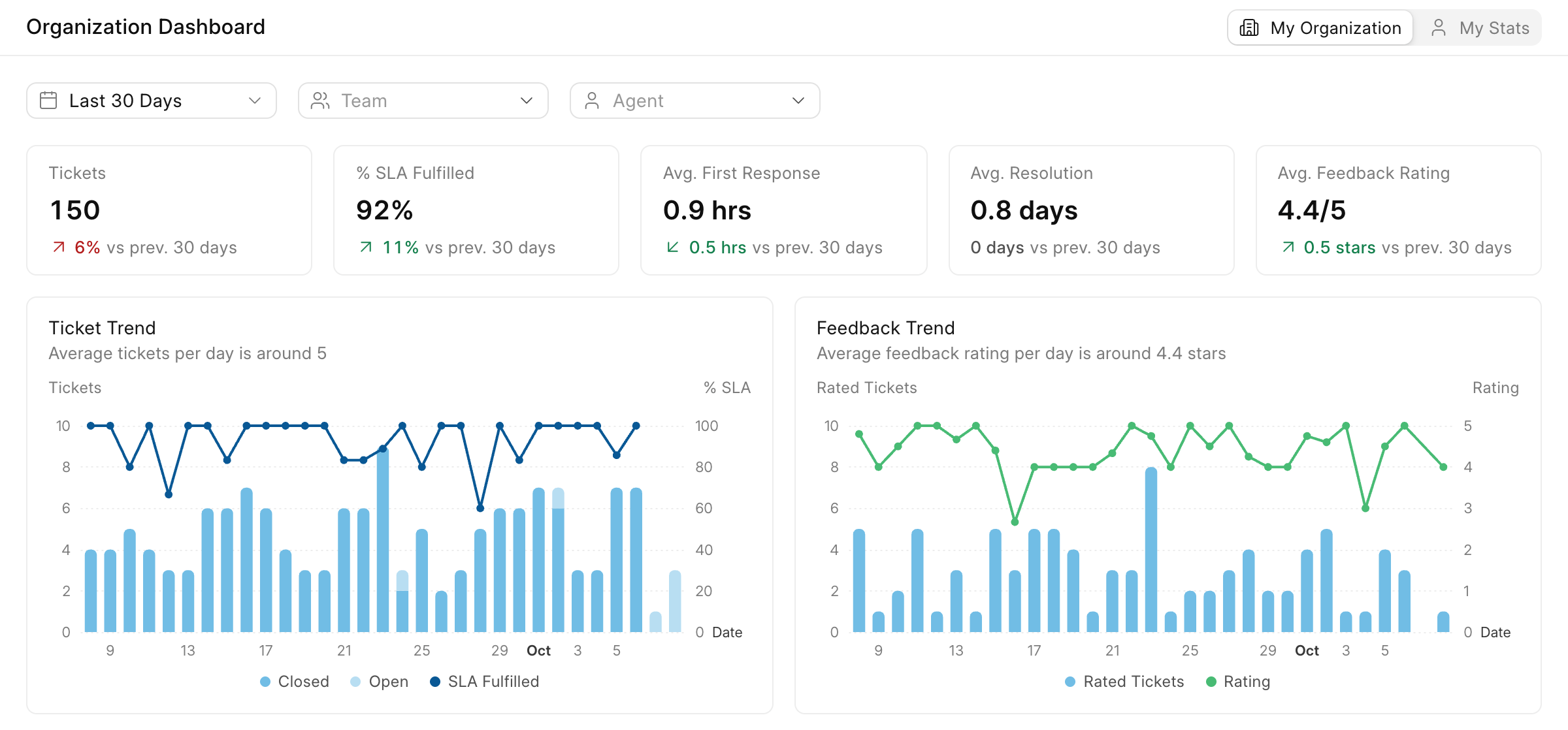
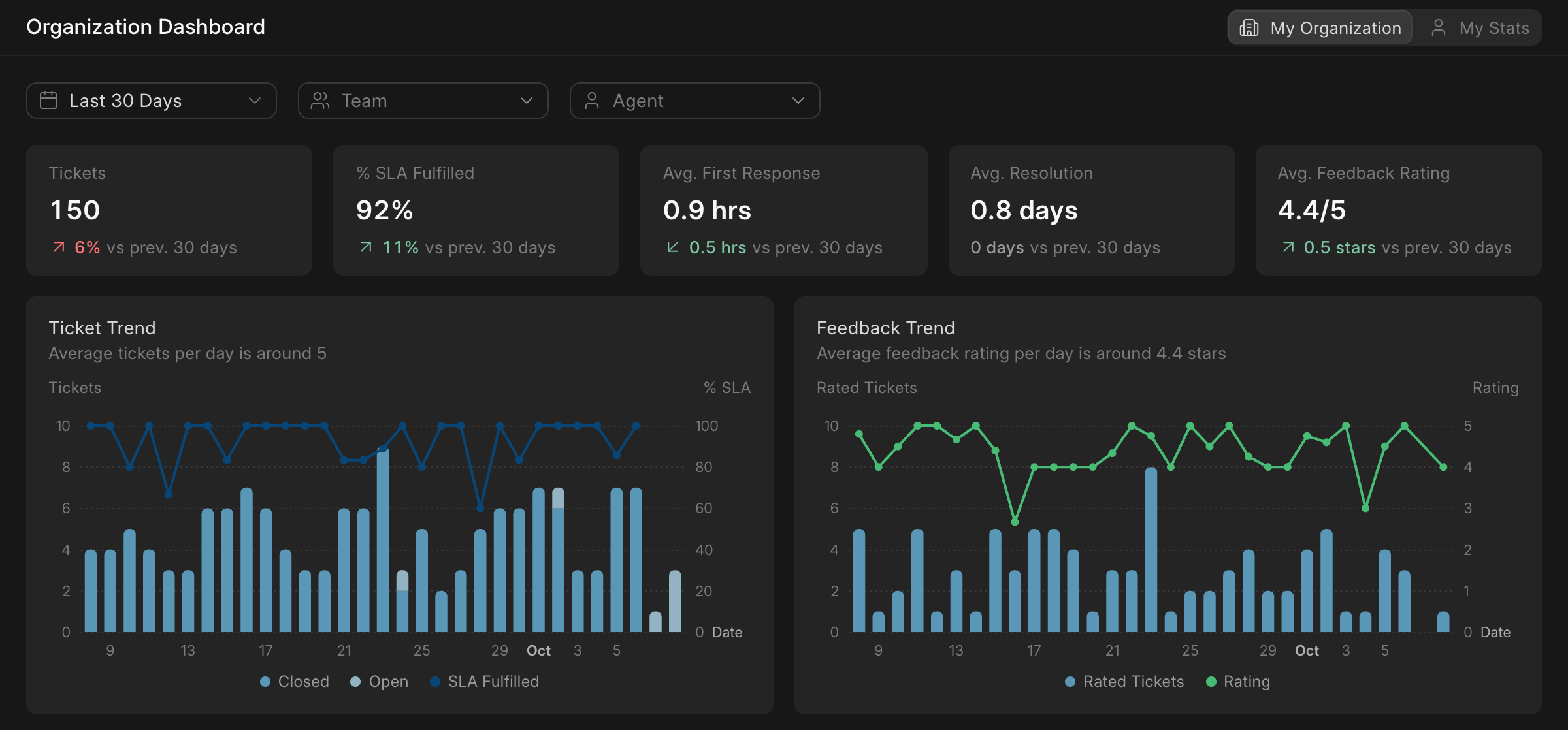
See volume, response times and recurring issues, look back at how long any ticket waited at each step, and let customers rate each resolved ticket. On FreeScout, reports and satisfaction ratings are separate paid modules, and ratings only work on email conversations.
Host it, or let us
FreeScout runs on your own server. Frappe Helpdesk can too, with no software license fee, or you can use Frappe Cloud, where updates and backups are taken care of, from $20₹2,000 a month with unlimited agents.
Open source, trusted by more than 1,000 teams
Frappe Helpdesk runs our own support, with more than 60,000 tickets across 7,000 customers.
“Our support resolution time improved. Client satisfaction and overall transparency also increased.”
Dany Robert, Wahni IT Solutions
When FreeScout is the better fit
If you need a very simple shared inbox on a tight budget, and you're comfortable running a PHP app yourself, FreeScout does that well.
If you want a complete helpdesk with business-hours SLAs, a portal, reports and ERPNext, ready without assembling modules, Frappe Helpdesk is the better fit.
Moving from FreeScout
Export your conversations and customers from FreeScout's database, then set up Frappe Helpdesk and connect your support mailbox, so new emails become tickets straight away.
A Frappe partner can move your history through the API if you need it.
Frequently asked questions
Is Frappe Helpdesk free to self-host?
Yes. There's no software license fee; you pay only for your server. Or use Frappe Cloud from $20₹2,000 a month.
Do I have to buy modules?
No. Every feature is included in the open-source code.
Is there a mobile app?
Frappe Helpdesk is a PWA: install it from your phone's browser and it opens full screen like an app. There's no separate app in the app stores.
Choose Frappe Helpdesk
A complete open-source helpdesk, ready to use