Frappe

Products

Helpdesk

Comparisons

Frappe Helpdesk vs Chatwoot

Frappe

Products

Insights

Comparison

Frappe Helpdesk vs Chatwoot

Start free trial

Two open-source tools, built for different jobs.
Chatwoot and Frappe Helpdesk are both open source, and you can host either one yourself. Chatwoot is chat-first: a shared inbox for your website chat, WhatsApp, Instagram and other messaging channels.
Frappe Helpdesk is a full ticketing helpdesk: SLAs with working hours, assignment rules, a knowledge base and a customer portal. And all of it is in the open-source edition, with no paid enterprise features to unlock.
Frappe Helpdesk vs Chatwoot

At a glance

Both are open source. Here's where they differ.
Frappe HelpdeskChatwoot
Open sourceYes, AGPL-3.0, every featureMIT core; some features under a separate enterprise license
Built forEmail tickets, SLAs and a customer portalLive chat and messaging channels
SLA policies, self-hostedBuilt in, with working hours and holidaysEnterprise Edition, $99 per agent a month
Roles and permissions, self-hostedBuilt inPremium, $19 per agent a month
Cloud pricingBy hosting resources, unlimited agentsPer agent: $19, $39 or $99 a month
Knowledge baseBuilt in, publicHelp center on paid cloud plans
Live chat and WhatsAppWhatsApp built in, with WhatsApp Flows; live chat through an integrationBuilt in
ERPAvailable through another Frappe app (ERPNext)Through integrations
AIBuilt in: Frappe Flow (AI usage included up to a limit on Frappe Cloud), plus MCP for your own AI toolsCaptain AI with credits by plan; $20 per 1,000 extra

Chatwoot plans are from its pricing and self-hosted plans pages in November 2026.

What a growing support team pays in a year

Here's an example as a team grows from 10 to 50 agents, on Chatwoot Business, the cloud plan with automation rules and SLA policies.
Chatwoot, 10 agents
$4,680
Frappe Helpdesk, 10
$480
Chatwoot, 25 agents
$11,700
Frappe Helpdesk, 25
$960
Chatwoot, 50 agents
$23,400
Frappe Helpdesk, 50
$1,920

Example only. Chatwoot Business at $39 per agent a month; Frappe Helpdesk on the $40₹4,000, $80₹8,000 and $160₹16,000 plans. The plan your site needs depends on how much it's used. Before tax.

Chatwoot, 10 agents
≈ ₹4,35,000
Frappe Helpdesk, 10
₹48,000
Chatwoot, 25 agents
≈ ₹10,88,000
Frappe Helpdesk, 25
₹96,000
Chatwoot, 50 agents
≈ ₹21,76,000
Frappe Helpdesk, 50
₹1,92,000

Example only. Chatwoot Business at $39 per agent a month; Frappe Helpdesk on the $40₹4,000, $80₹8,000 and $160₹16,000 plans. The plan your site needs depends on how much it's used. Before tax. Competitor prices are in US dollars, converted at about ₹93 to the dollar.

What they have in common

Both are open source, both run in the cloud or on your own server, and both give your team a shared place to answer customers, with assignment, canned replies, internal notes and an API.
Where they differ is what they're built around: Chatwoot around conversations in chat apps, Frappe Helpdesk around tickets with deadlines.

Every feature in the open-source edition

Self-hosting Chatwoot's free Community Edition leaves out SLA policies, roles and permissions, and its AI. Those come with Premium at $19 per agent or the Enterprise Edition at $99 per agent.
Frappe Helpdesk has no paid edition. SLAs, roles, assignment rules, the knowledge base and the portal are all in the open-source code.

SLAs that count working hours

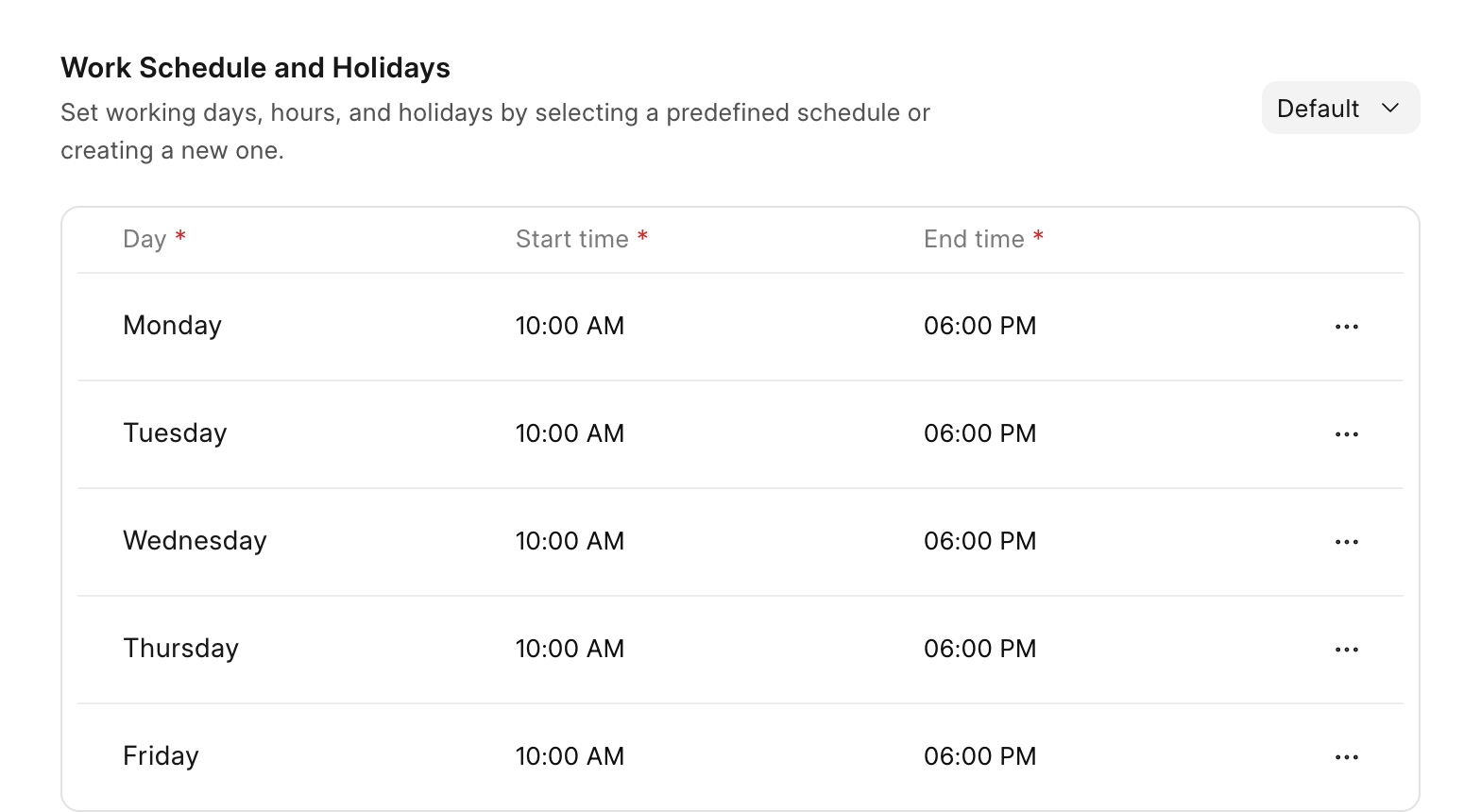
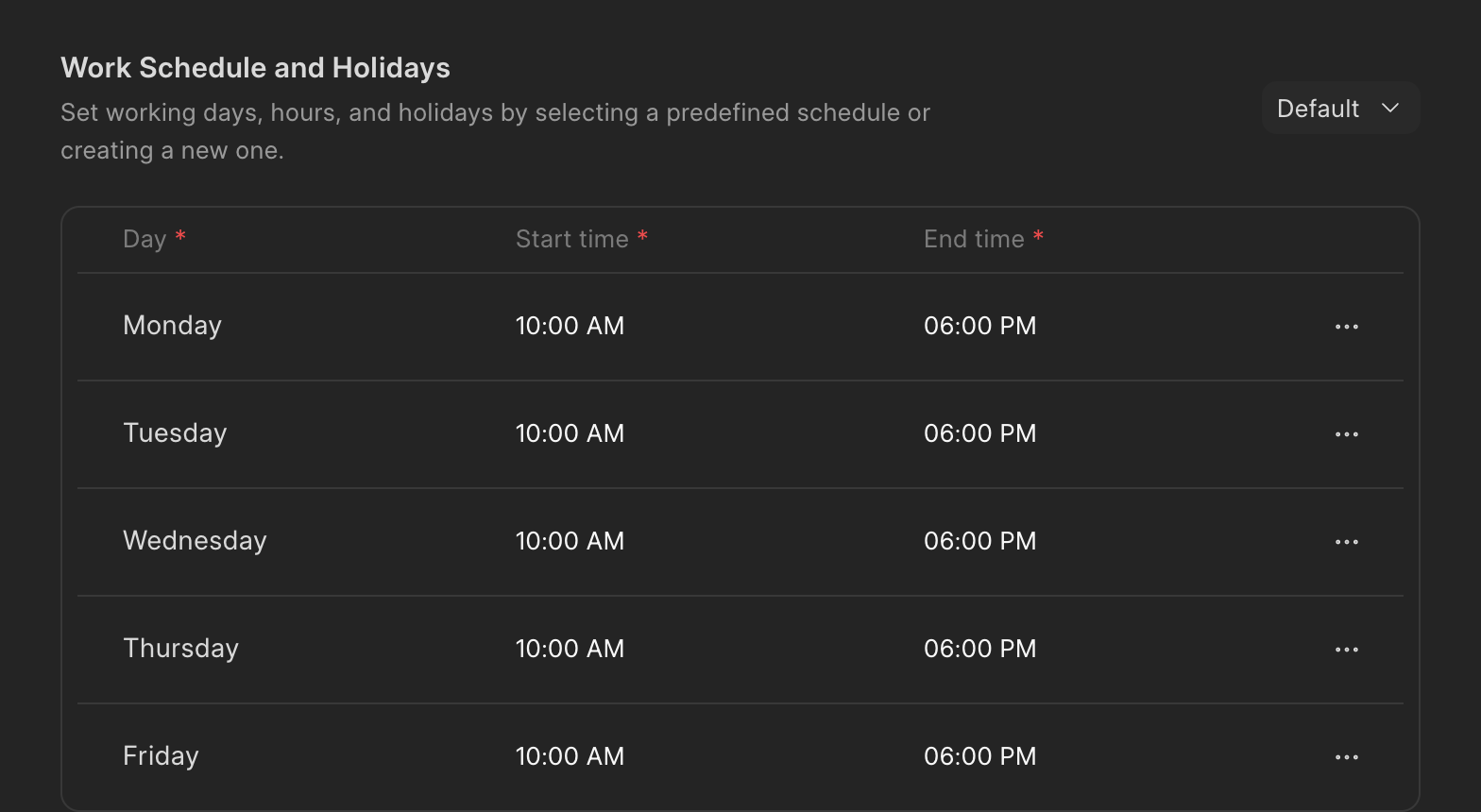
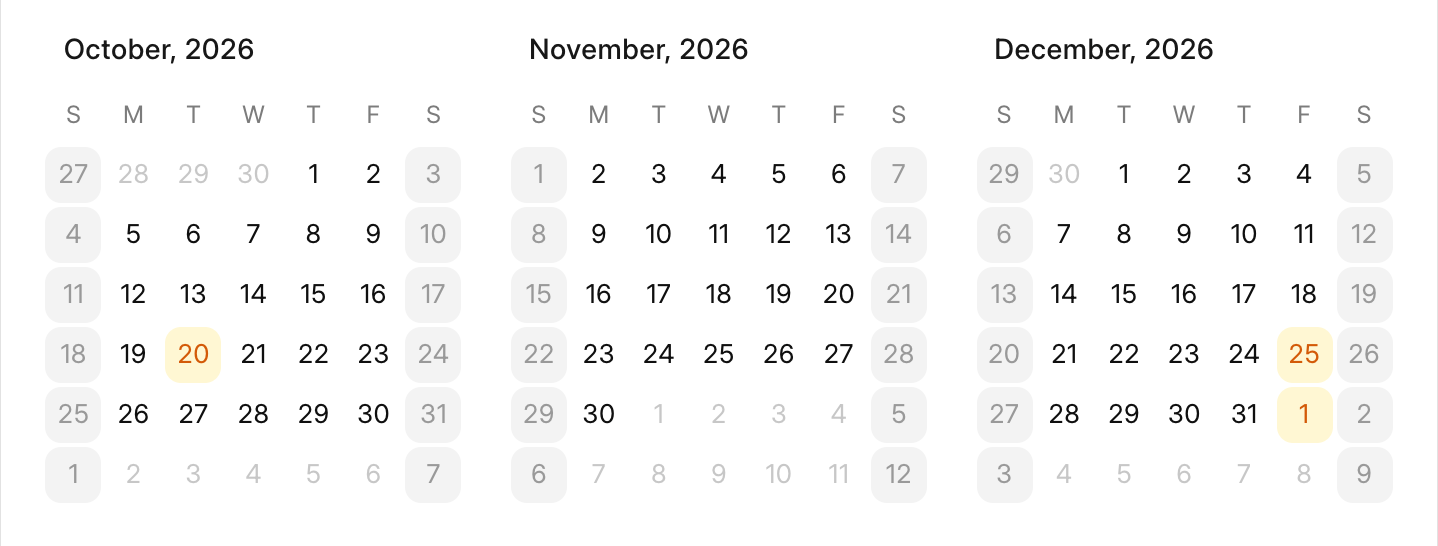
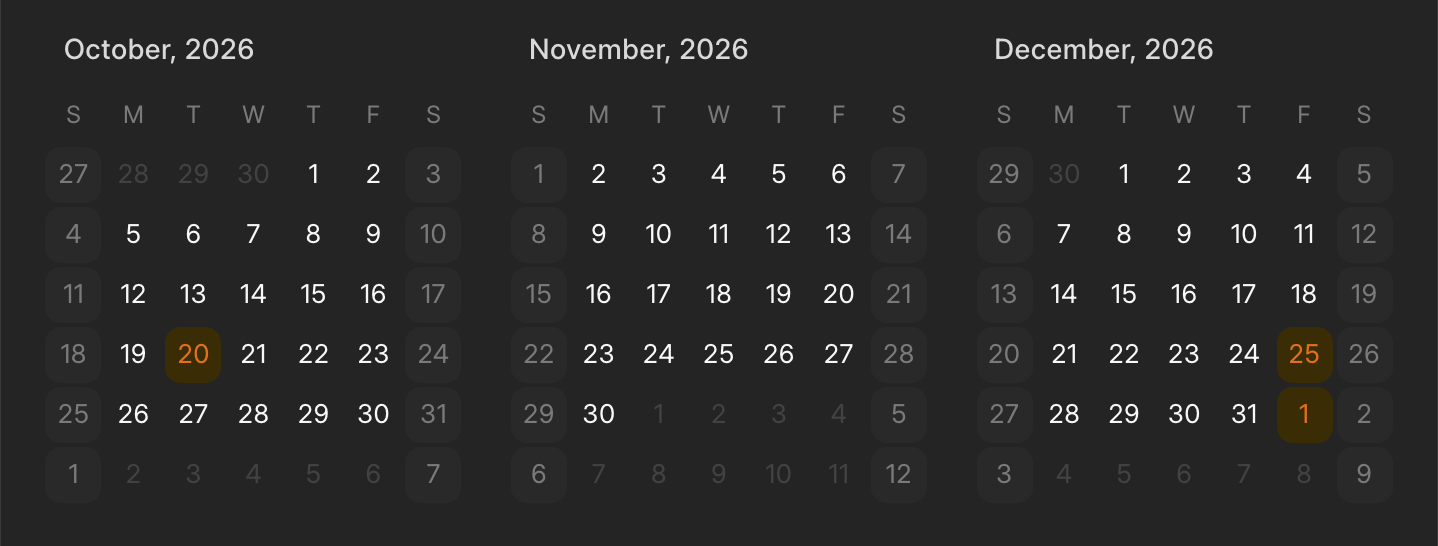
Set first-response and resolution times by priority, count only working hours with lunch breaks and holidays left out, and give important customers their own SLA. Chatwoot's SLA policies can also count business hours only, but they need the Business plan at $39 per agent a month in the cloud, or the Enterprise Edition when self-hosted.
Work schedule in Frappe Helpdesk: Monday to Friday, 10 AM to 6 PMWork schedule in Frappe Helpdesk: Monday to Friday, 10 AM to 6 PMHoliday calendar in Frappe Helpdesk with weekends and holidays left out of SLA timeHoliday calendar in Frappe Helpdesk with weekends and holidays left out of SLA time

A portal and knowledge base

Customers raise tickets, follow their progress and manage their organization in a portal built with Frappe Studio, and anyone can read your public articles. Chatwoot has a help center for public articles in its open-source edition and on paid cloud plans. See it live at support.frappe.io/help, our own help center.

Routing and availability

Assignment rules route tickets by conditions, share them by round robin or workload, and skip agents who are away. Chatwoot's free edition also shares conversations by round robin among available agents; balanced assignment by workload and per-agent capacity limits are paid features.
Availability menu in Frappe Helpdesk: Active, Away and UnavailableAvailability menu in Frappe Helpdesk: Active, Away and Unavailable

Support connected to ERPNext

Keep customers in sync with ERPNext, so support and accounts see the same customer, and call customers through Twilio or Exotel. Chatwoot's integrations include Stripe, Slack and Linear but no ERP, and its phone calls through Twilio need the Business plan in the cloud or Premium when self-hosted.
Frappe Helpdesk
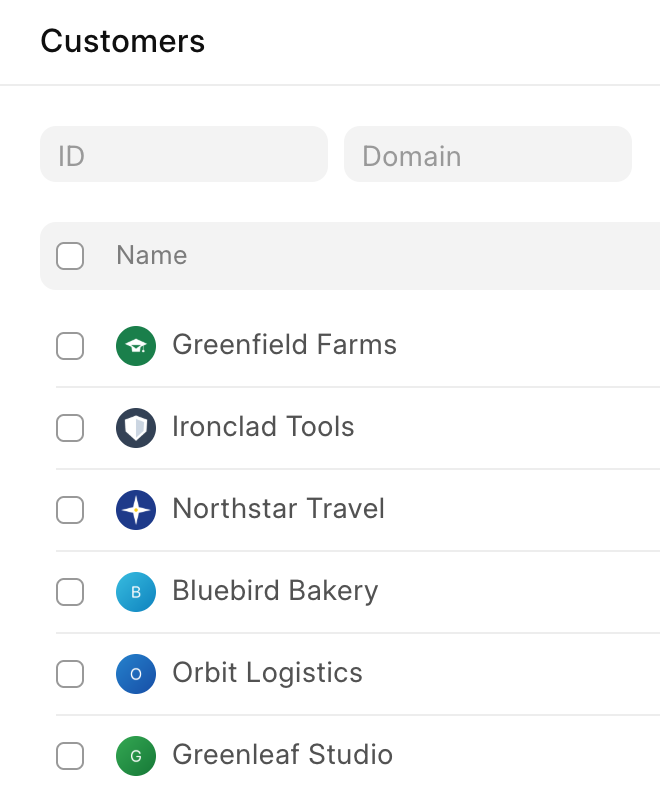
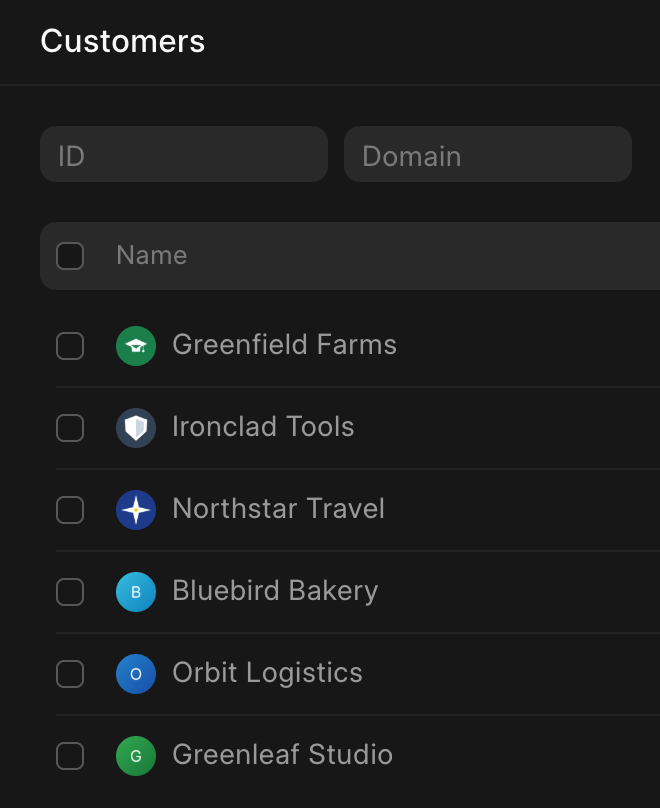
Customers list in Frappe Helpdesk: Greenfield Farms, Ironclad Tools, Northstar Travel, Bluebird Bakery, Orbit Logistics, Greenleaf StudioCustomers list in Frappe Helpdesk: Greenfield Farms, Ironclad Tools, Northstar Travel, Bluebird Bakery, Orbit Logistics, Greenleaf Studio
ERPNext
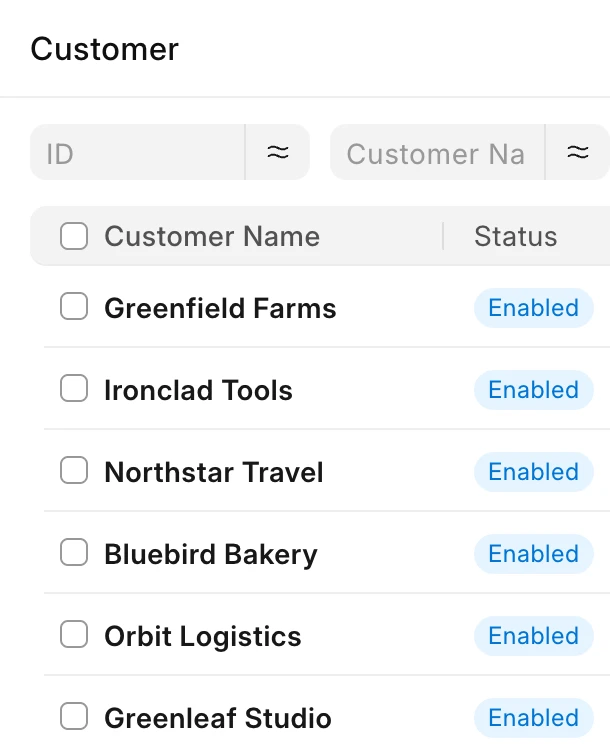
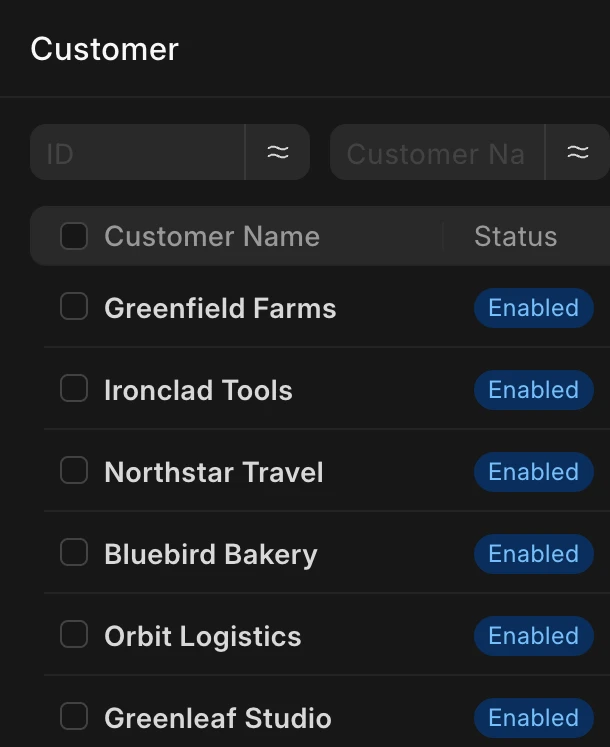
Customer list in ERPNext with the same six customersCustomer list in ERPNext with the same six customers

AI, your way

Frappe Helpdesk comes with Frappe Flow, a general AI agent you can ask to set things up, update tickets or find answers, and an MCP server so Claude, ChatGPT and other AI tools can work with your tickets. On Frappe Cloud, AI usage is included up to a limit, and you can connect your own provider and model. Chatwoot's AI, Captain, comes with 300 to 800 credits a month on paid cloud plans, with extra credits at $20 per 1,000, and needs Premium or Enterprise when self-hosted.

Open source, in production

More than 1,000 teams run their support on Frappe Helpdesk, and we run ours on it too: more than 60,000 tickets across 7,000 customers.
“One of the key strengths of Frappe Helpdesk is its high level of customisation.”
Safvan Hussain, Location Solutions Telematics LLC

When Chatwoot is the better fit

If most of your support happens in a live chat widget on your website, or on Instagram and Telegram, Chatwoot is built for exactly that.
If your support runs on email and WhatsApp, Frappe Helpdesk turns both into tickets with deadlines, with a knowledge base and a customer portal, all in its open-source edition. Customers message your WhatsApp number to raise a ticket and get replies there, and you can send them WhatsApp Flows, forms they fill in without leaving the chat. For live chat, any chat tool you already use can be connected with a custom integration.

Moving from Chatwoot

Export your contacts and conversations from Chatwoot, then set up Frappe Helpdesk and connect your support email. Self-hosting Frappe Helpdesk takes a server, a database and regular updates, just like Chatwoot; Frappe Cloud can run it for you.
A Frappe partner can help move your history through the API.

Frequently asked questions

Does Frappe Helpdesk have WhatsApp or live chat?

WhatsApp is built in. Customers raise and follow tickets from WhatsApp, agents reply from the ticket, and you can send WhatsApp Flows to collect details. There's no live chat widget of its own, but any chat tool you already use can be connected with a custom integration.

Are any Frappe Helpdesk features paid add-ons when self-hosting?

No. Every feature is in the open-source code under AGPL-3.0. You pay only for your server, or for Frappe Cloud if you'd rather not host it.

Is there a mobile app?

Frappe Helpdesk is a PWA: install it from your phone's browser and it opens full screen like an app. There's no separate app in the app stores.

Choose Frappe Helpdesk

Open source, with every feature included