Frappe
Products
CRM
Lead Capture
Frappe
Products
Insights
features
Lead Capture
Leads can come into Frappe CRM in several ways. You can add them yourself or import a spreadsheet, and you can let them come in on their own from your inbox, your website forms, WhatsApp and Facebook lead ads.
Each new lead shows up in the Leads list with its source, so you know where it came from. If you have assignment rules, the lead goes to a salesperson as soon as it comes in.
1.
Add a lead yourself
2.
Import leads from a spreadsheet
3.
Create leads from incoming emails
4.
Collect leads with a web form
5.
Get leads from WhatsApp
6.
Sync leads from Facebook lead ads
7.
Fill in company details automatically
Add a lead yourself
When you meet someone at an event or get a call, click Create on the Leads page and fill in their details: the person, their company, and the lead's status and owner.
You can choose which fields show in this form with Edit Fields Layout.
Import leads from a spreadsheet
If your leads are in a spreadsheet or another CRM, you can import them from a CSV file or a Google Sheet. Open the menu on the Leads page and choose Import.
Frappe CRM matches the columns in your file to lead fields. You can change any match and check the rows before you start the import. Deals, contacts and organizations can be imported the same way.
Create leads from incoming emails
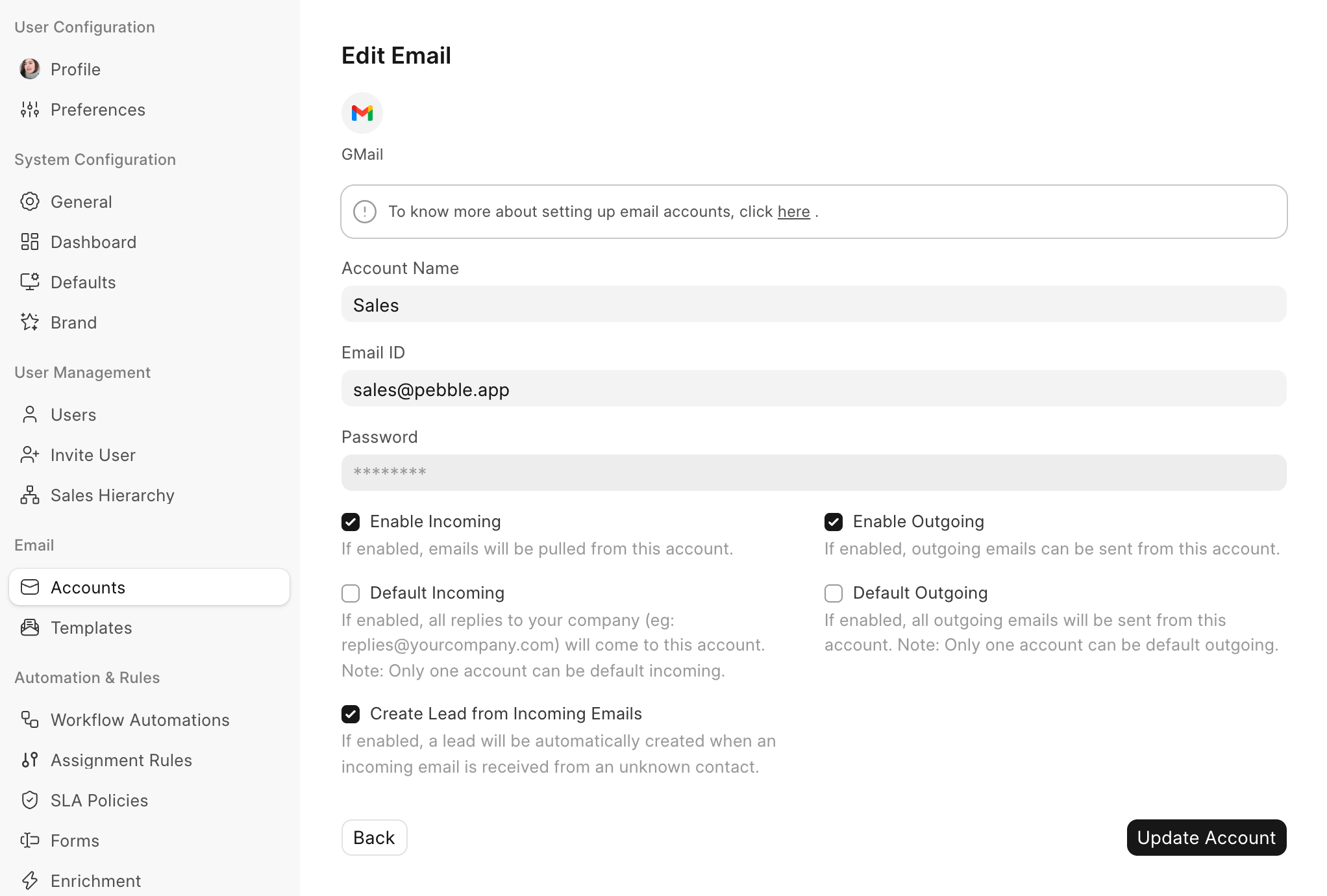
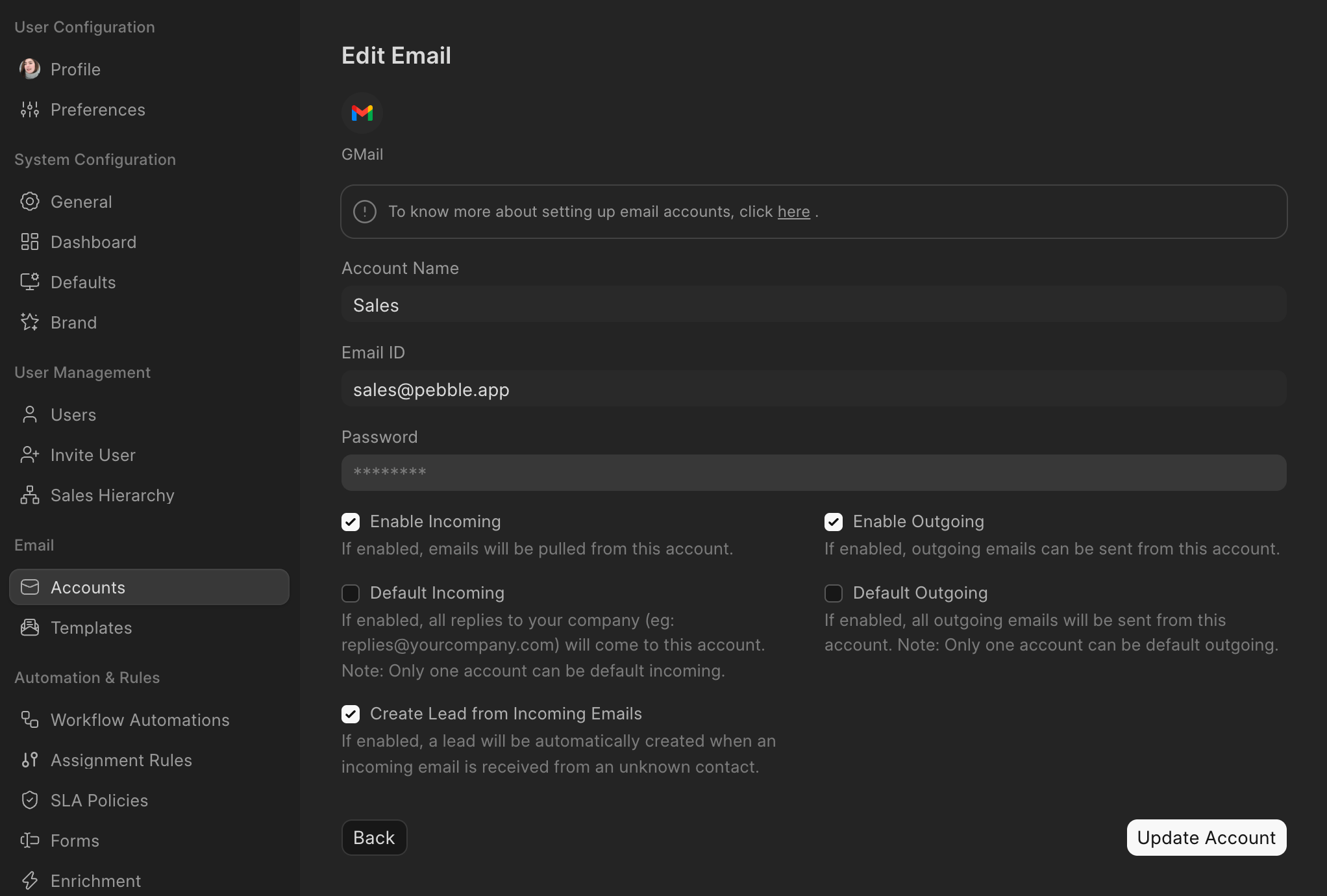
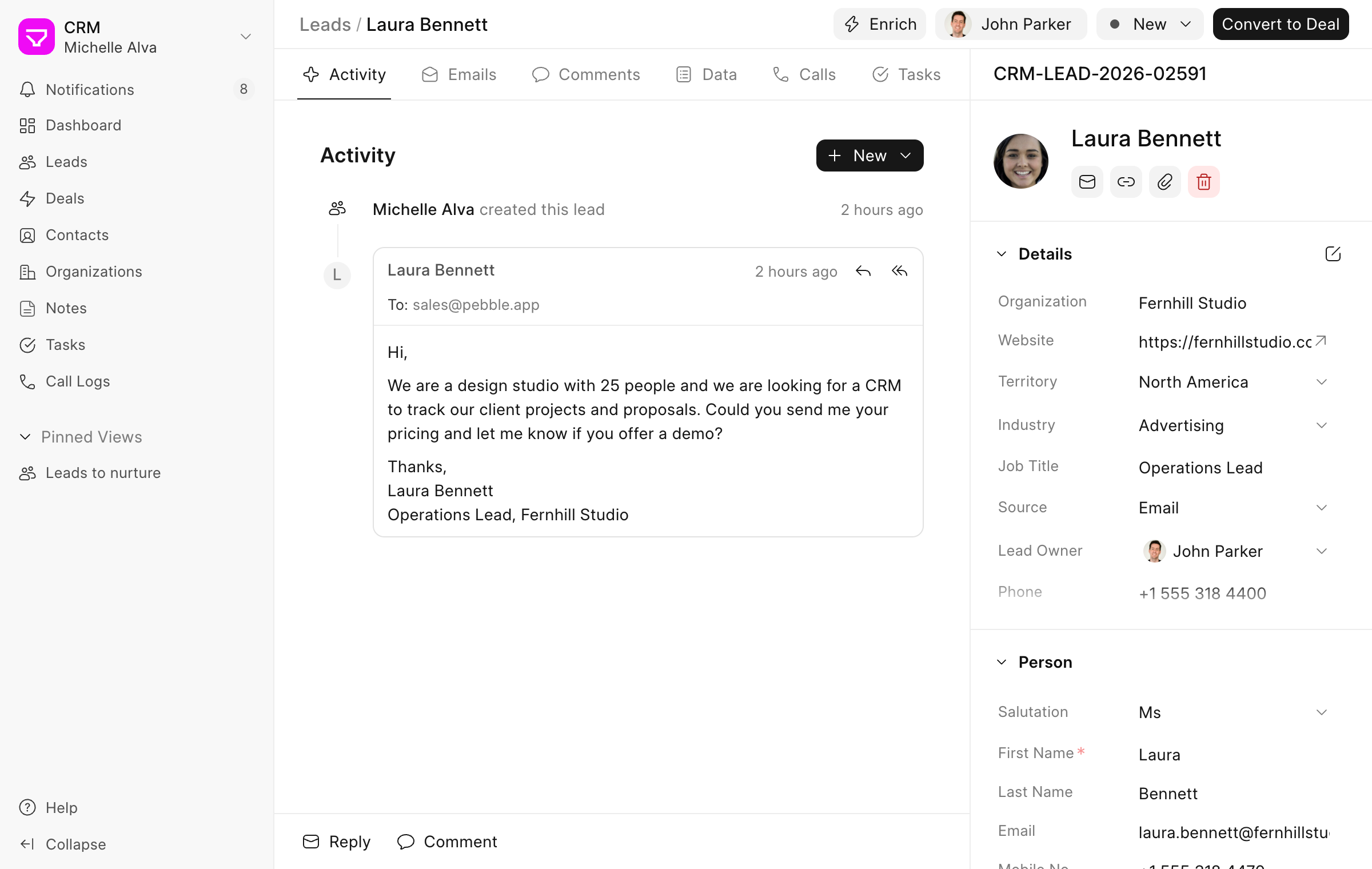
Turn on Create Lead from Incoming Emails on an email account, such as your sales inbox. When someone who isn't already a lead writes to that address, a new lead is created with their name and email address and the source set to Email.
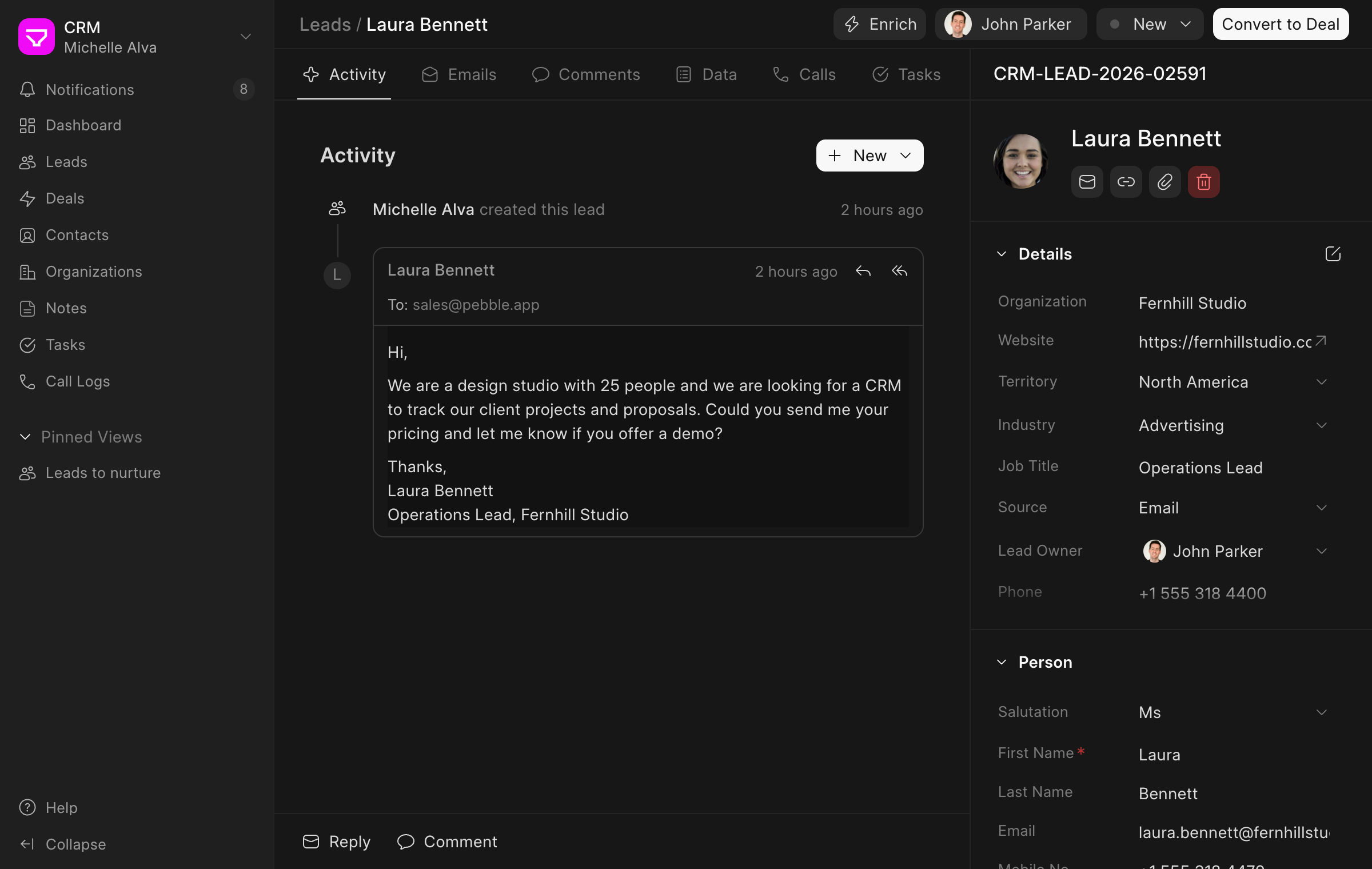
The email is saved on the lead, so you can reply to it from there. Emails from no-reply and other automated addresses don't create leads.
Collect leads with a web form
Build a form under Settings → Forms. Add the fields you need, group them into sections and publish it. Each time someone fills in the form, a new lead is created with the source set to Web Form. A form can create a deal instead of a lead.
Share the form's link, or add it to your website with the embed code. Under Allowed domains, list the sites where the form can be embedded.
Get leads from WhatsApp
Connect your WhatsApp Business account under Settings → WhatsApp. You can then set it up so that a message from a new number creates a lead, with the source set to WhatsApp. Messages from numbers already in your CRM go to that lead, deal or contact.
The chat is saved on the lead, and you can reply from its WhatsApp tab.
Sync leads from Facebook lead ads
Under Settings → Lead Syncing, add a Facebook source with an access token from your Meta account. Pick your Facebook page and the lead form, then choose the lead field each question on the form should fill.
New leads are synced on the schedule you pick, from every 5 minutes to once a month, or right away when you click Sync Now. They come in with the source set to Facebook. Leads that fail to sync are listed under Failure Logs.
Fill in company details automatically
Click Enrich on a lead and Frappe CRM reads the company's website to fill in its name, description, logo, industry and social links. You can also have this happen on its own for every new lead.
previous feature
Insights and Reporting
next feature
Lead & Deal Management