Frappe
Products
CRM
Communications
Frappe
Products
Insights
features
Communications
In Frappe CRM you talk to customers from the lead or deal itself. Emails, calls, WhatsApp messages and your team's comments are all saved on the record.
So anyone who opens a deal can see what was said and what happens next, without asking around or searching their inbox.
1.
Send and receive email from the deal
2.
Reply faster with email templates
3.
Make and log calls
4.
Keep notes with each call
5.
Chat on WhatsApp
6.
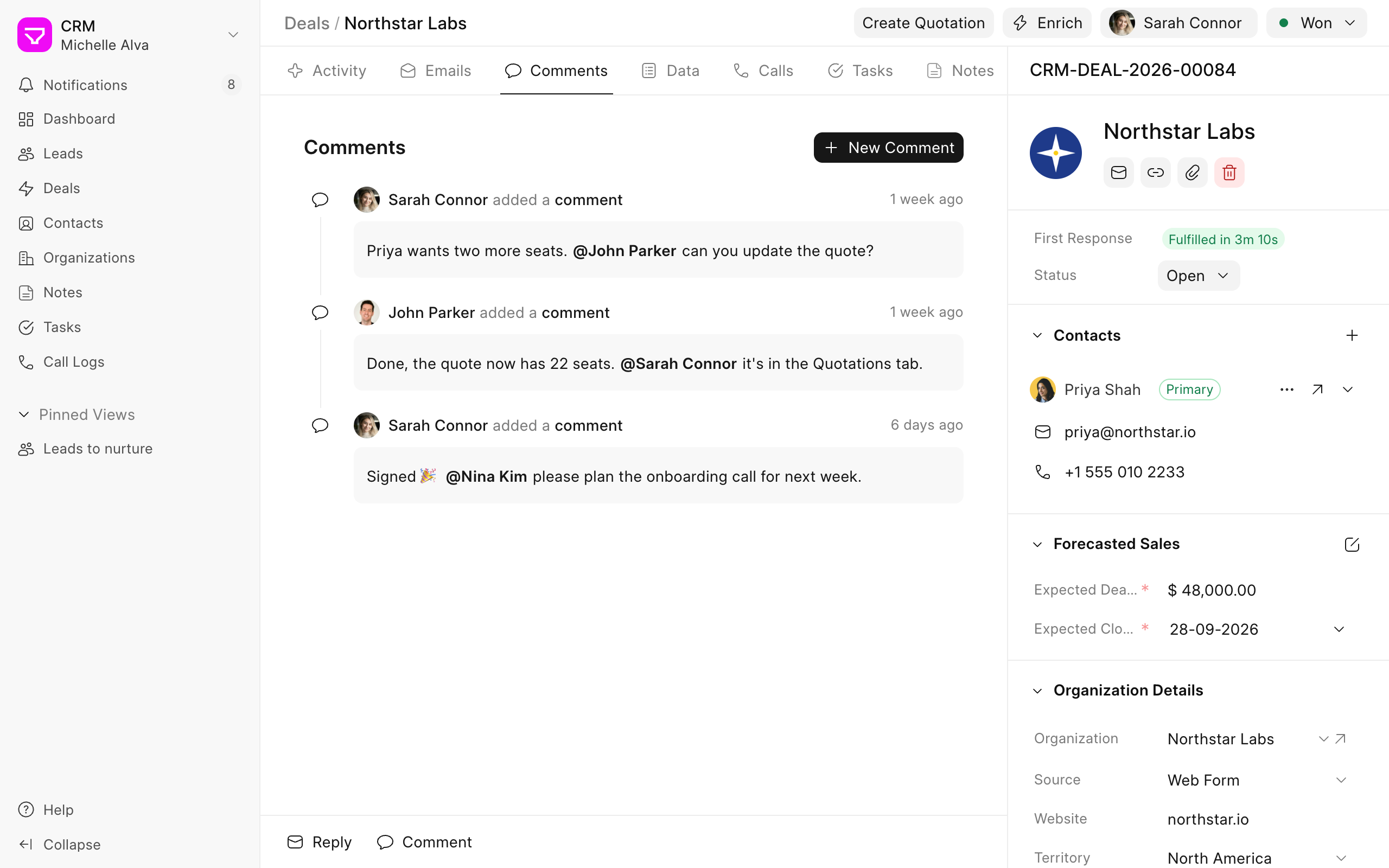
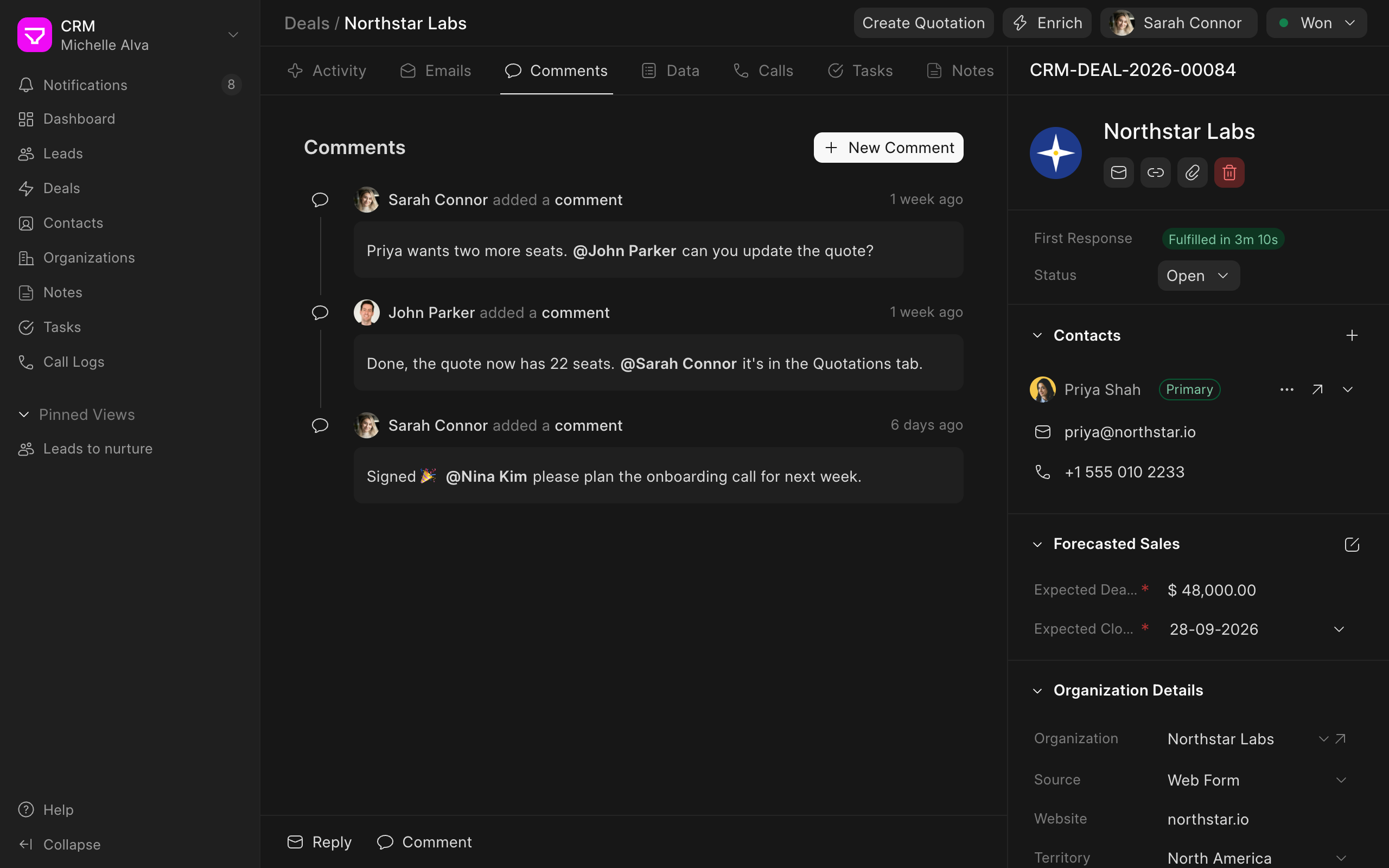
Comment and mention your team
7.
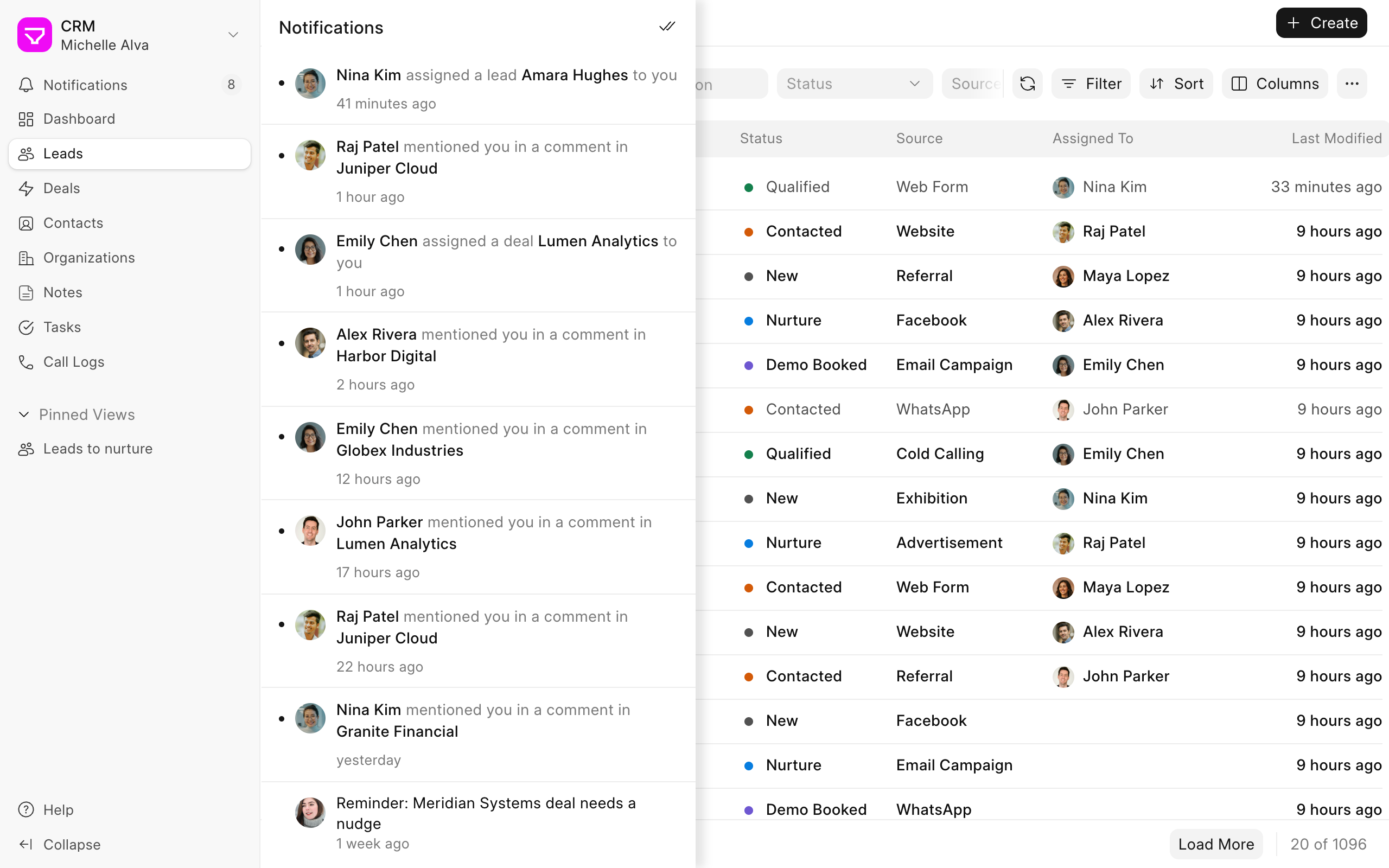
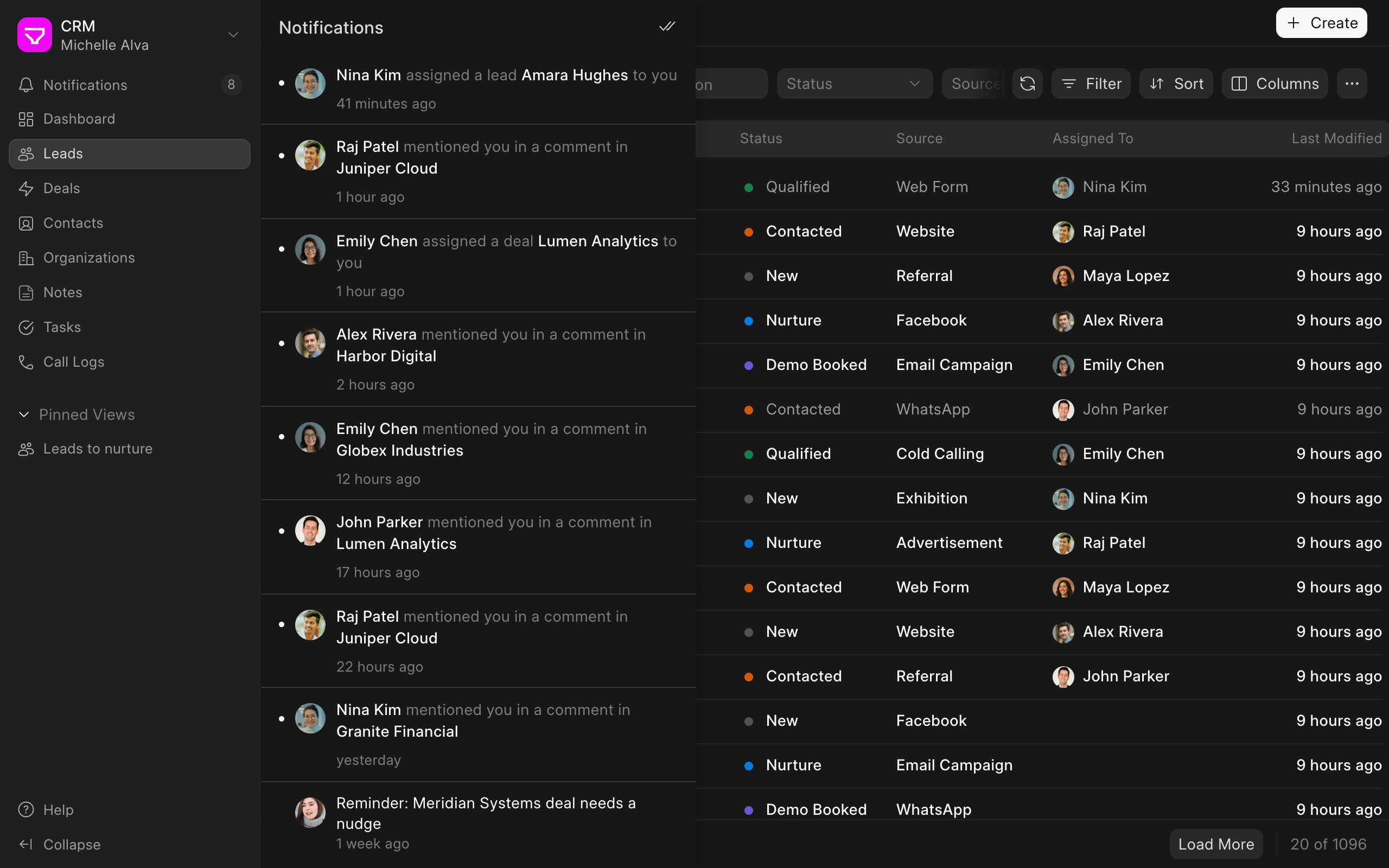
Get notified when something needs you
Send and receive email from the deal
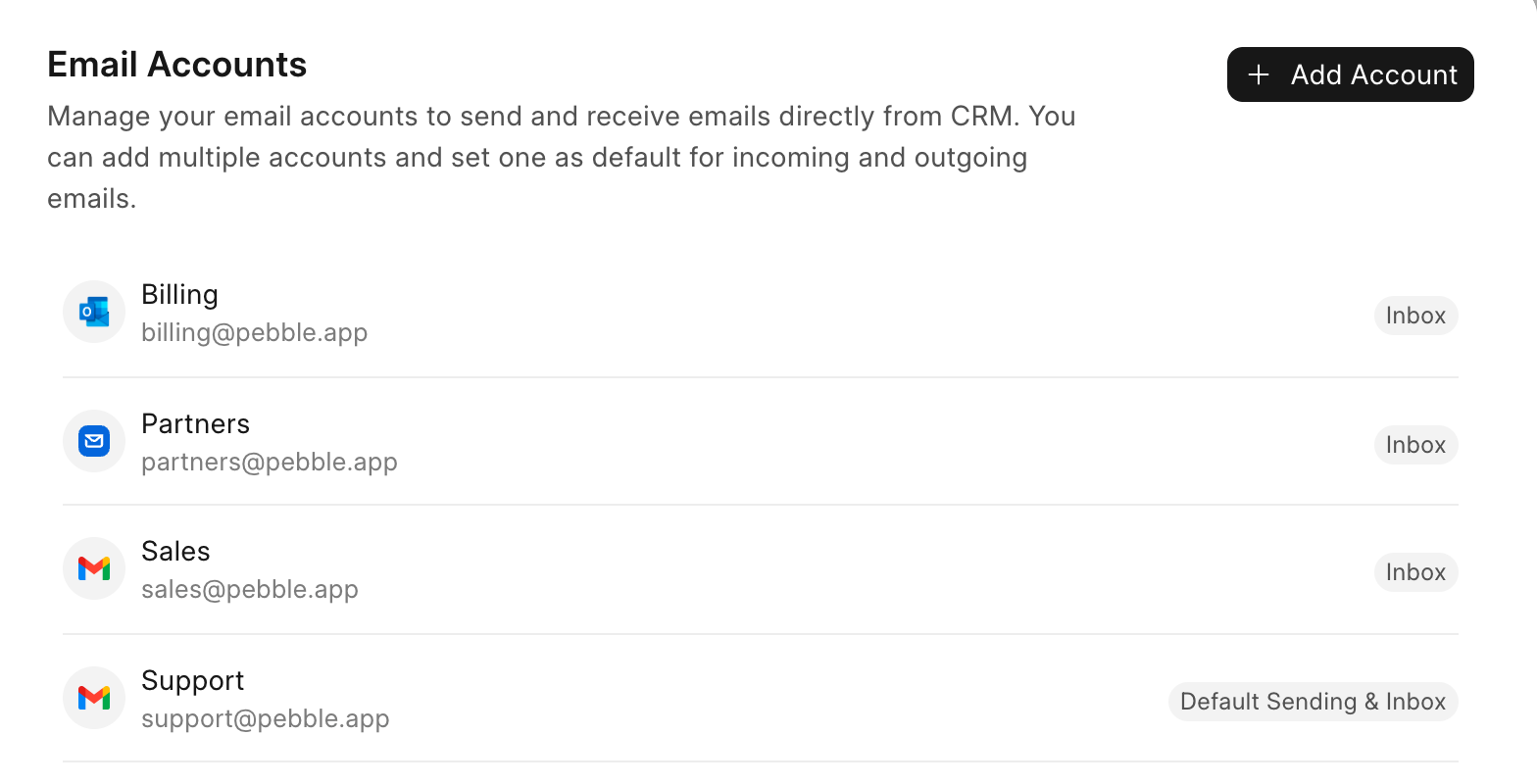
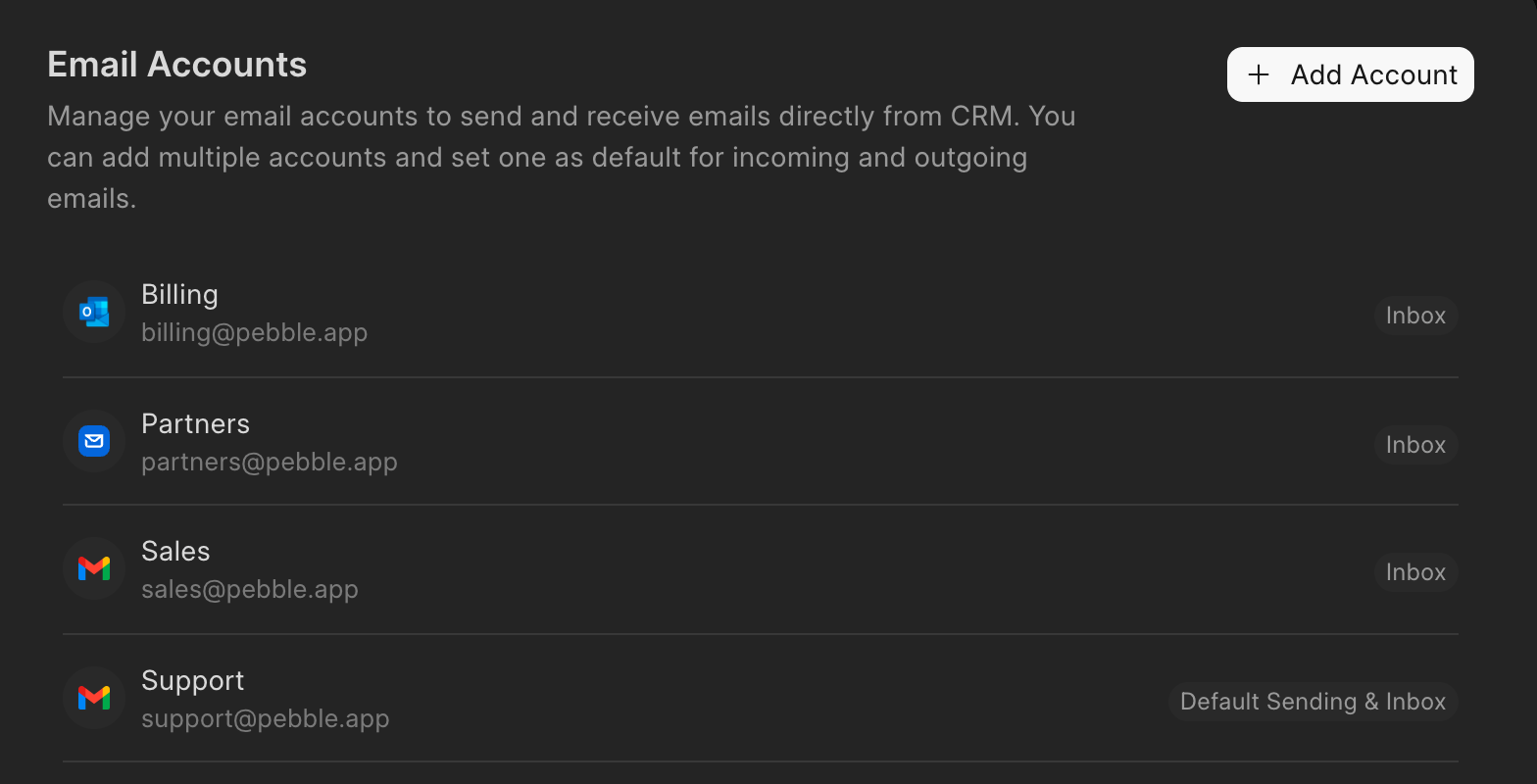
Connect your Gmail, Outlook or other email account in Settings. You can add more than one, for example a shared sales inbox, and pick which one is used by default.
Emails you send from a lead or deal go out from that account, and replies come back to the same record. The whole thread stays on the deal, so you always have the context.
Reply faster with email templates
Save the emails you send often, like a follow-up after a demo or a pricing email, as templates. When you reply, pick a template and edit it before you send.
Templates can fill in details from the lead or deal, such as the person's name.
Make and log calls
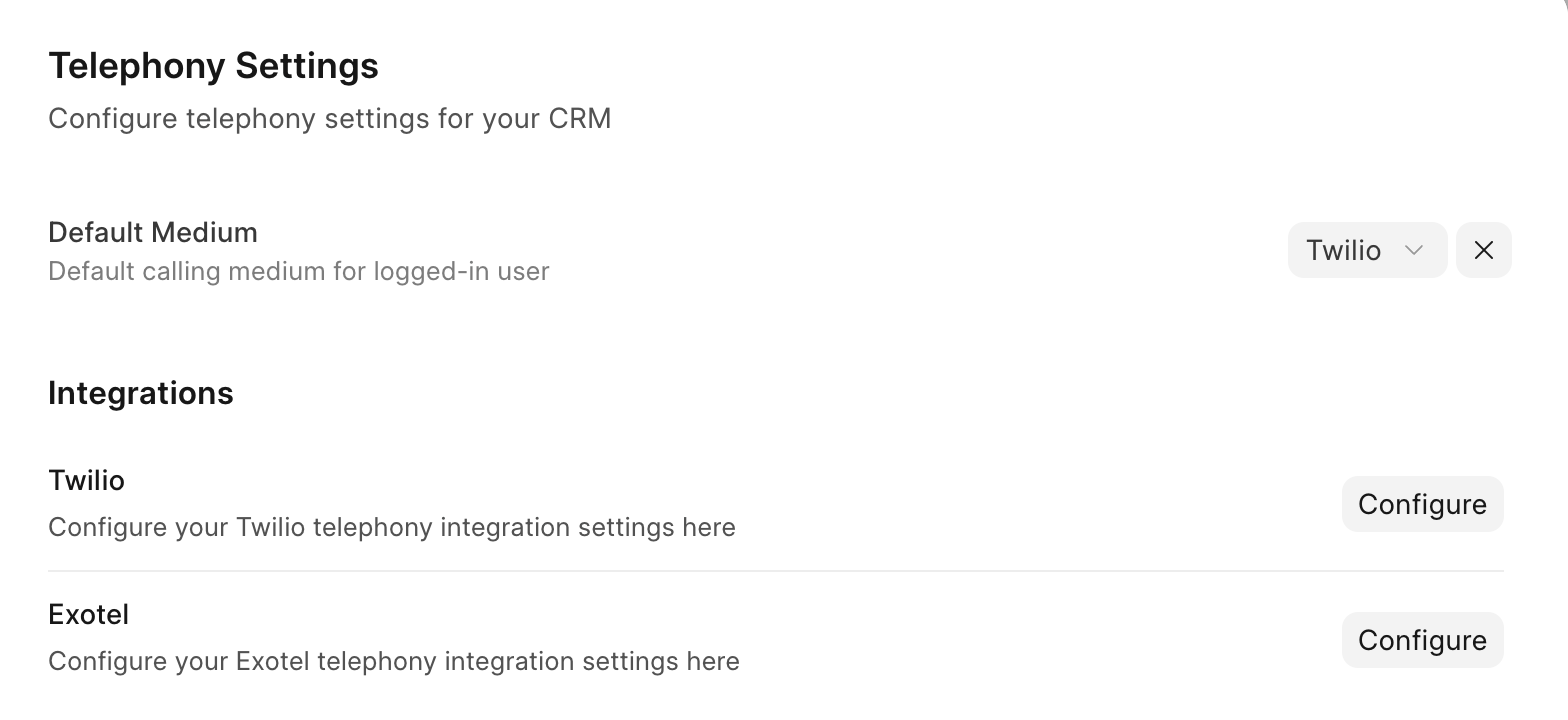
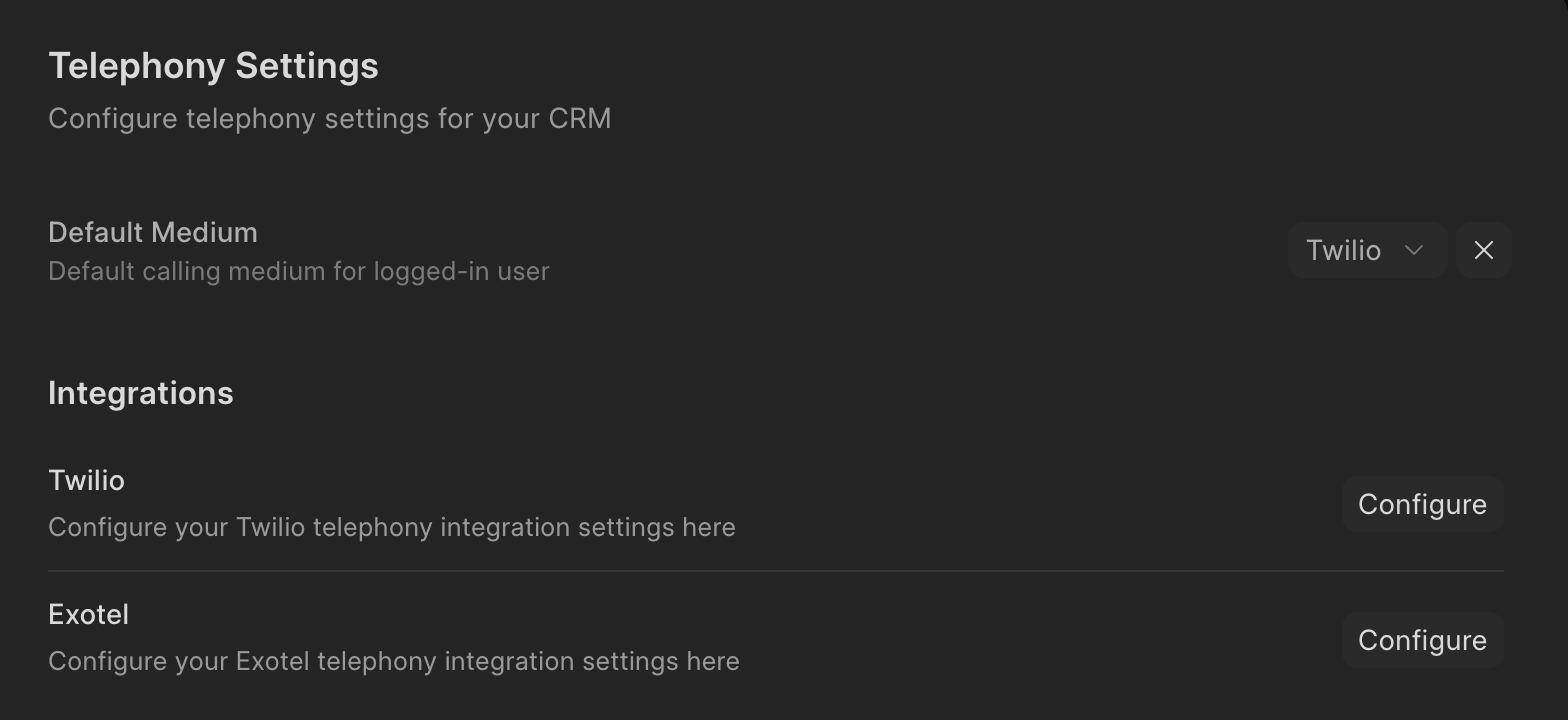
Connect Twilio or Exotel to call from the lead or deal and to get incoming calls in Frappe CRM. Each team member can choose which one they use.
Every call is logged on the record with its direction, duration and status, including missed calls. If call recording is on, the recording is saved with the call log so you can listen to it later. If you call from your own phone, you can log the call by hand.
Keep notes with each call
Write down what was agreed while you're on the call. The note is saved with the call, so you can open any call later and see what was discussed.
You can also create a task from the call for the next step.
Chat on WhatsApp
Connect your WhatsApp Business account and send and receive messages from the lead or deal. The chat is saved on the record, so anyone on your team can pick up the conversation.
When someone new messages you on WhatsApp, Frappe CRM creates a lead for them.
Comment and mention your team
Use comments for notes that are only for your team. Mention a teammate with @ to ask a question or hand over a task, and they get a notification.
Comments stay on the deal along with the emails and calls, so the full story is in one place.
Get notified when something needs you
Frappe CRM tells you when a lead or deal is assigned to you, when someone mentions you, and when a customer replies on WhatsApp.
Click a notification to go straight to the record.
previous feature
Lead & Deal Management
next feature
Follow-ups & Automation