Frappe
Products
CRM
Lead & Deal Management
Frappe
Products
Insights
features
Lead & Deal Management
Frappe CRM tracks every lead from the first enquiry until the deal is won or lost. Each lead and deal has its own page with all its emails, calls and notes.
1.
See all your leads in one list
2.
Convert a lead into a deal
3.
Move deals through your pipeline
4.
See everything about a deal on one page
5.
Keep contacts and organizations linked
See all your leads in one list
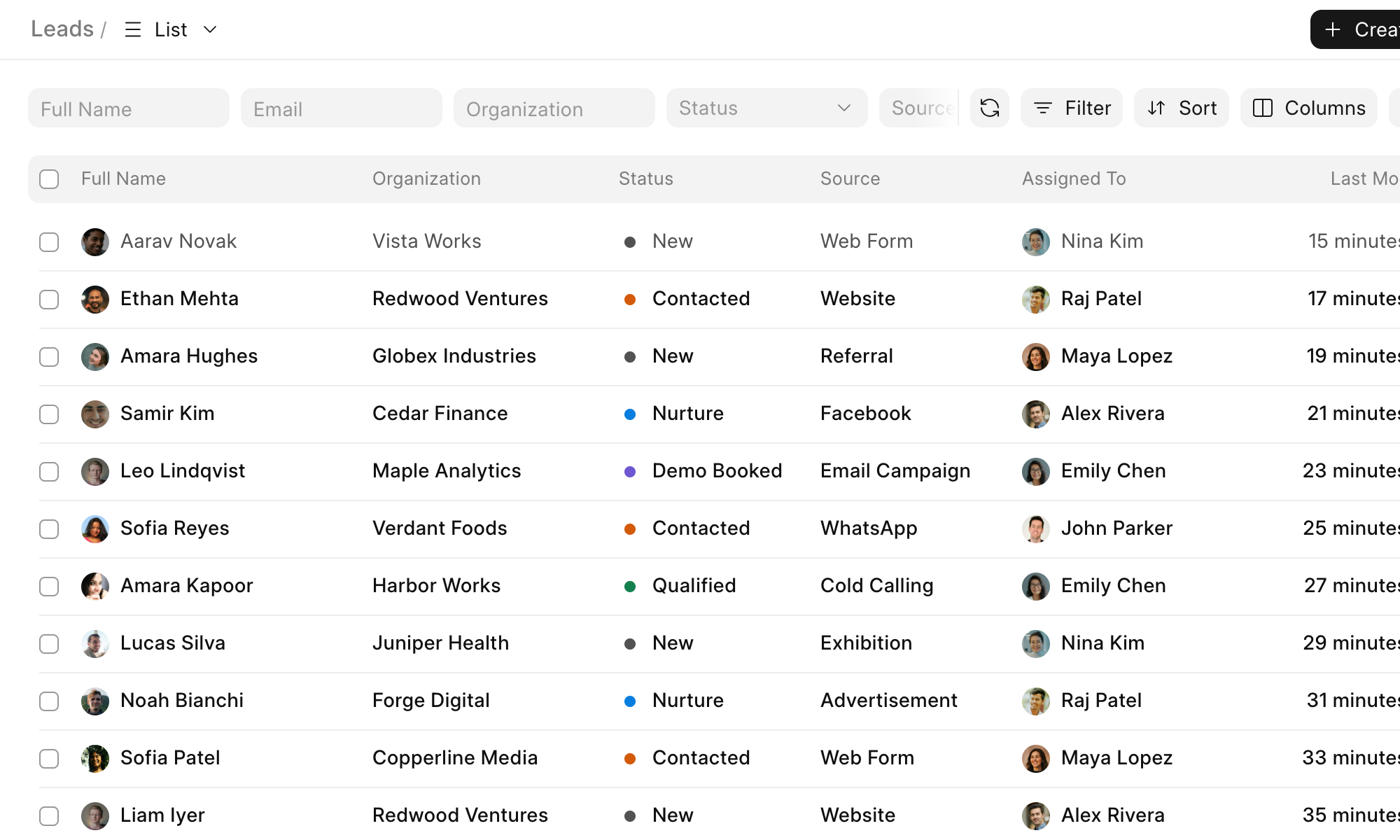
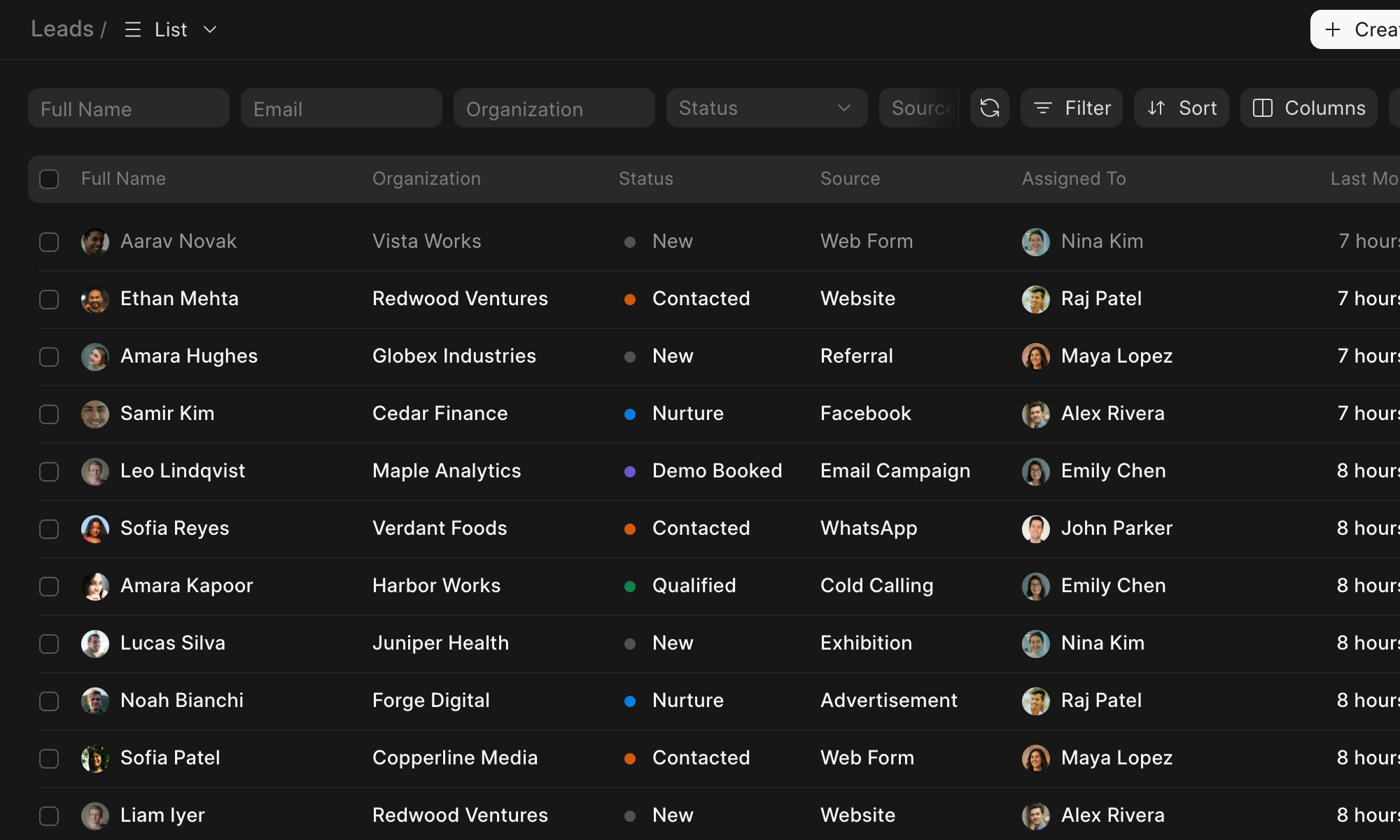
Leads from your web forms, email and Facebook ads come into the Leads list on their own. Your team can also add them by hand or import them from a spreadsheet.
Filter and sort the list, then save it as a view so you don't have to set it up again.
Convert a lead into a deal
When a lead is ready, click Convert to Deal and add the deal's value and expected closing date. Frappe CRM creates the contact and organization for you, or you can pick existing ones.
The emails and calls from the lead show up on the deal, so nothing is lost.
Move deals through your pipeline
The Kanban view shows your deals by stage. When a deal moves forward, drag its card to the next column.
You can rename the stages or add your own to match how your team sells.
See everything about a deal on one page
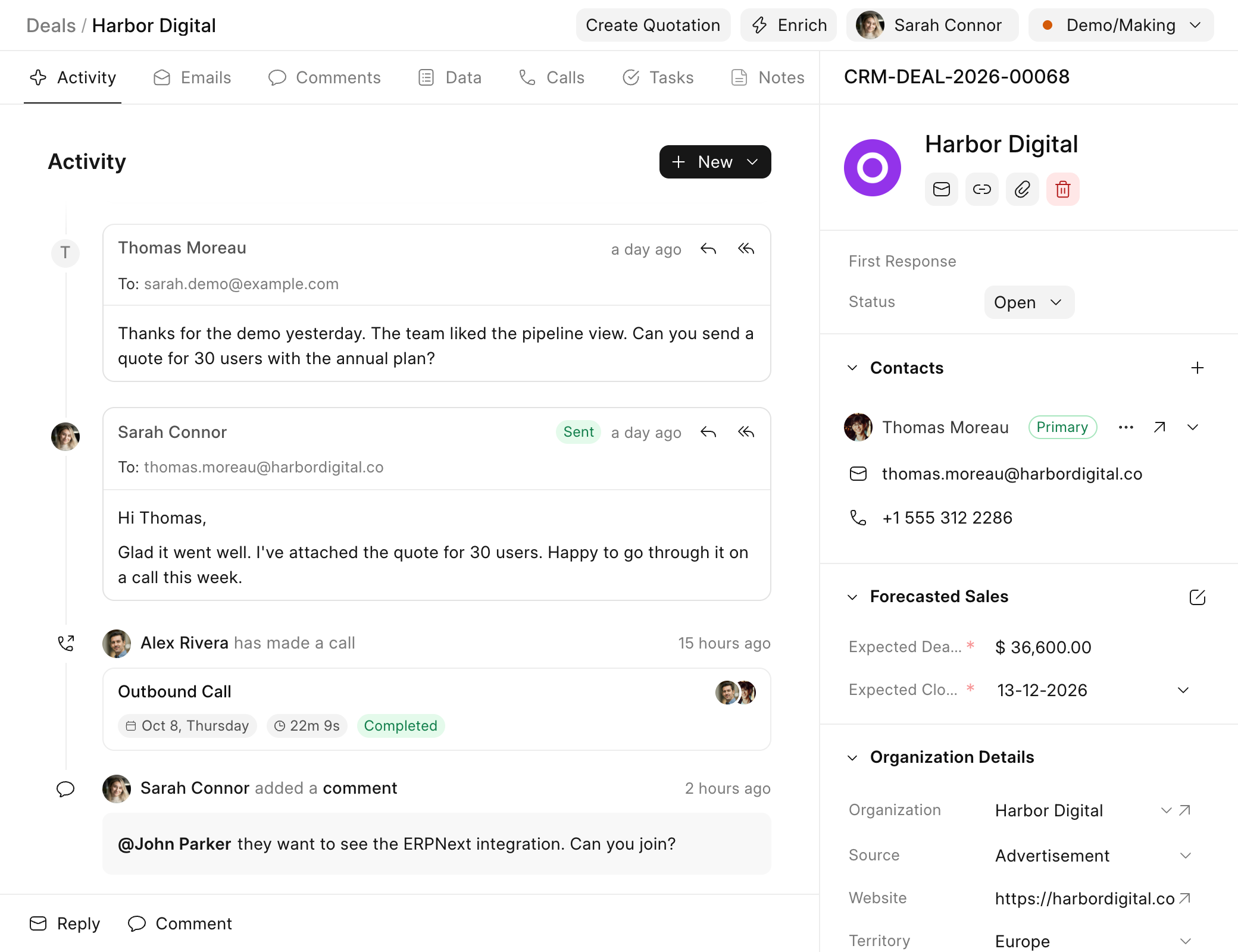
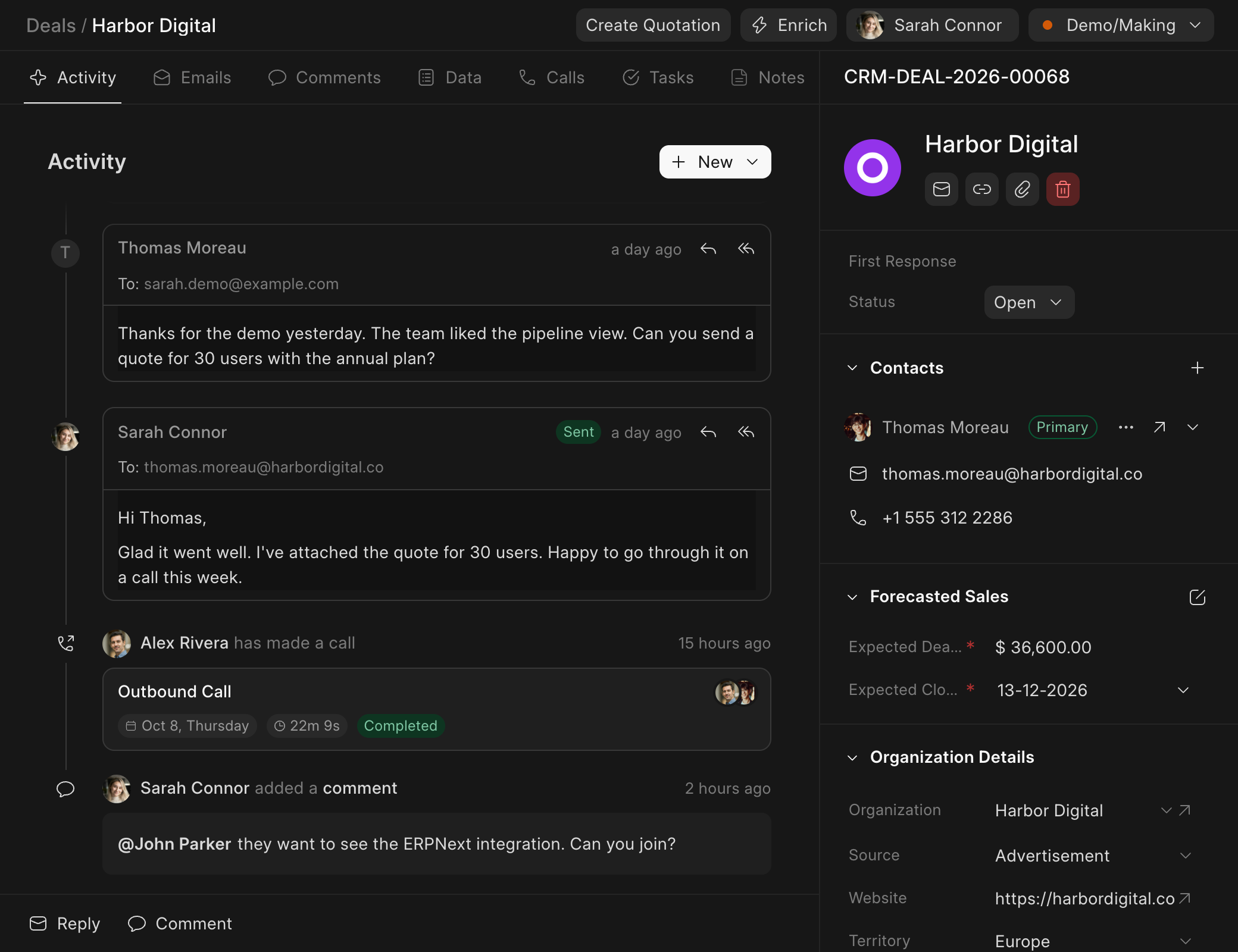
A deal's page shows every email, call and comment in order, along with its contacts, value and expected closing date.
To bring a teammate in, mention them in a comment.
Keep contacts and organizations linked
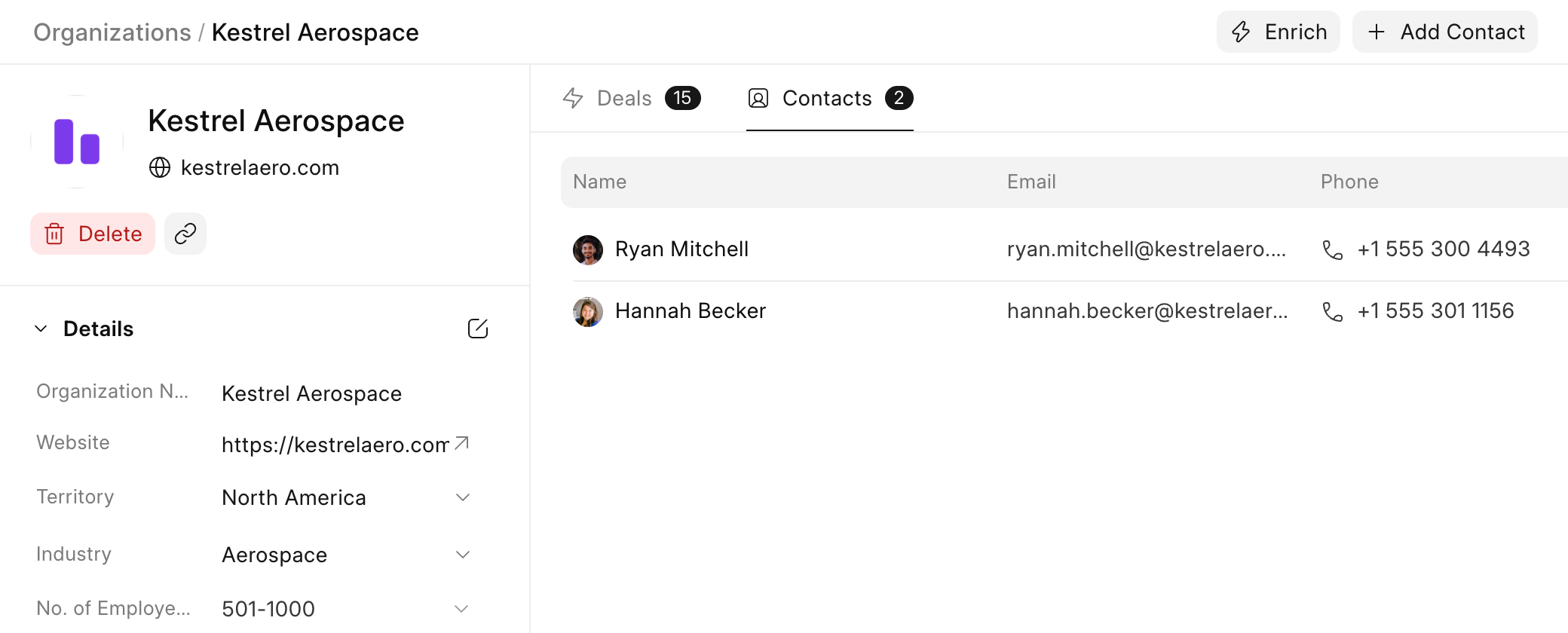
Every contact and organization has its own page that lists their deals, so you can see the whole relationship with a company in one place.
previous feature
Lead Capture
next feature
Communications