Frappe
Products
CRM
Mobile Access
Frappe
Products
Insights
features
Mobile Access (PWA)
Frappe CRM works on your phone as a progressive web app (PWA). Open your CRM site in your phone’s browser, add it to your home screen, and it opens like an app.
There’s nothing to download from an app store. It’s the same CRM your team uses on the computer, so you can look up a deal before a meeting, reply to an email or move a deal to the next stage when you’re away from your desk.
1.
Add it to your home screen
2.
See everything about a deal
3.
Reply and update deals
4.
See your pipeline
5.
Keep up with what needs you
Add it to your home screen
On an iPhone, open your CRM site in Safari, tap Share and then Add to Home Screen. On Android, open it in Chrome, tap the menu and choose Add to Home screen.
Frappe CRM then gets its own icon and opens full screen, without the browser bar. It updates on its own whenever your site is updated.
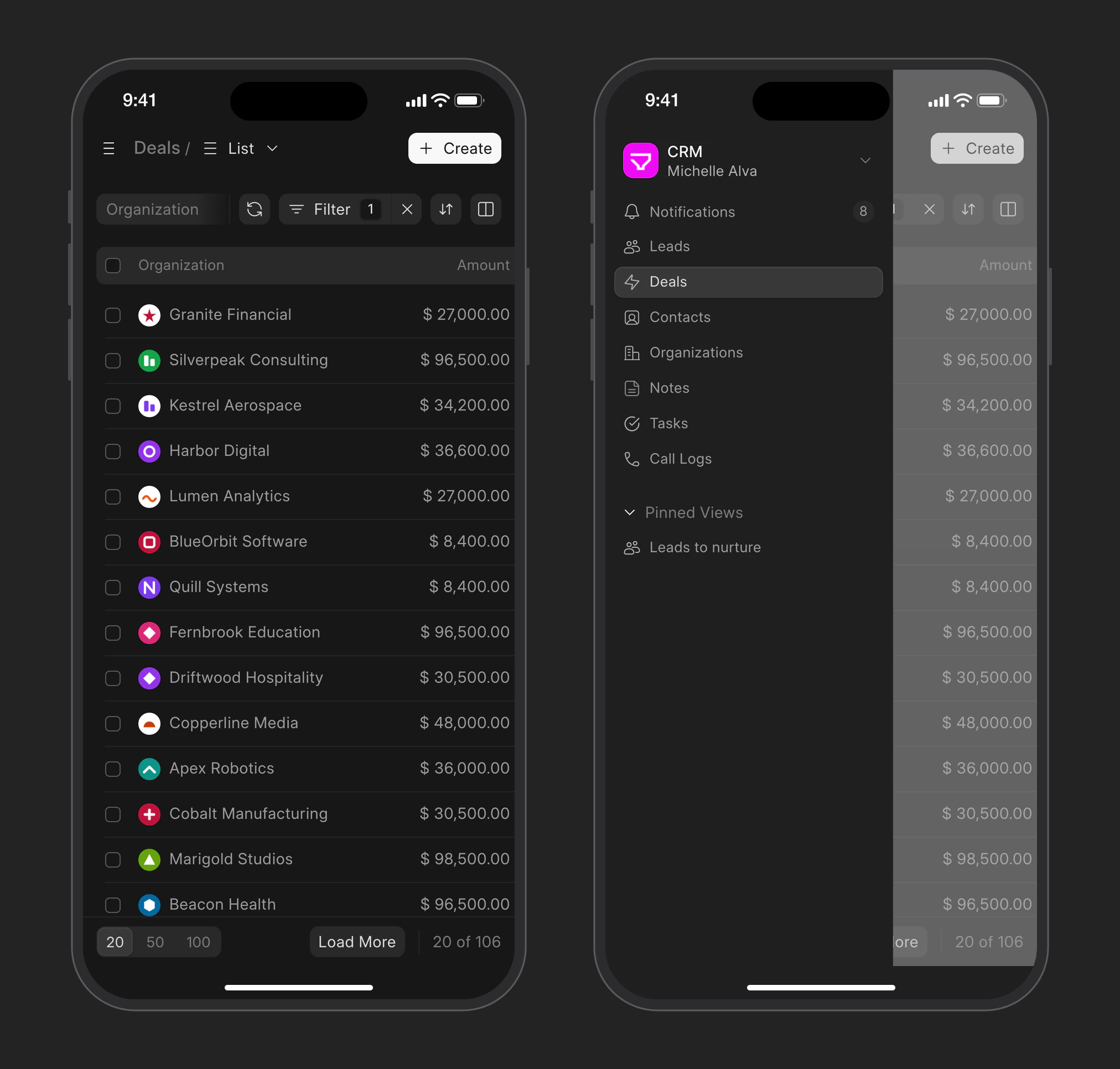
The menu has your leads, deals, contacts, organizations, notes, tasks and call logs, along with the views you’ve pinned.
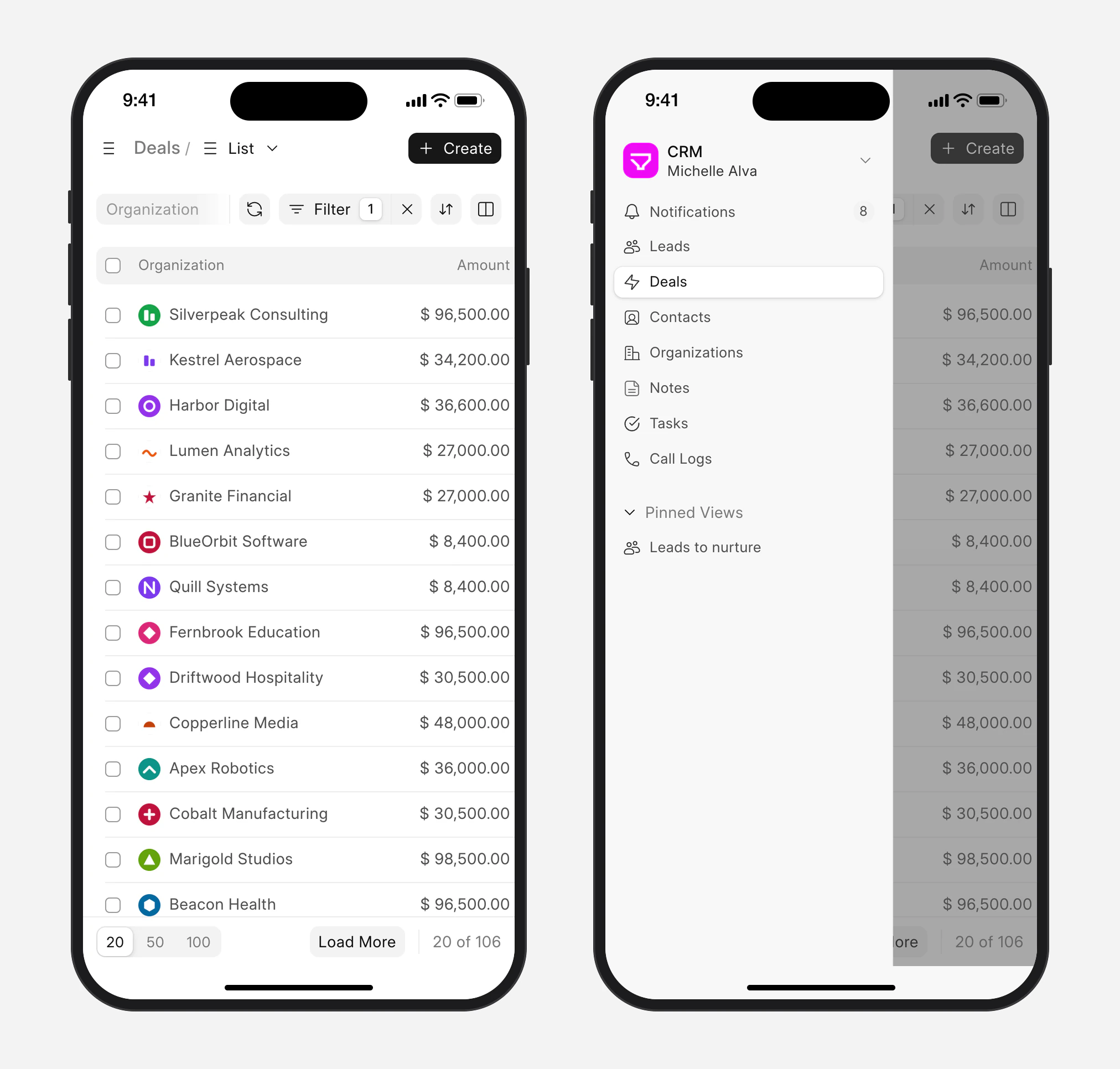
See everything about a deal
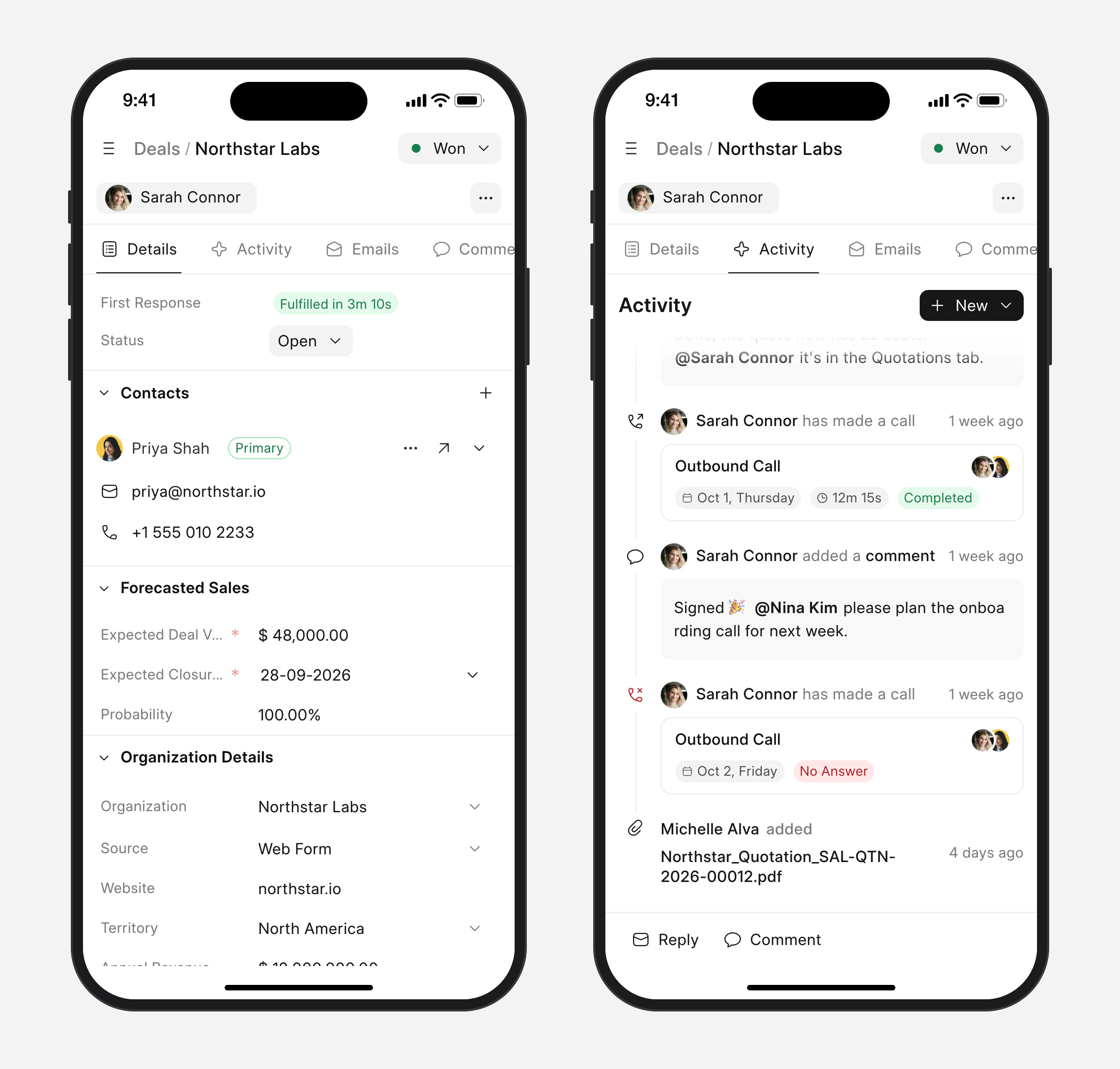
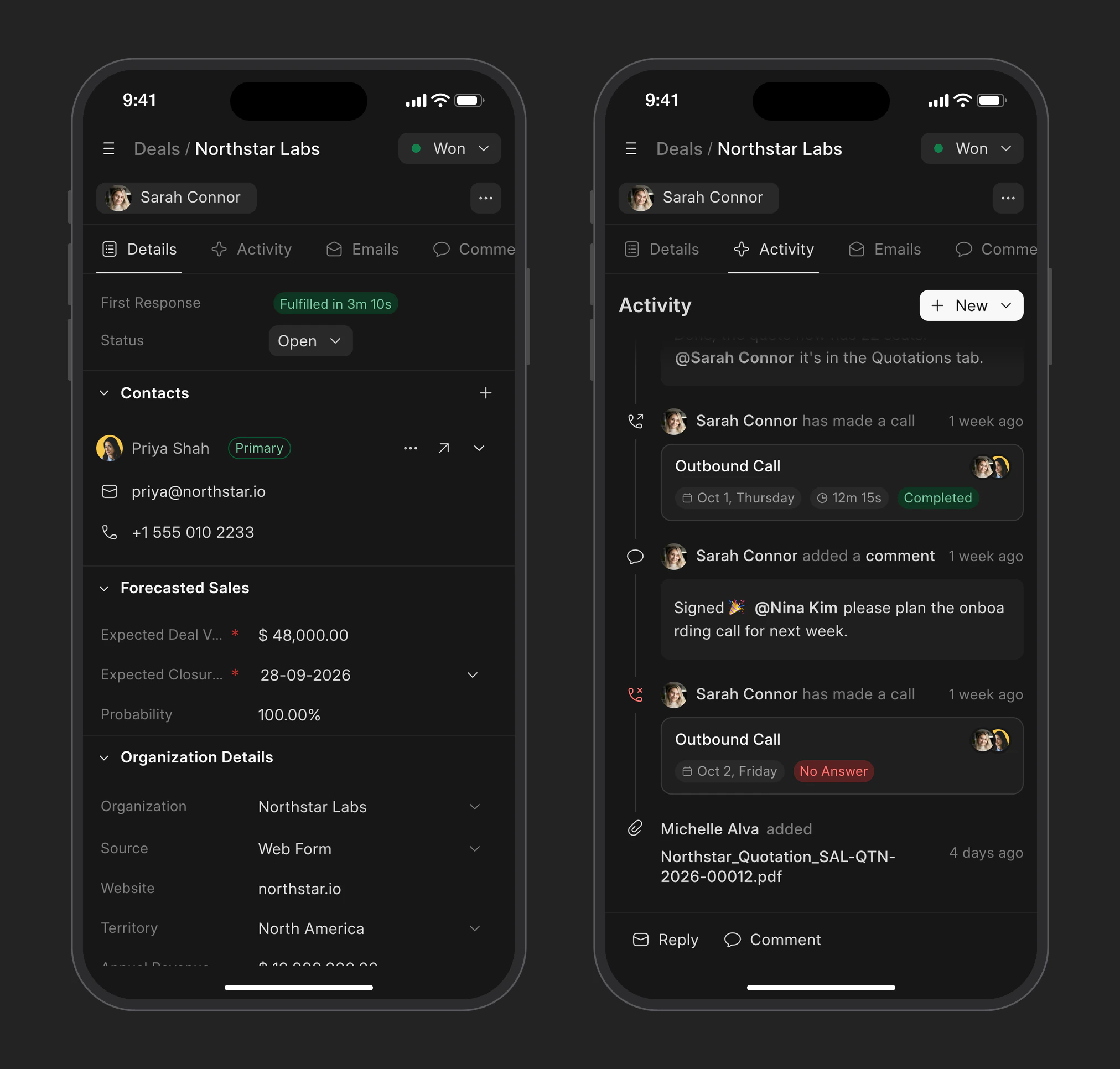
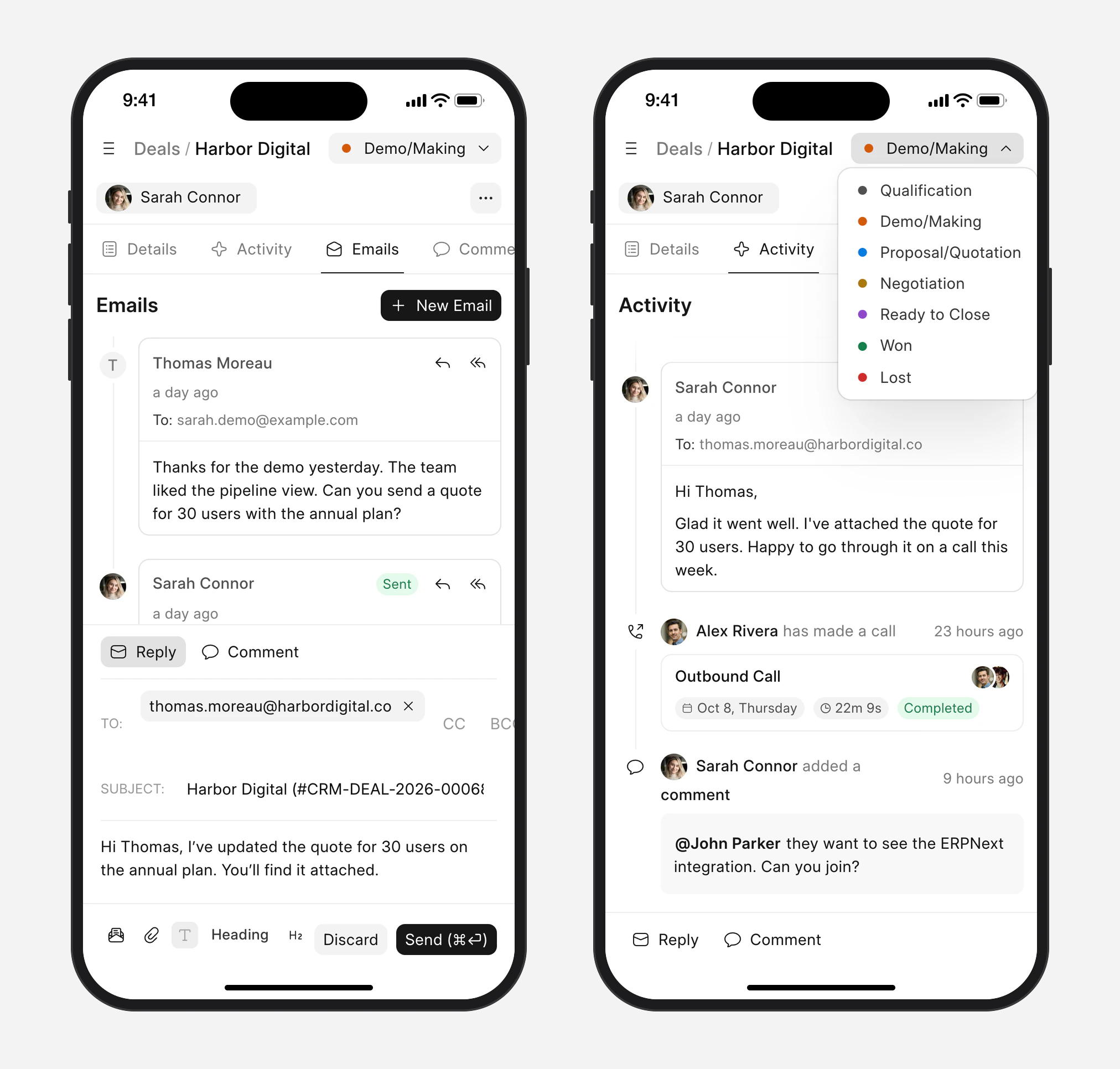
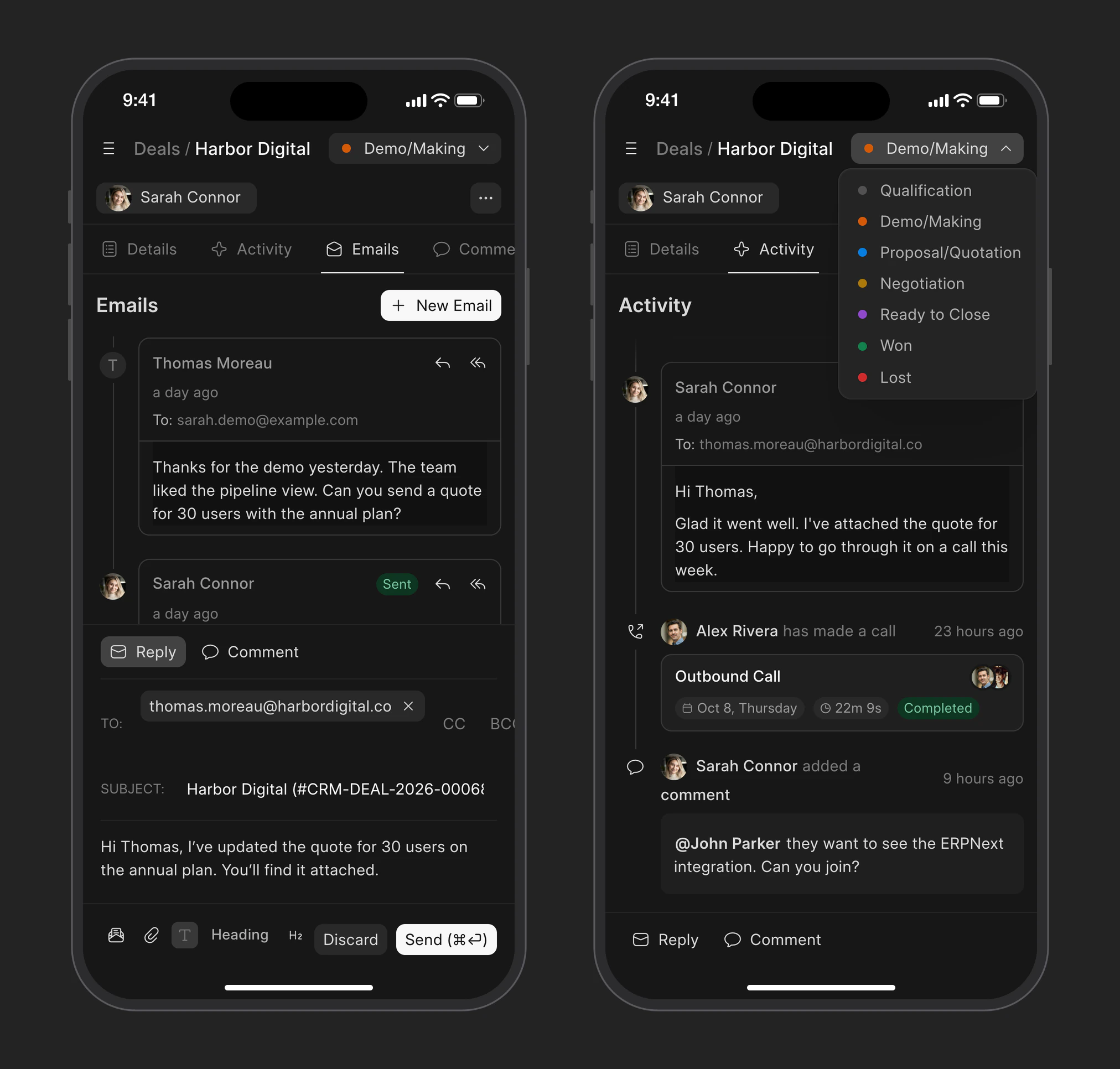
Open a deal to see its contacts, value, expected closing date and organization details.
Switch tabs to go through the activity, emails, comments, calls, tasks, notes and attachments on the deal.
Reply and update deals
Reply to an email or leave a comment for your team from the bar at the bottom of the deal.
At the top you can move the deal to another stage.
See your pipeline
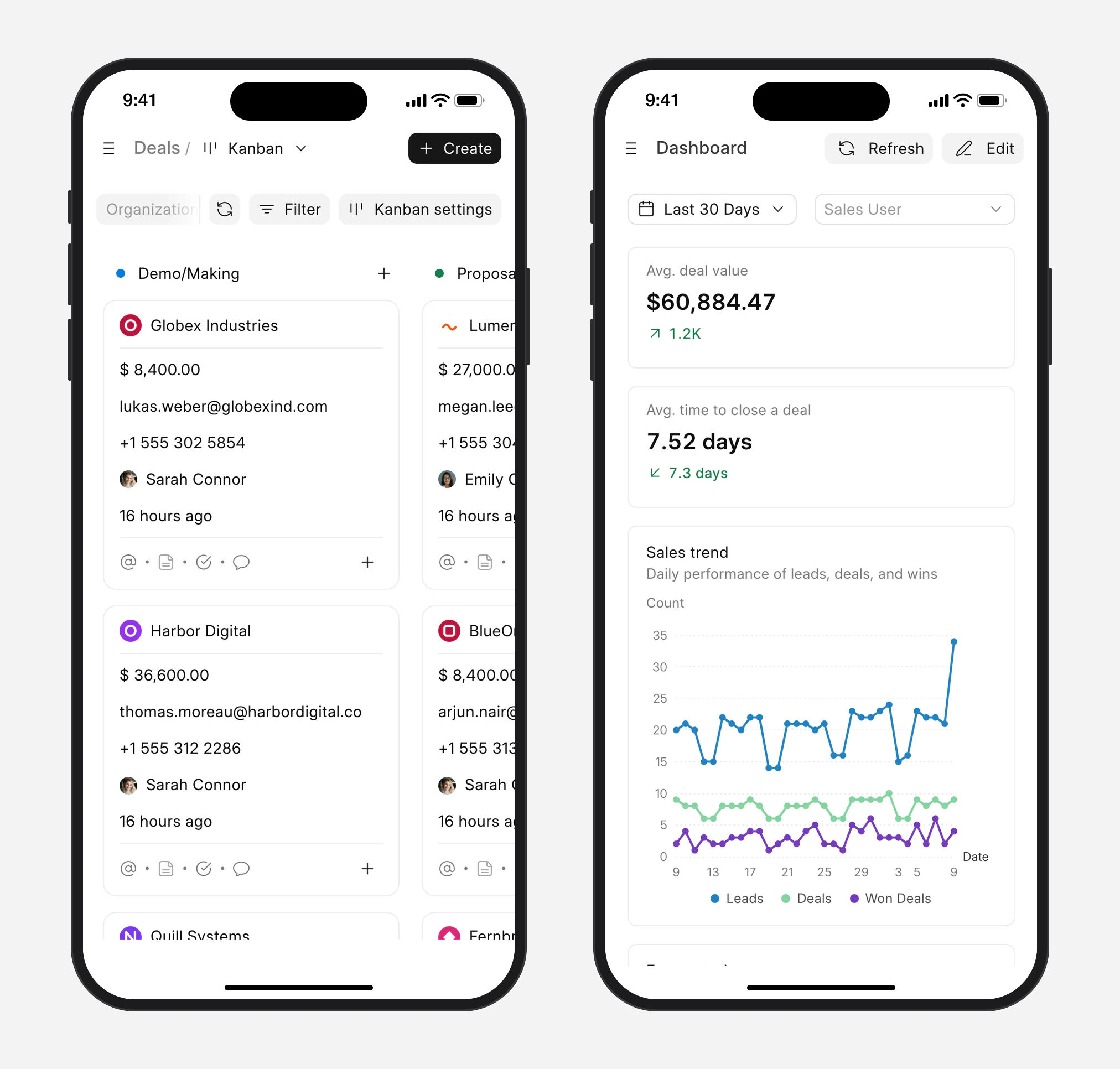
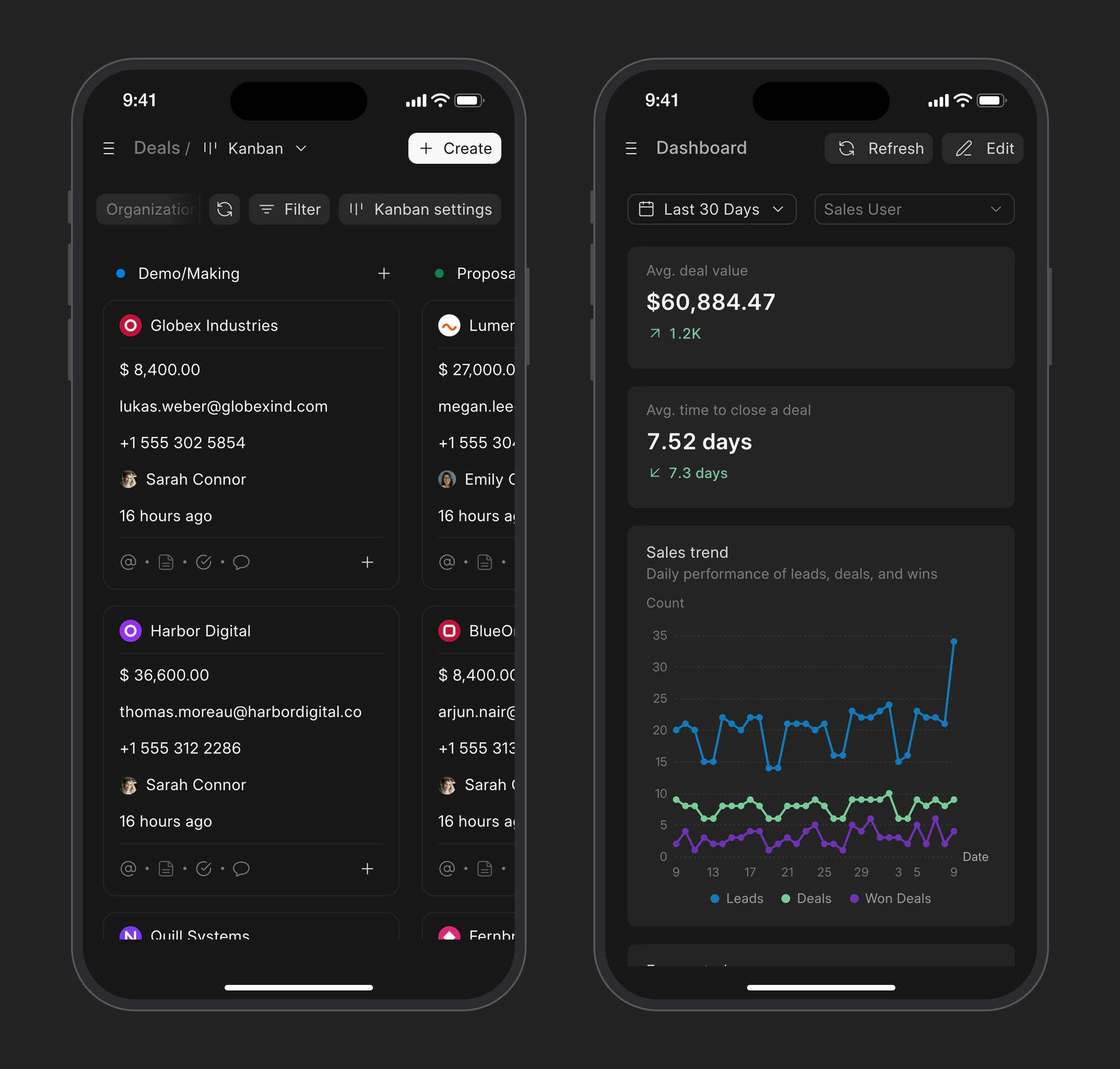
Your saved views work on the phone too, including the kanban board, so you can see the deals in each stage.
The dashboard shows your leads, deals and wins for the period you pick.
Keep up with what needs you
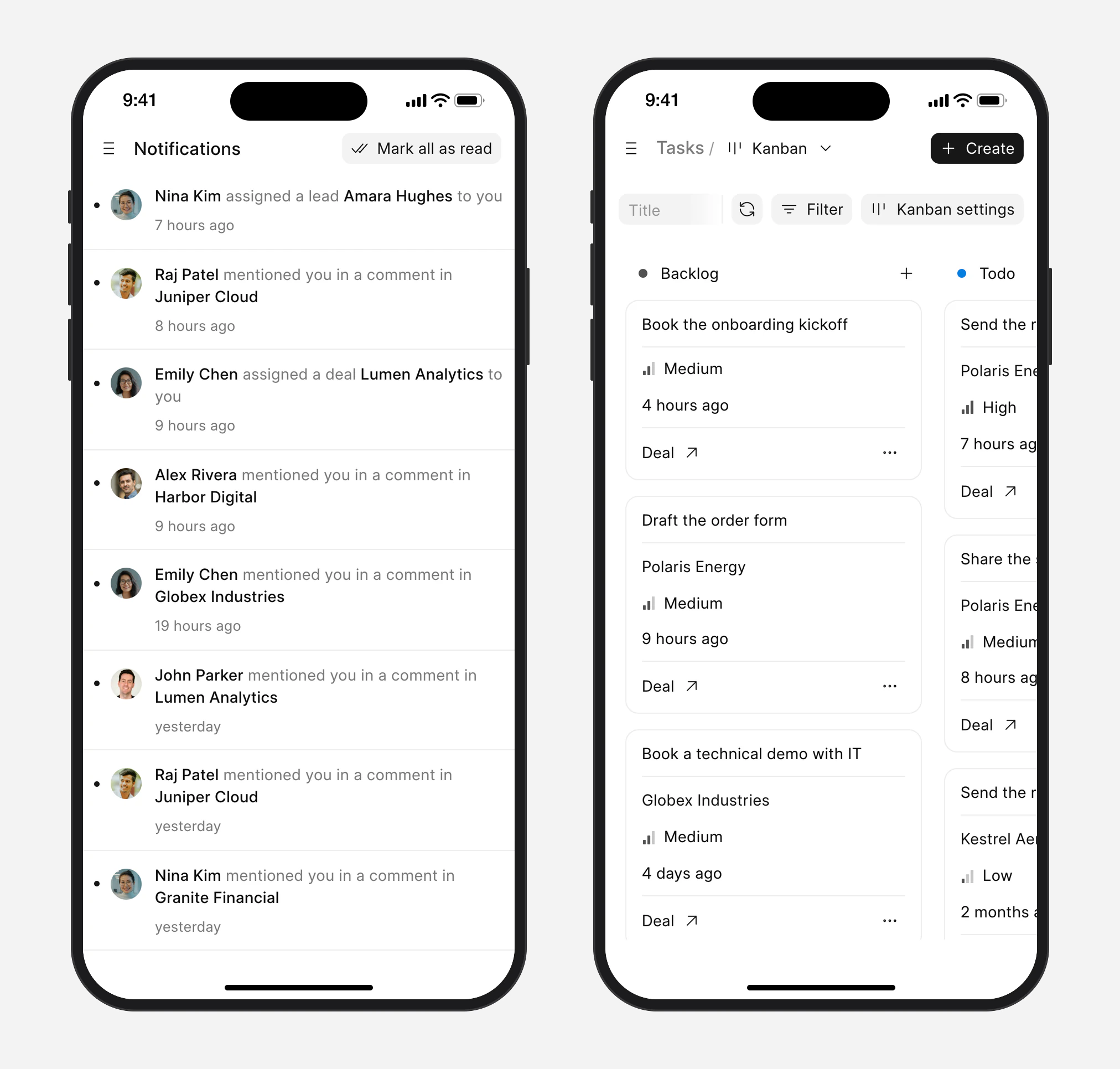
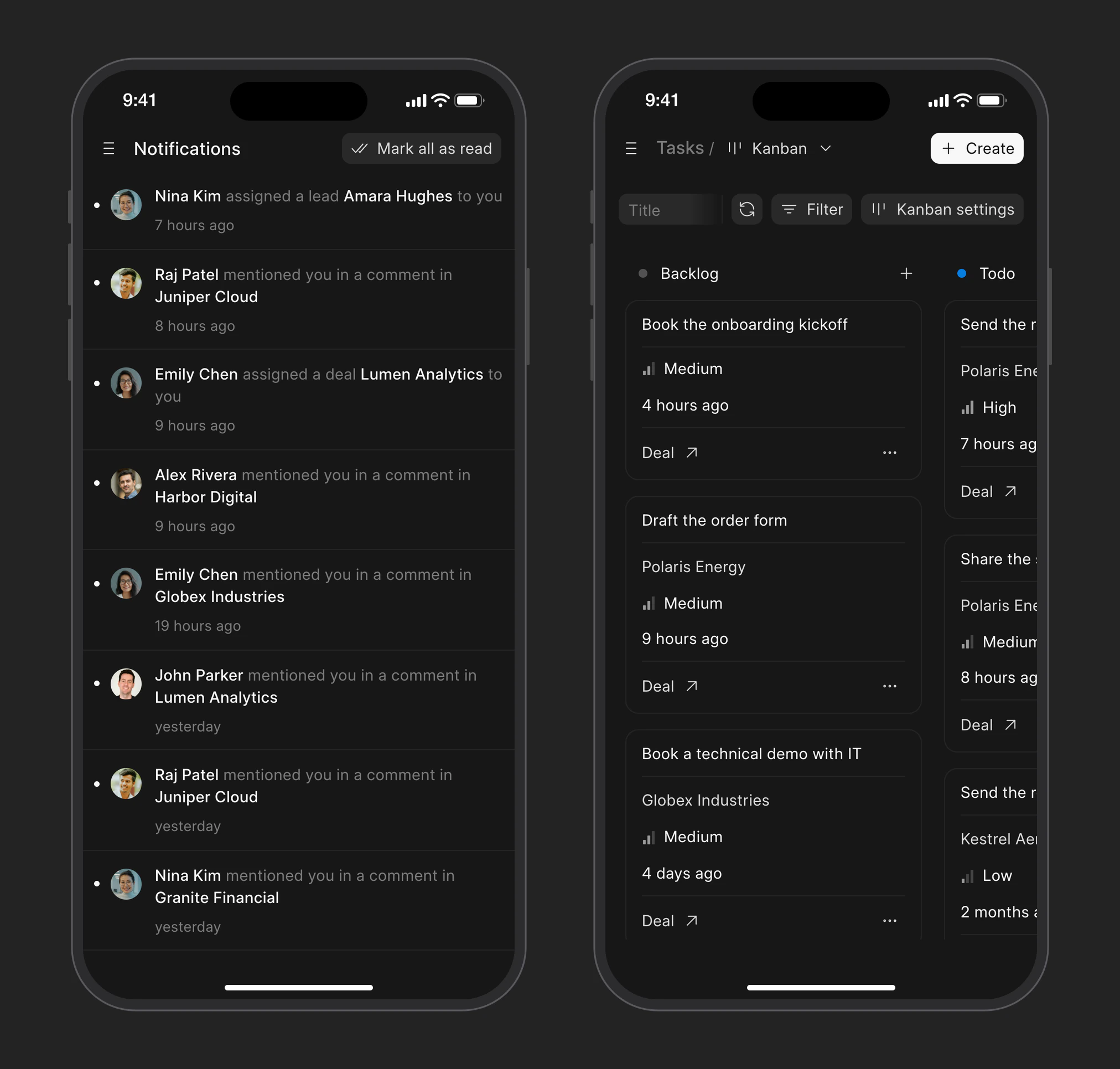
Notifications shows when someone mentions you in a comment or assigns you a lead or deal. Tap one to open it.
Your tasks are on the Tasks page, as a list or a board.
previous feature
Integrations