Frappe
Products
CRM
Integrations
Frappe
Products
Insights
features
Integrations
A CRM is only one of the tools a sales team uses. Accounts, calls and chats often live in other apps, and when those apps don't share data, someone ends up copying details from one to the other, or a customer gets asked for the same thing twice.
Frappe CRM is built on the Frappe Framework, so its leads, deals and contacts are available through a REST API, and webhooks can send changes to other apps as they happen. A few integrations come built in, so they work without writing any code.
1.
Handle the rest of the sale in ERPNext
2.
Create quotations from a deal
3.
Turn won deals into customers
4.
Keep one list of products and prices
5.
Make and log calls from the CRM
6.
Keep WhatsApp chats on the lead
Handle the rest of the sale in ERPNext
Winning a deal is not the end of the work. The customer still needs a quotation, an order, an invoice and a payment, and when that happens in a separate system, the details from the deal have to be typed in again.
ERPNext, the open source ERP from Frappe, connects to Frappe CRM out of the box. Quotations can start from a deal and won deals become customers in ERPNext, while products stay in sync between the two, so sales and accounts work from the same records. Both can run on the same site, or you can connect an ERPNext site you already use.
Create quotations from a deal
Writing a quotation usually means copying the customer, the contact and the products from the CRM into another app, and a small mistake can send out the wrong price.
With ERPNext connected, the quotation starts from the deal itself, with the contact and products already filled in. Every quotation made for a deal shows up on the deal, so anyone on the team can see what was quoted and until when it is valid.
Turn won deals into customers
Before accounts can bill a new customer, they need the customer's details, and that often means chasing the salesperson who closed the deal.
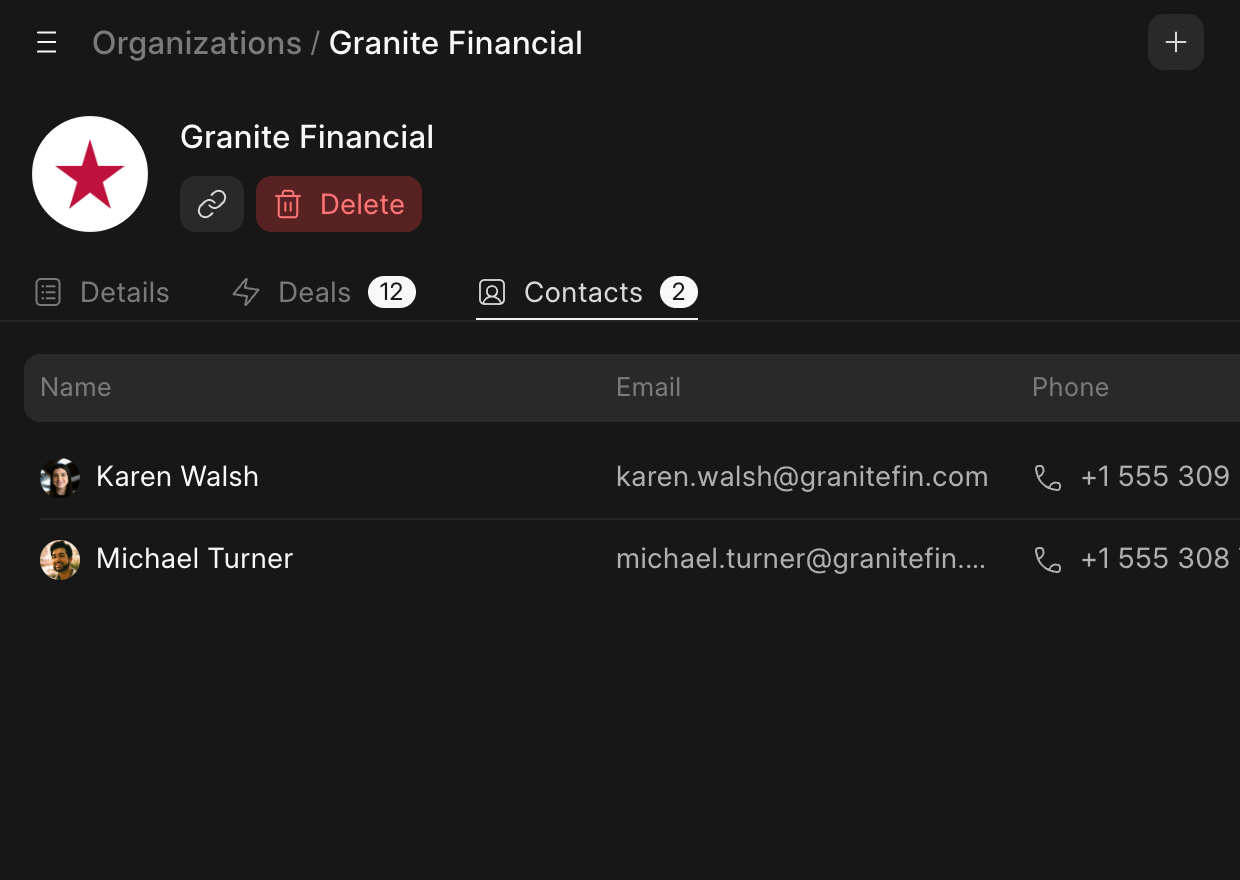
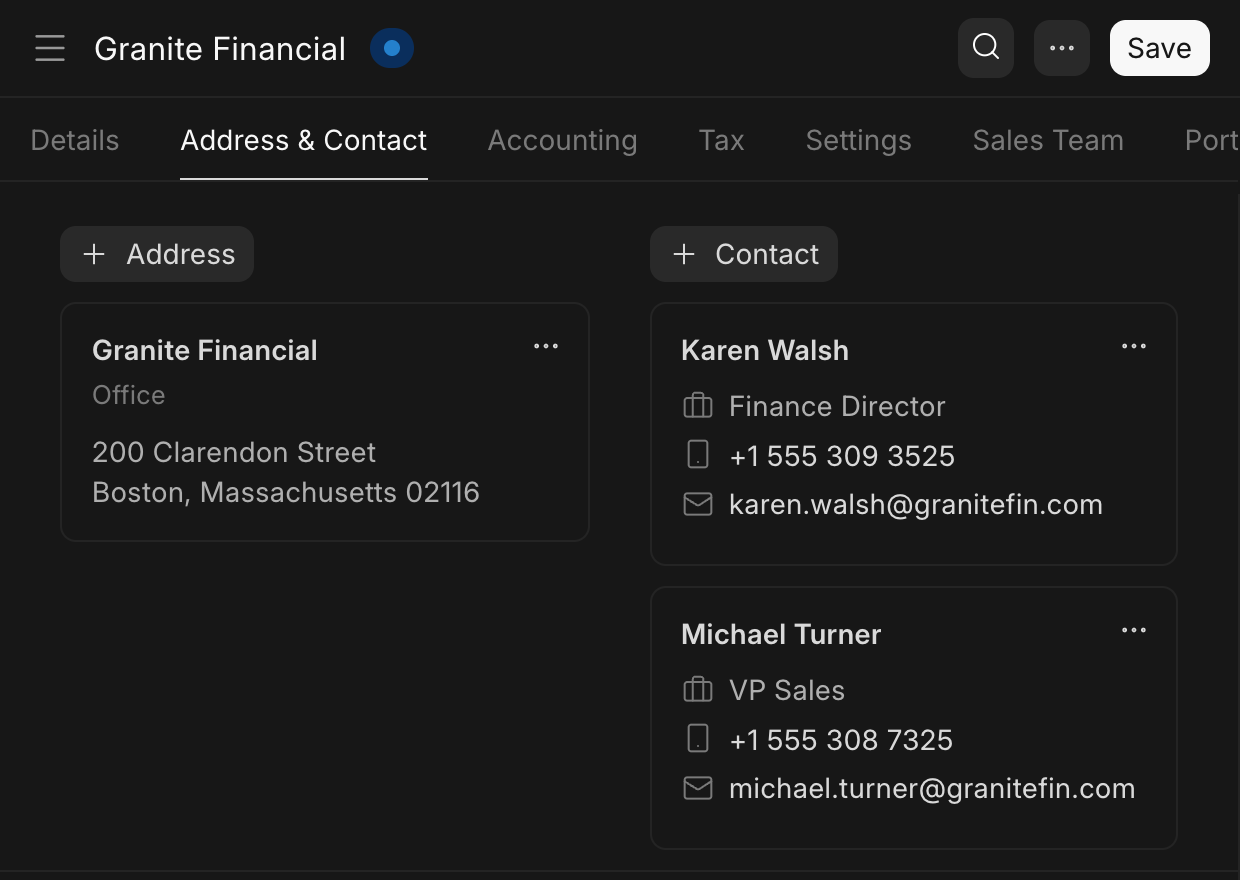
Frappe CRM can create the customer in ERPNext as soon as a deal is won, with the organization's contacts and address. Sales can open the customer from the deal at any time, and accounts have everything they need from day one.
 Frappe CRM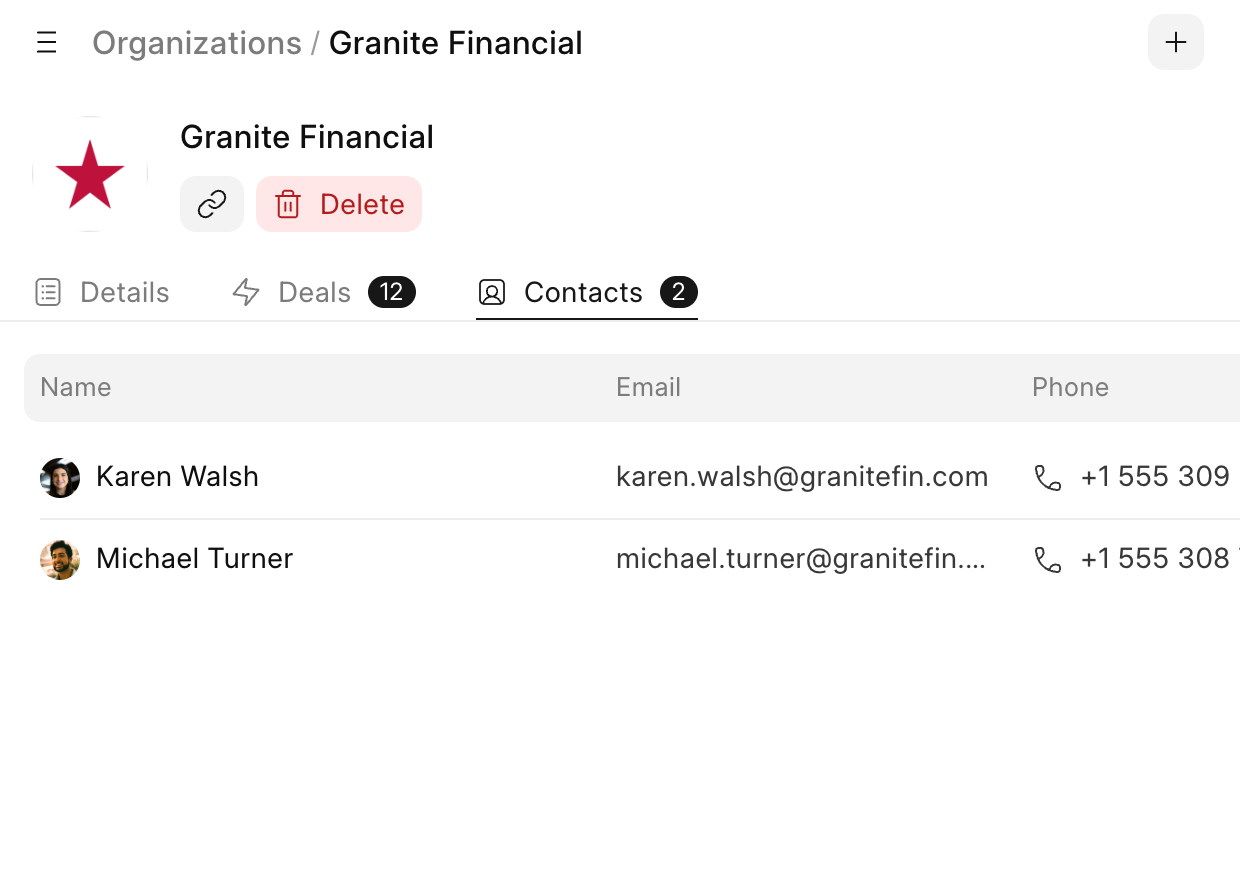
 ERPNext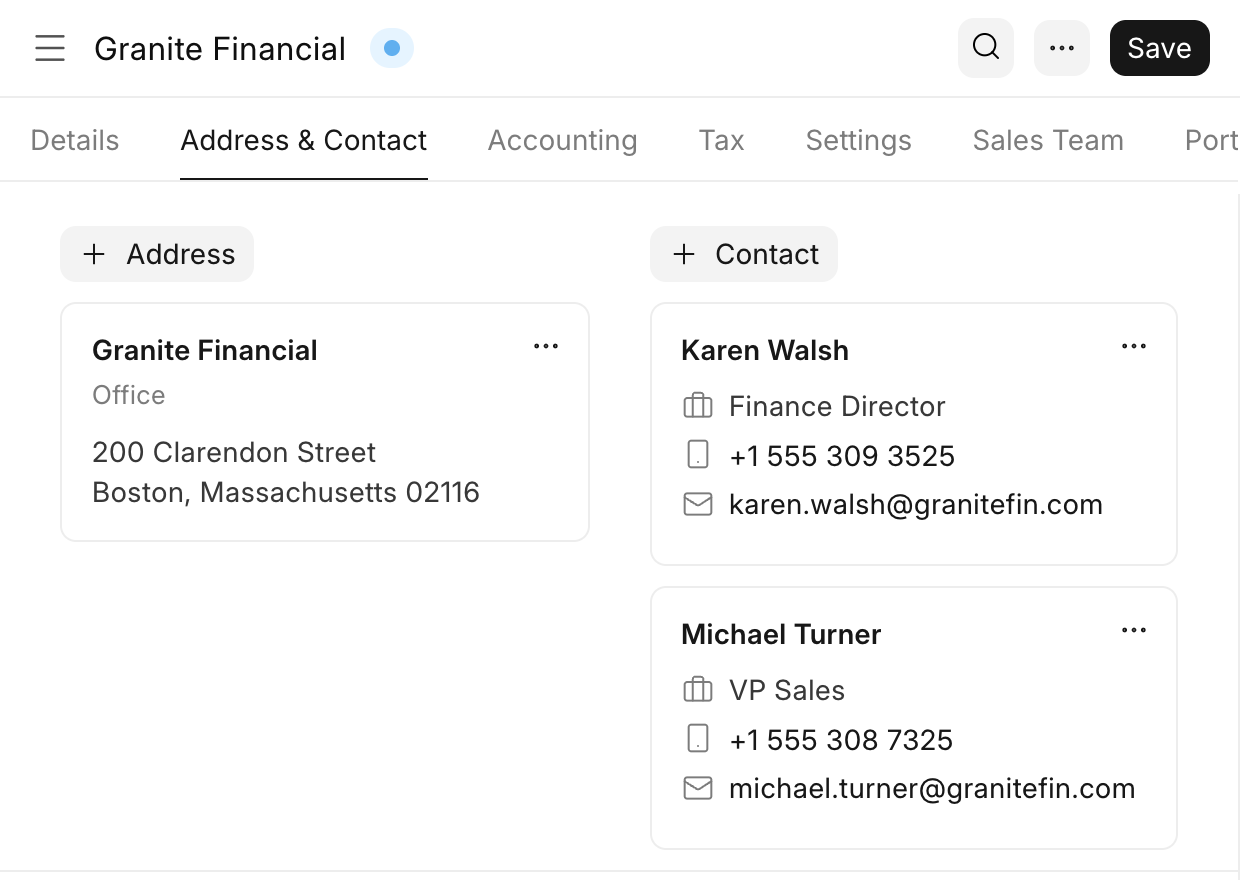
Keep one list of products and prices
When sales and accounts keep separate product lists, prices drift apart and quotations go out with old numbers.
With ERPNext on the same site, your ERPNext items show up in Frappe CRM as products, and a price change in one carries over to the other. You can see what has been synced, and anything that failed, from the CRM's settings.
Make and log calls from the CRM
Calls made from personal phones leave no trace in the CRM, so nobody else knows what was discussed or promised.
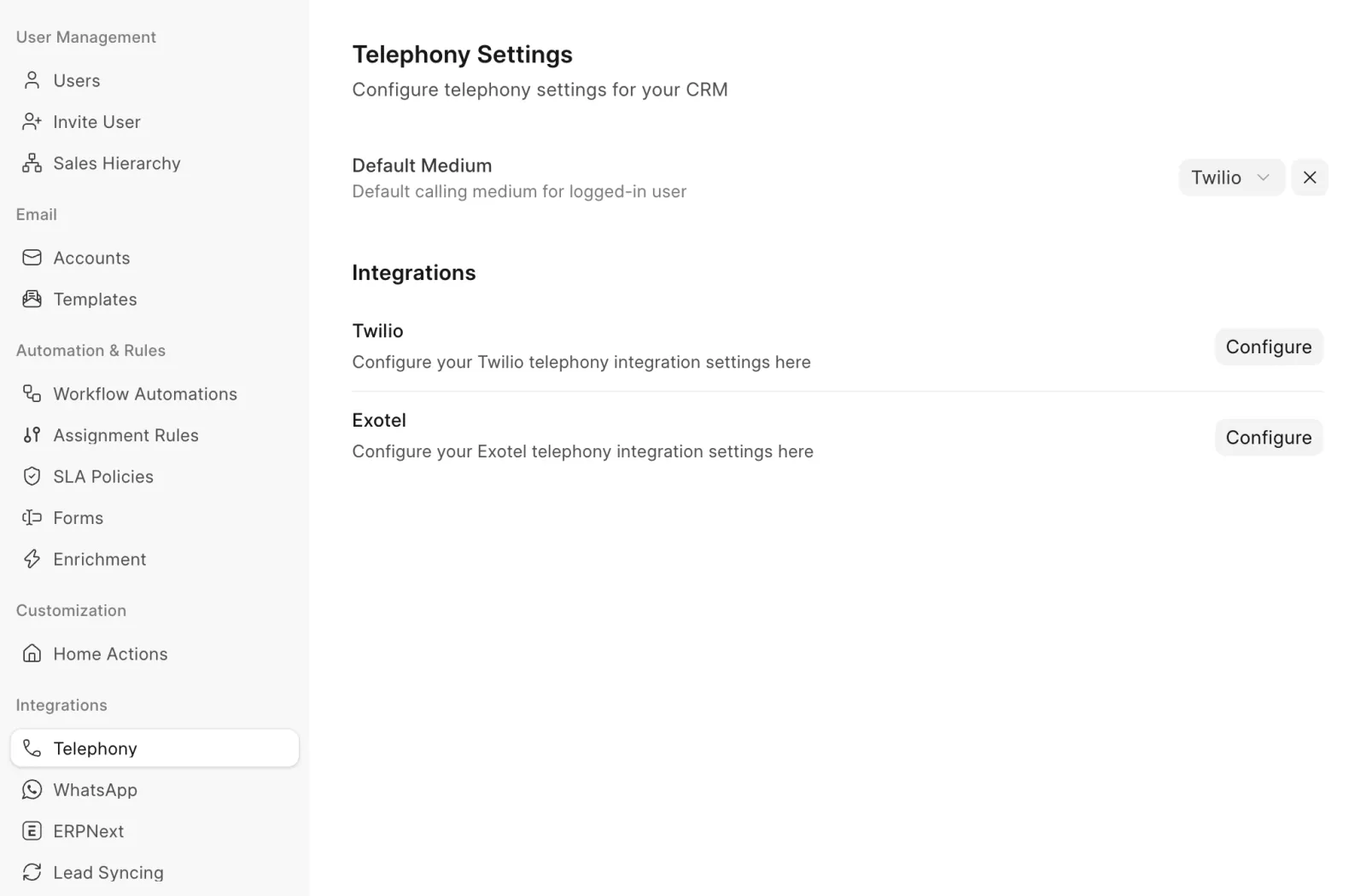
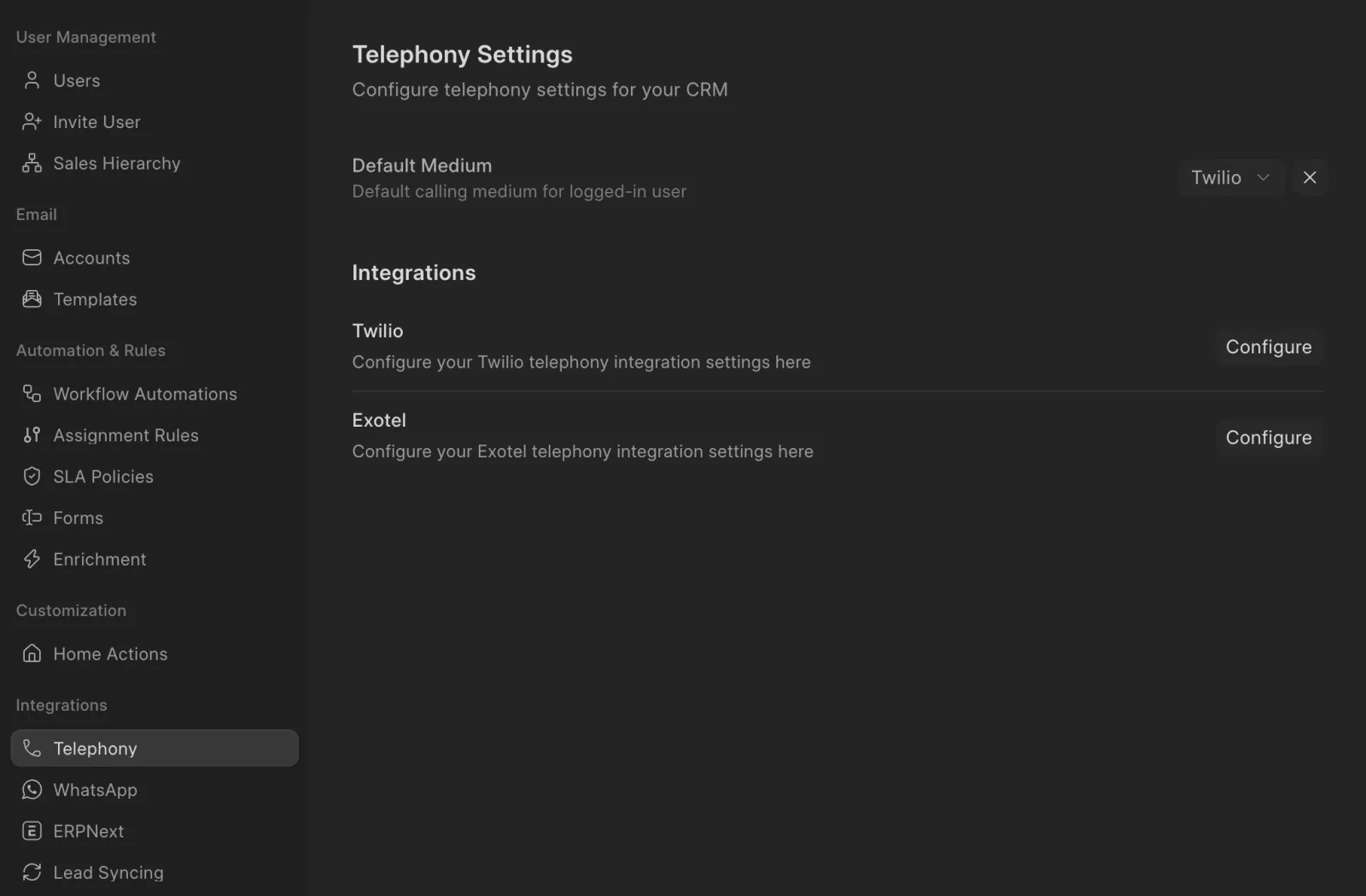
With Twilio or Exotel connected, your team calls leads and contacts from Frappe CRM, and every call is saved on the lead or deal with its recording and notes. See how calls work.
Keep WhatsApp chats on the lead
Many customers would rather send a WhatsApp message than an email, but chats on a salesperson's phone are lost to the rest of the team.
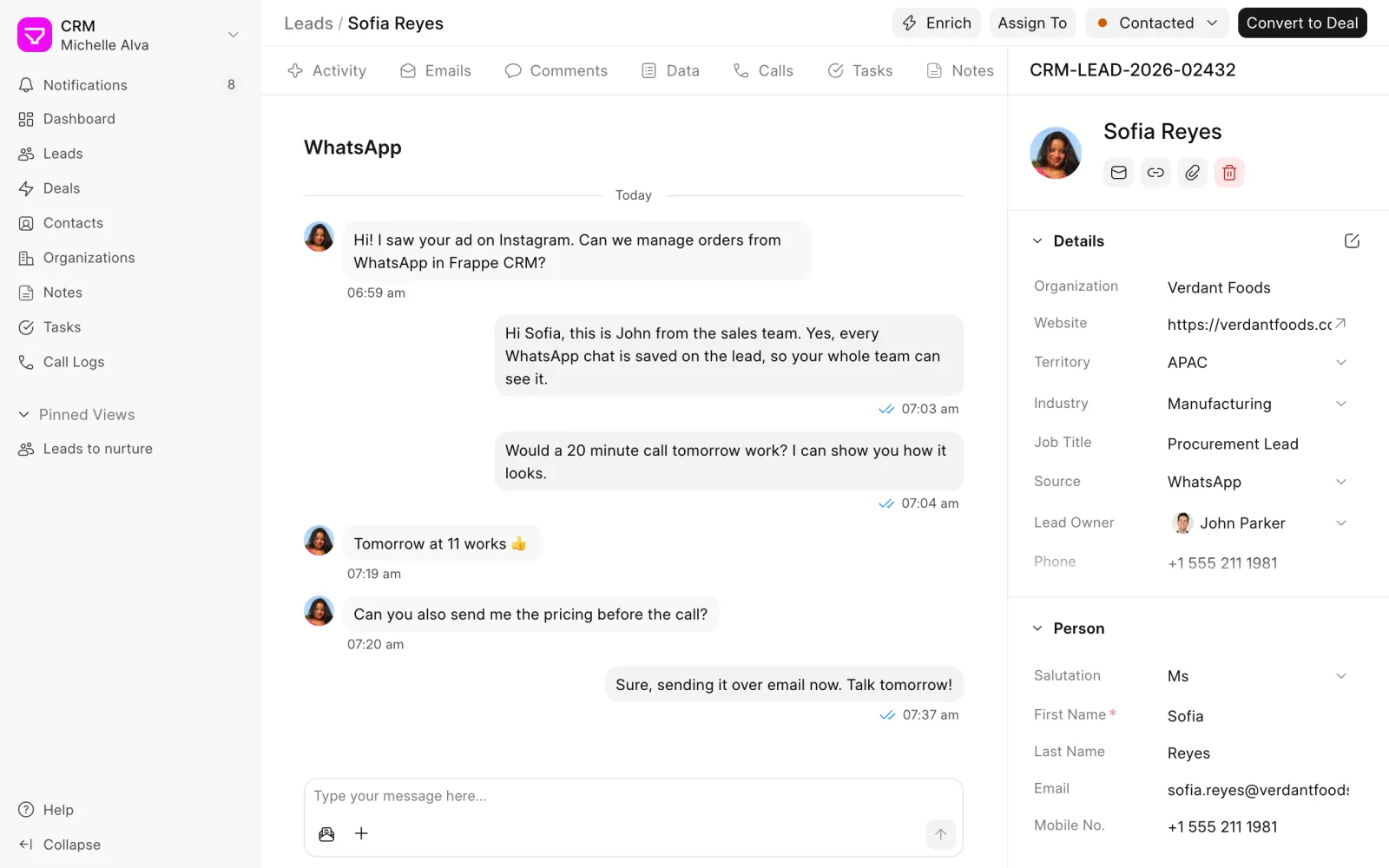
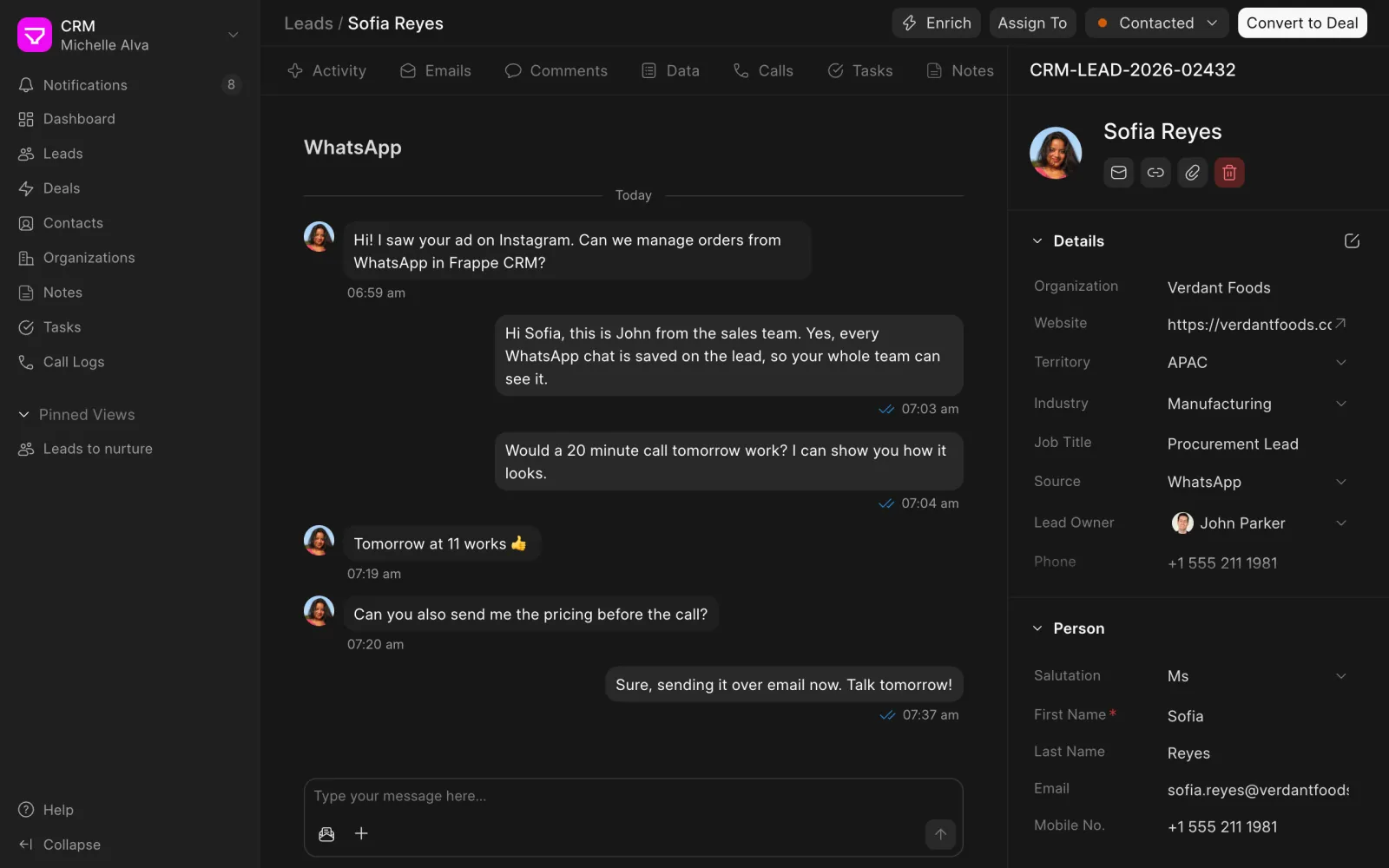
With your WhatsApp Business account connected, messages are sent and received from the lead or deal, and the whole conversation stays on the record for everyone to see. See how WhatsApp works.
previous feature
Customizations & Controls
next feature
Mobile