Frappe
Products
Learning
Integrations
Frappe
Products
Insights
features
Integrations
Your team already uses tools for meetings, calendars, chat and payments. Frappe Learning connects to them, so live classes, cohort chats and checkout run on the accounts you already have.
1.
Run live classes on Zoom
2.
Use Google Meet and Calendar
3.
Give each cohort its own chat on Raven
4.
Take payments with Razorpay or Stripe
Run live classes on Zoom
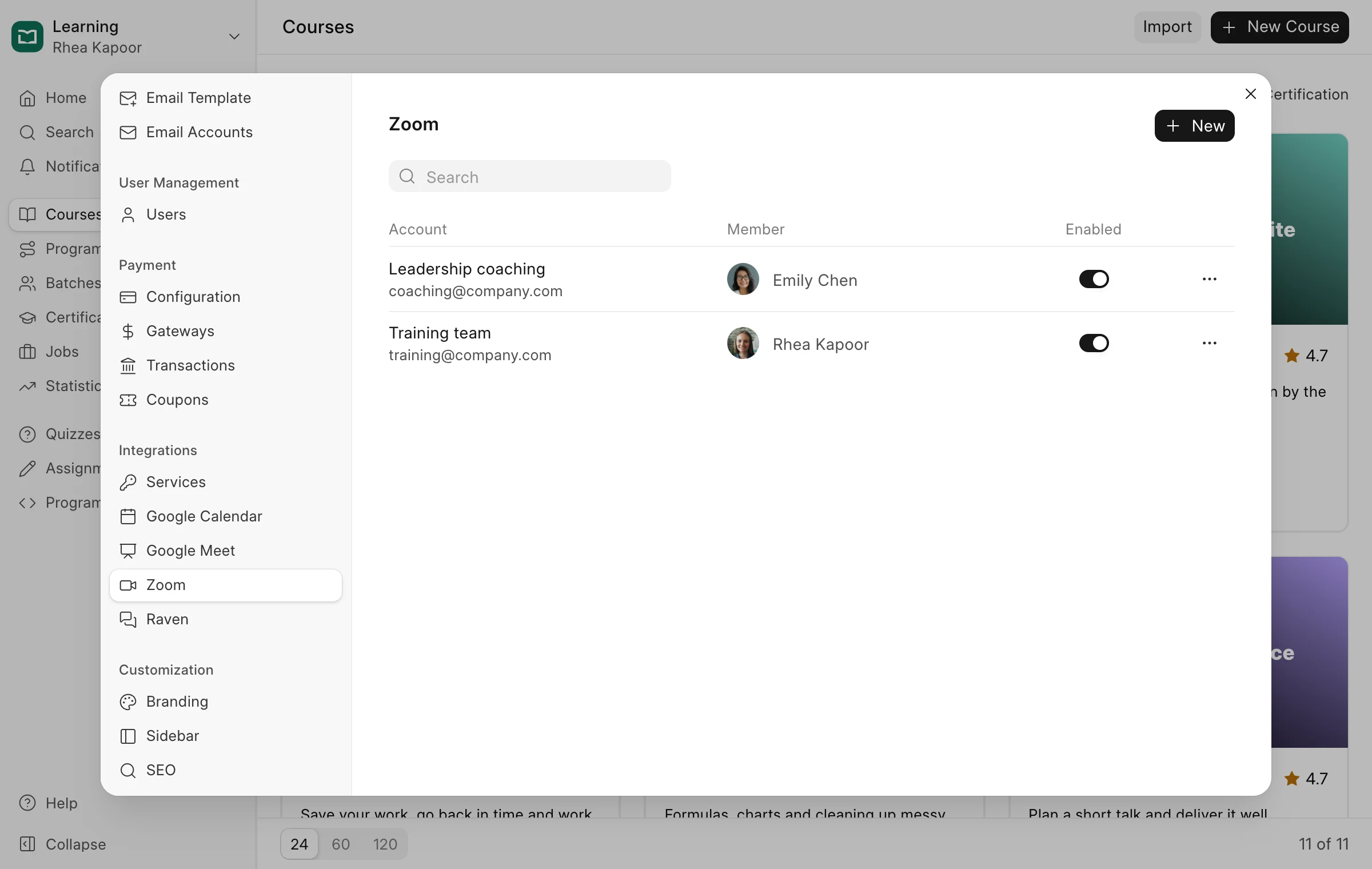
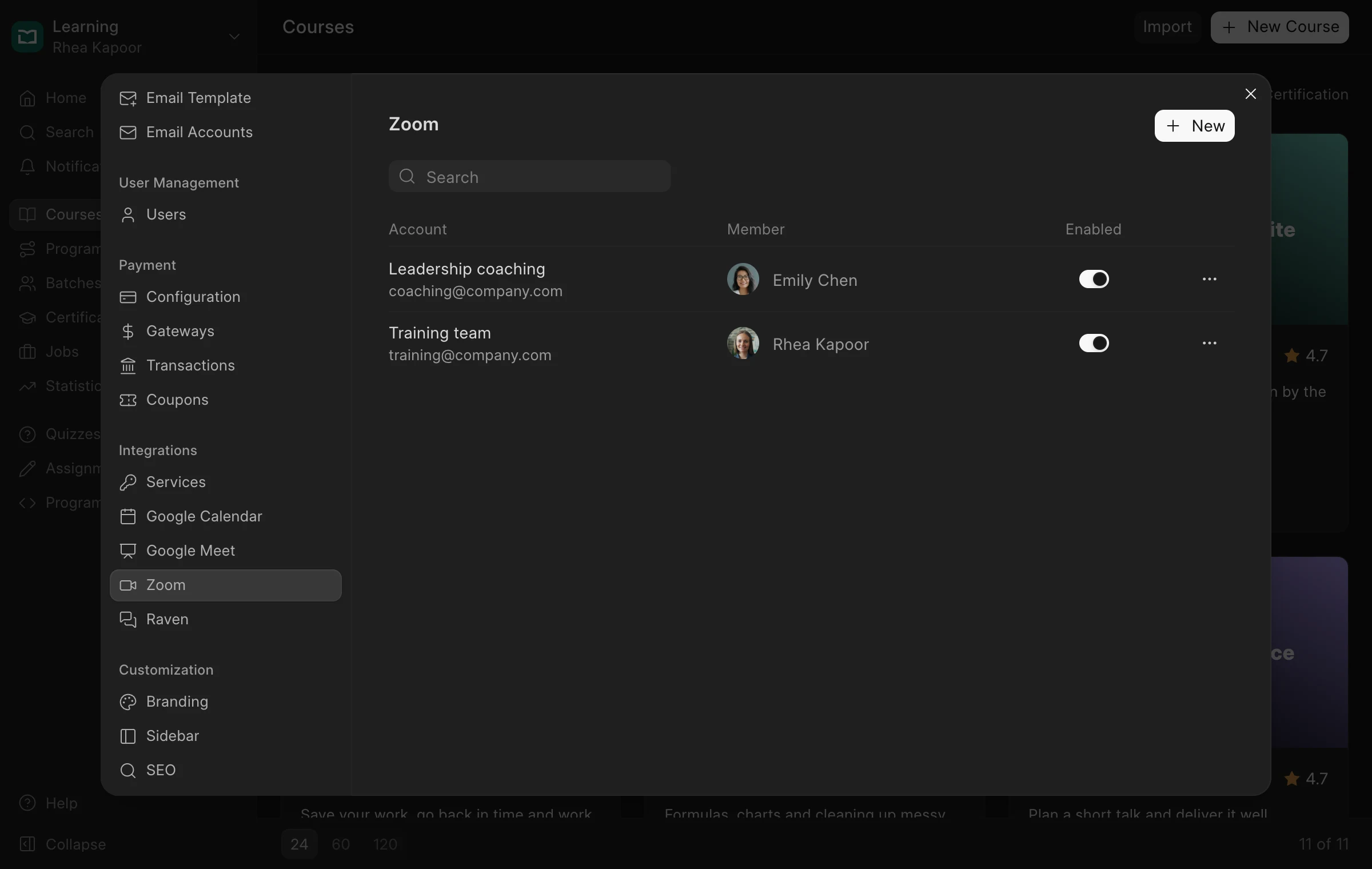
If your team already runs meetings on Zoom, use it for live classes too.
Connect one or more Zoom accounts, for example one for your training team and one for an outside coach. Classes are created on the right account with a link to join, invites go out automatically, and attendance comes back into Frappe Learning after the session.
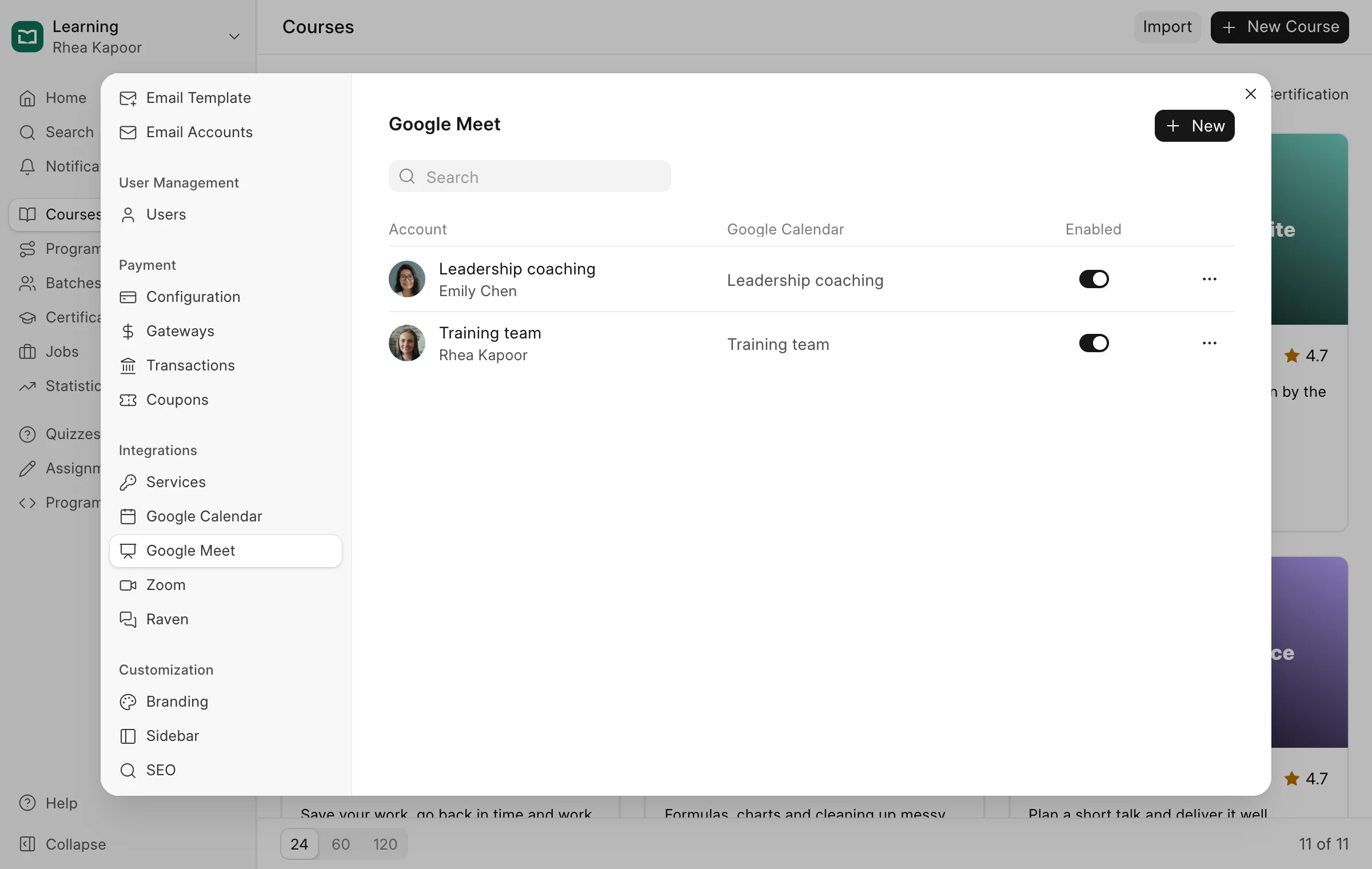
Use Google Meet and Calendar
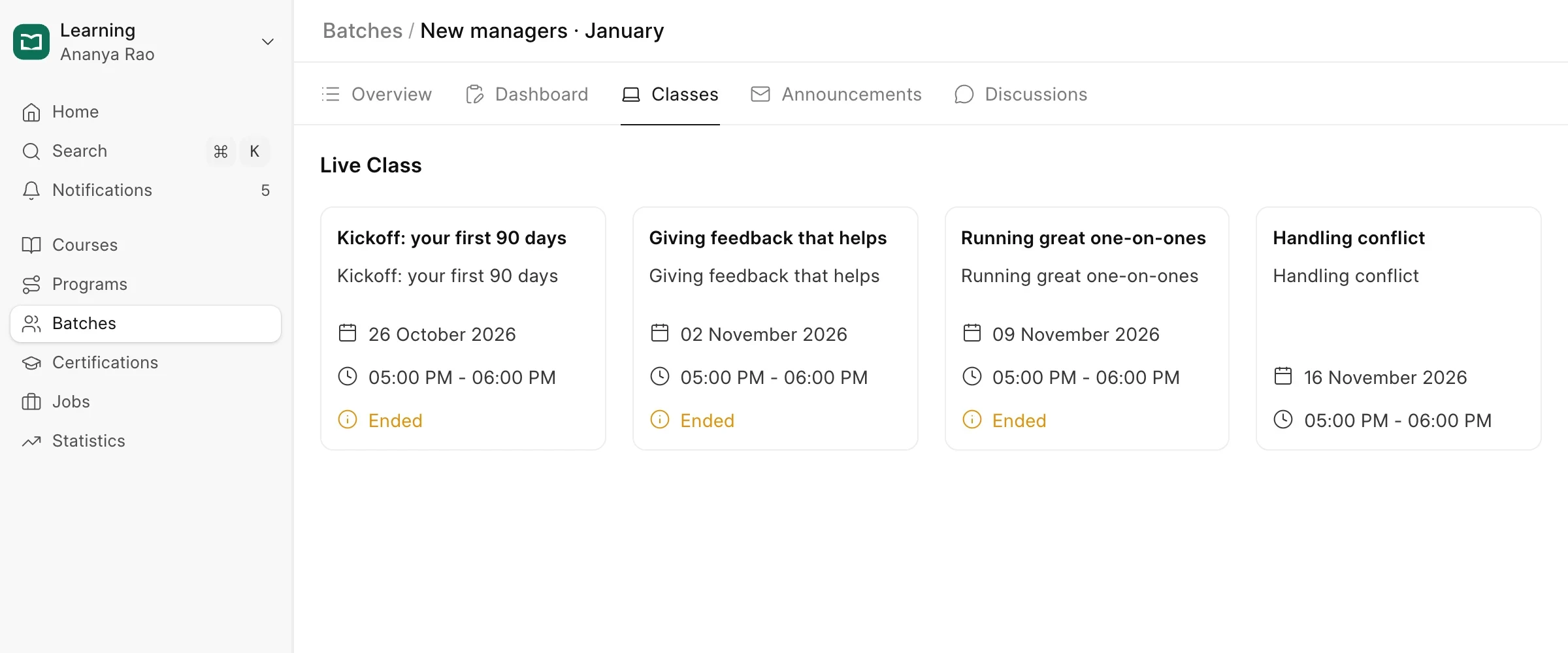
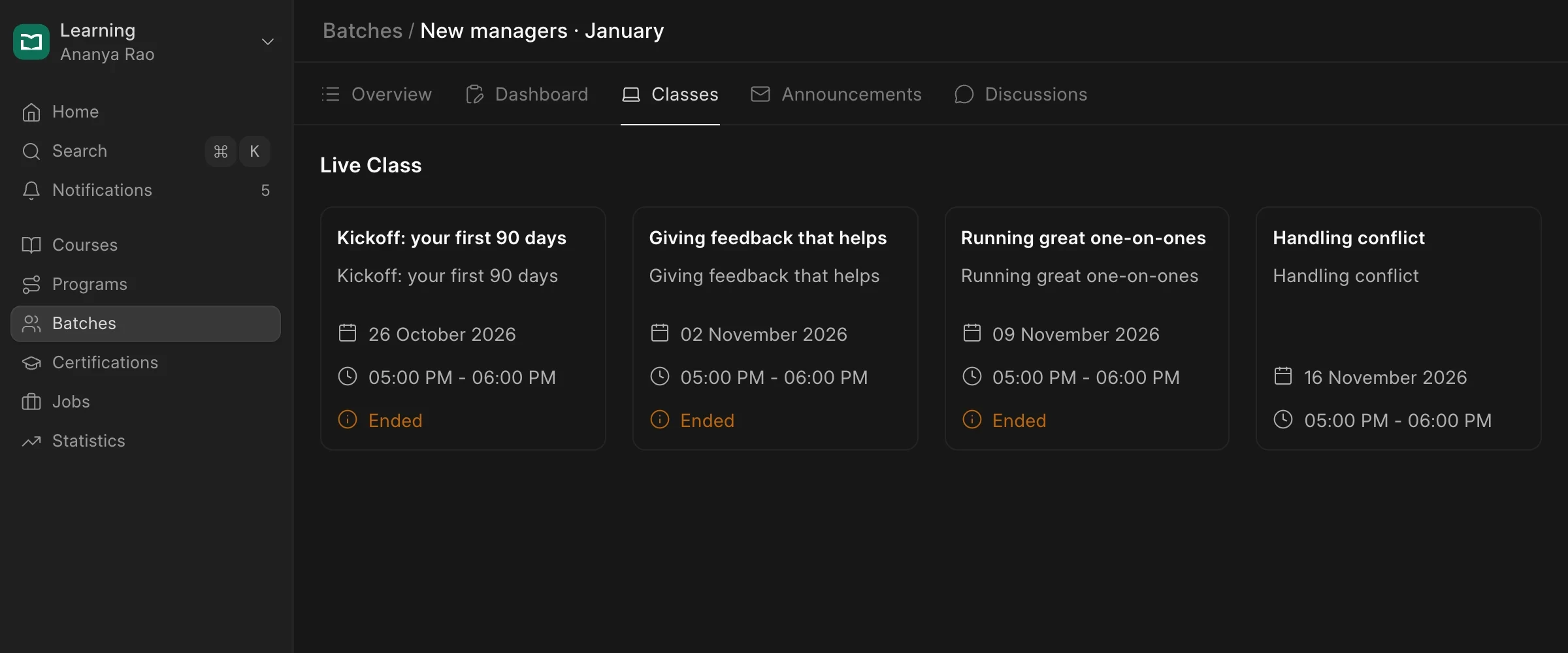
If your organisation uses Google Workspace, keep everything there.
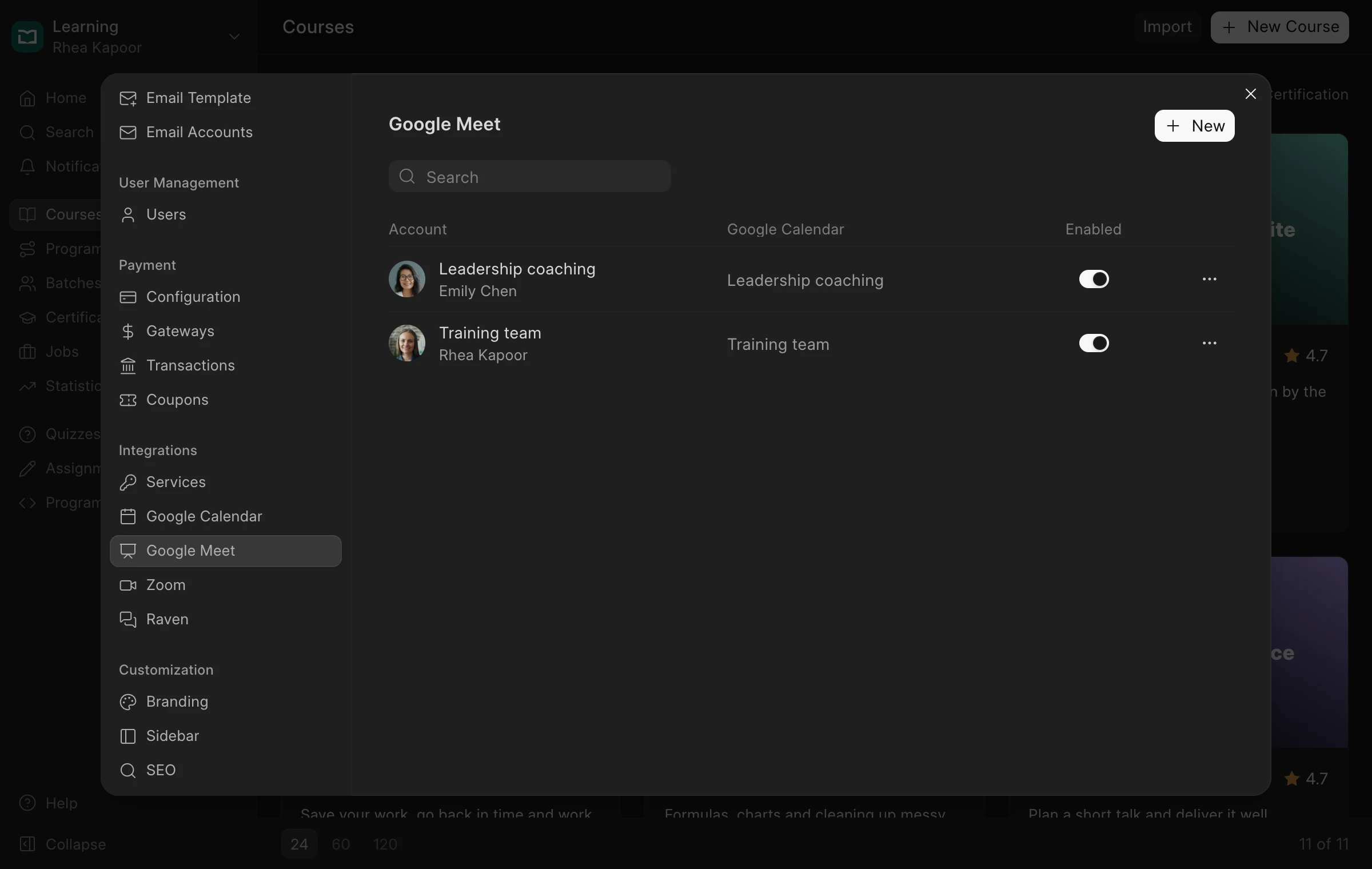
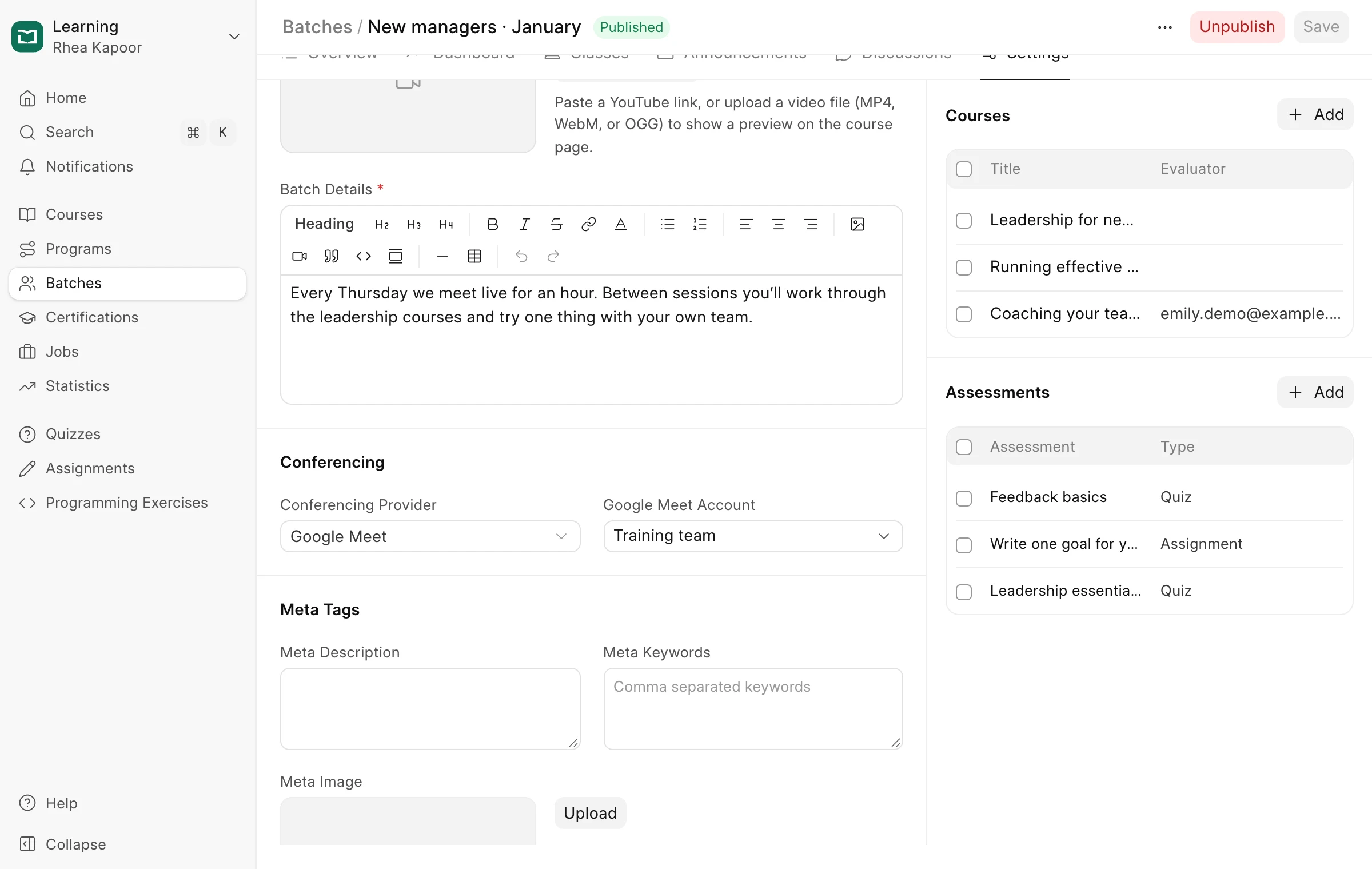
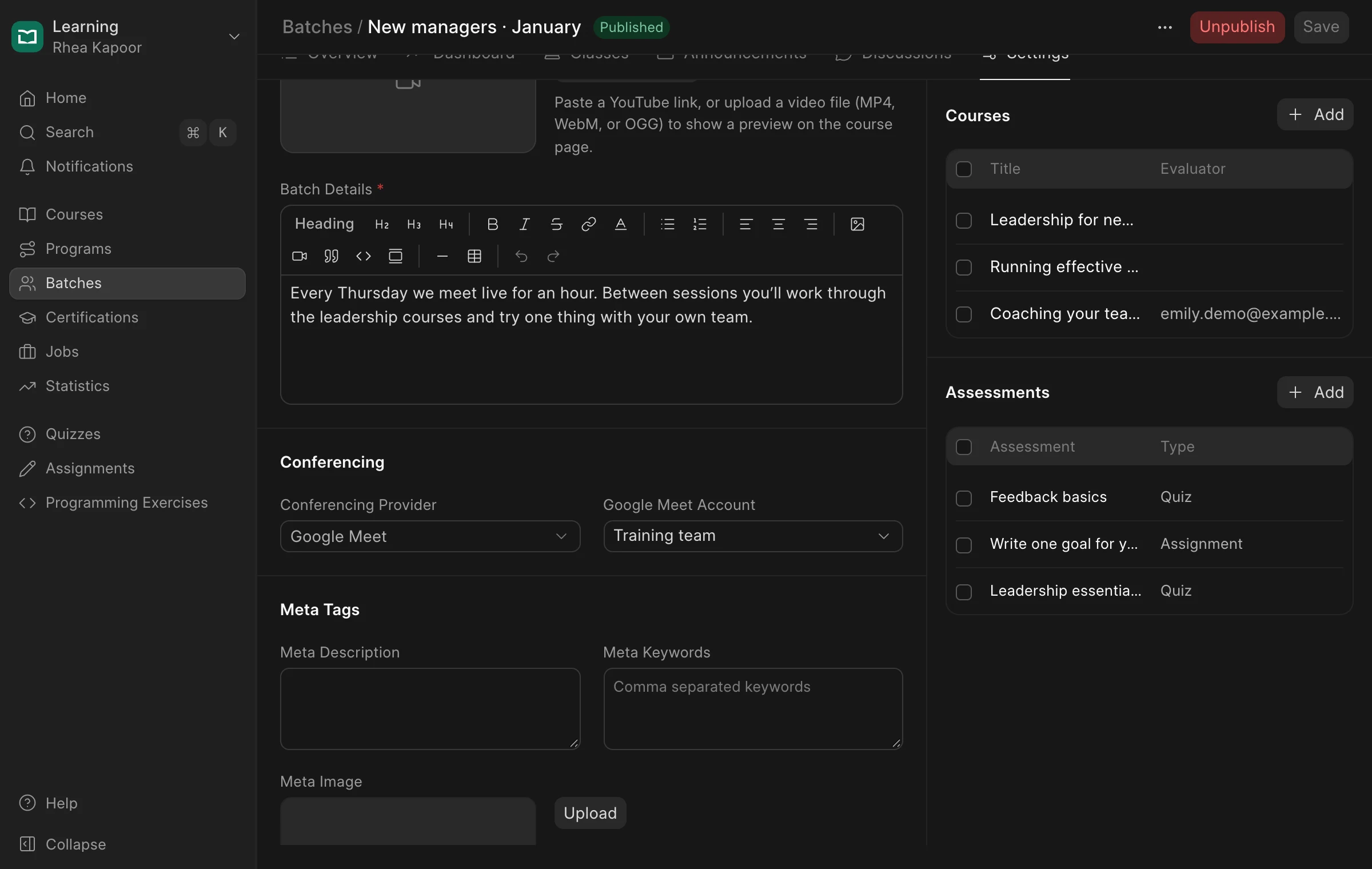
Connect Google Calendar for each trainer, then choose Google Meet for a batch. Its live classes and evaluations are created as Meet sessions on the trainer’s calendar, and learners get a calendar invite with the link, so the session is already in their day.
Give each cohort its own chat on Raven
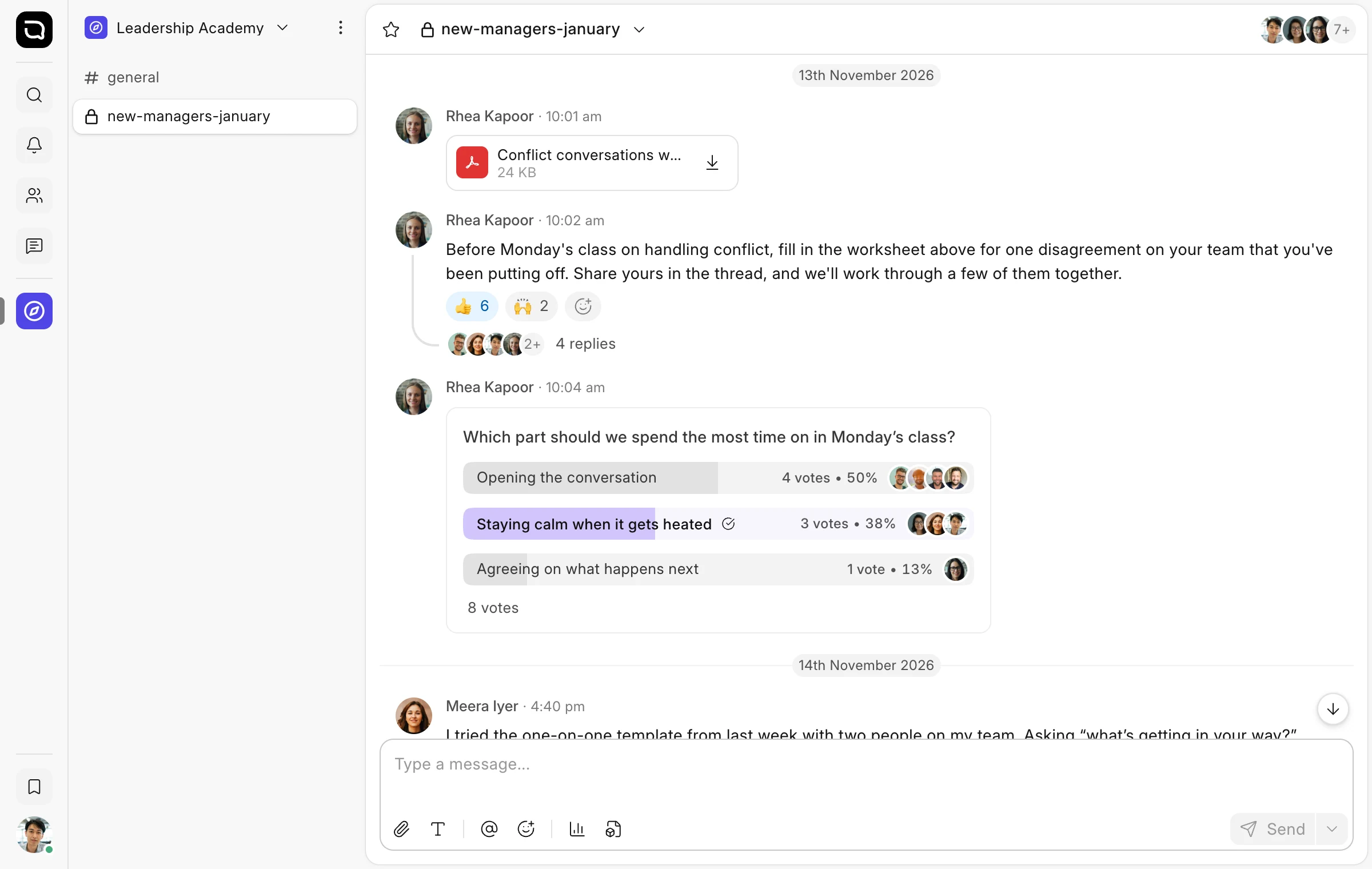
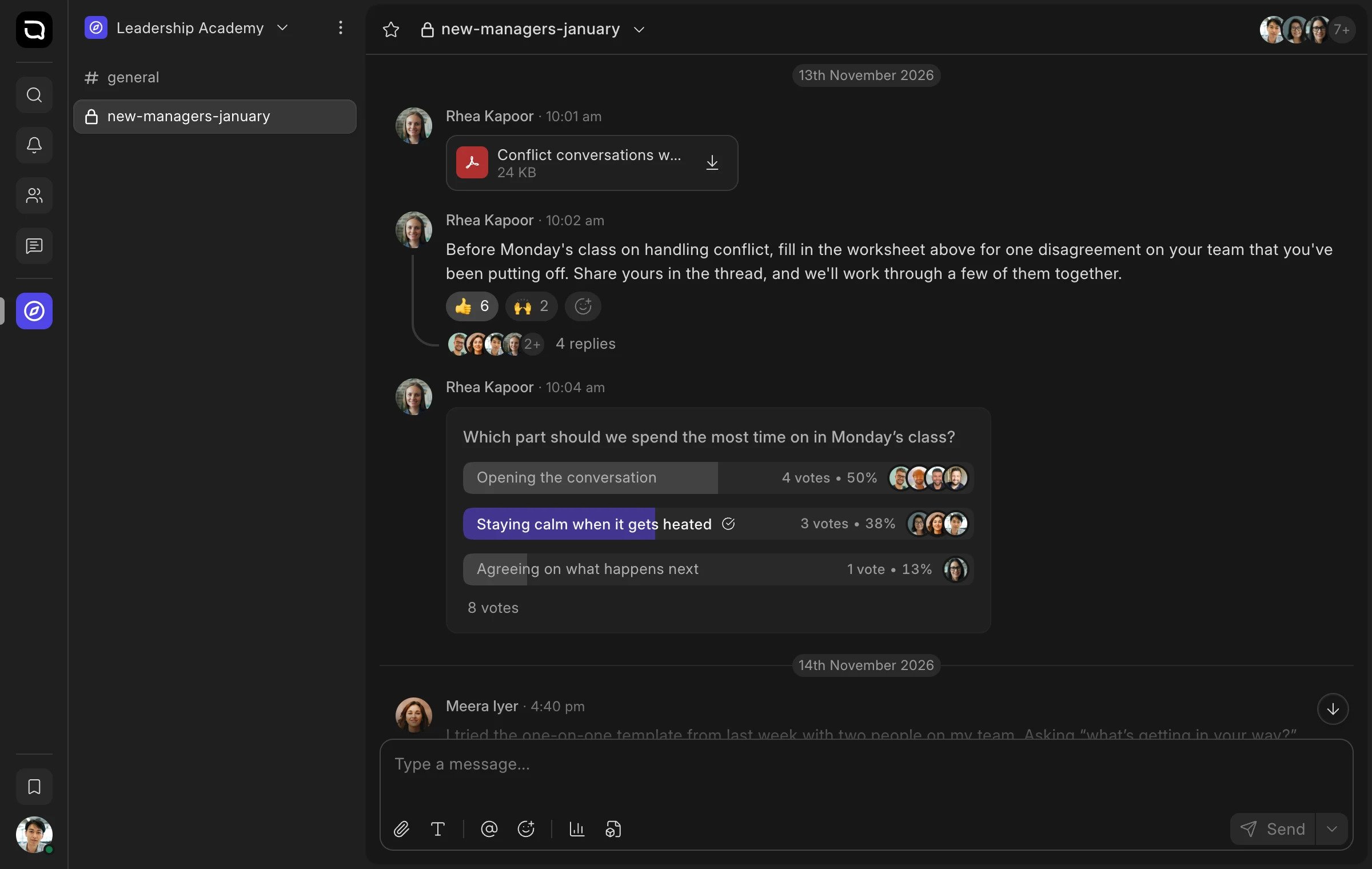
Learners in a cohort learn as much from each other as from the course. But a WhatsApp group means someone has to add and remove people by hand, and course talk gets lost among everything else.
Connect Raven, Frappe’s team chat, and decide who belongs in each channel: everyone in a batch, learners of a course, only those who paid, or your instructors. People are added as they enrol and removed when they leave, so every cohort has its own place to ask questions and share notes.
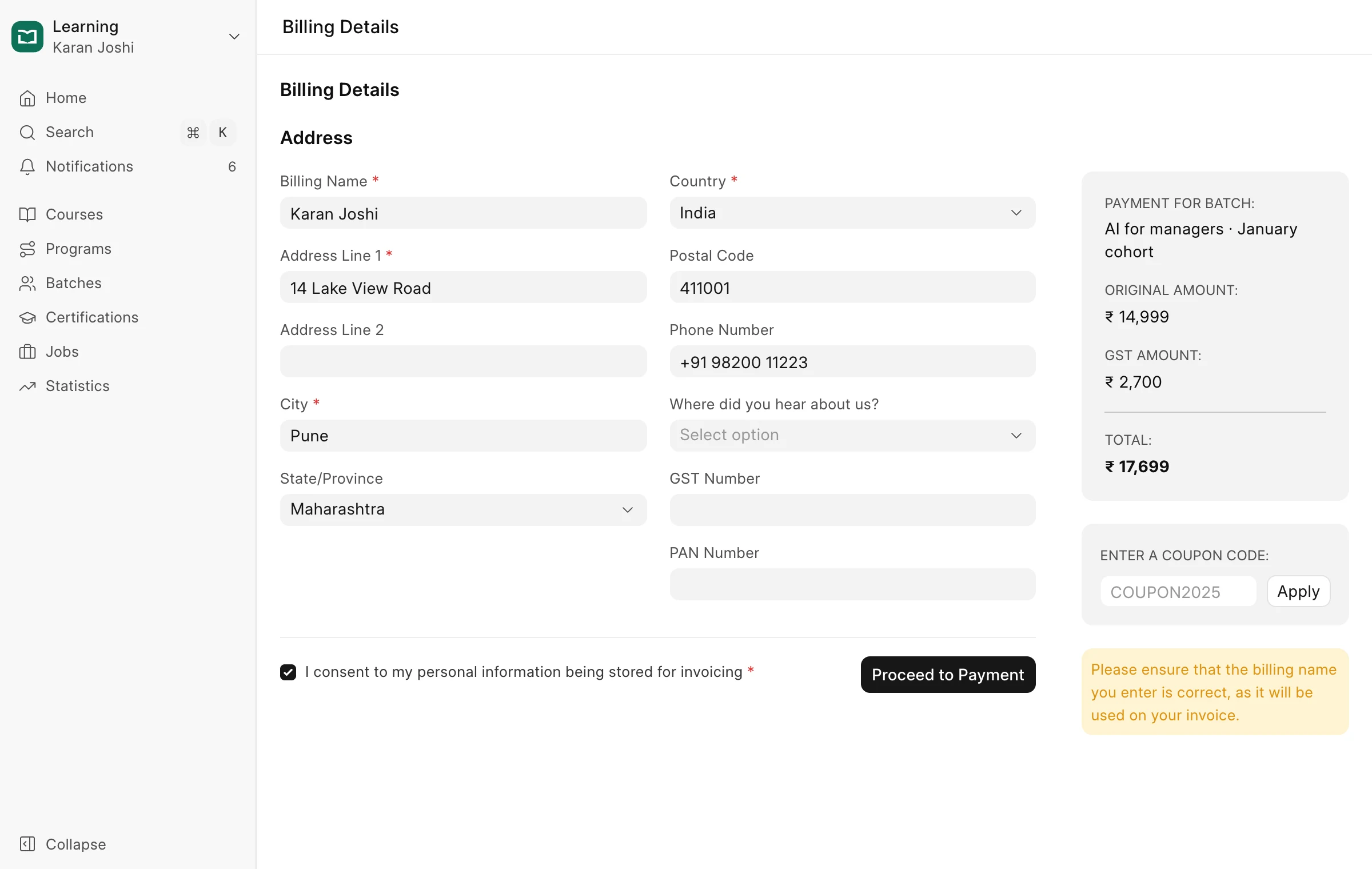
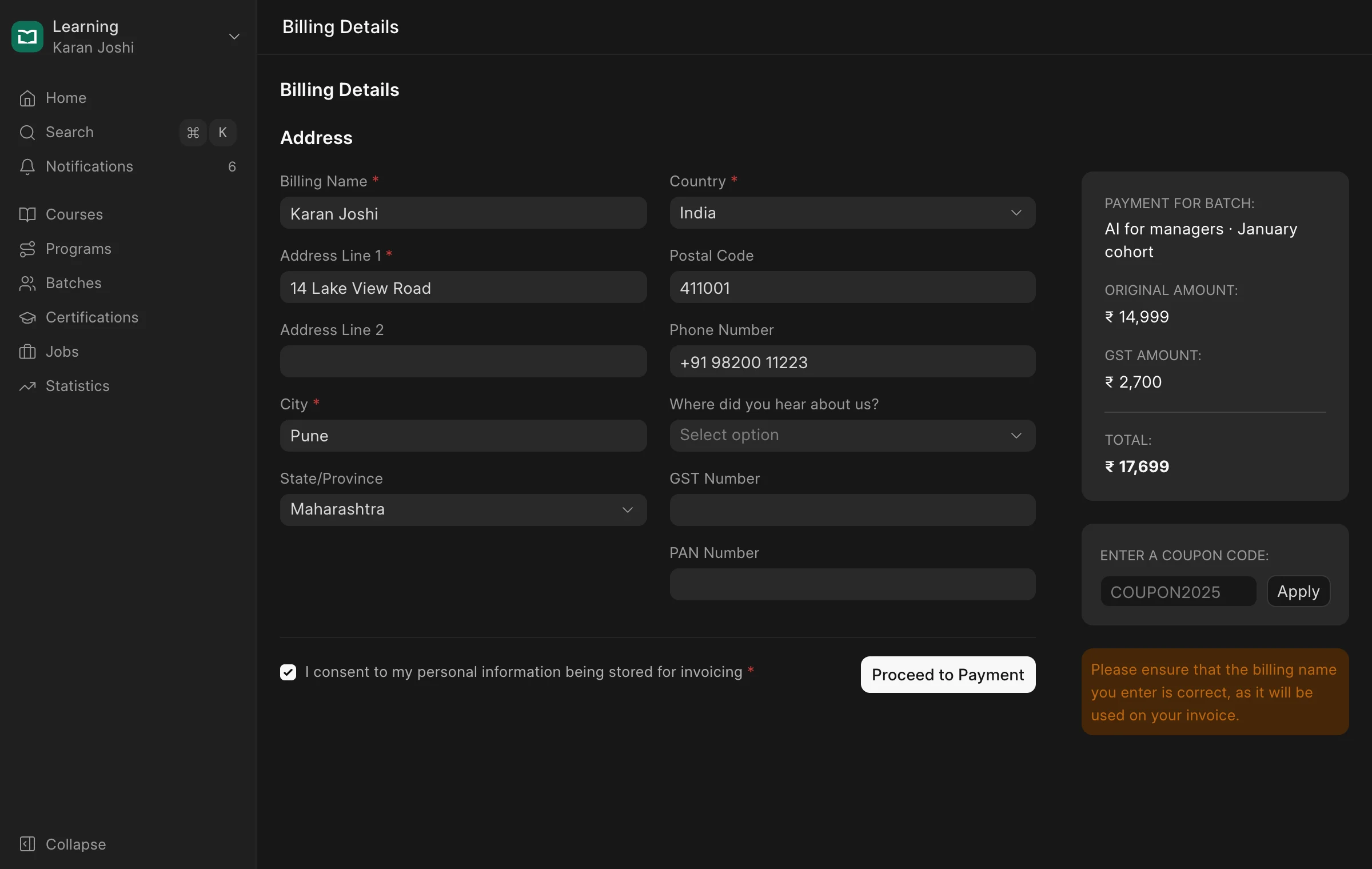
Take payments with Razorpay or Stripe
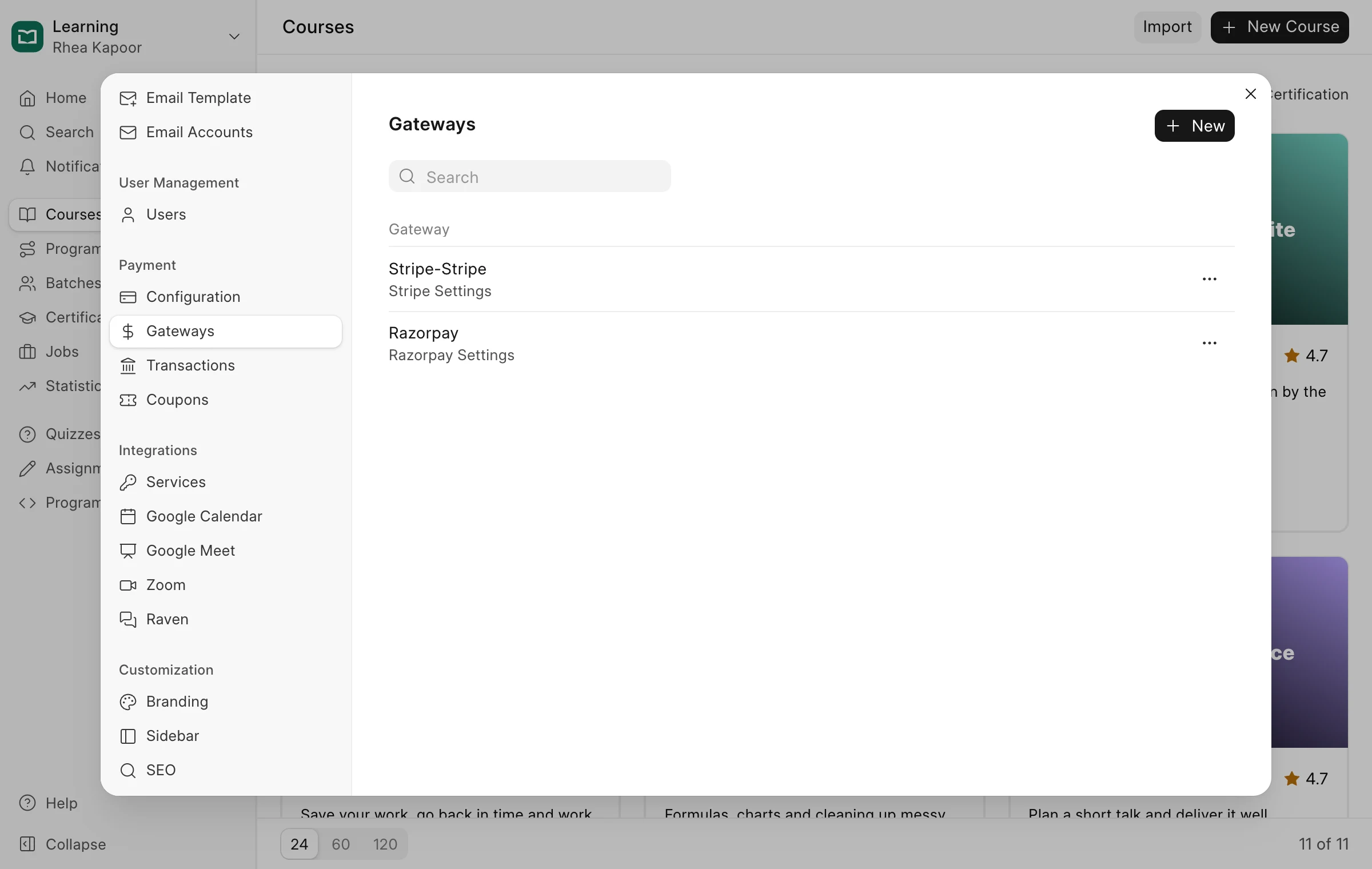
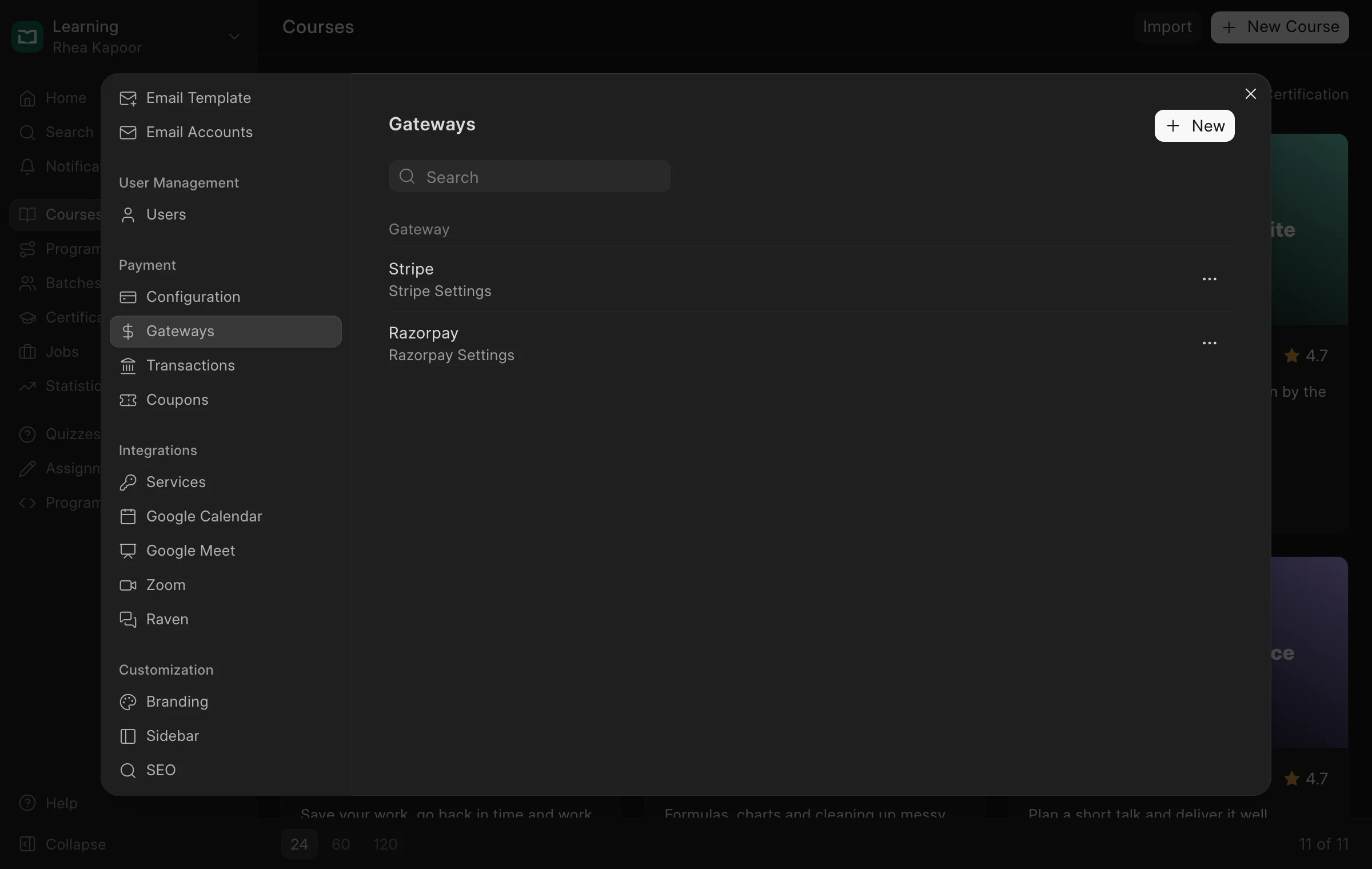
To sell courses, you need a way to get paid that works where your learners are.
Connect Razorpay or Stripe, and learners pay for courses, batches and certificates at checkout. GST is added for learners in India, payments land in your own account, and every transaction is listed in Frappe Learning.
previous feature
Customization
next feature
Mobile Access