Frappe
Products
Learning
Courses
Frappe
Products
Insights
features
Courses
Onboarding new hires, training your sales team or teaching a skill to a community? Turn your material into short courses that people take at their own pace, and see who’s finished and who’s stuck.
1.
Everything in one place
2.
Videos people actually watch
3.
No skipping ahead
4.
A clear path from day one
5.
Keep what you’ve already built
Everything in one place
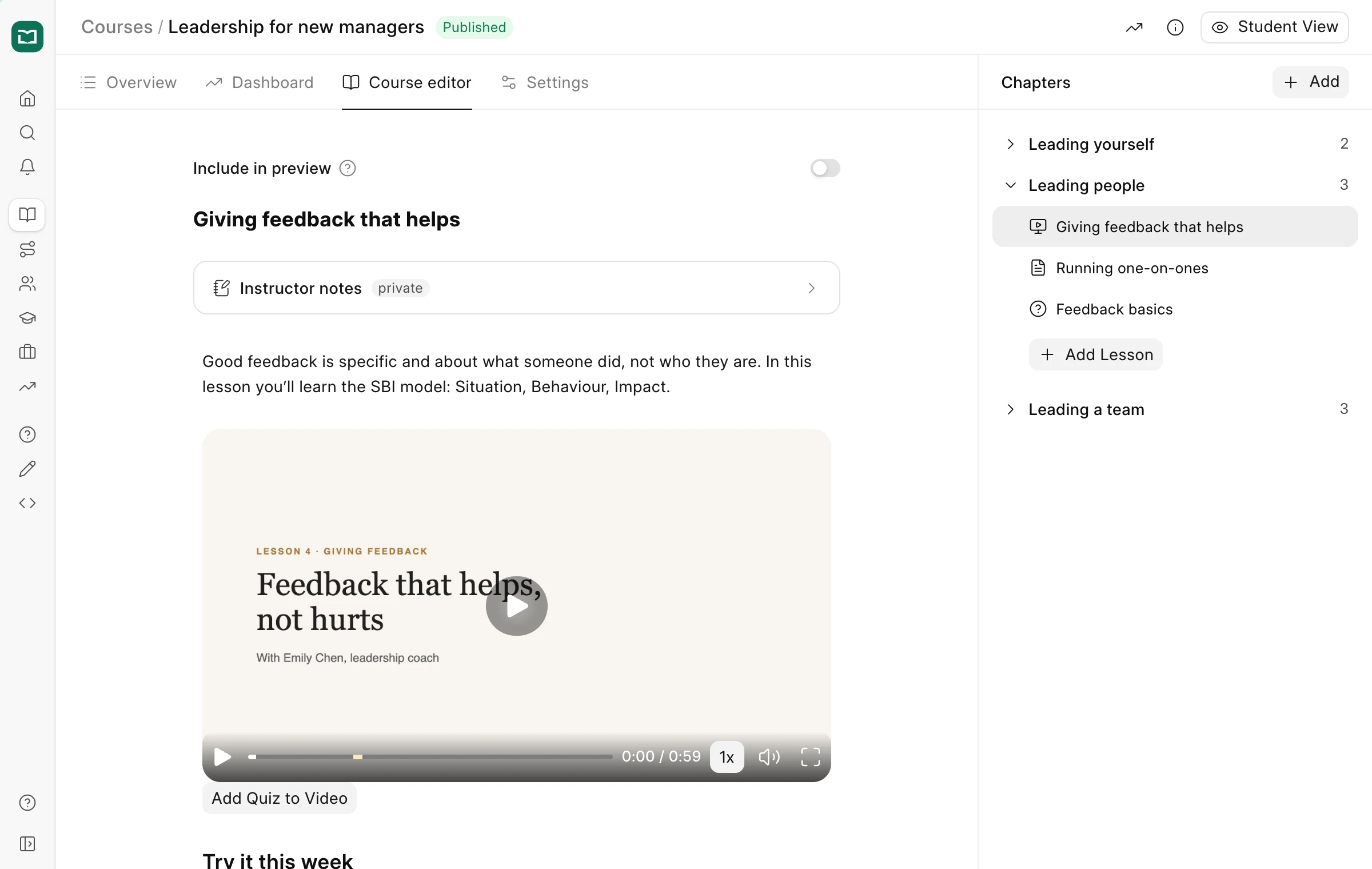
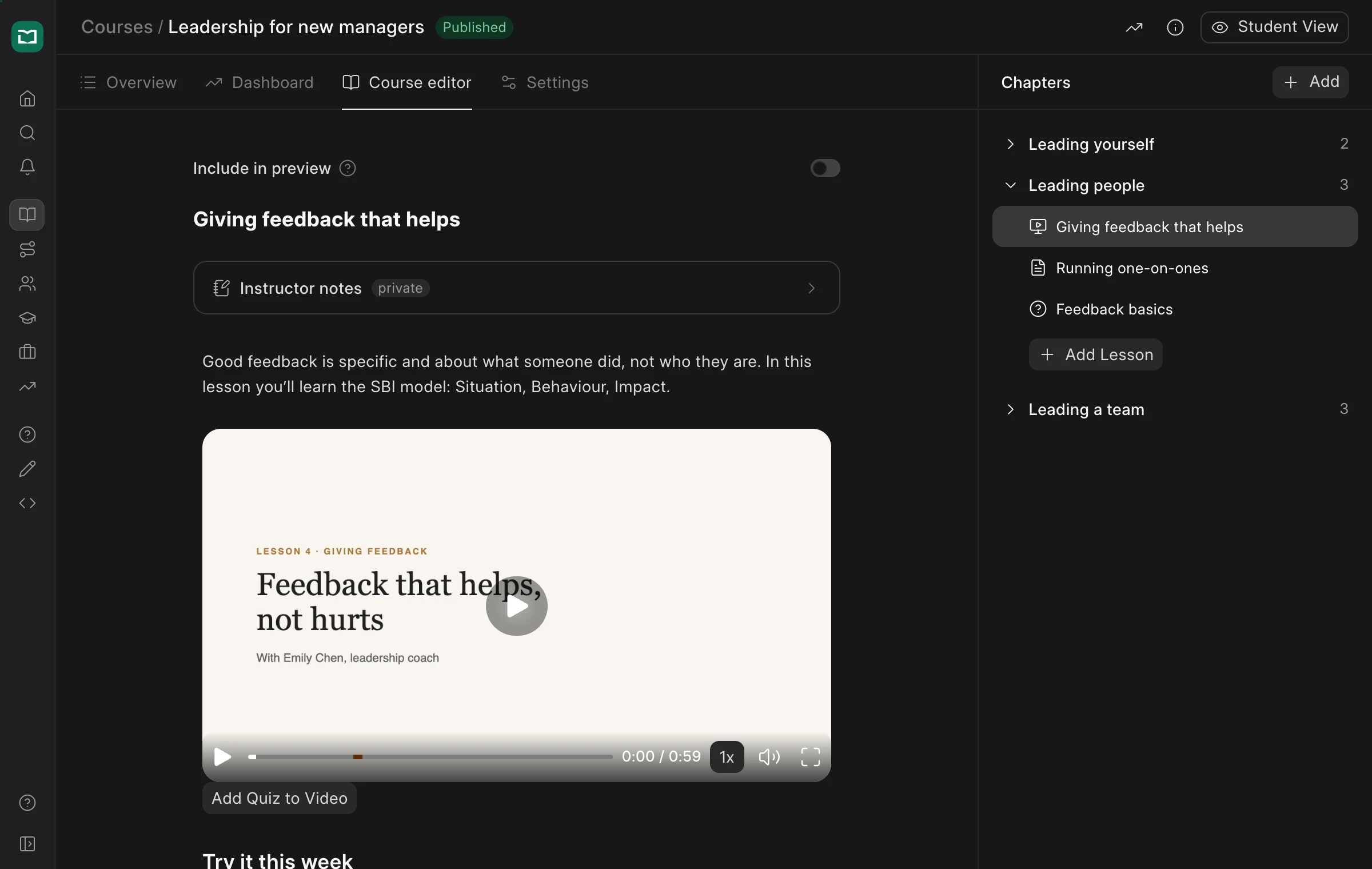
If your training lives in slide decks, recorded calls and shared folders, put it all into one course.
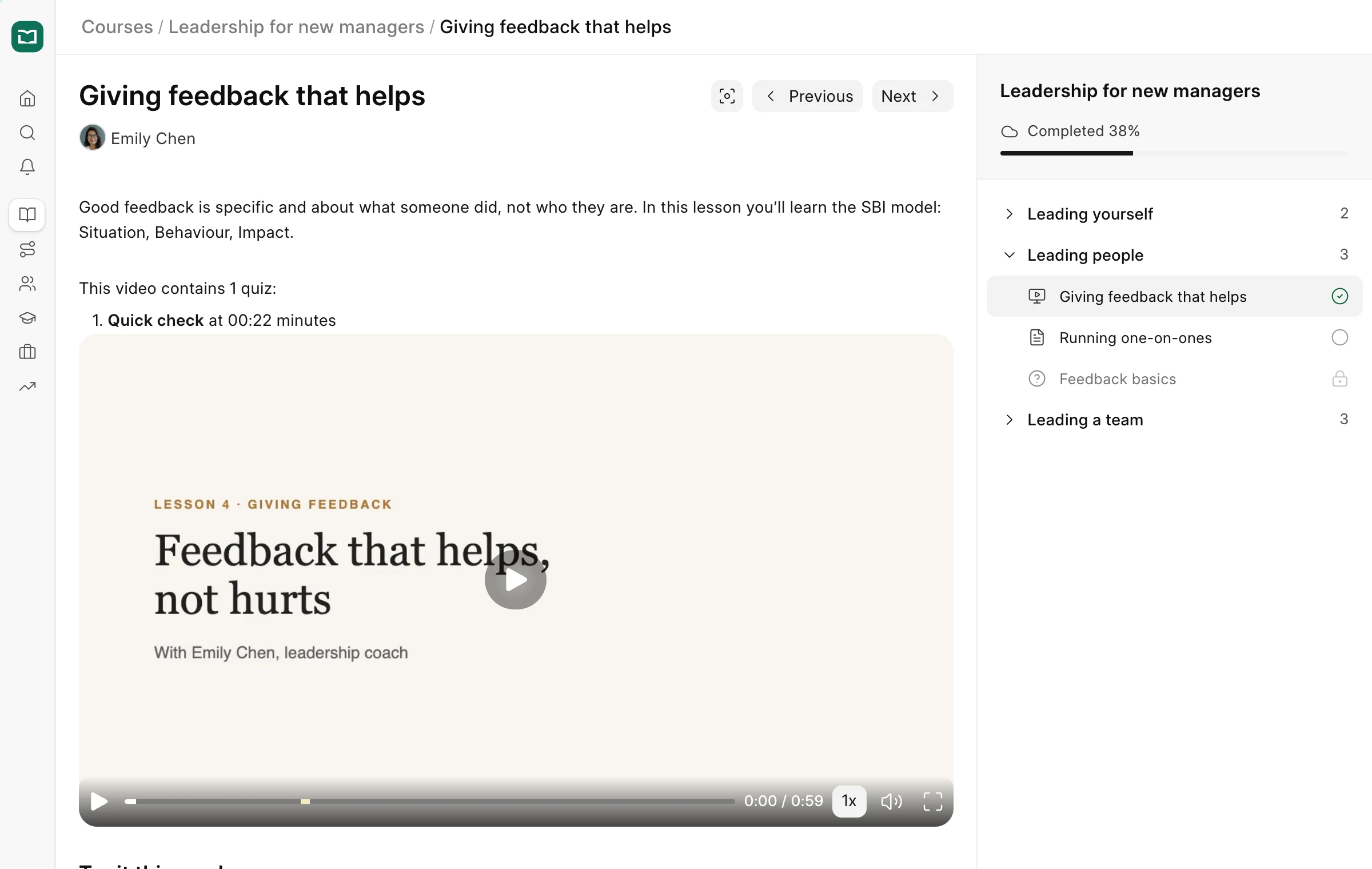
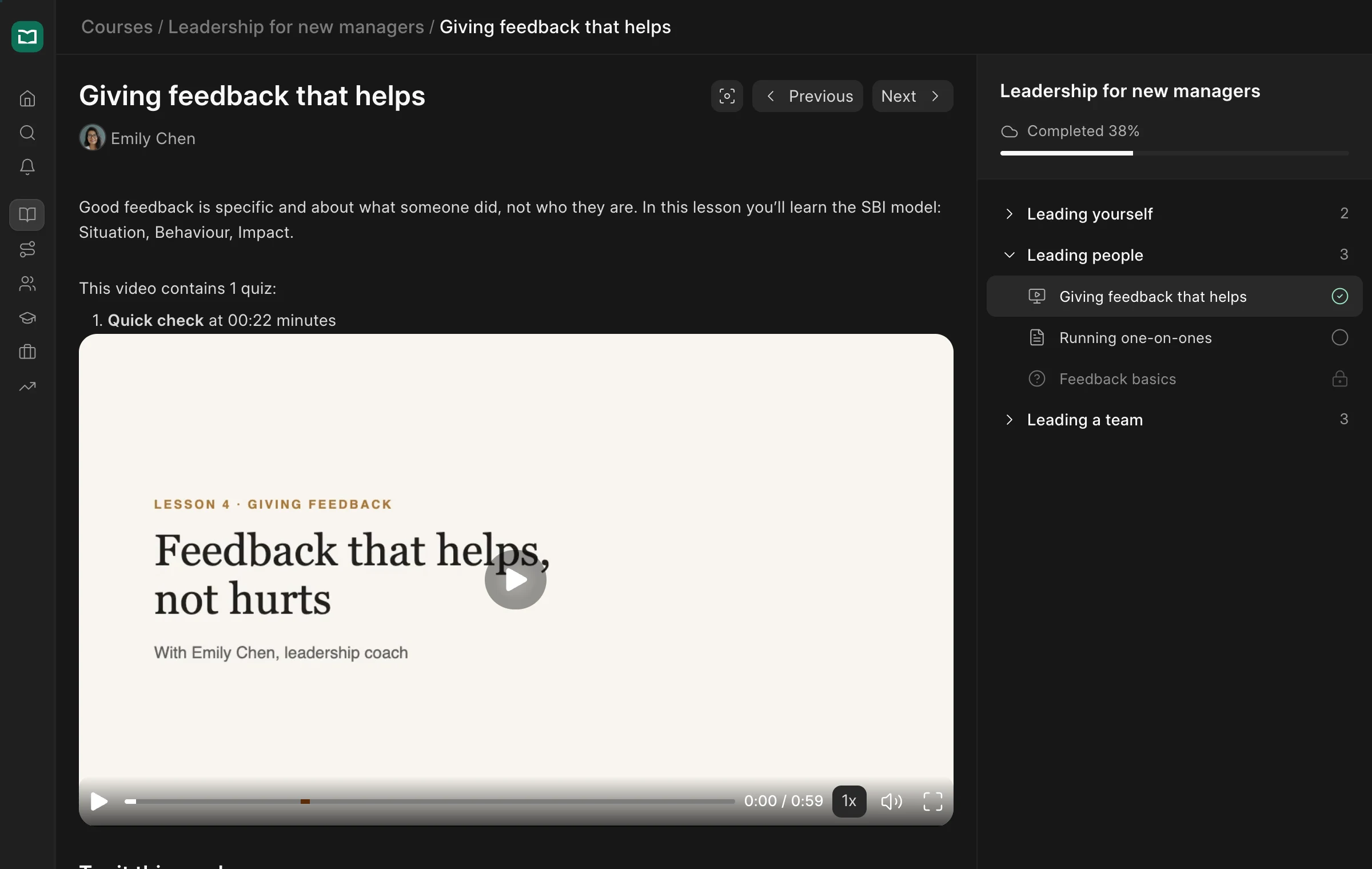
Split it into chapters and short lessons, with video, PDFs, slides or YouTube links where they help. Learners see one lesson at a time with the course outline beside it, and every lesson they finish gets a tick, so they pick up exactly where they stopped.
Videos people actually watch
Recorded a product walkthrough or a policy talk? Long videos are easy to leave playing in another tab.
Add a question at any point in the video, and it pauses there until the learner answers. They see right away if they got it right, then carry on from the same spot, and you know people were paying attention.
No skipping ahead
For training where the order matters, like safety steps or your sales process, people shouldn’t jump straight to the end.
Lessons open one after another, and a lock shows on everything that isn’t ready yet. You decide what counts as done, like watching the whole video, passing the quiz or handing in an assignment, so nobody reaches the final test without the basics.
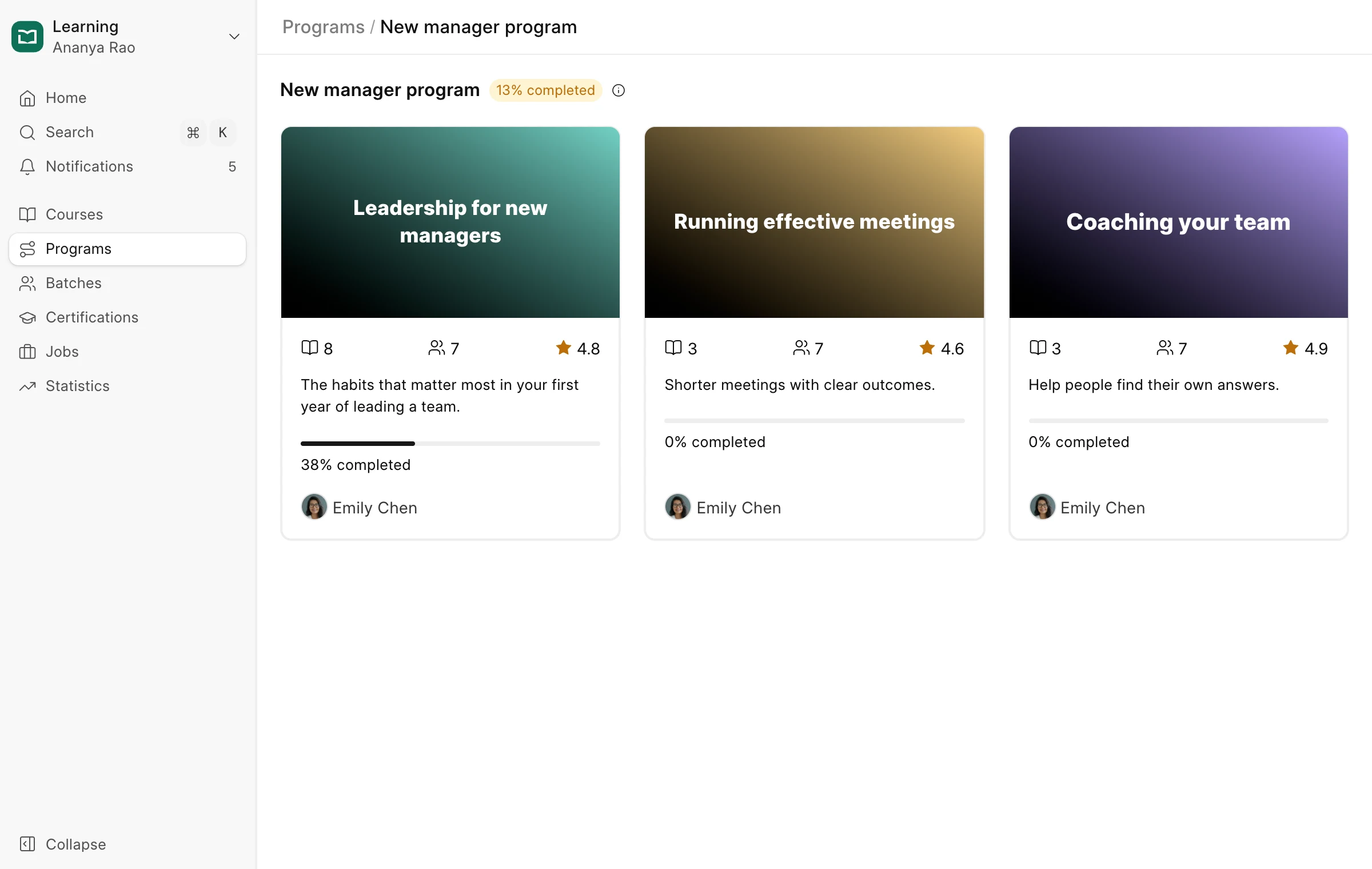
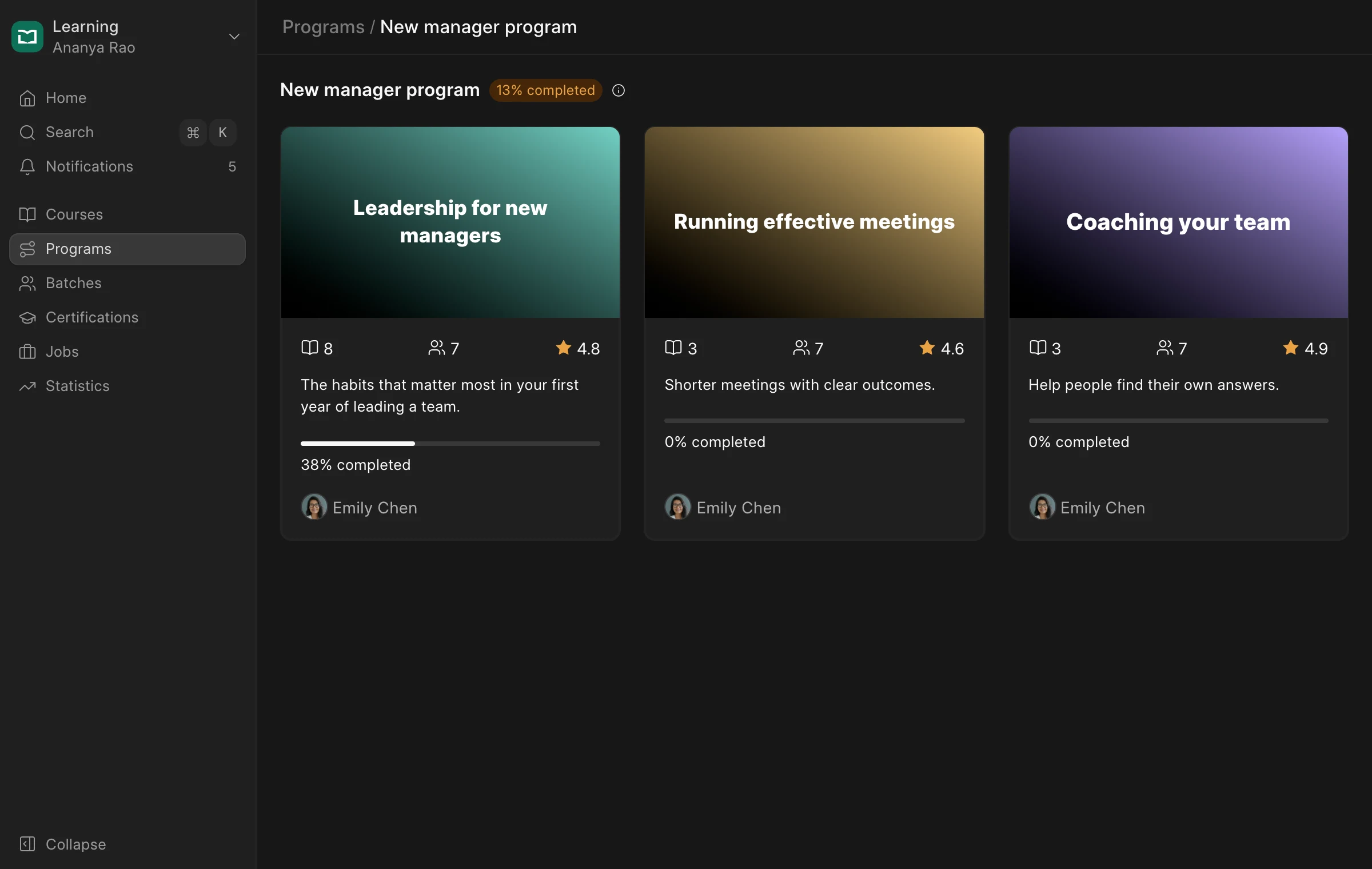
A clear path from day one
A new manager might need three courses in their first months, and a list of courses doesn’t tell them where to start.
Put the courses into a learning path in the order they should be taken. The next course opens when the one before it is done, and learners always see the whole path and how far they’ve got in each course.
Keep what you’ve already built
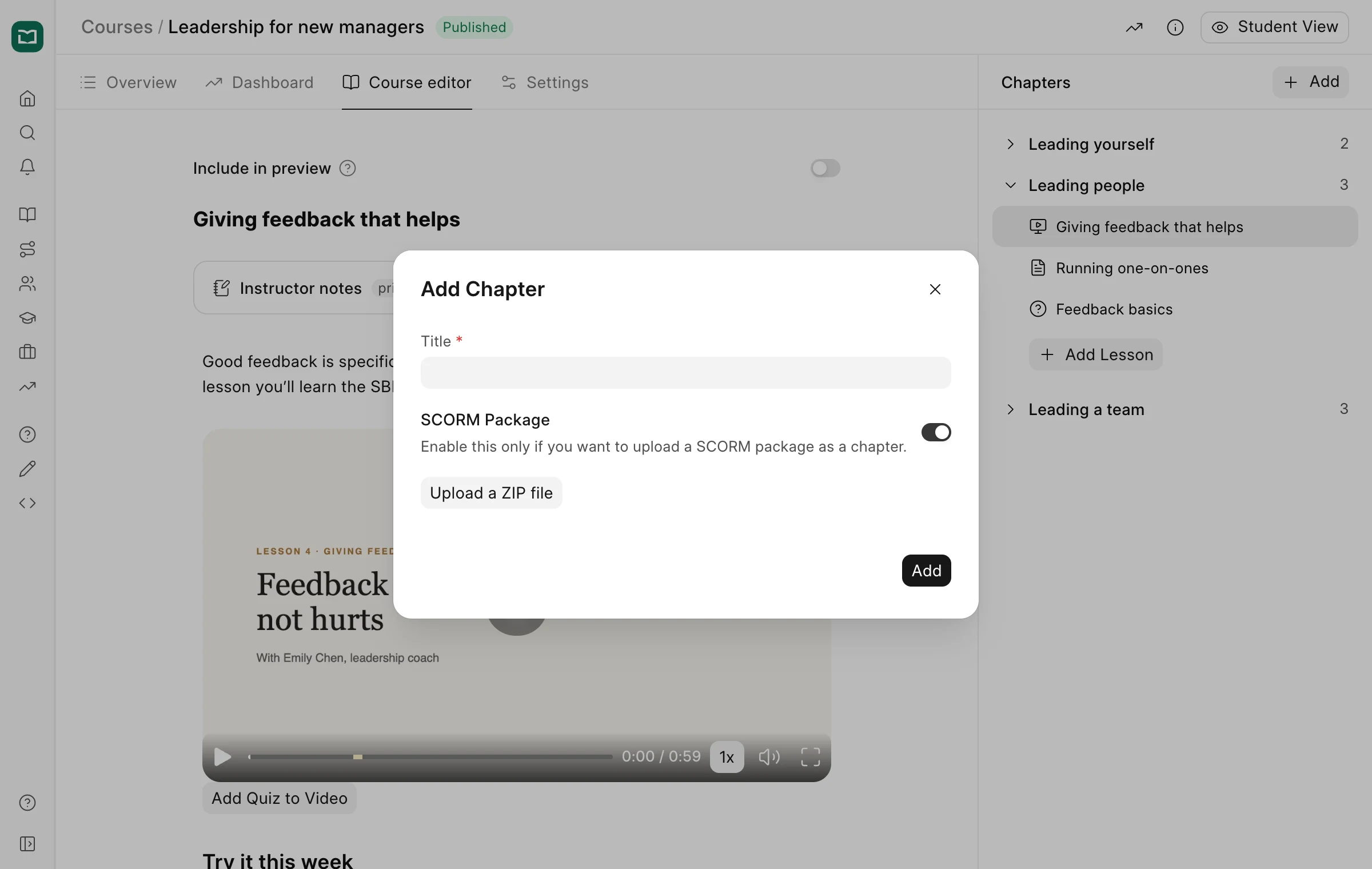
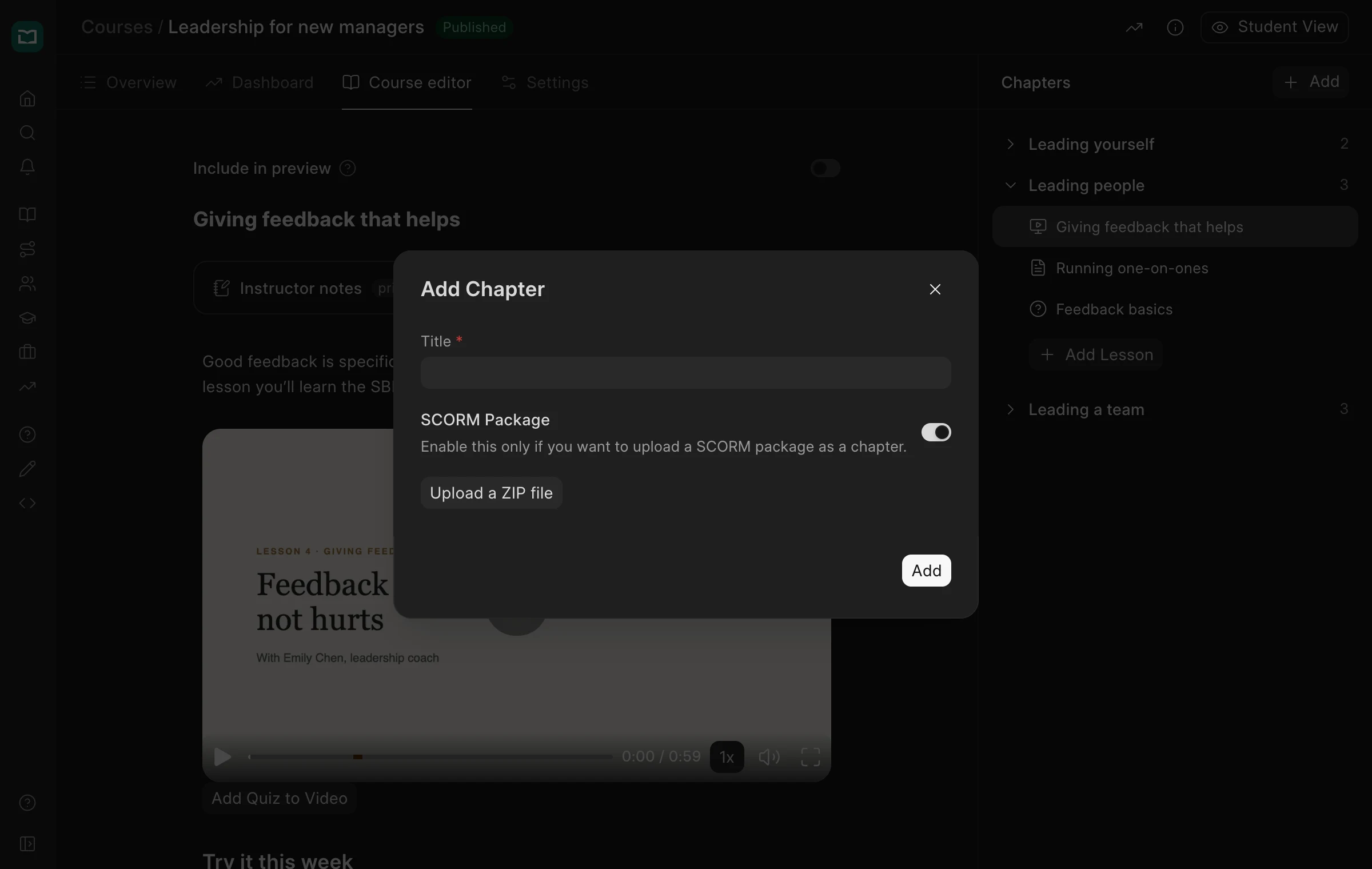
Switching from another LMS, or buying courses from a training provider, shouldn’t mean starting over.
Bring SCORM files across as they are, and people take them alongside your own lessons with their progress saved. Import courses, batches and categories from a spreadsheet in one go, and see which rows didn’t go through and why. Courses you build can also be exported as a ZIP file and imported on another Frappe Learning site.
previous feature
Ticket Management
next feature
Batches & Live Classes