Frappe
Products
Learning
Certification
Frappe
Products
Insights
features
Certification
When someone finishes your onboarding, a compliance course or a bootcamp, they should have something to show for it. Frappe Learning gives them a certificate, and you a record of who’s certified.
1.
A certificate the moment they finish
2.
Certify after a live check
3.
Certificates that look like yours
4.
Certify a whole batch at once
5.
Badges for the milestones that matter
6.
A public list of certified people
A certificate the moment they finish
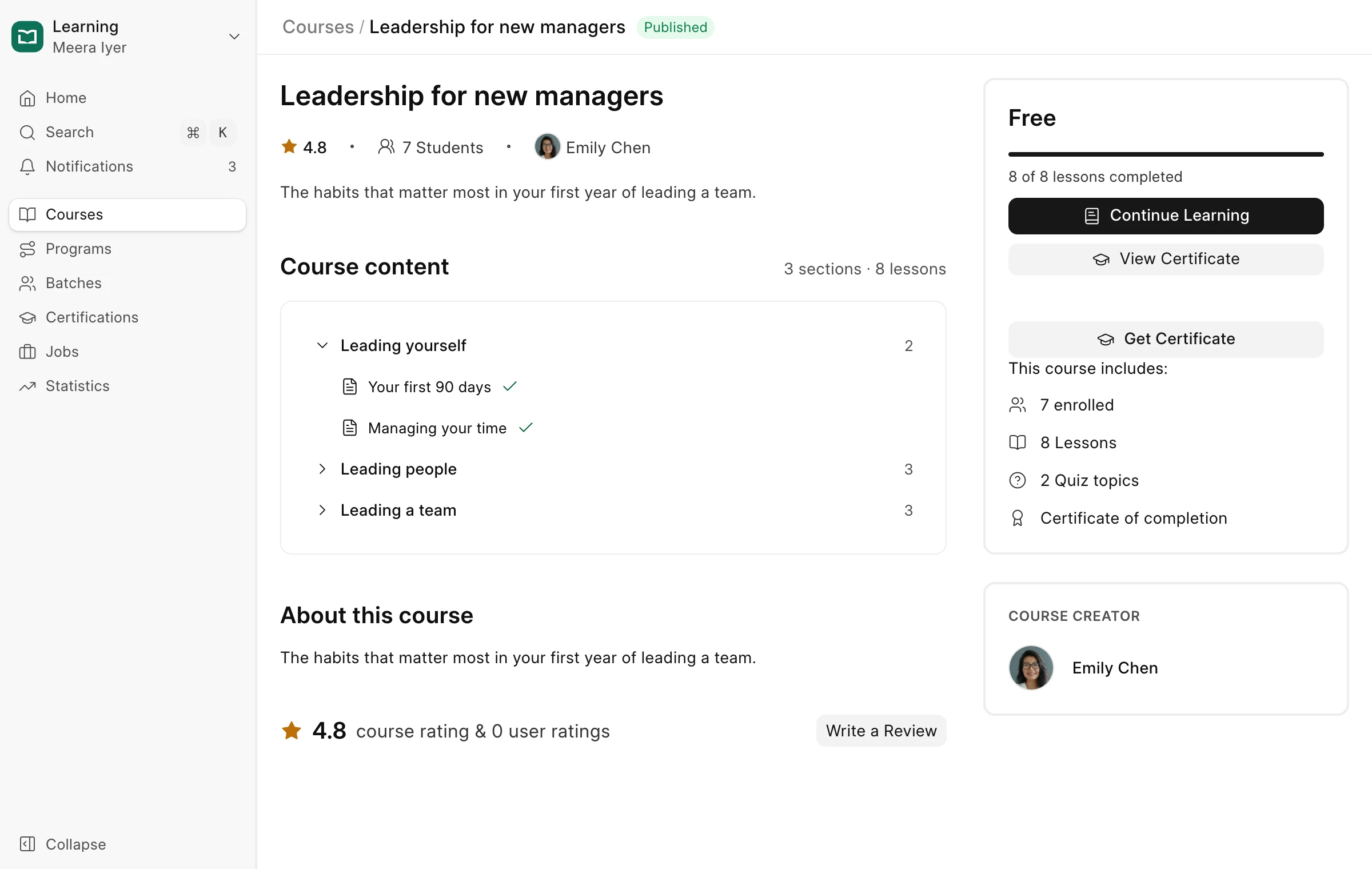
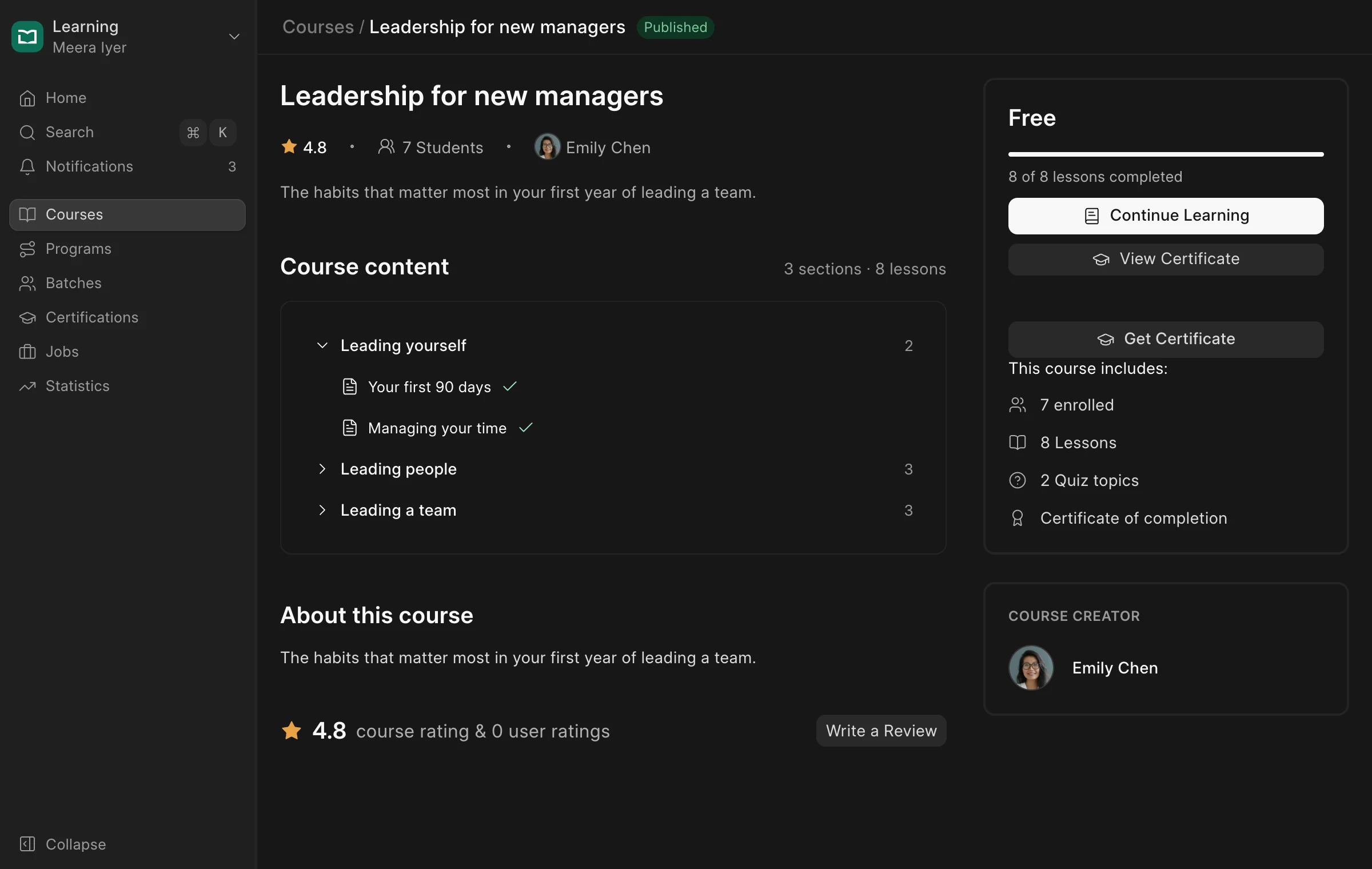
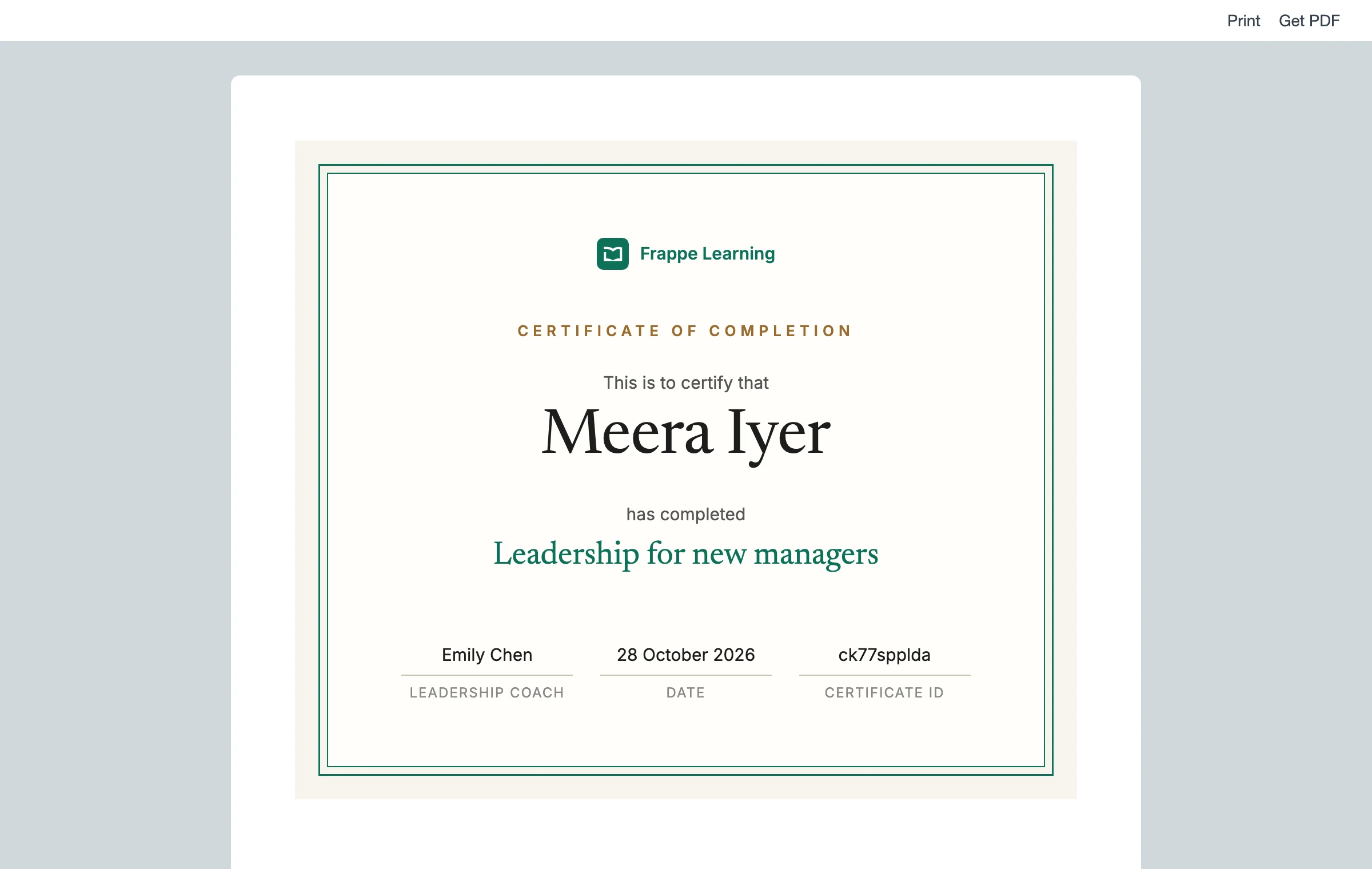
Nobody has to make certificates by hand. When a learner completes the course, they can get their certificate straight from the course page, with their name, the course, the date and who taught it.
They can download it as a PDF to print or share, and it stays on their profile, so you always know who finished what, and when.
Certify after a live check
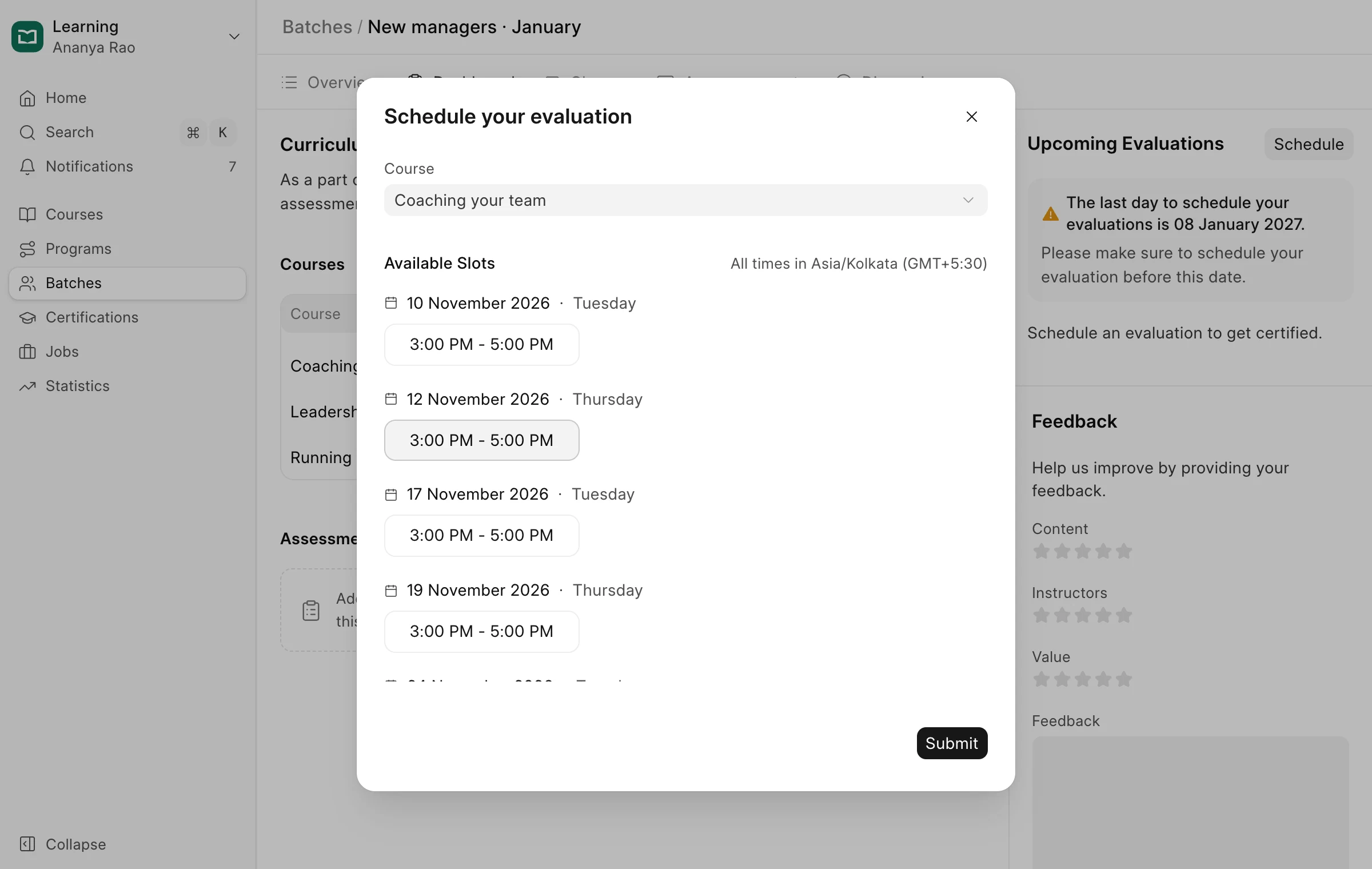
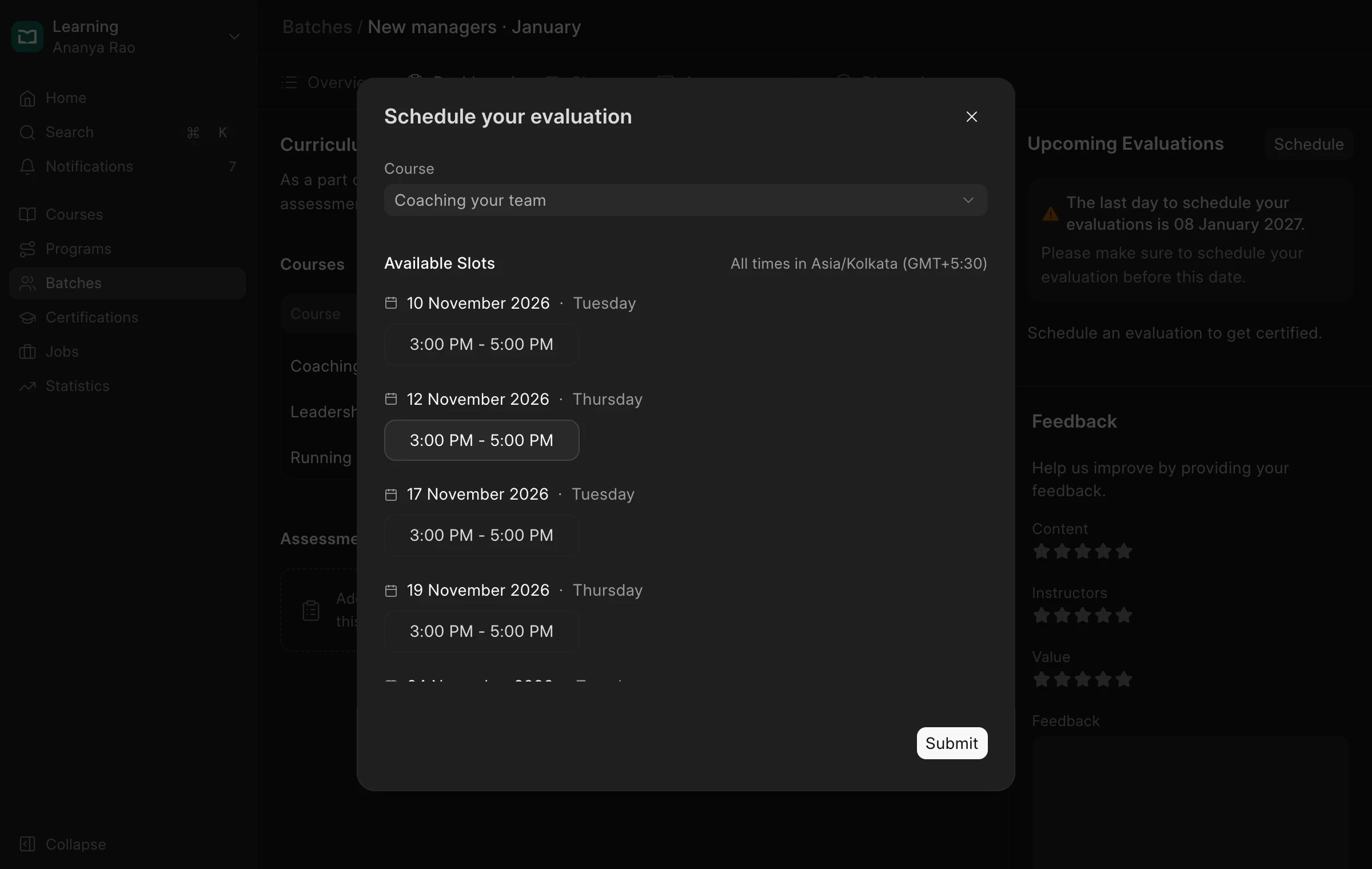
Some skills you want to see in action before you sign off, like a sales demo, a coaching conversation or a safety walkthrough. Ask learners to book a short evaluation with a trainer before they’re certified.
Trainers set the hours they’re free, learners pick a slot that suits them, and the trainer marks the result and adds a note afterwards.
Certificates that look like yours
Design the certificate the way you want it, with your colours, wording and the trainer’s name. Use one template for compliance training and another for your leadership program.
You can preview a template before anyone receives it, and change it later without touching the courses that use it.
Certify a whole batch at once
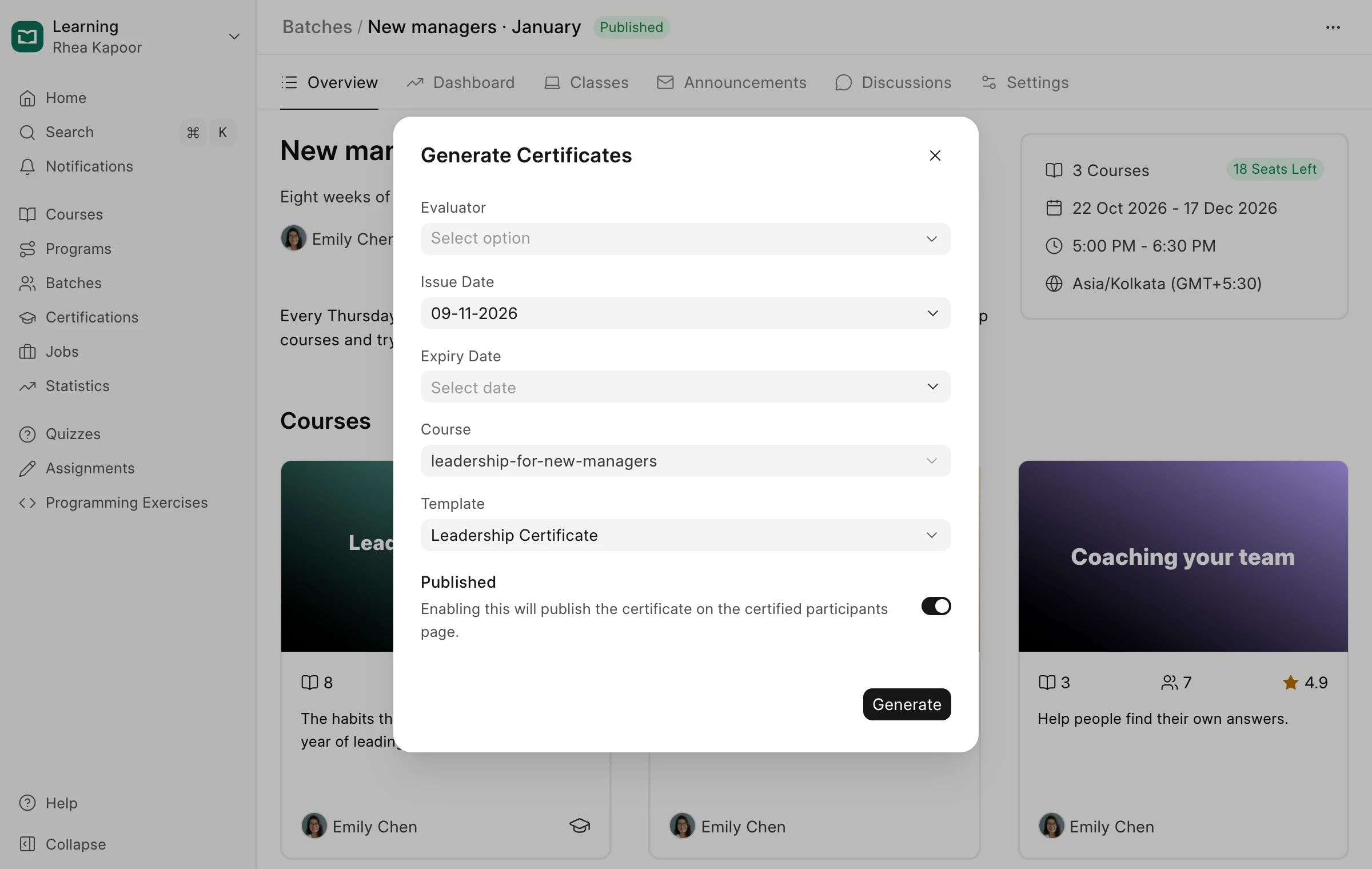
Finished a workshop with thirty people? Issue certificates to the whole batch in one go instead of one by one.
Add an expiry date when the training has to be renewed, like a yearly safety or compliance course, so you know who needs to take it again.
Badges for the milestones that matter
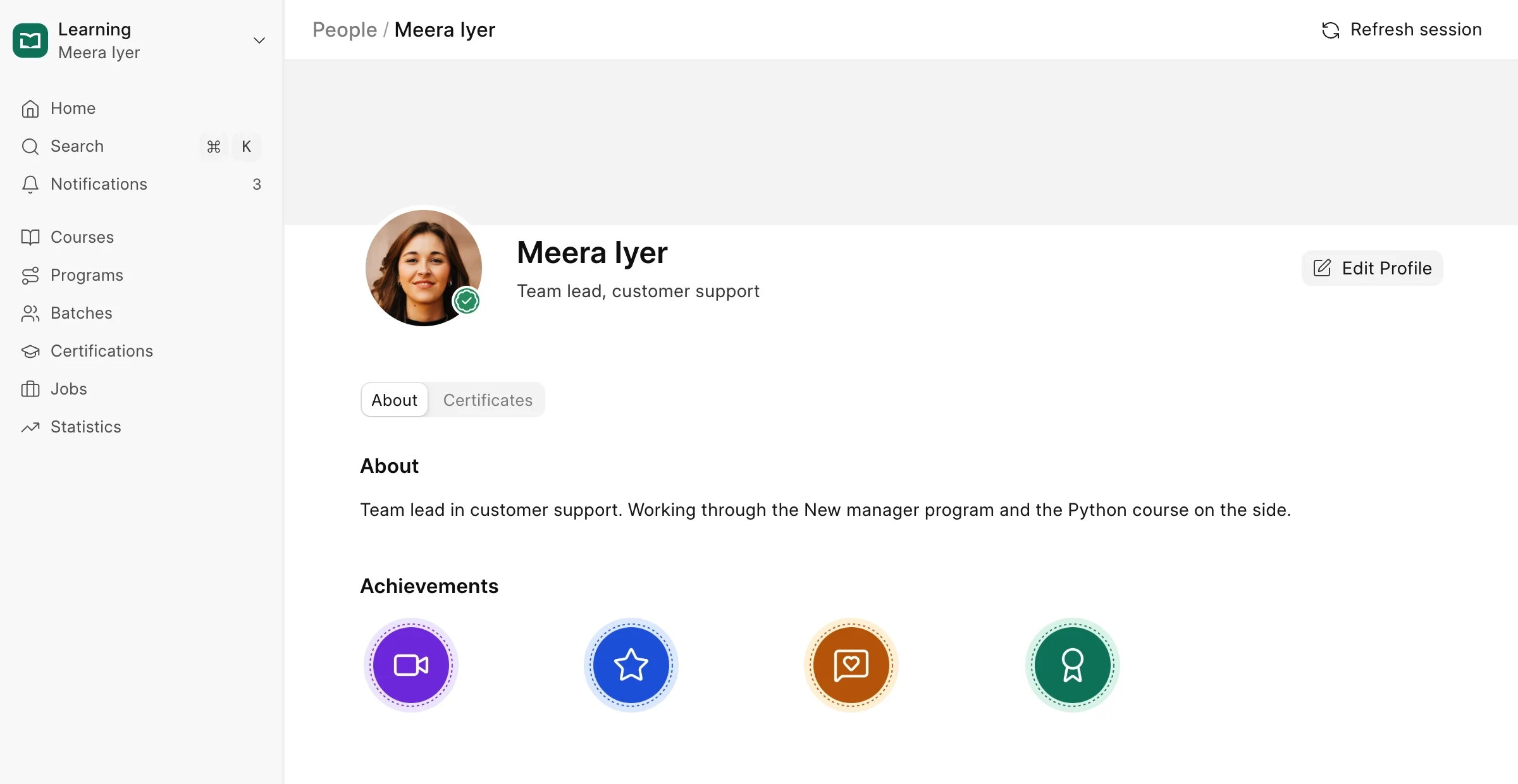
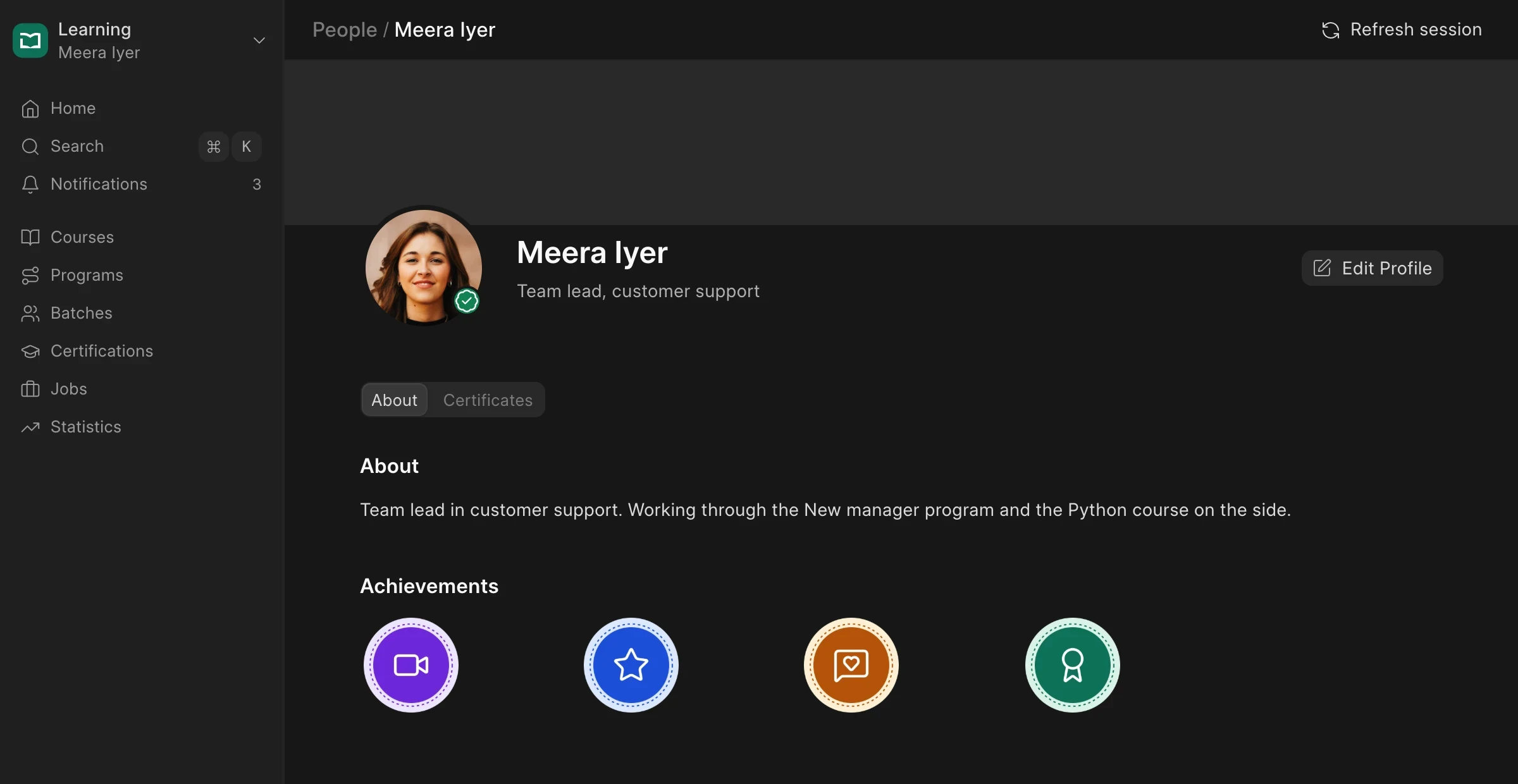
Give badges for the things you want to encourage, like joining every live class or getting full marks on a final check. They show up on the learner’s profile.
Badges can be given automatically when something happens, like finishing a course, or handed out by a trainer. Learners can share them on LinkedIn.
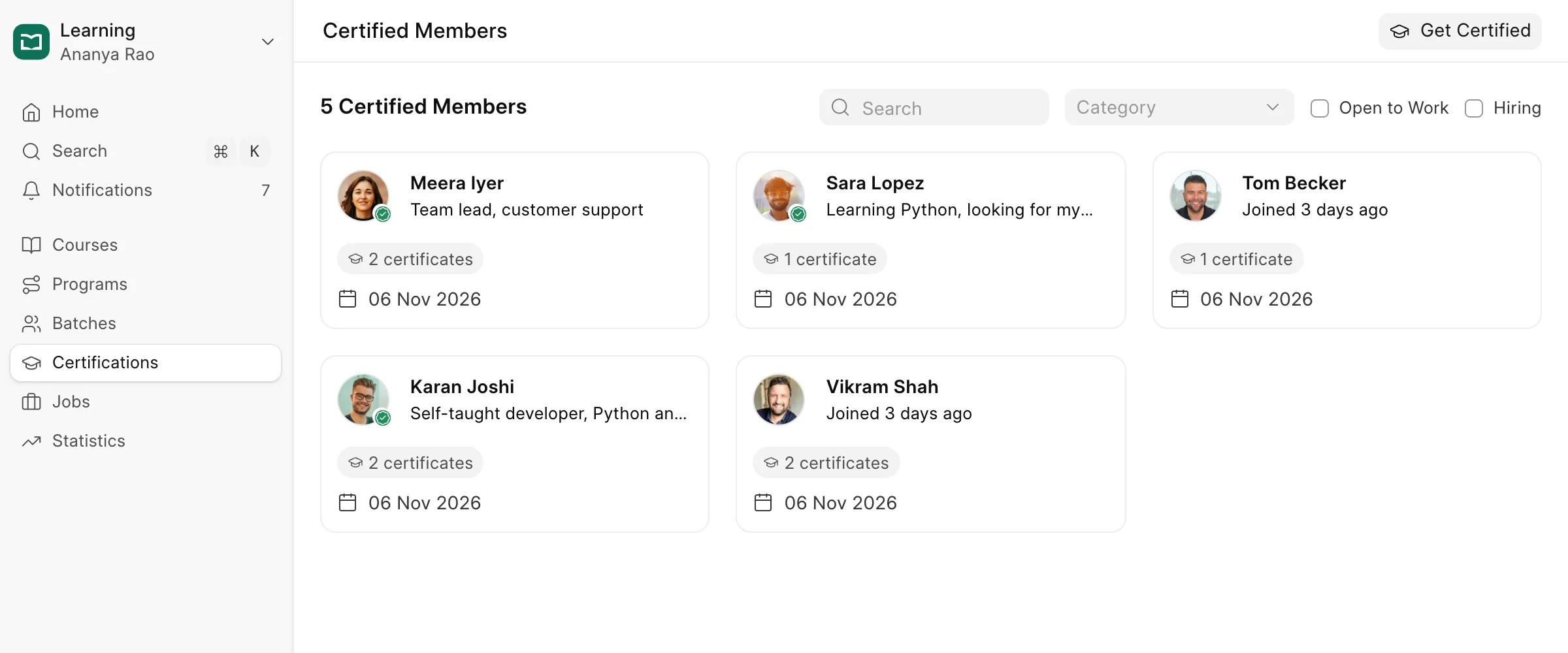
A public list of certified people
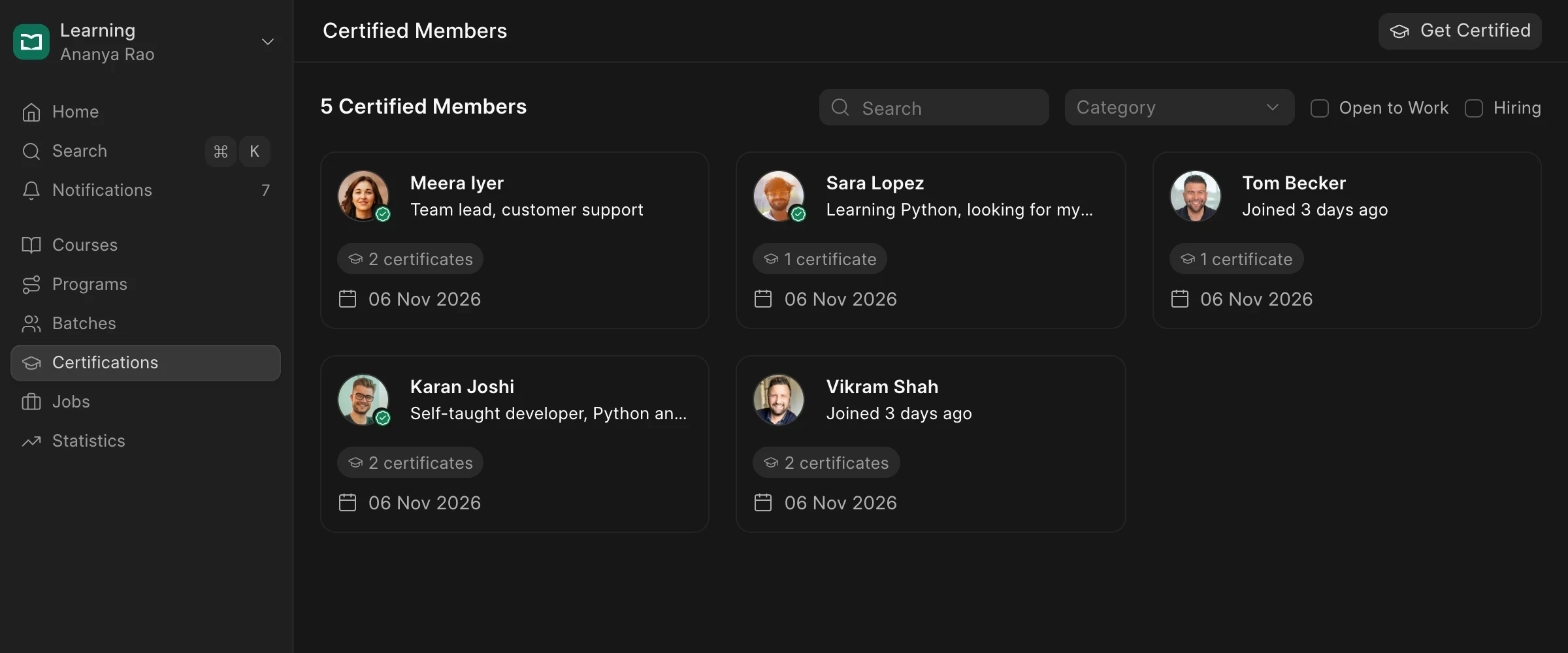
Show who’s certified on a public page, with each person’s certificates and when they got them.
Learners can mark themselves open to work, so people hiring for trained staff, like your partners or your community’s employers, can find them.
previous feature
Assessments
next feature
Monetization