Frappe
Products
Learning
Comparisons
Frappe Learning vs Spreadsheets
Frappe
Products
Insights
Comparison
Frappe Learning vs Spreadsheets
Start free trial
Most teams start training with a shared folder: recorded sessions, slide decks and PDFs in Google Drive or SharePoint, and a spreadsheet of who has done what. It costs nothing extra and everyone already knows how to use it.
It gets harder as the team grows. Frappe Learning puts the same material into courses that track themselves, so you can see who finished, who passed and who needs a nudge without updating a sheet.


At a glance
Here's what changes when the folder becomes a course.
| Frappe Learning | Spreadsheets and shared drives | |
|---|---|---|
| What it is | An LMS with courses, quizzes, certificates and reports | Files in folders, plus a sheet to track progress |
| Who finished | Tracked as people complete lessons | Updated by hand |
| Whether videos were watched | Watch time for every learner | Not available |
| Quizzes | Built in, with pass marks and attempts | A separate form, matched to names by hand |
| Lesson order | Lessons open one after another | Anyone can open anything |
| Certificates | Issued when someone finishes, with expiry dates | Made and sent by hand |
| Live sessions | Scheduled in the batch, with attendance pulled in | Links shared in chat or calendar invites |
| Reminders | Sent to everyone falling behind from the dashboard | Chased one by one |
| Who can see the material | People who sign in, or a public catalog if you choose | Anyone the folder or link is shared with |
| When someone leaves | Disable their account and access ends; their records stay | Remove them from every folder and shared link |
| Who can change things | Roles for moderators, instructors and evaluators | Anyone with edit access to the folder or sheet |
| Cost | From $20₹2,000 a month, or host it yourself for free | Usually part of what you already pay for |
On Frappe Learning, storage and computing power depend on your plan. Videos you embed from YouTube or Vimeo take no disk space.
What a folder can't tell you
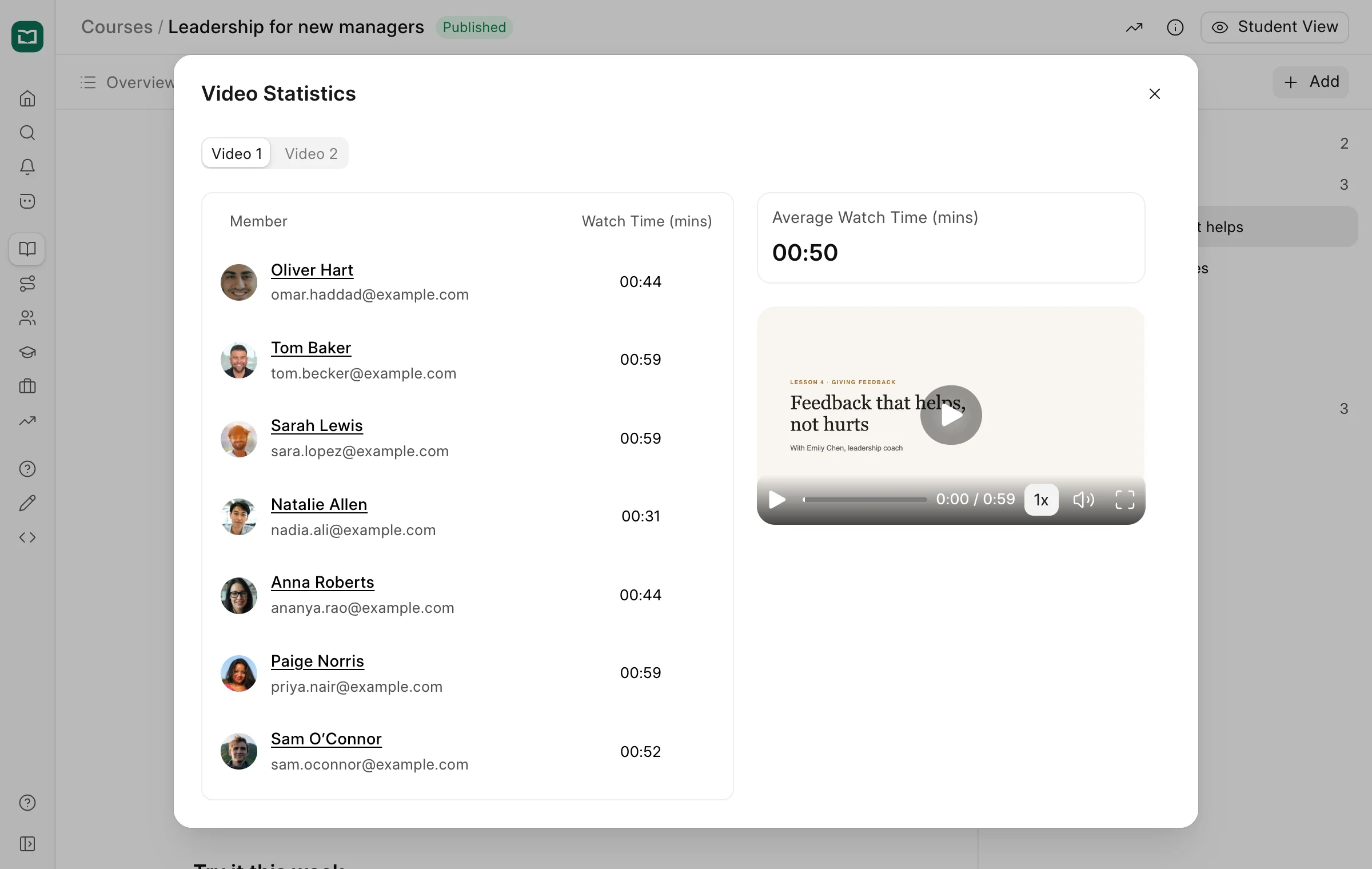
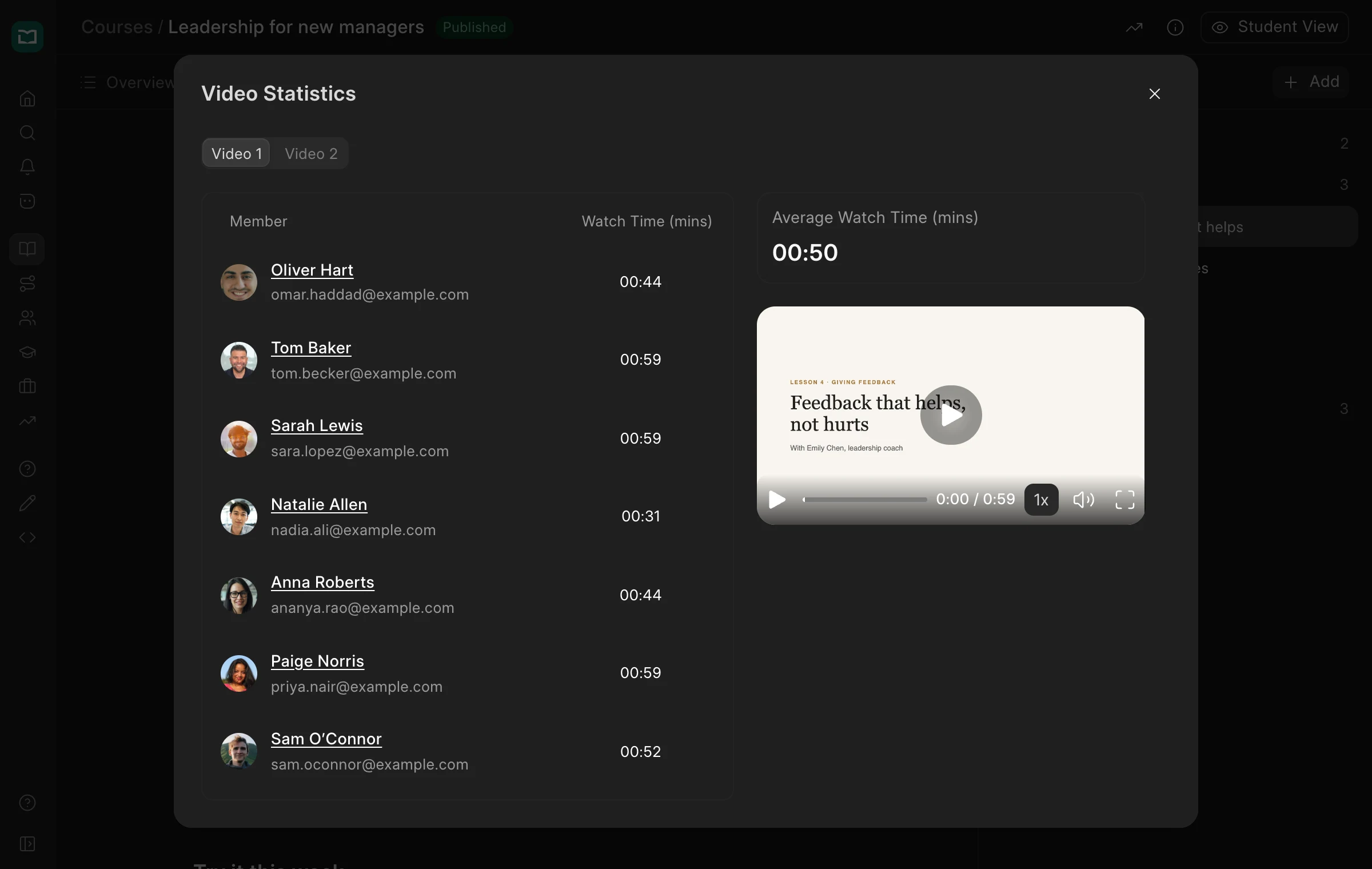
A shared folder shows you the files, but not whether anyone learned from them. You can't see who watched the onboarding video to the end, who skipped the safety deck or who's stuck on the second module.
Frappe Learning shows how long each learner watched every video, how far they've got in each course and how they did on each quiz.
Turn your folder into a course
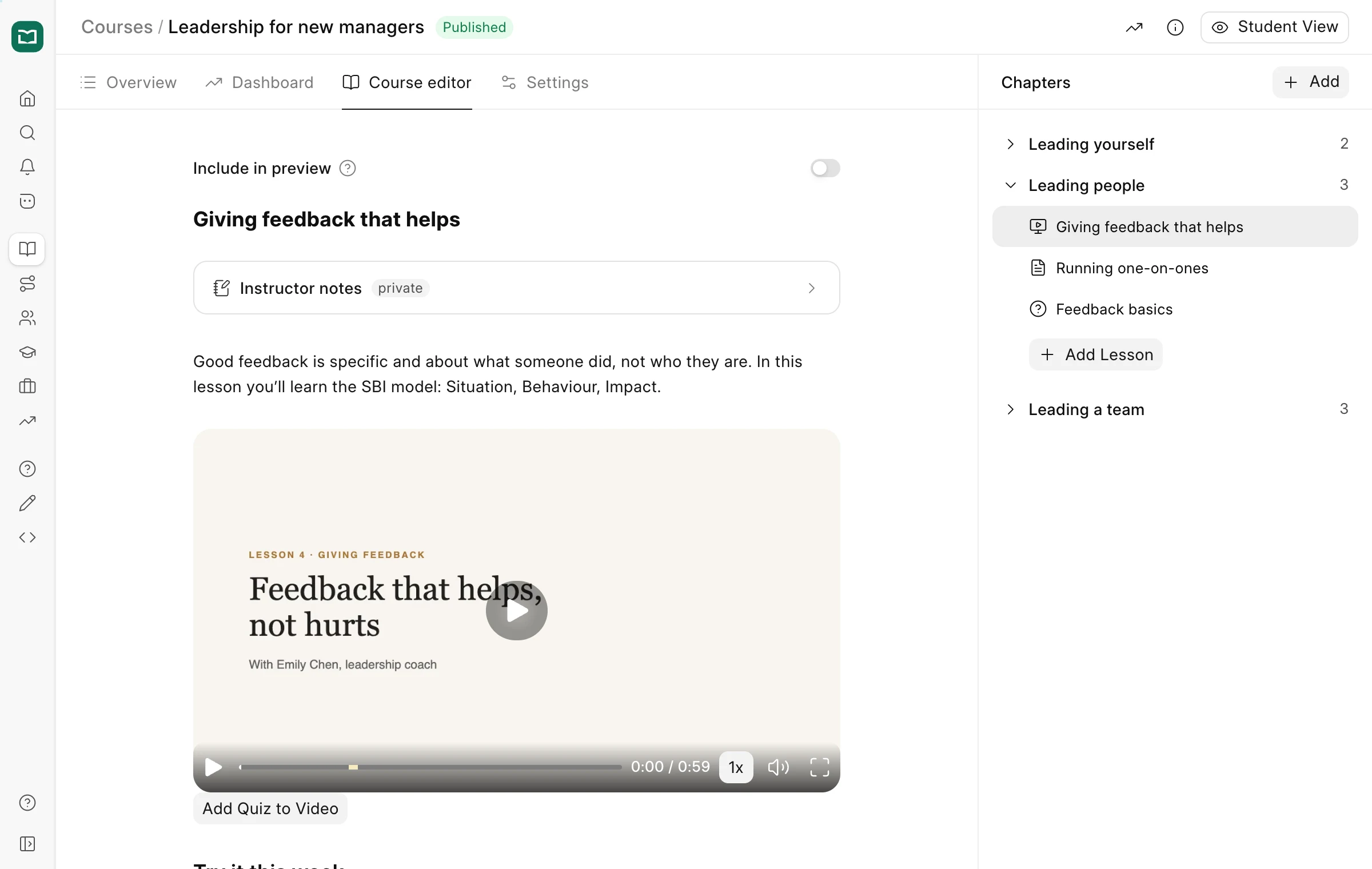
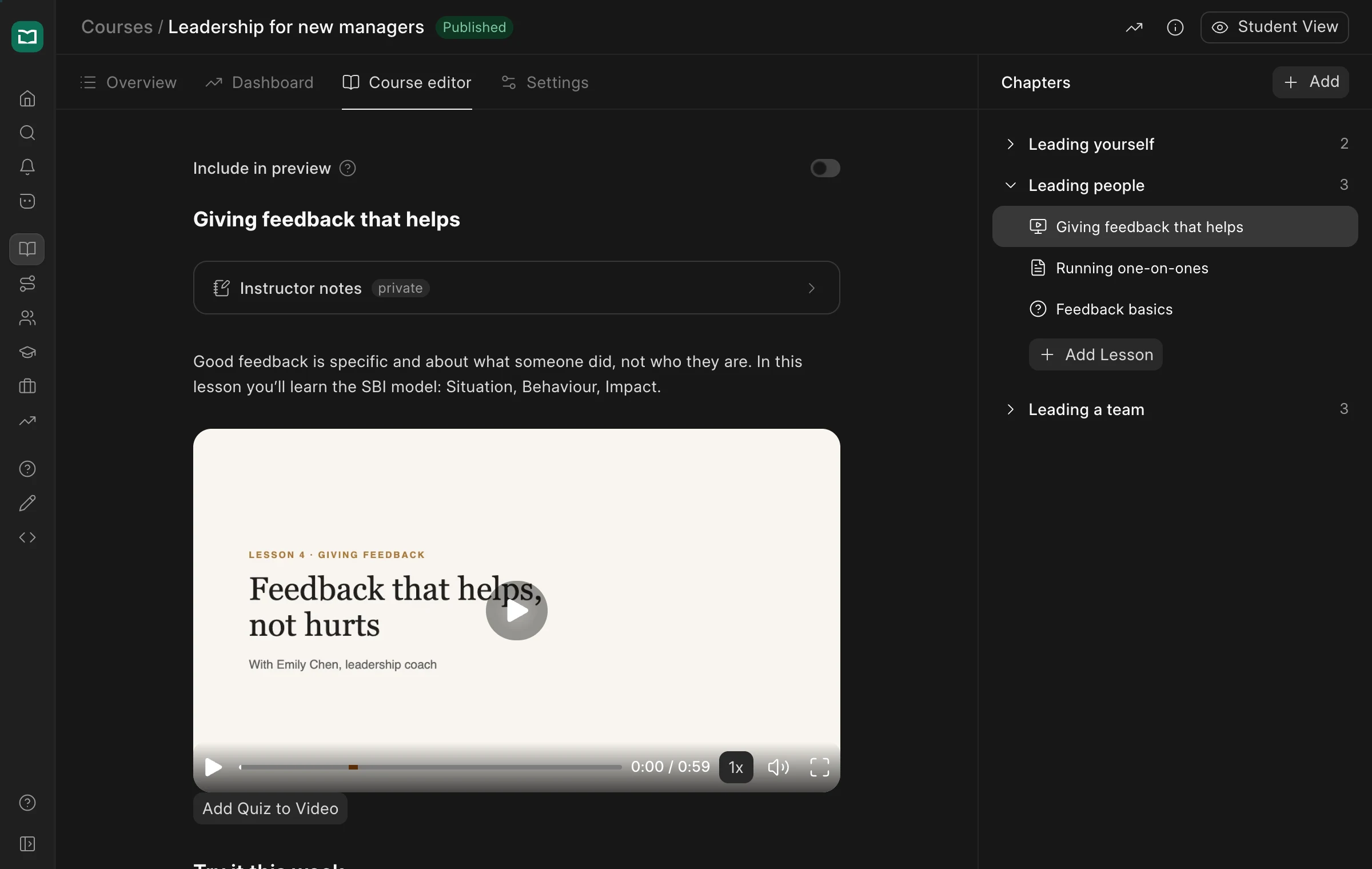
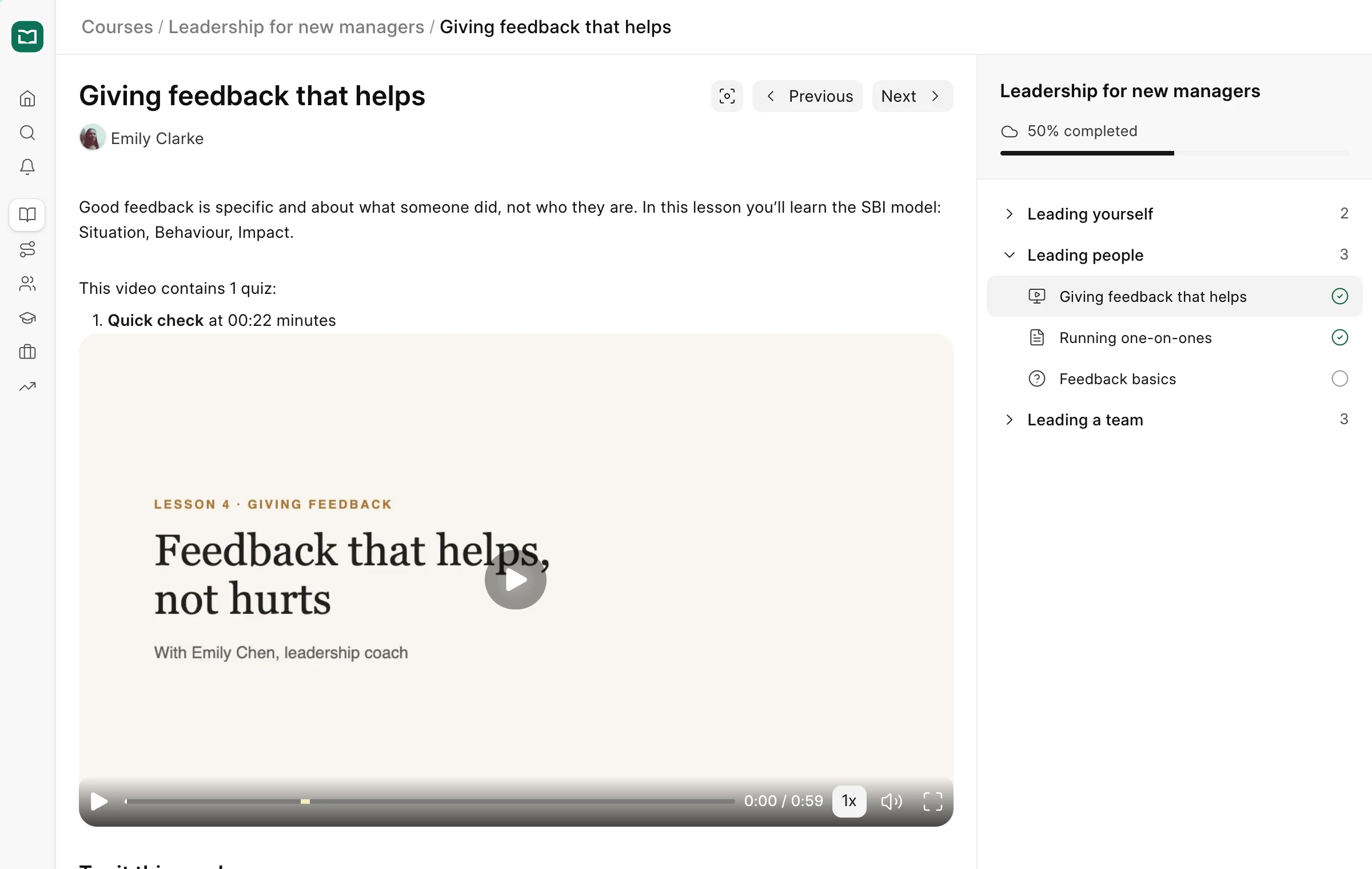
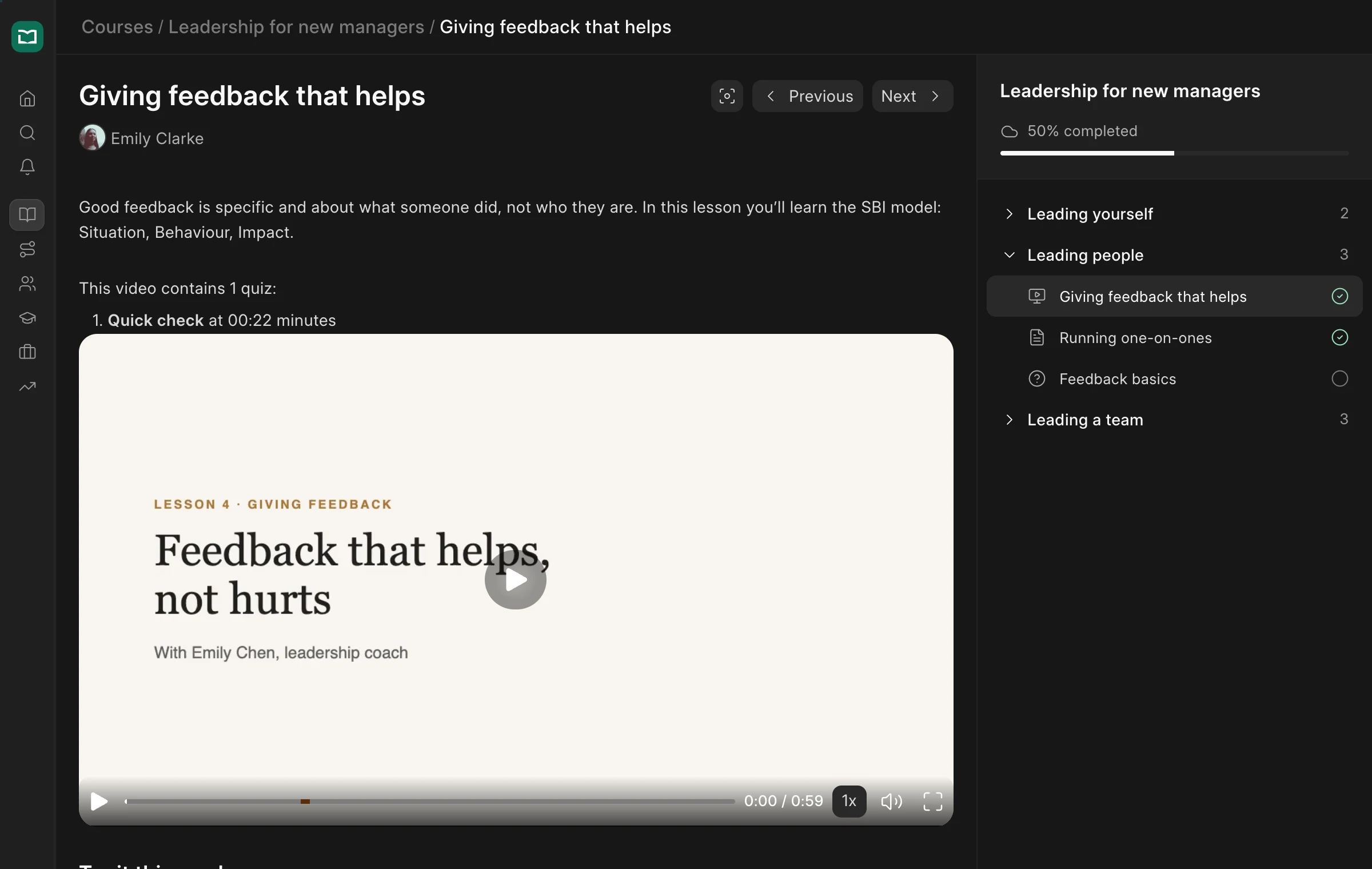
Split what you already have into chapters and short lessons, with videos, PDFs, slides or YouTube links. Learners see one lesson at a time with the course outline beside it, instead of a list of file names.
Progress that keeps itself up to date
Each batch has a dashboard that shows who's on track and who's at risk from low attendance or slow progress, and you can send them a reminder from the same screen. A tracking spreadsheet is only as current as the last time someone updated it.
Check that it stuck
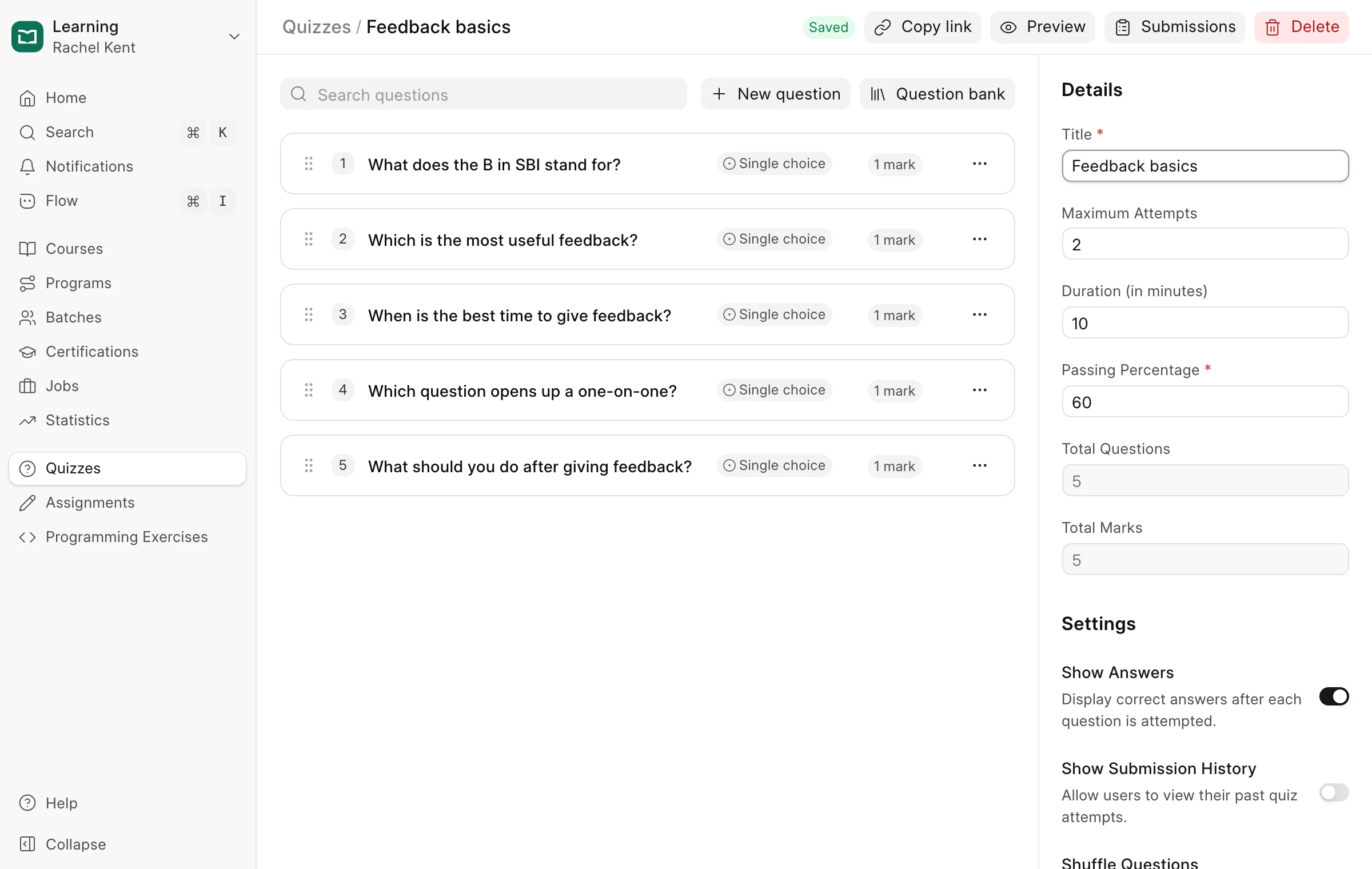
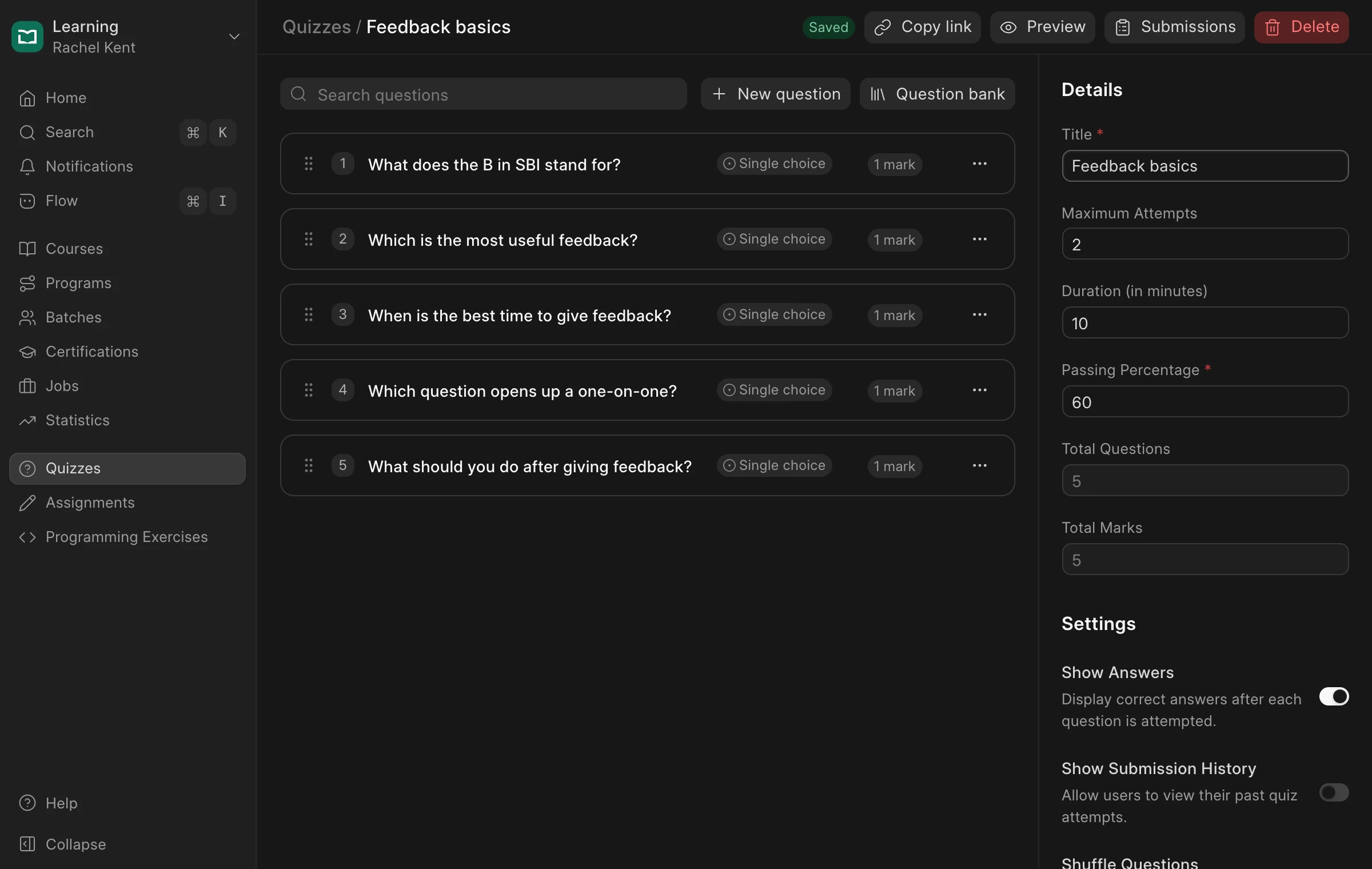
Add a quiz with a pass mark and a set number of attempts, and results land next to each learner's progress. With a shared folder, quizzes usually live in a separate form, and someone matches the answers to names in the sheet.
Lessons in the right order
For training where order matters, like safety steps or your sales process, lessons open one after another, and you decide what counts as done. In a folder, anyone can open anything and jump straight to the end.
Certificates without the paperwork
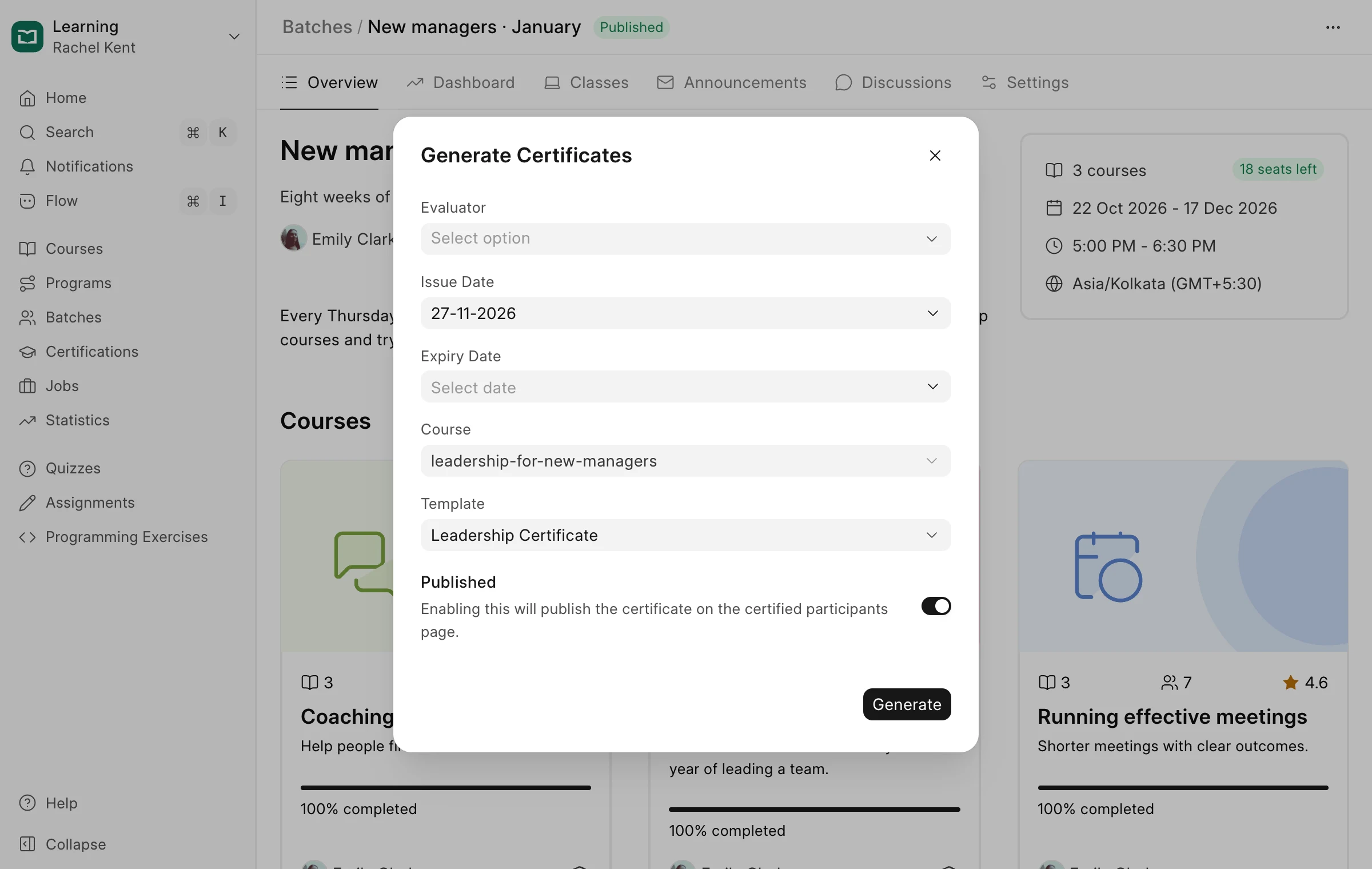
When someone finishes, they get a certificate straight away, and you can issue them to a whole batch at once, with an expiry date for training that has to be renewed. No more filling in a template and emailing each person.
Live sessions in the same place
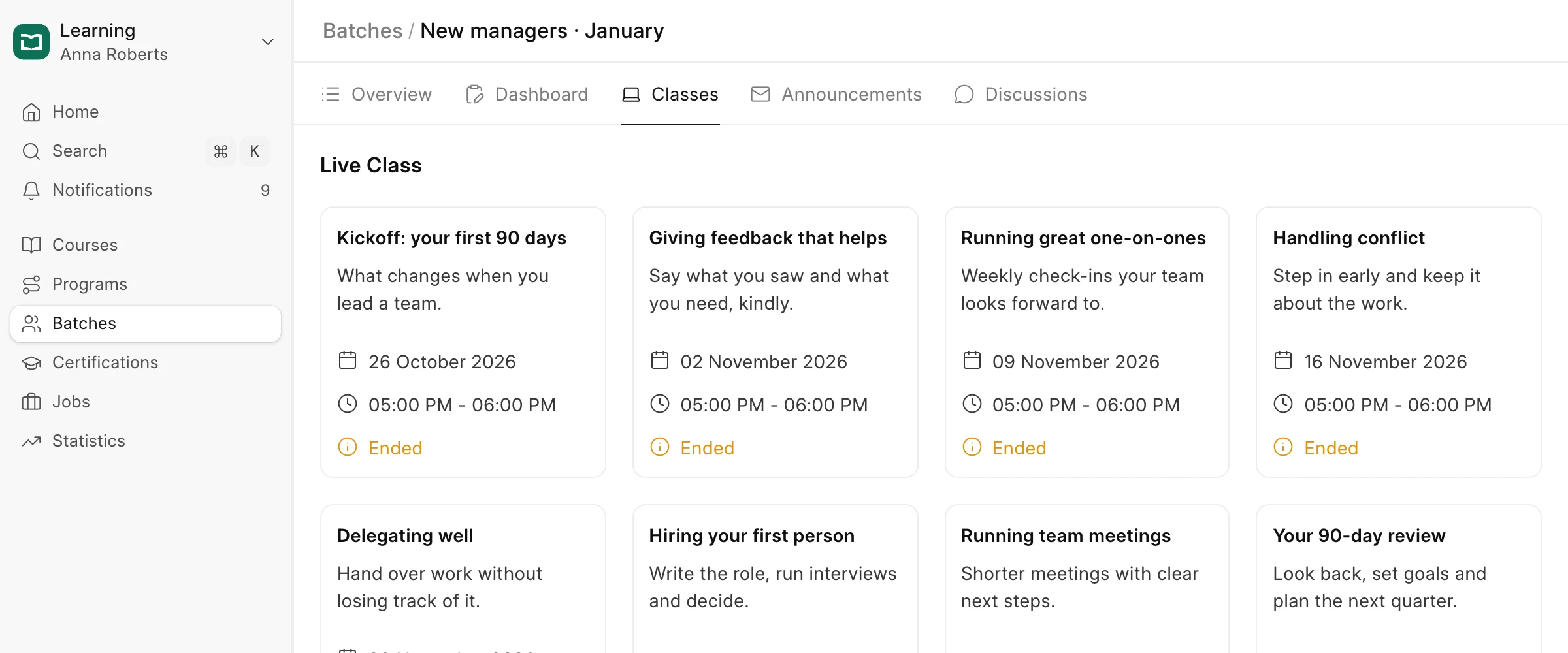
Schedule live classes on Zoom or Google Meet from a batch. Learners get a calendar invite and see every session on the batch page, and attendance comes in from the meeting. No digging through chats for last week's link.
Access that ends when someone leaves
Shared drives are easy to share and hard to take back. A link set to "anyone with the link" keeps working after it's been forwarded, files get downloaded to personal laptops, and someone who moves on can still have the onboarding folder in their "Shared with me".
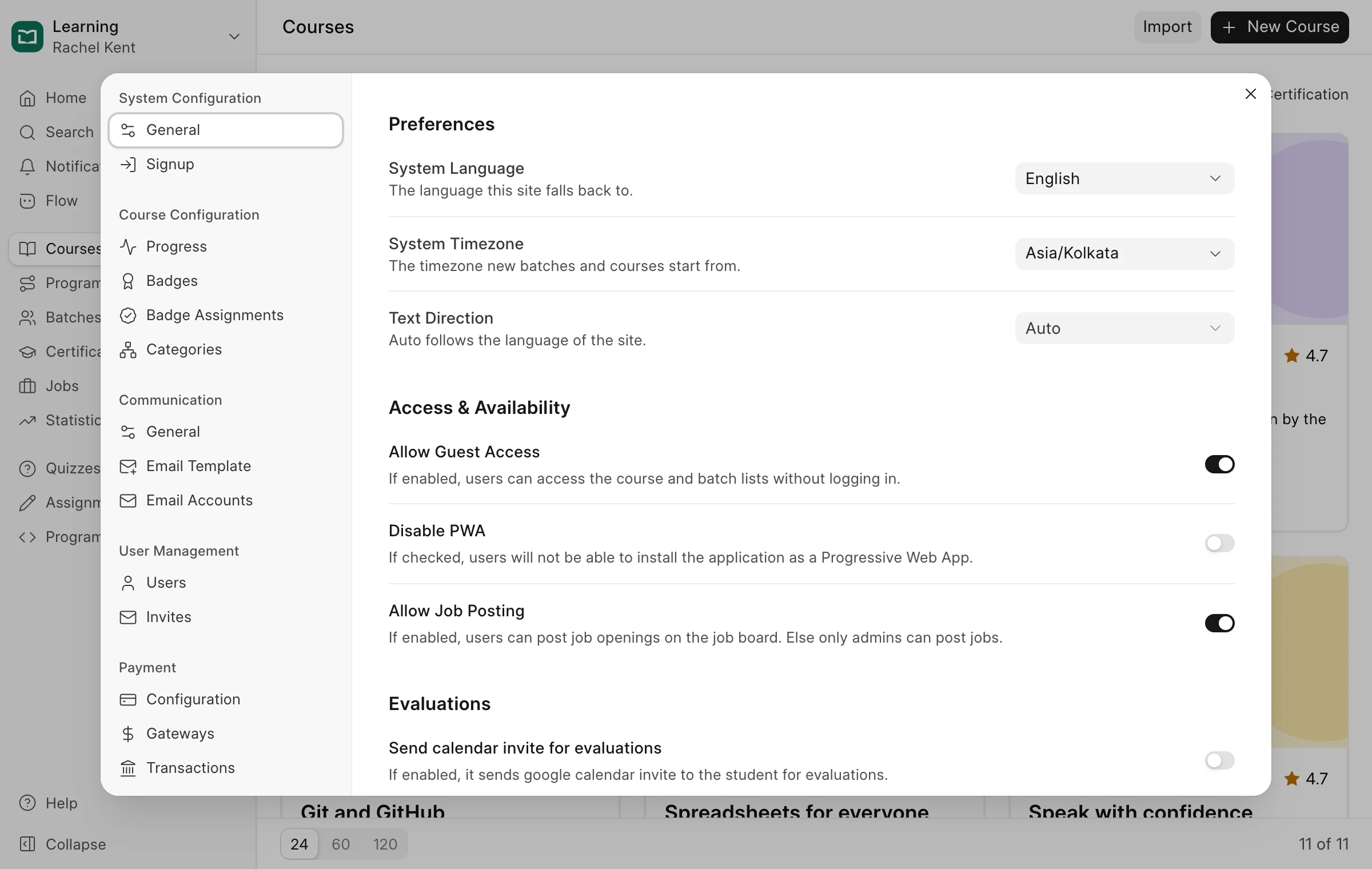
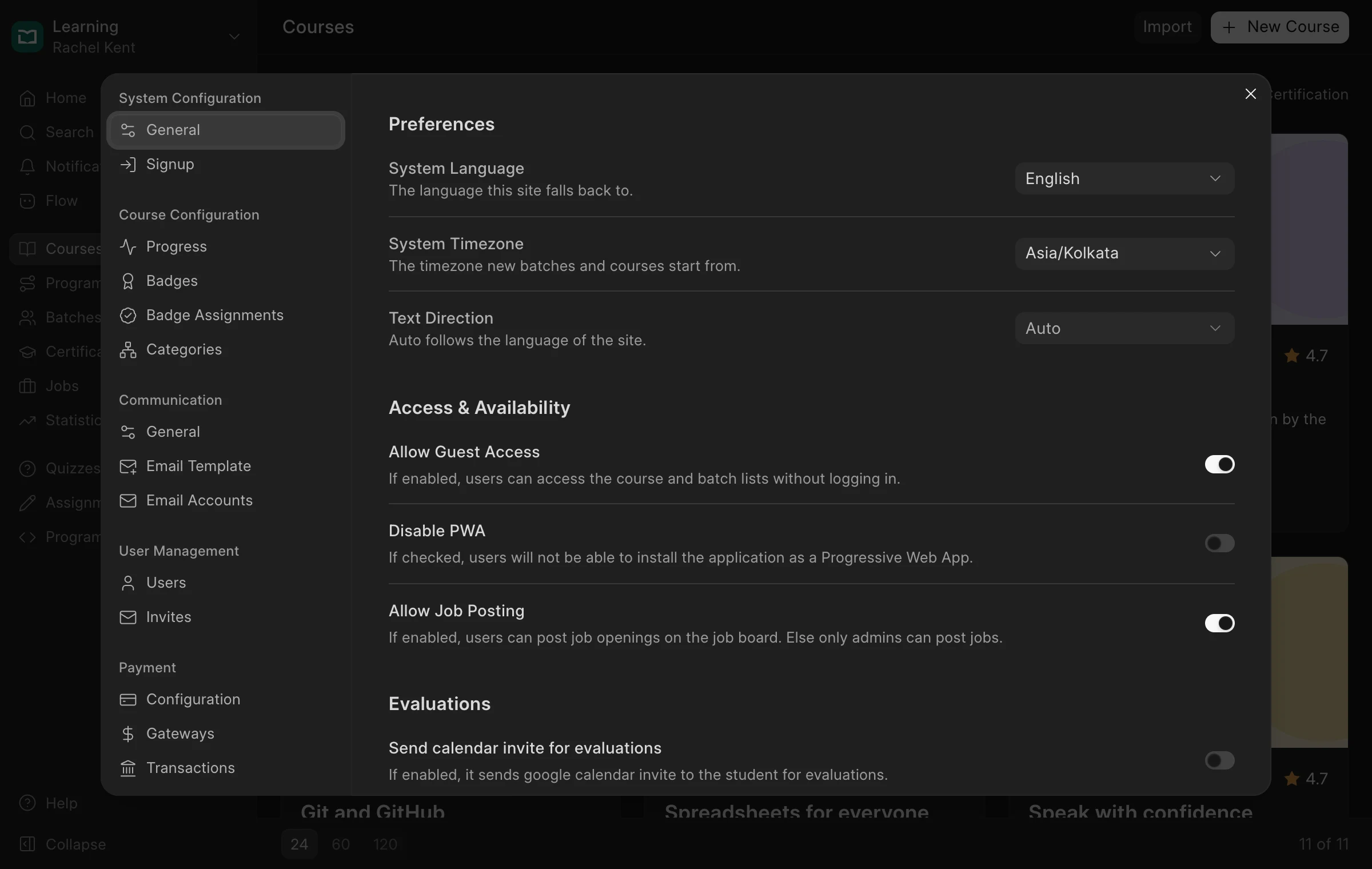
In Frappe Learning, people sign in to see your courses. Turn off open sign-up for internal training so only the people you add can get in, or let visitors browse a public catalog. When someone leaves, disable their account and their access ends straight away, while their progress and certificates stay on record.
The right access for each role
In a shared drive, anyone with edit access can rename, move or delete the master deck, and the tracking sheet is open to everyone who needs to update it.
In Frappe Learning, each person gets a role. Moderators manage the whole site, instructors create and run their own courses and batches, and evaluators grade work and run live checks. Learners see their own progress, not everyone else's.
What it costs
A shared drive is usually part of what you already pay for. Frappe Learning starts at $20₹2,000 a month on Frappe Cloud, with unlimited learners, or you can host it yourself for free.
Trusted by teams that teach
We use Frappe Learning ourselves: 165,000+ enrollments across 24 courses on Frappe School.
“Frappe’s LMS has been pivotal in overcoming these challenges and helped create a clean, minimalist interface and experience for Litt learners.”
Akash SS, Citizen Digital Foundation
When a shared folder is enough
For a handful of people, or a one-time handover where nobody needs to prove they finished, a folder and a sheet work fine.
Once you're onboarding people every month, need to show who completed compliance training, or want people to learn in a set order, Frappe Learning saves the time you'd spend keeping the sheet up to date.
Moving from a shared folder
Set up Frappe Learning, create a course for each topic and upload your videos, PDFs and slides as lessons, or link videos from YouTube or Vimeo. Import your learners from the spreadsheet you already have.
A Frappe partner can help if you have a lot to move.
Frequently asked questions
Can I keep my videos on YouTube or Vimeo?
Yes. Embed them in lessons, and they take no disk space on your site.
Can I import learners from a spreadsheet?
Yes. You can import learners, and courses too, from a spreadsheet in one go.
Do learners need a new account?
They sign in to your Frappe Learning site, with email or with Google if you turn it on.
Is there India pricing?
Yes. Plans start at ₹2,000 a month.
Choose Frappe Learning
Turn your training folder into courses, from $20₹2,000 a month