Frappe
Products
CRM
Comparisons
Frappe CRM vs Spreadsheets
Frappe
Products
Insights
Comparison
Frappe CRM vs Spreadsheets
Start free trial
You've outgrown your spreadsheet.
Most sales teams start with Excel or Google Sheets, and for good reason: it's free, everyone knows it, and you can shape it any way you like. Then the team grows. Two people call the same lead, follow-ups slip, and nobody's sure which tab is the latest.
Frappe CRM is the next step. It keeps the simplicity of a list, and adds owners, reminders and the whole conversation with each lead, for your whole team.

At a glance
Here's what changes when you move your leads from a sheet into Frappe CRM.
| Frappe CRM | Excel or Google Sheets | |
|---|---|---|
| Who owns each lead | Built in: assignment rules and owners | A column you fill in by hand |
| Follow-ups | Built in: tasks with due dates, and notifications | Not available |
| Emails, calls and WhatsApp | Built in, saved on each lead; provider charges apply for calls and WhatsApp | Kept elsewhere |
| Lead capture | Built in: web forms, Meta lead ads, WhatsApp, email | Copy and paste, or add-ons |
| Who sees what | Built in: roles and a sales hierarchy | Whole sheet or nothing |
| Reports | Built in: dashboard and forecasts | Built by hand with formulas and charts |
| Mobile | PWA | Excel and Sheets apps |
| Cost | From $20 (₹2,000) a month for the whole team | Included with Microsoft 365 or Google Workspace |
Signs you've outgrown the sheet
Two salespeople call the same lead. A follow-up is forgotten because the reminder lived in someone's head. Nobody knows what was said on the last call. Someone sorts one column and scrambles the rest. And every Monday, someone rebuilds the weekly report by hand.
If a few of these sound familiar, it's time for a CRM.
Bring your sheet with you
Export your sheet as a CSV file and import it into Frappe CRM. Match each column to a field, and add any columns you track that Frappe CRM doesn't have yet as your own fields. Your leads come in with their owners and statuses.
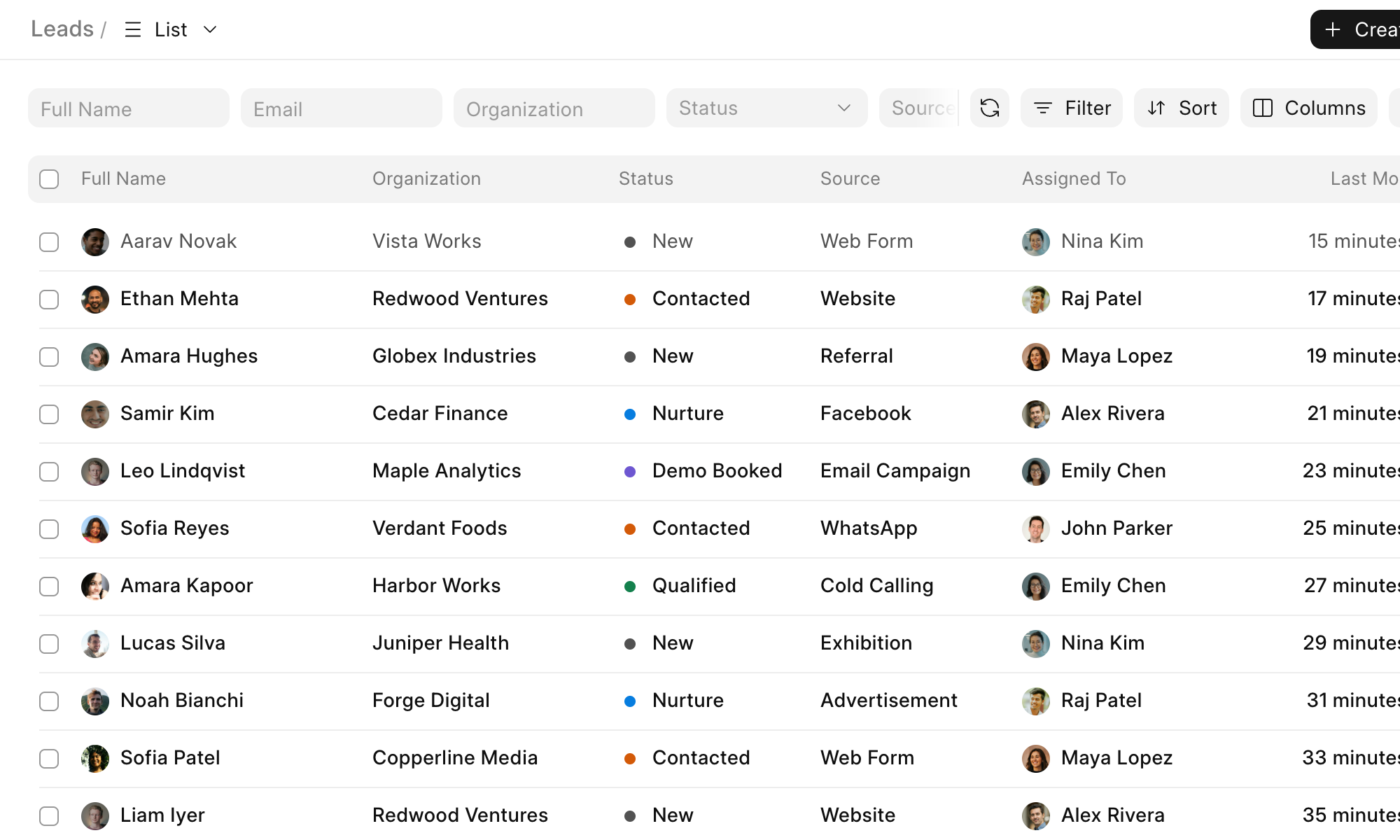
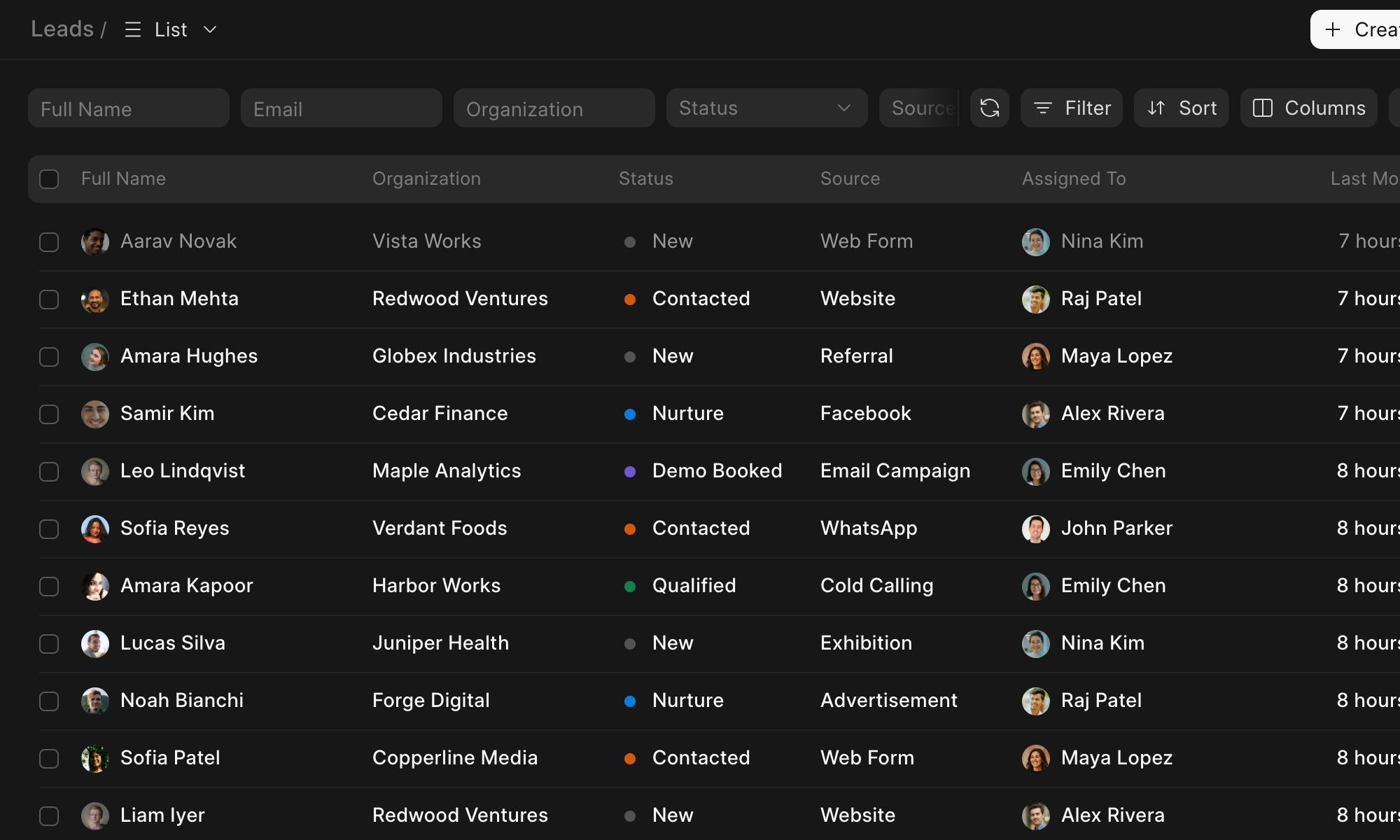
Every lead has an owner
Assignment rules hand each new lead to the right person, so two people don't call the same lead. Everyone sees their own list, and managers see the team's.
Follow-ups that don't rely on memory
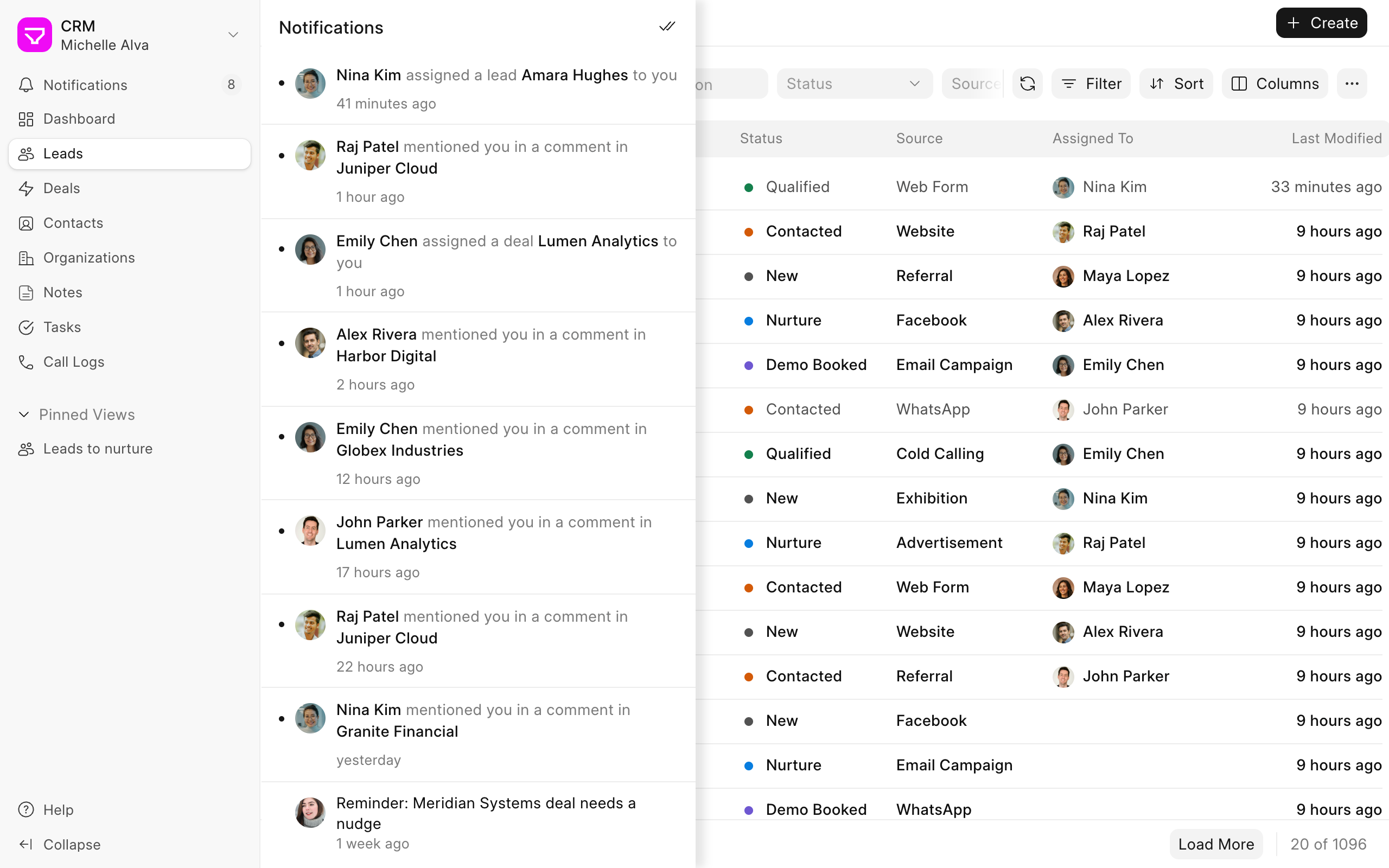
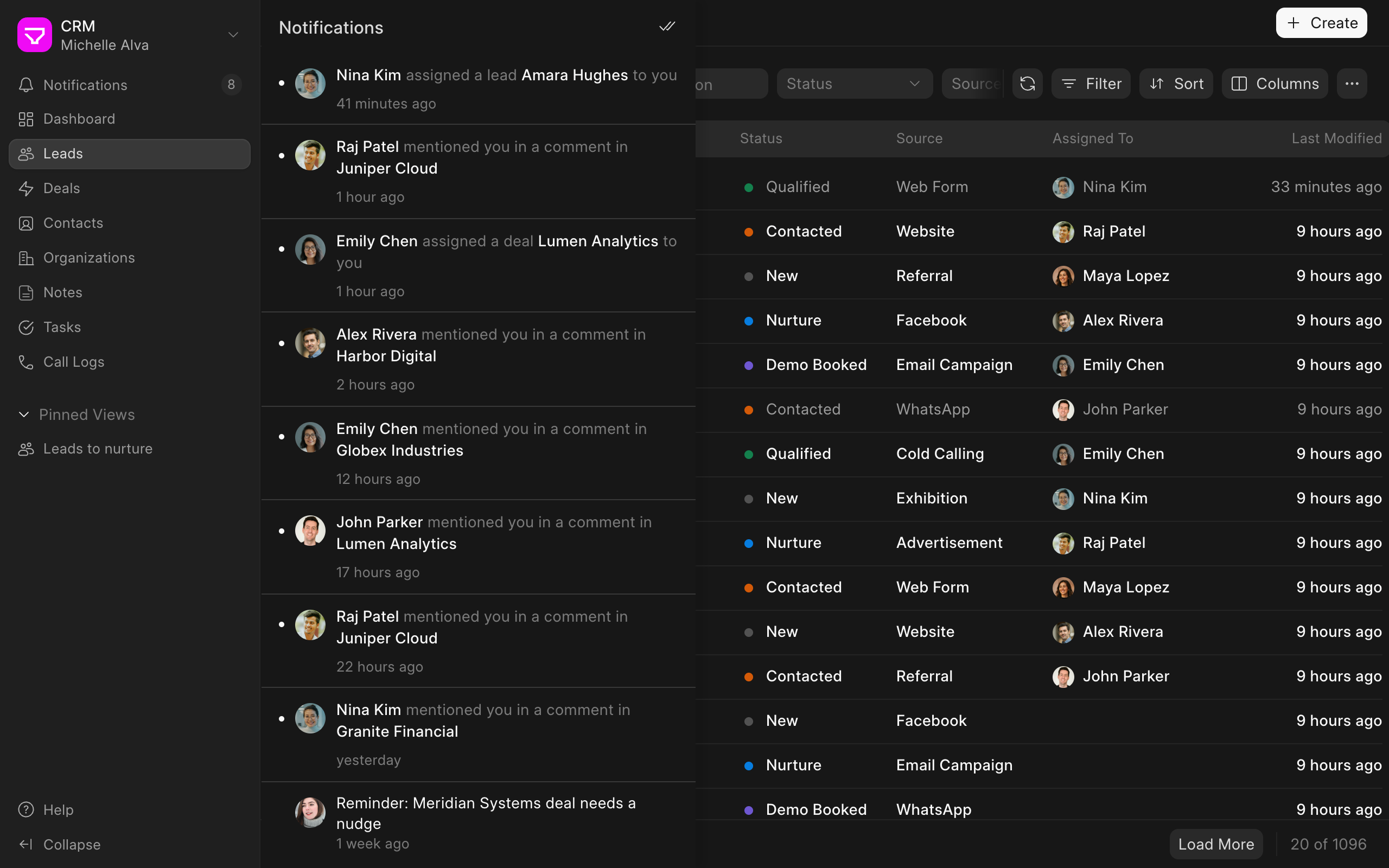
Add a task to a lead with a due date, and it shows up on your task list with everyone else's. You're notified when a lead is assigned to you or someone mentions you, and response-time targets show which new leads are waiting too long.
The whole conversation in one place
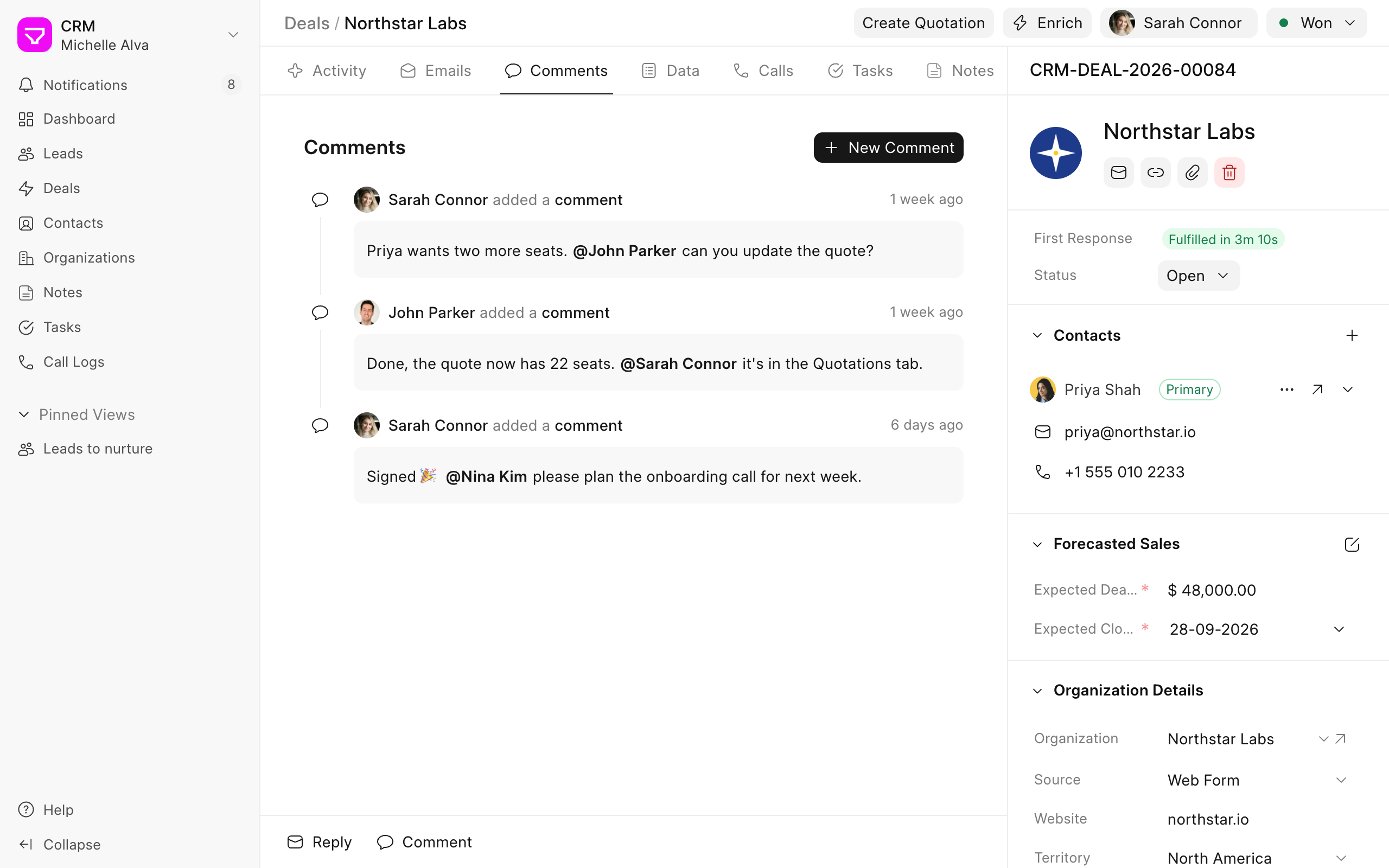
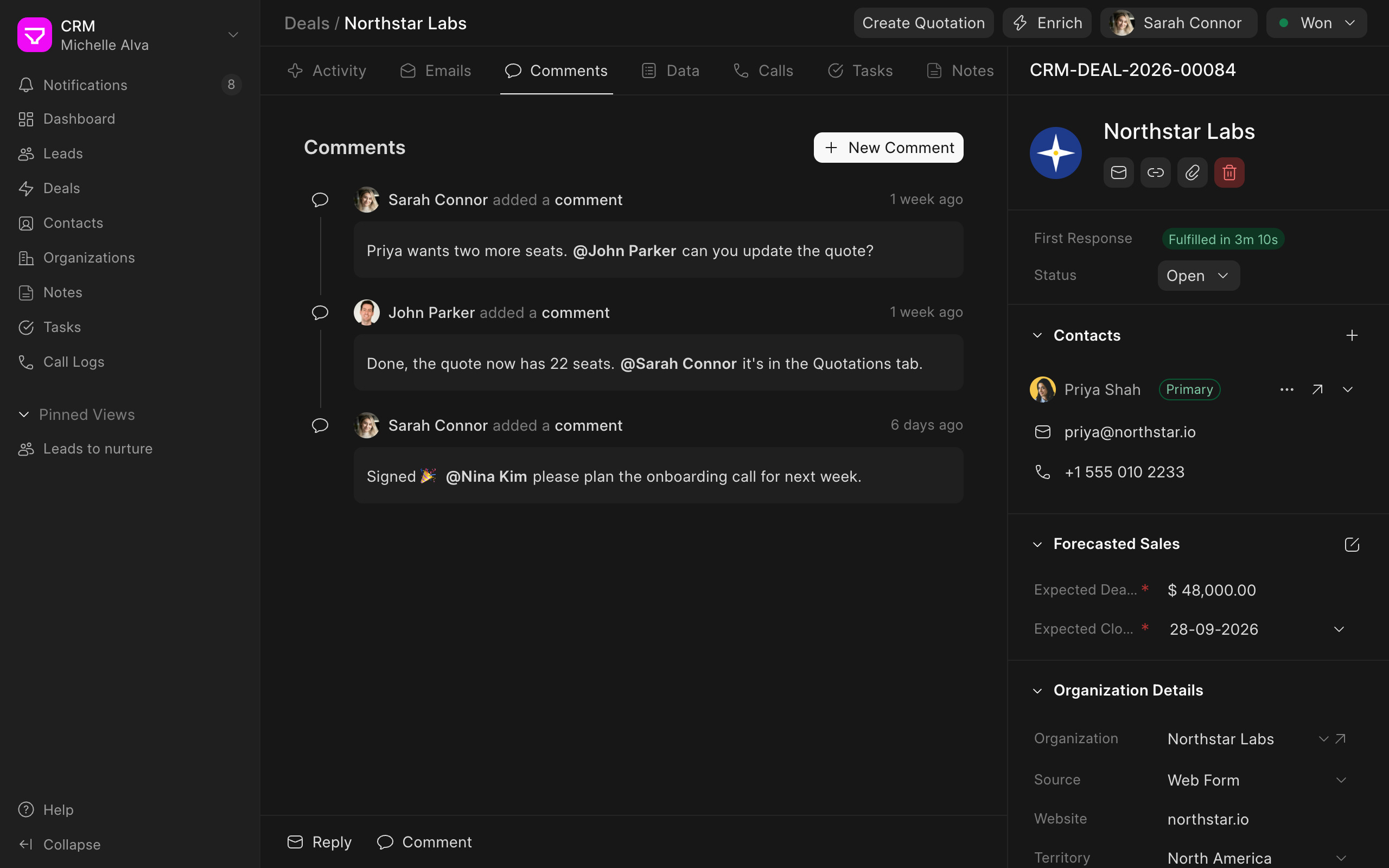
Emails, calls, WhatsApp chats, notes and comments sit on the lead or deal, so anyone picking it up knows what was said. Mention a teammate in a comment when you need help.
Numbers without building a report
The dashboard shows how your pipeline is doing, and forecasts revenue from your open deals. Save a view with your own filters and pin it to the sidebar, instead of copying rows into a new tab.
Still feels like a list
Leads and deals are lists you can filter, sort, group and arrange your way, or drag across a kanban board. And you can export any list back to a spreadsheet whenever you need it.
What it costs
A spreadsheet comes with Microsoft 365 or Google Workspace, which you probably already pay for. Frappe CRM starts at $20 (₹2,000) a month for your whole team, with no per-user pricing, after a 7-day free trial. Or host it yourself: there's no software license fee, and you pay only for your server.
Where many teams start
Plenty of the more than 1,000 teams on Frappe CRM moved over from spreadsheets. Telecalling teams like Fixcent's track their leads in it now:
“Frappe CRM has significantly improved our data quality, telecaller efficiency, and lead tracking.”
Puttaswamy, Director, Fixcent
When a spreadsheet is enough
Spreadsheets are free, flexible and familiar. For one or two people with a short list of leads, or for a quick one-off analysis with formulas, a sheet is often all you need.
A CRM pays off when more people share the same leads, when follow-ups start slipping, or when you need to know what happened with a customer without asking around. You can always export from Frappe CRM to a spreadsheet for analysis.
Frequently asked questions
Can I export my data back to Excel?
Yes. You can export any list of leads, deals or contacts as a spreadsheet at any time.
Will my team need training?
Not much. Leads and deals look like the lists your team already uses, and fields, stages and assignment rules are set up from the settings, without code.
Can several people work at the same time?
Yes. Everyone works on the same leads at once, and each lead shows who owns it and what happened last.
Choose Frappe CRM
The step up from your spreadsheet