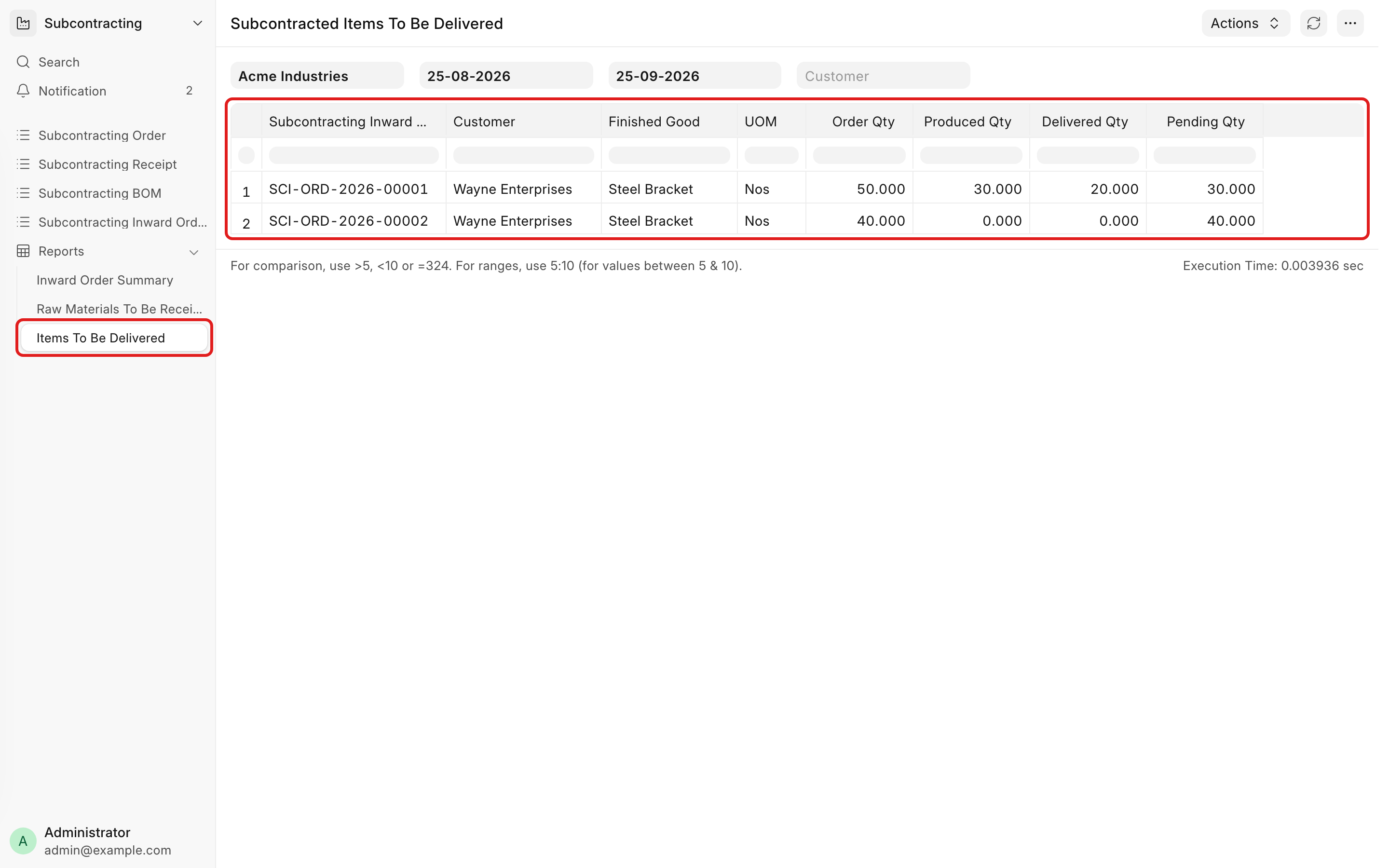
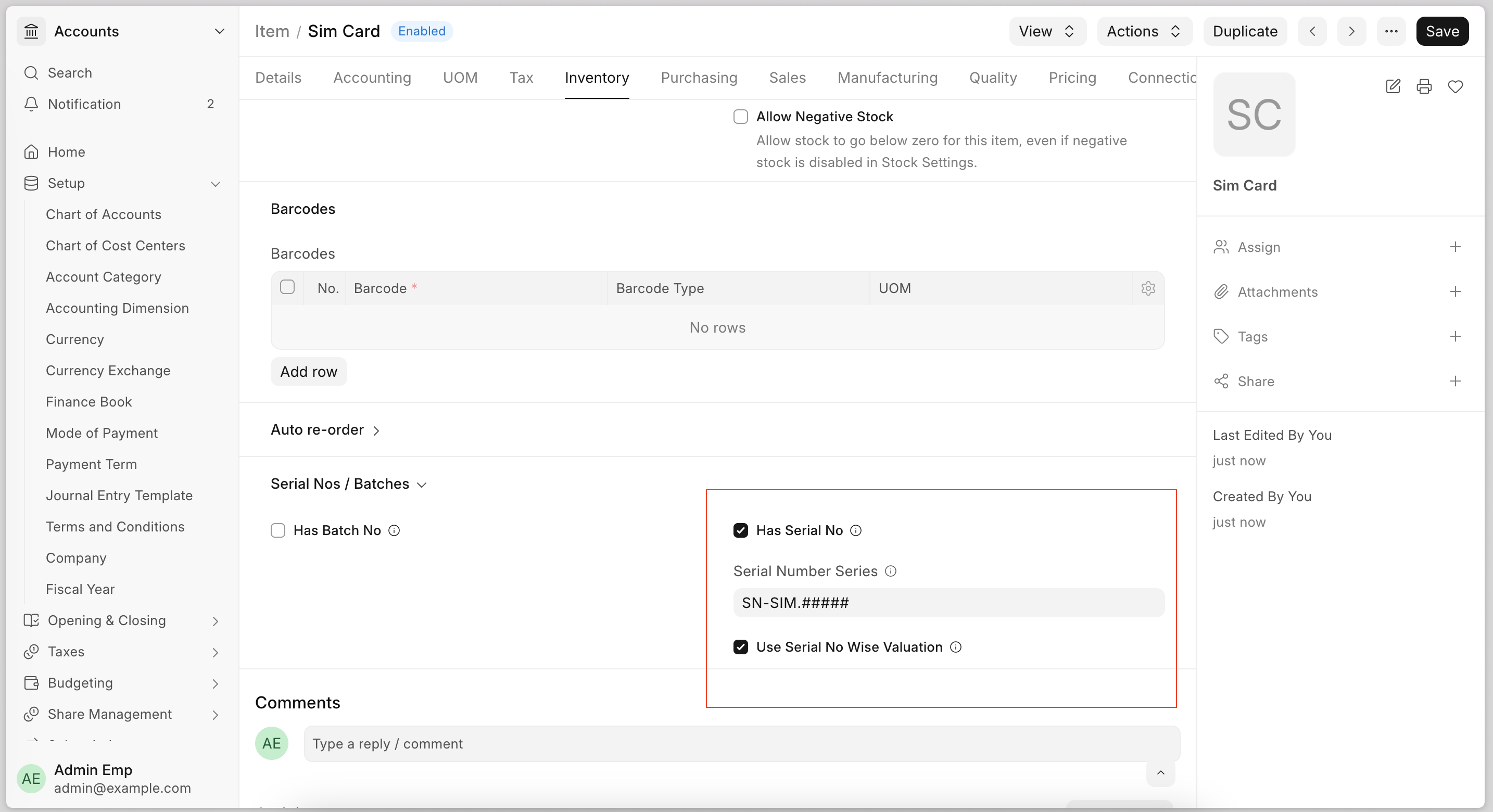
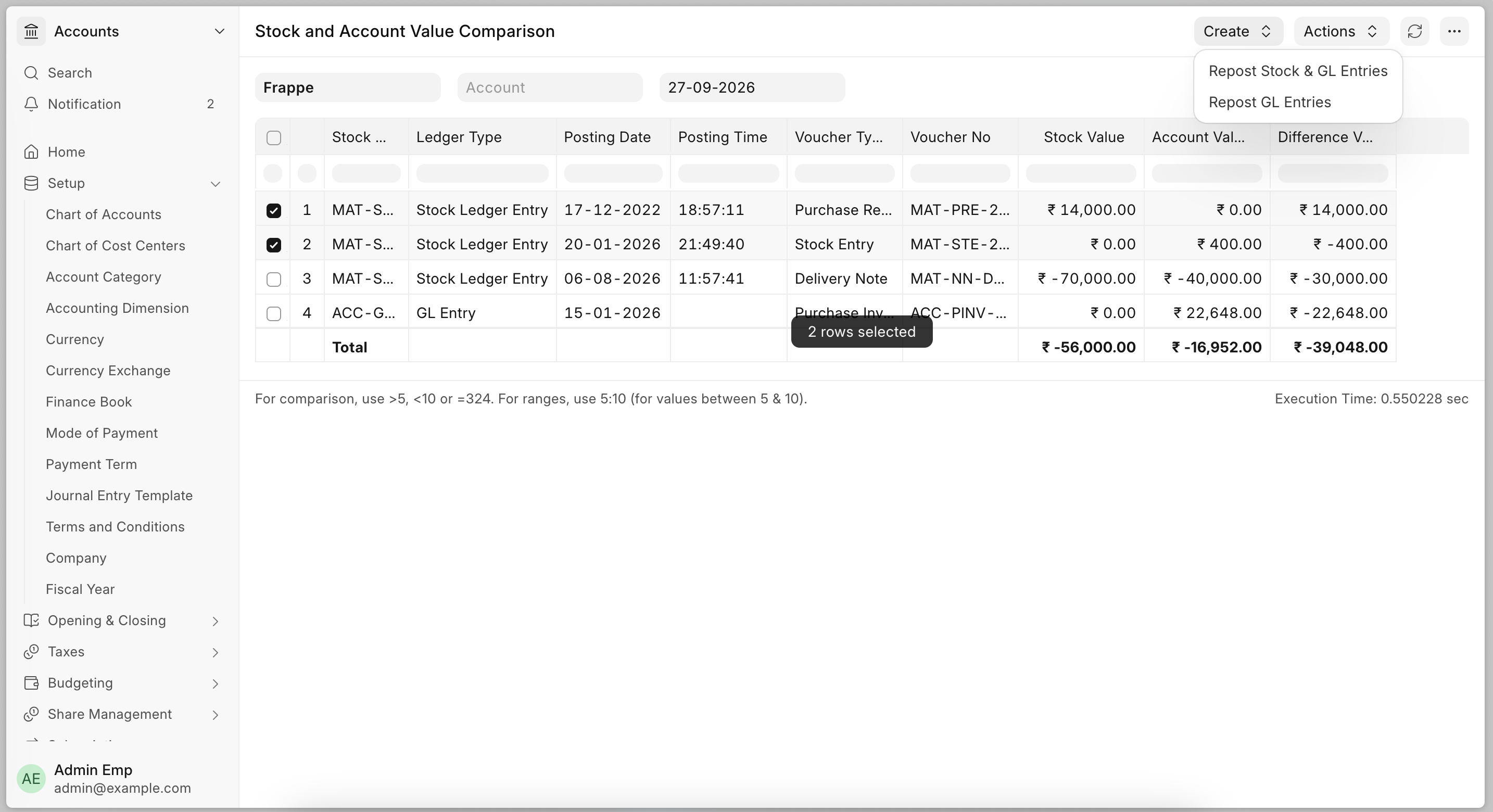
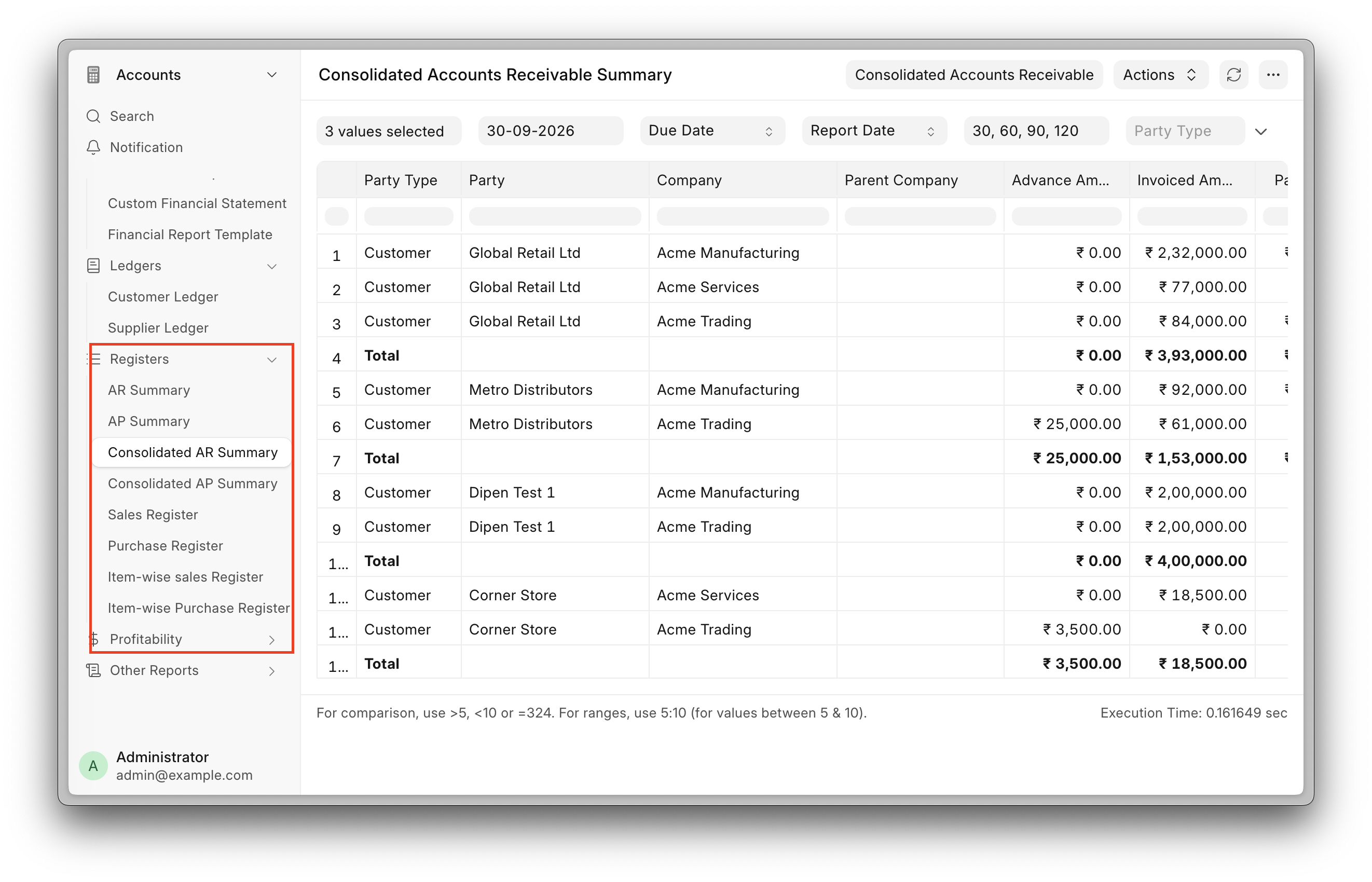
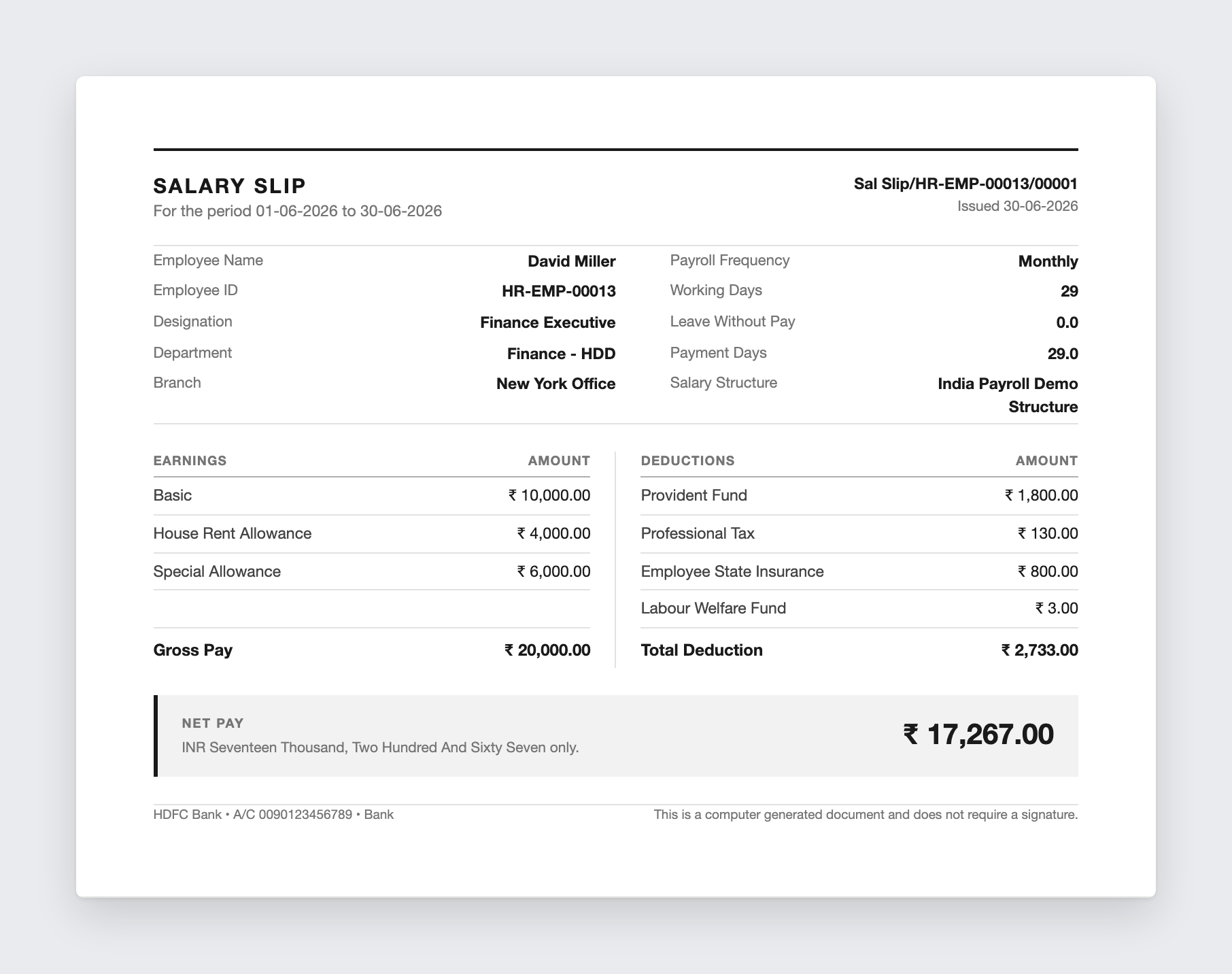
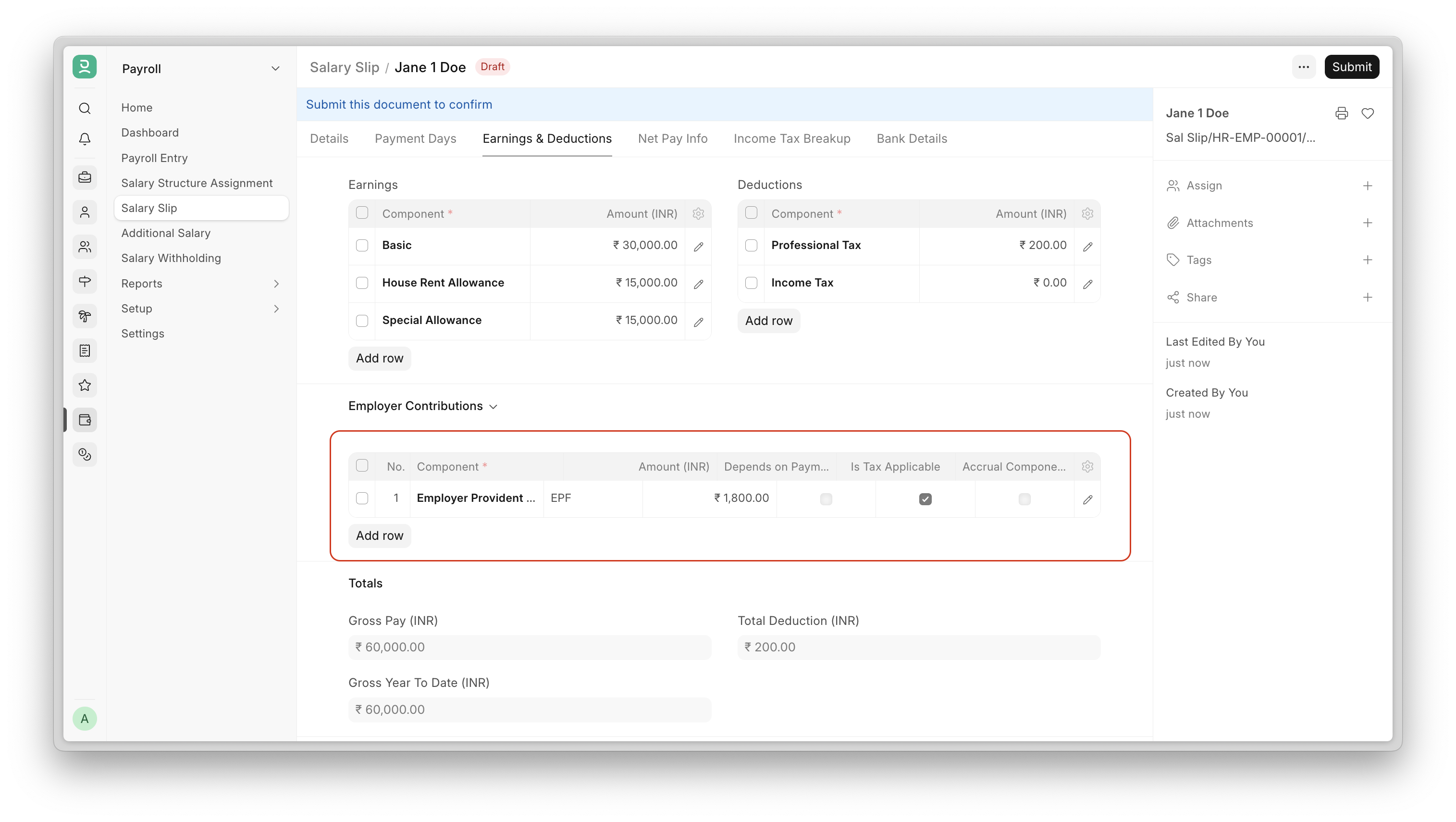
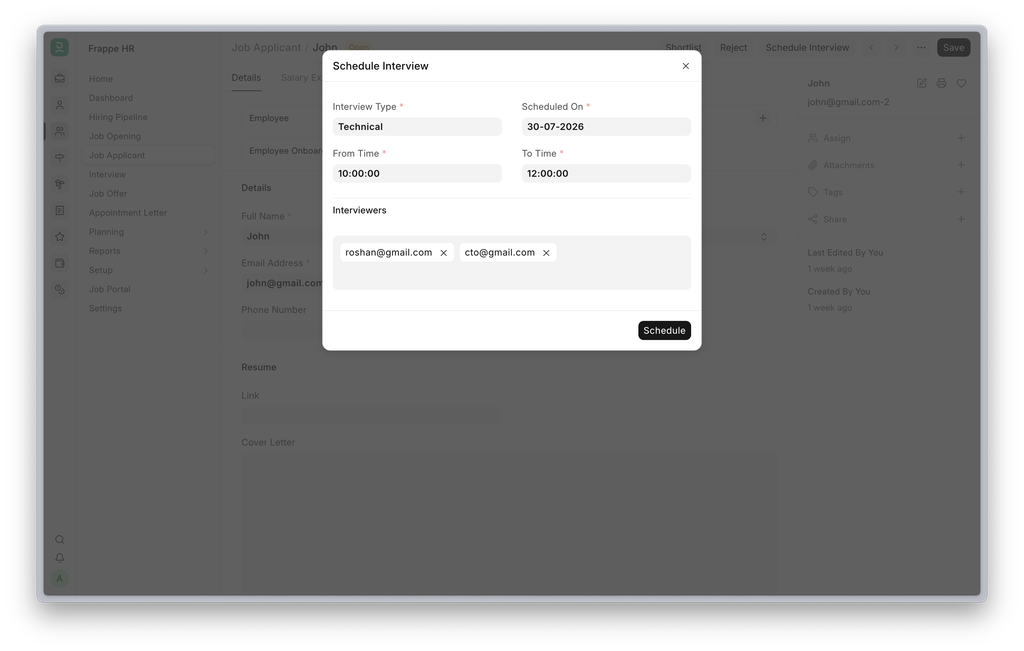
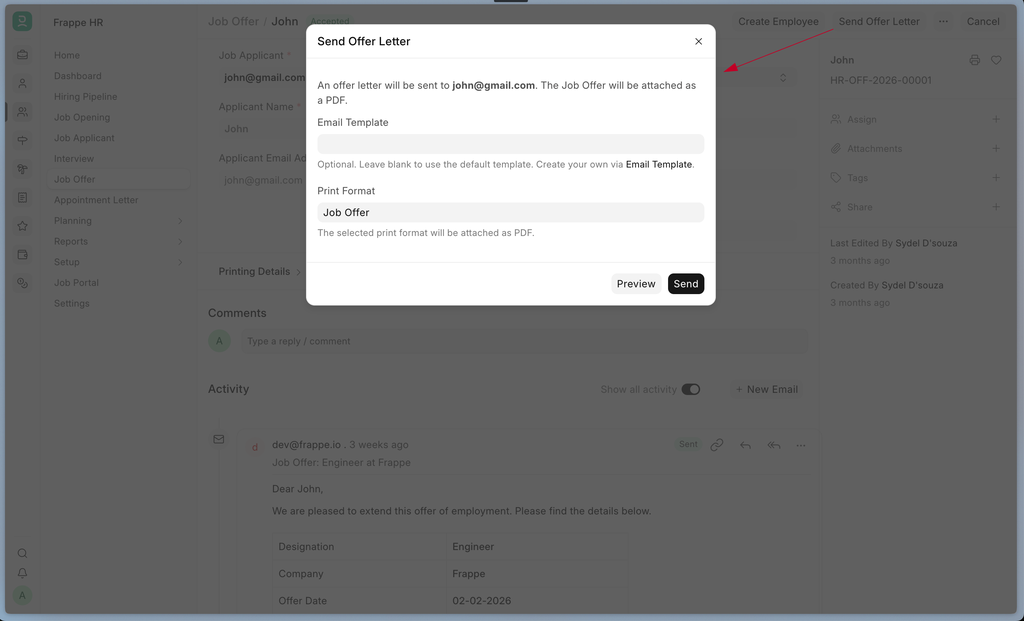
India Payroll can now file Form 24Q from inside the system. Every deduction already sits on the salary slip, so the return builds itself from payroll, reconciles against the challans you deposited, and goes to the department through the Sandbox API. No exports, no separate return preparation utility, no re-keying deductee data.
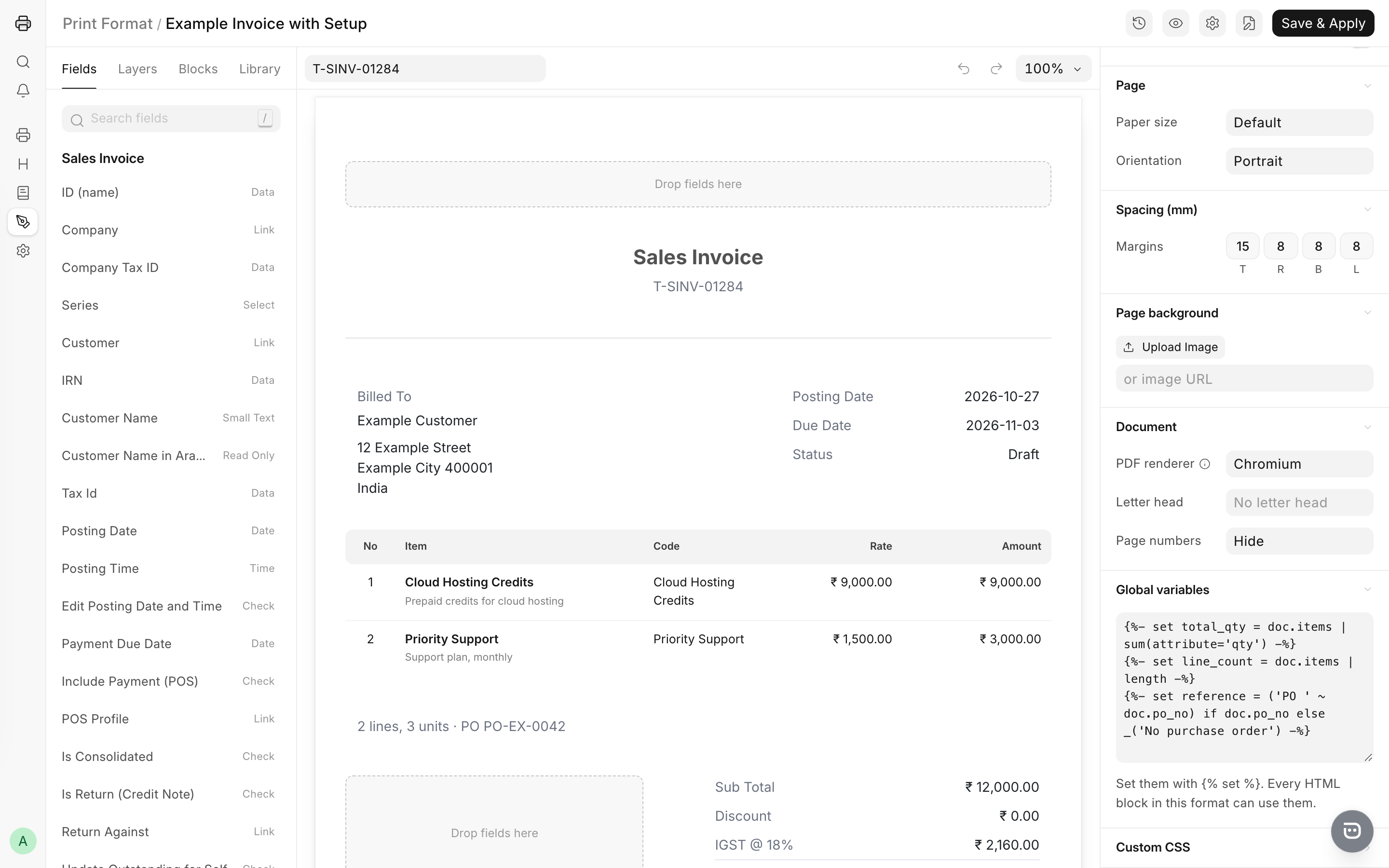
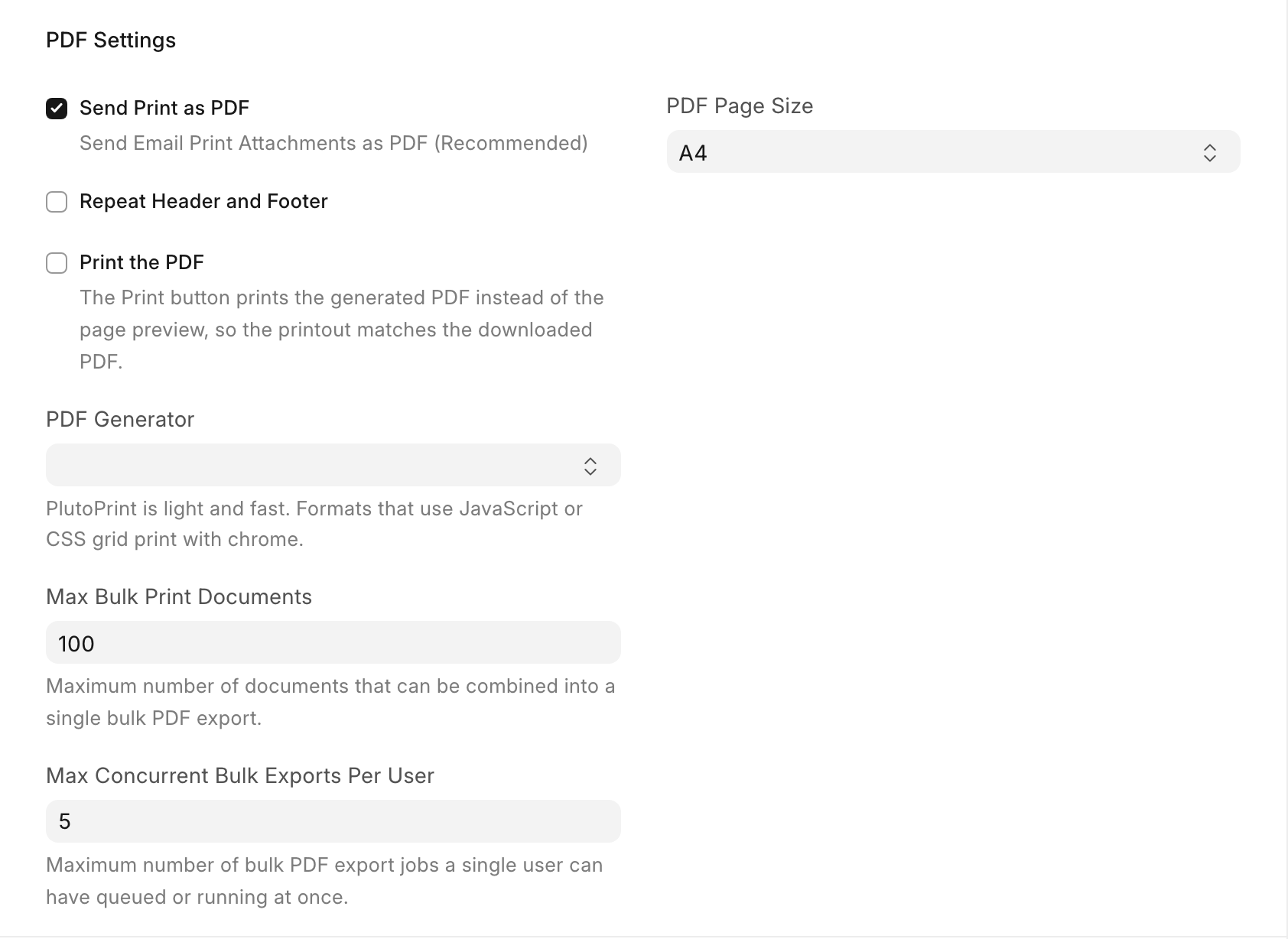
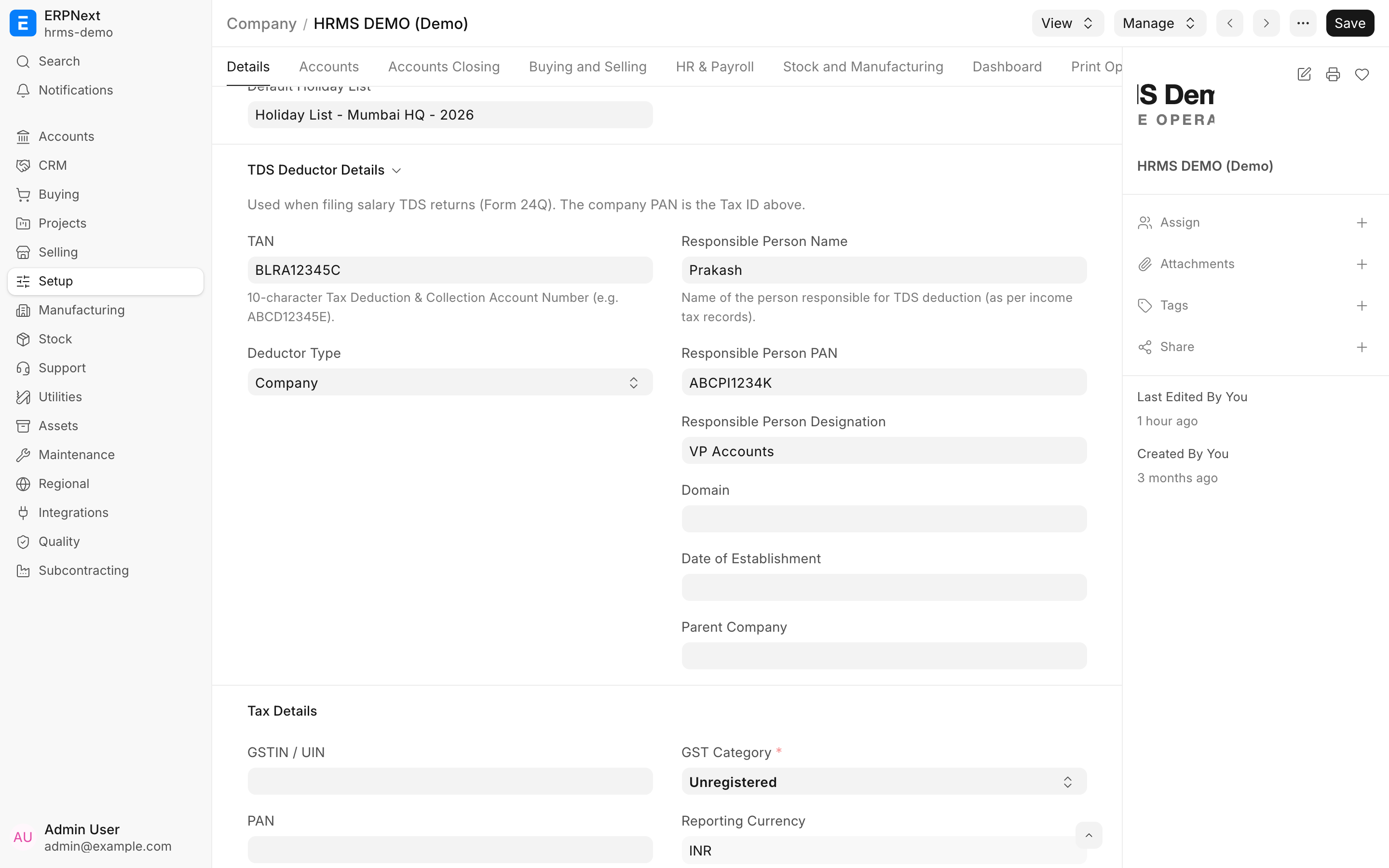
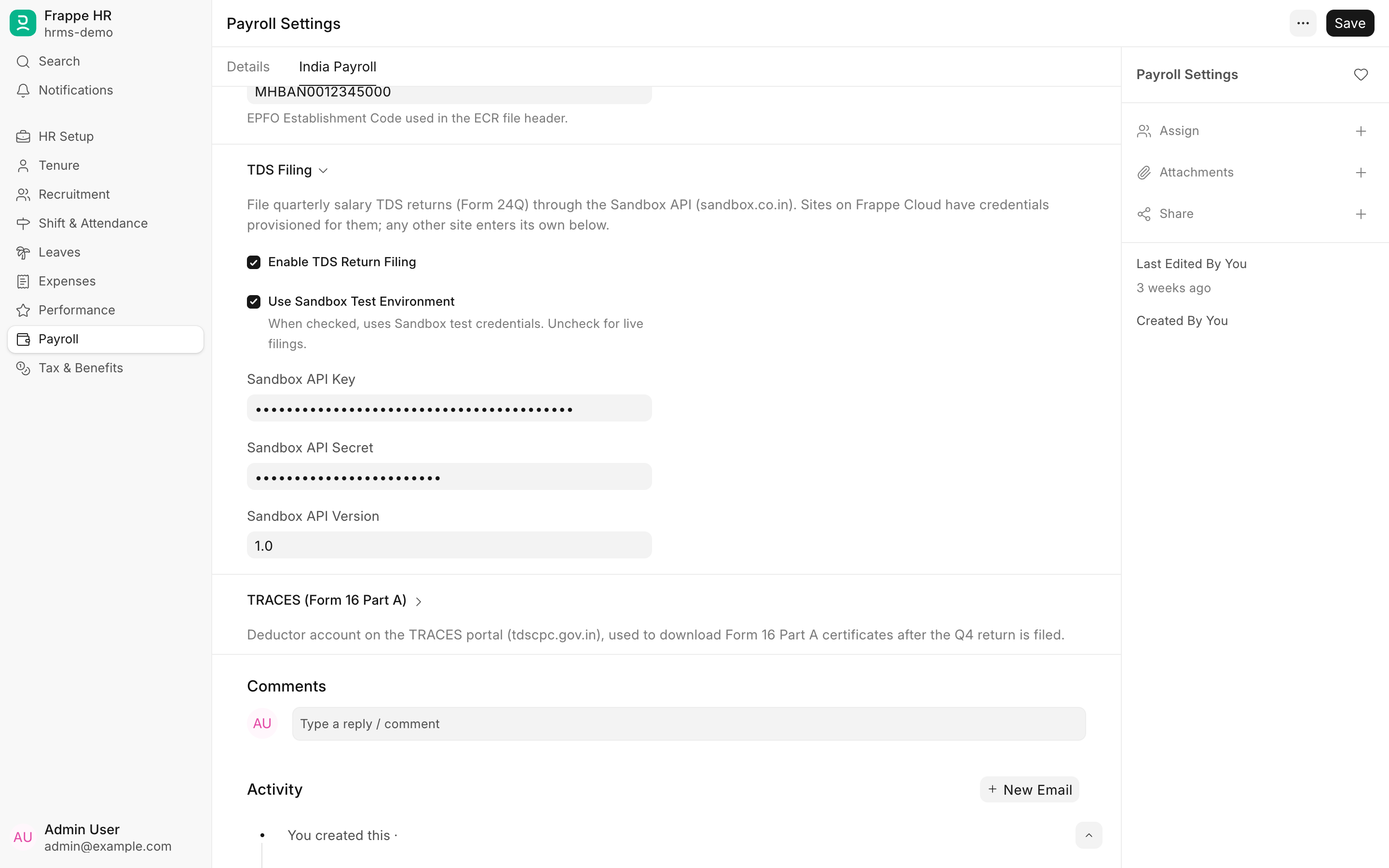
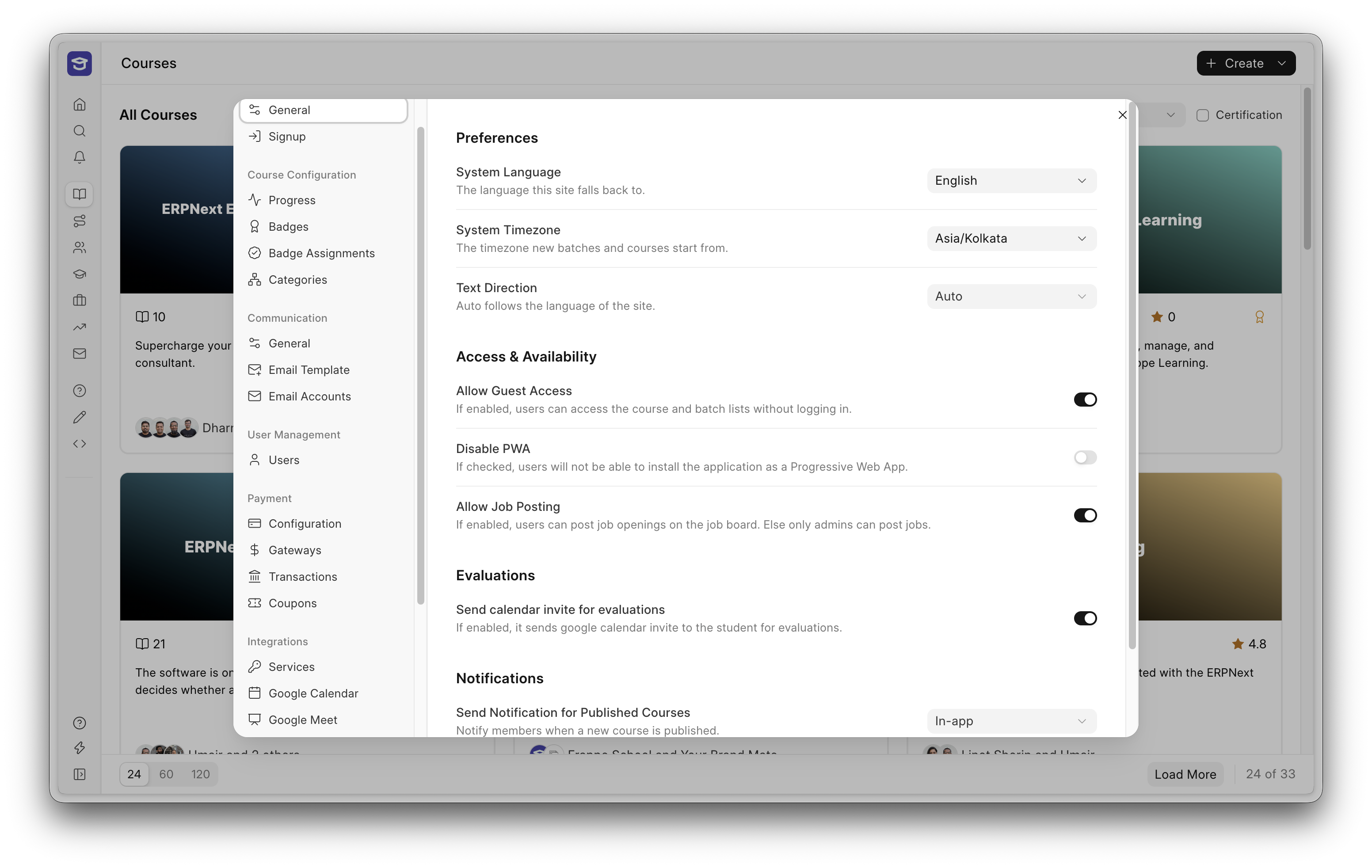
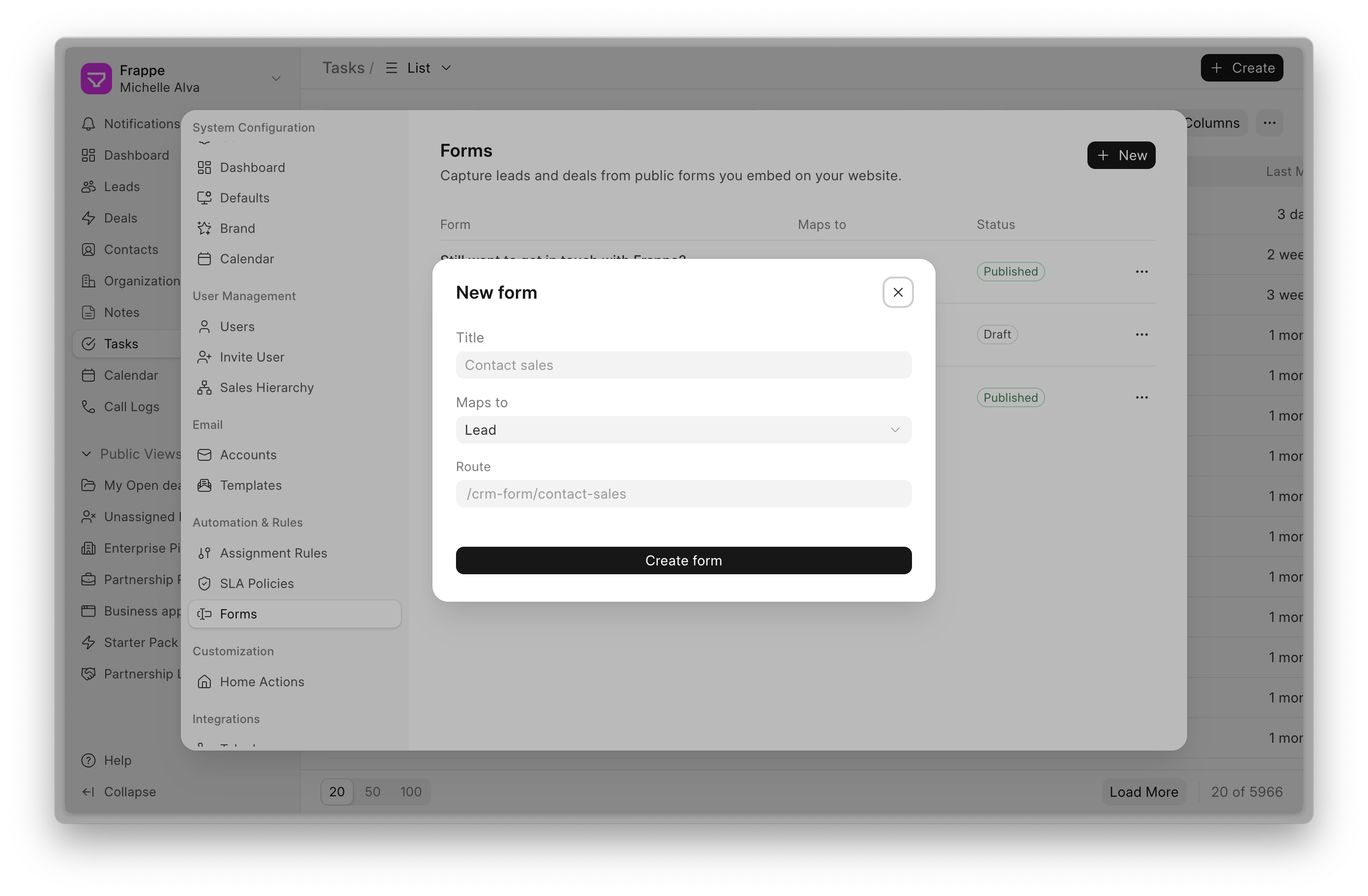
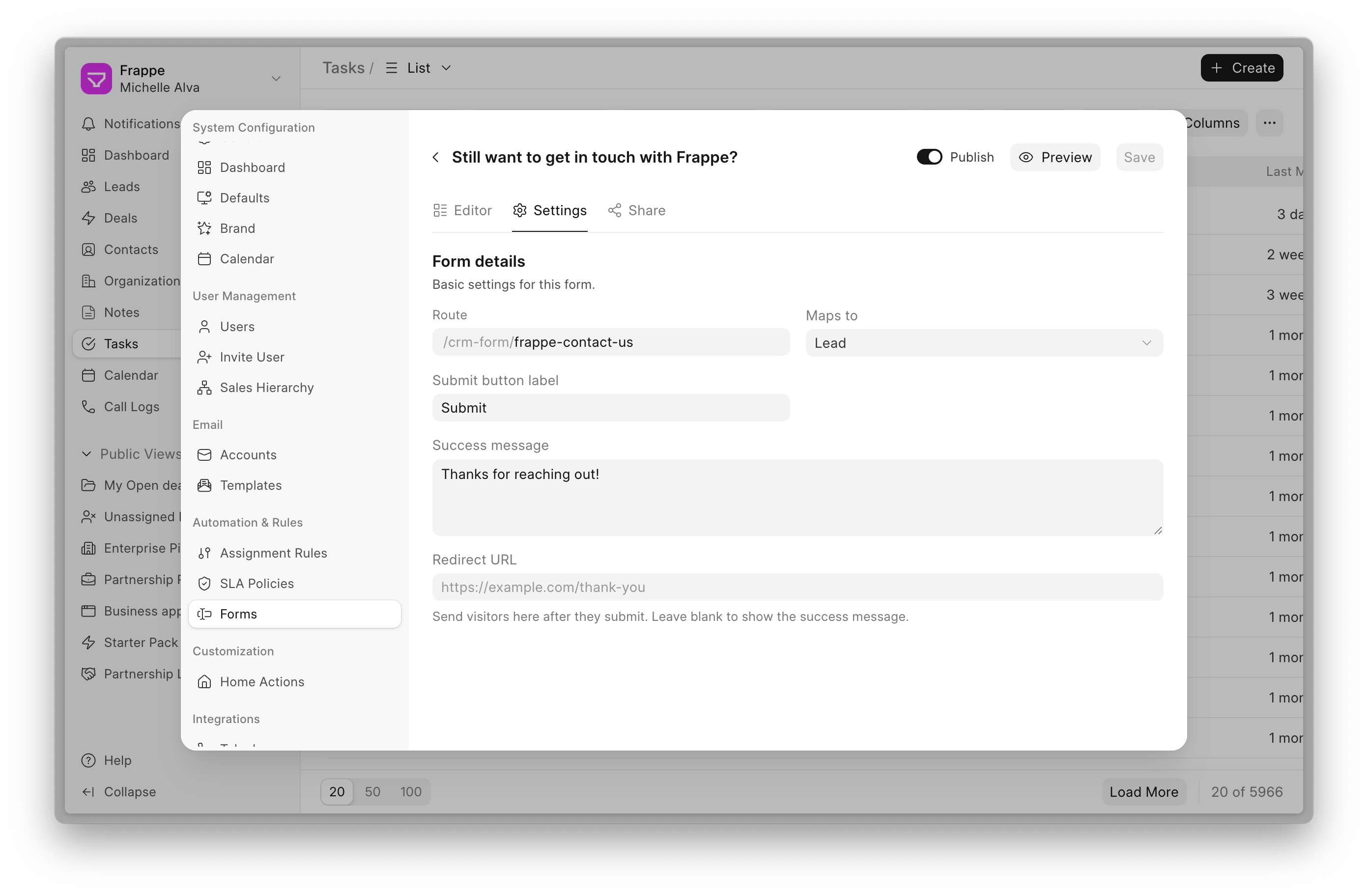
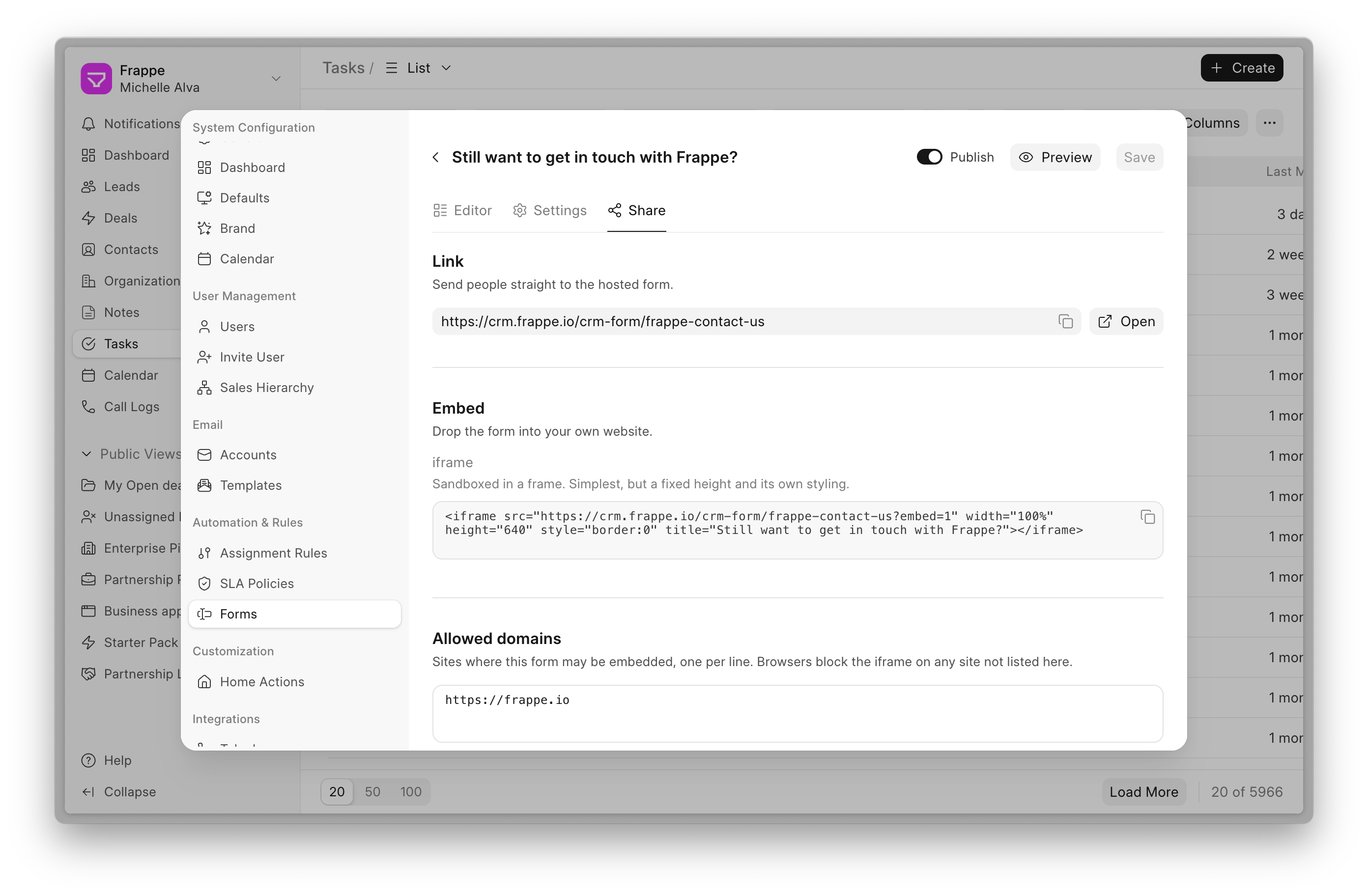
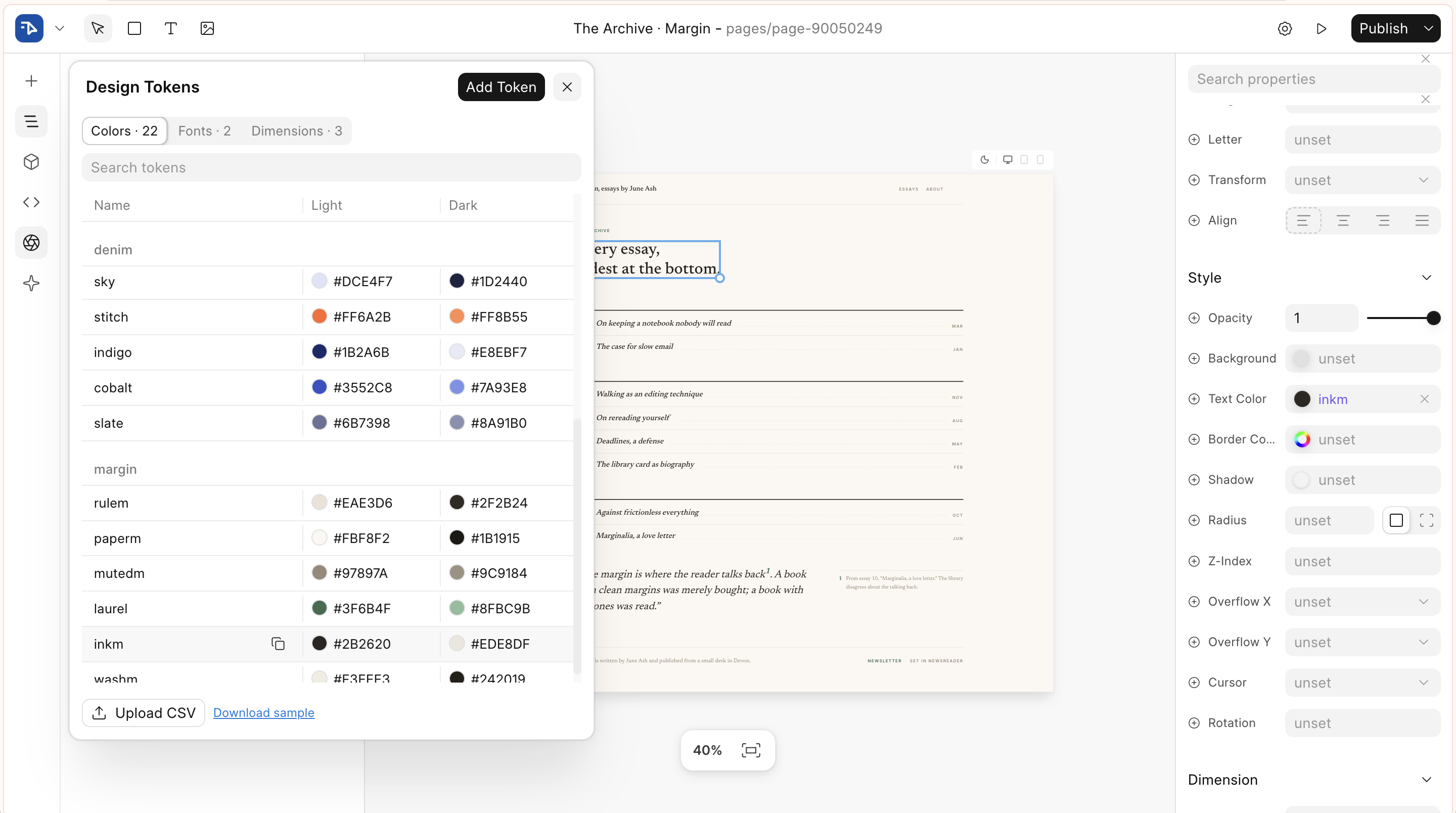
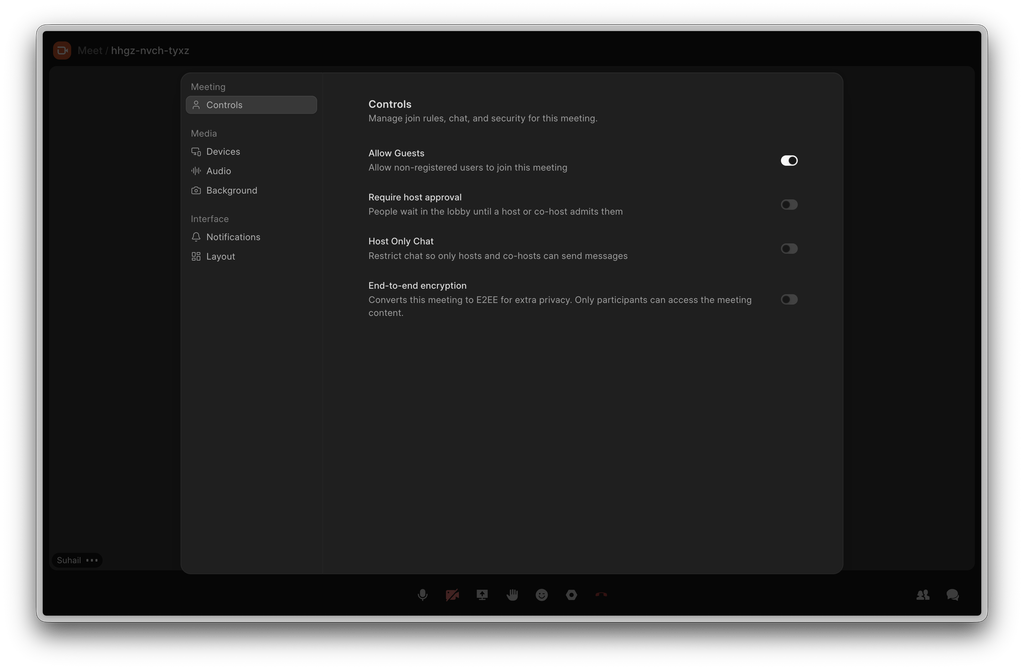
Set up in two places. Enter the deductor details once on the Company: TAN, deductor type and the person responsible for deduction. Then turn on TDS Return Filing under the India Payroll tab of Payroll Settings. Sites on Frappe Cloud get Sandbox credentials provisioned; any other site adds its own API key and secret. A Sandbox test mode lets you dry-run the whole thing before a live filing.
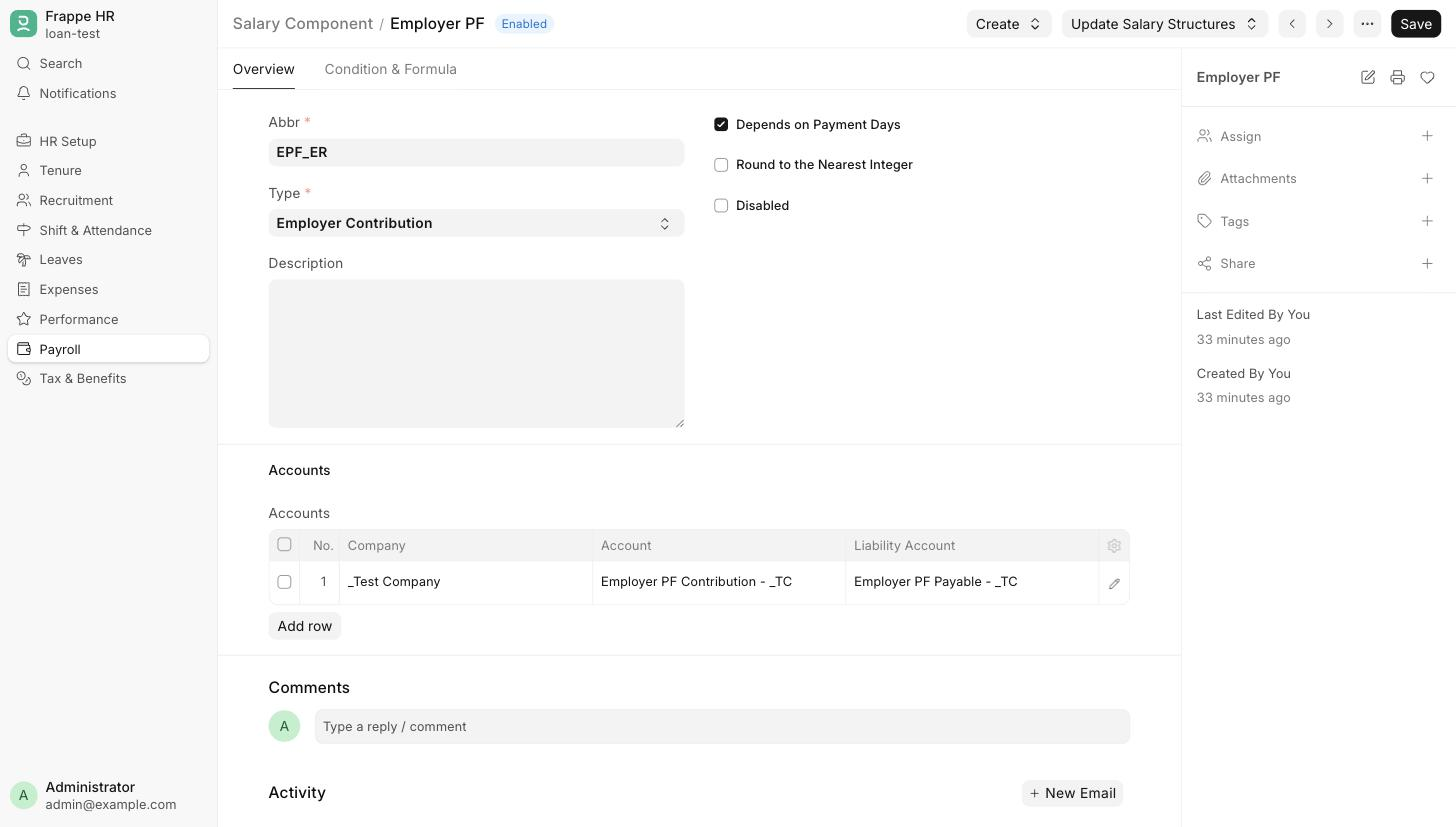
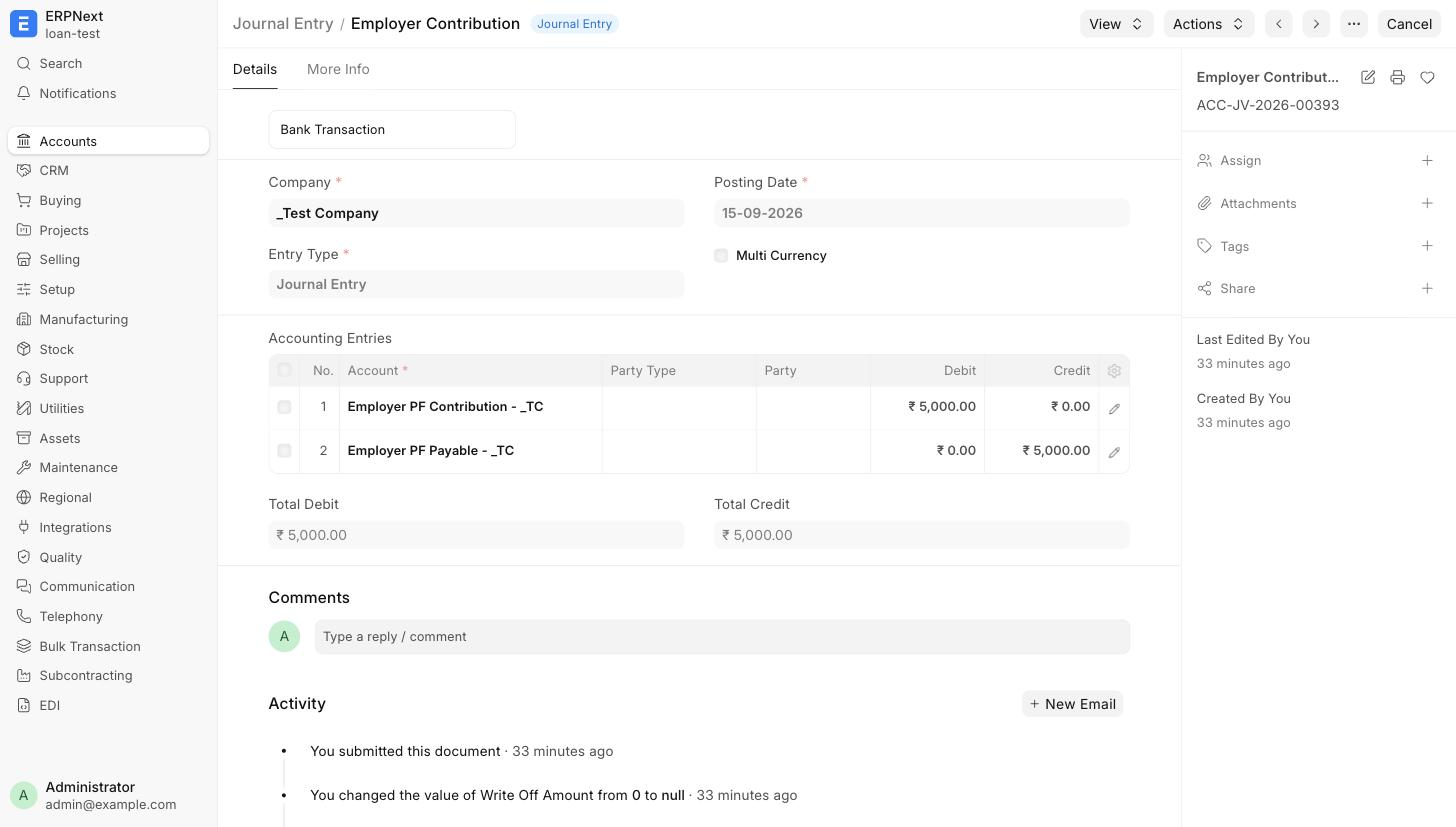
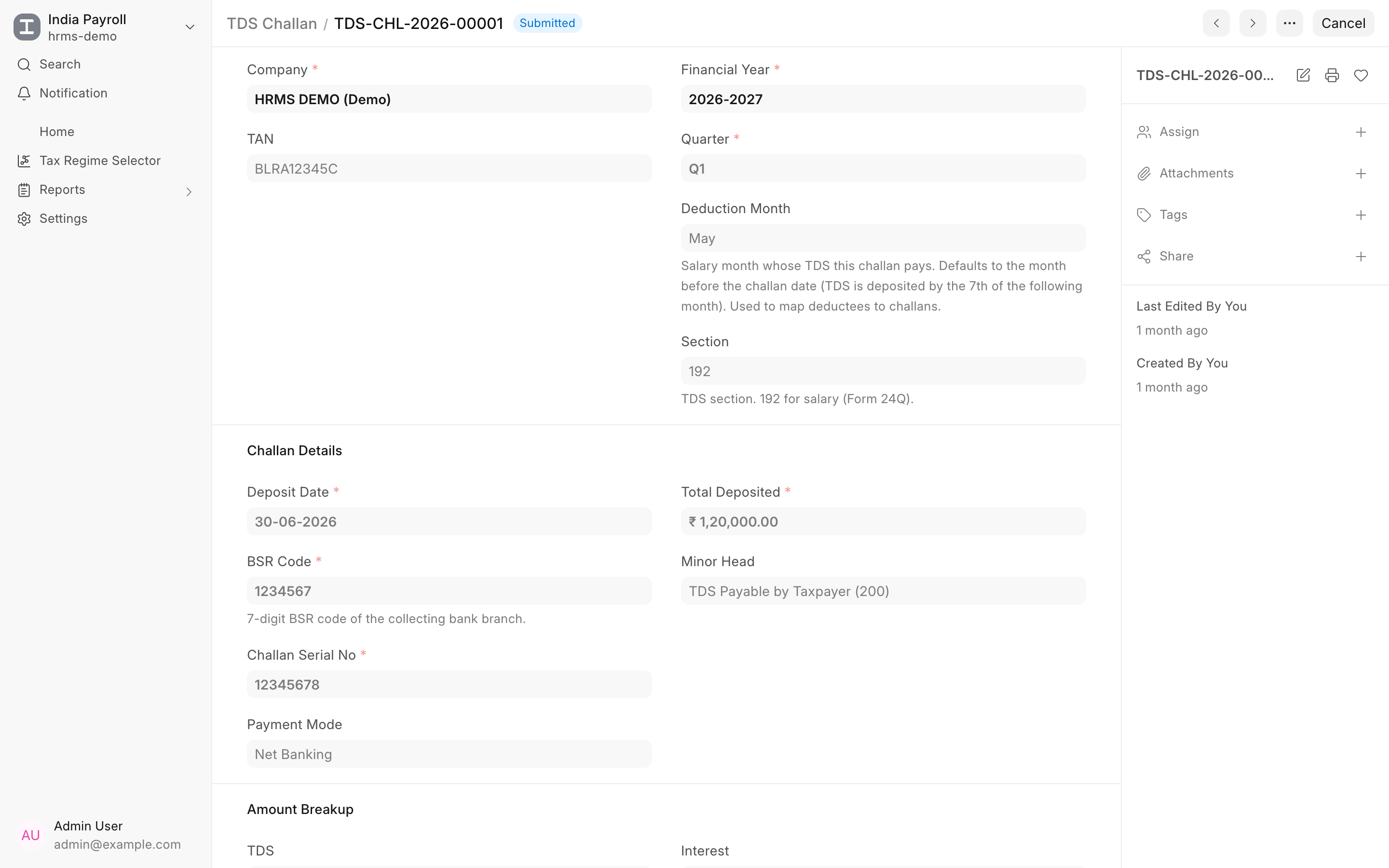
Challans as documents. Record each TDS deposit as a TDS Challan with its BSR code, serial number, deposit date and amount breakup. The challan works out which salary month it pays for, so deductees map to challans without manual matching.
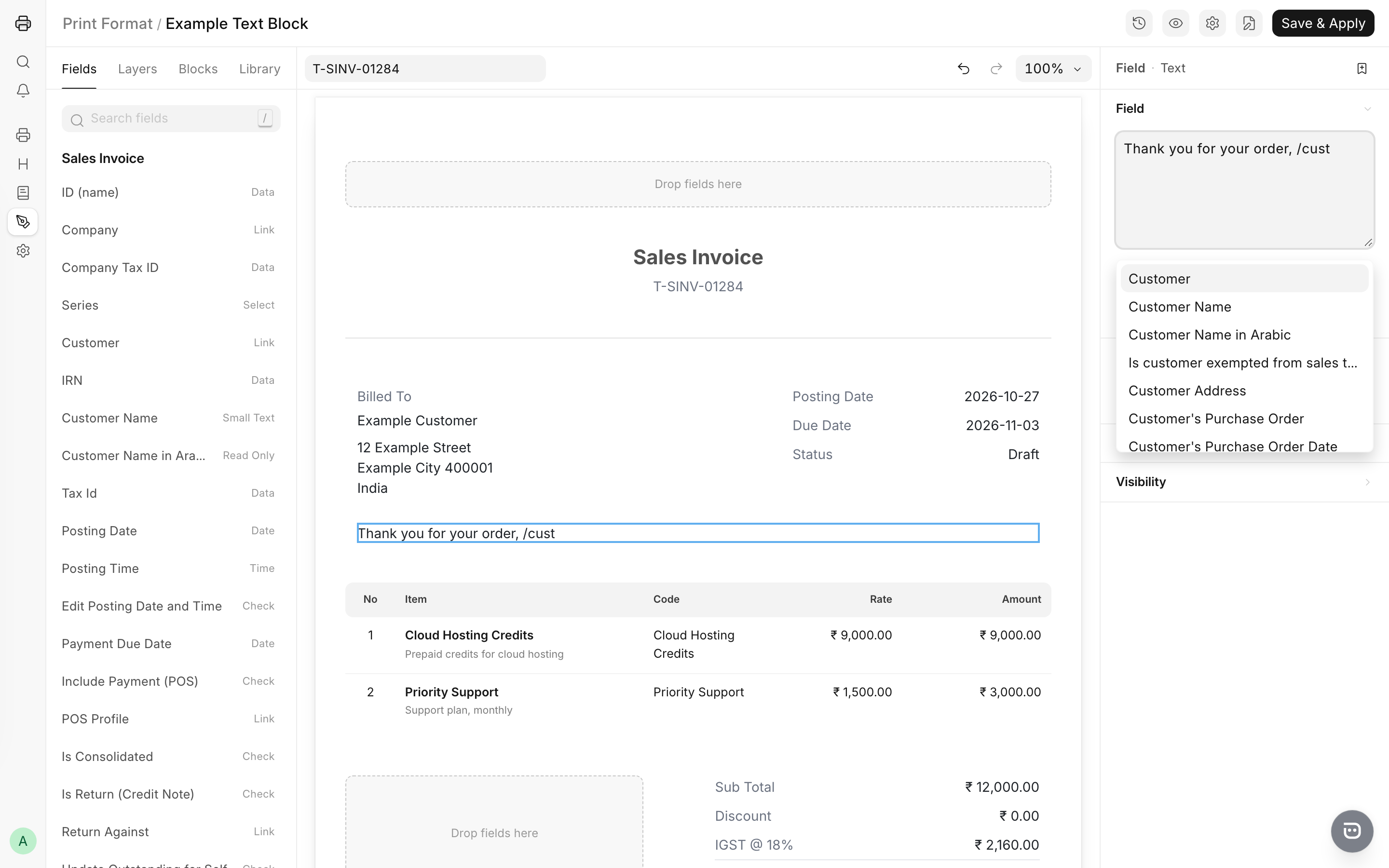
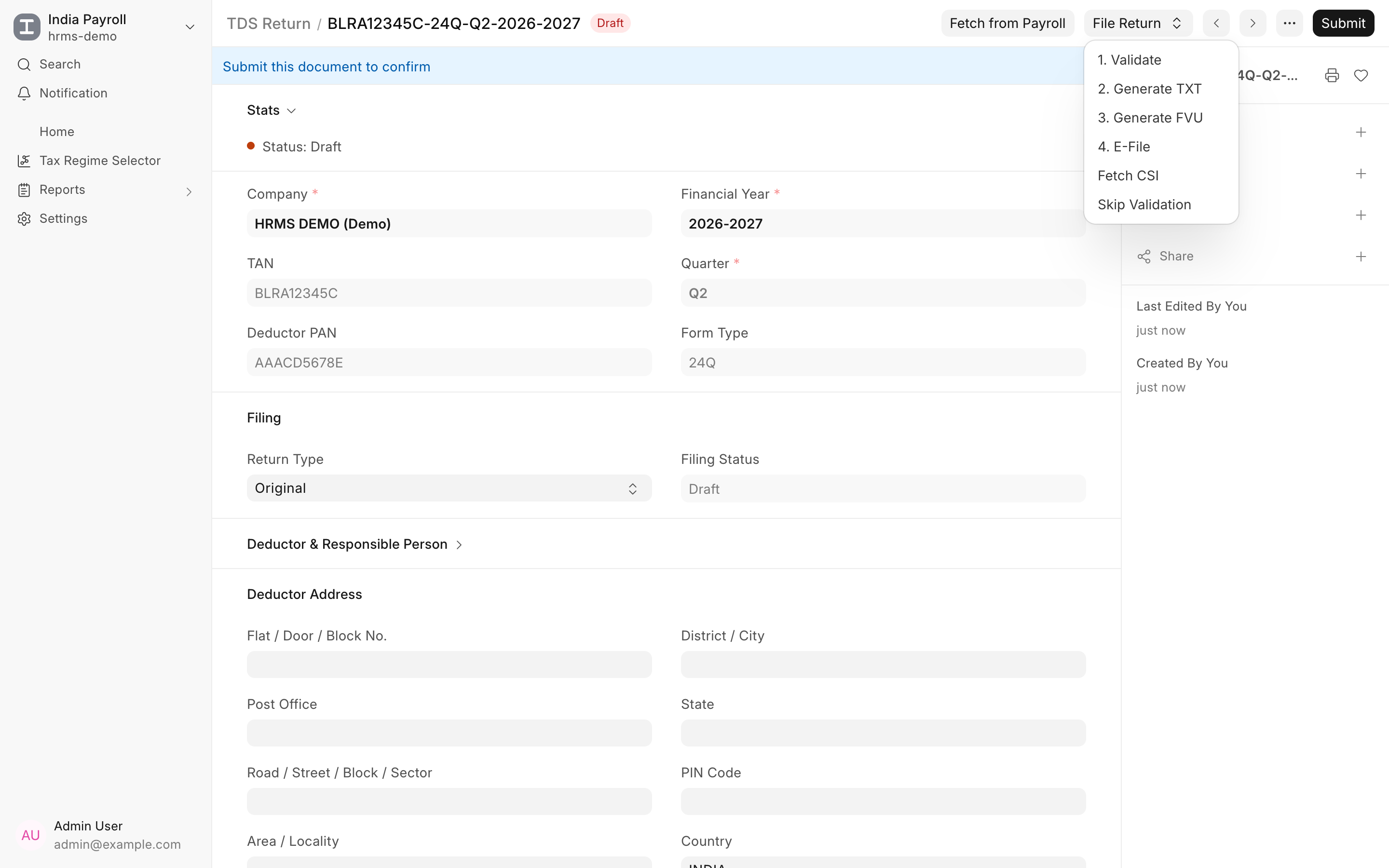
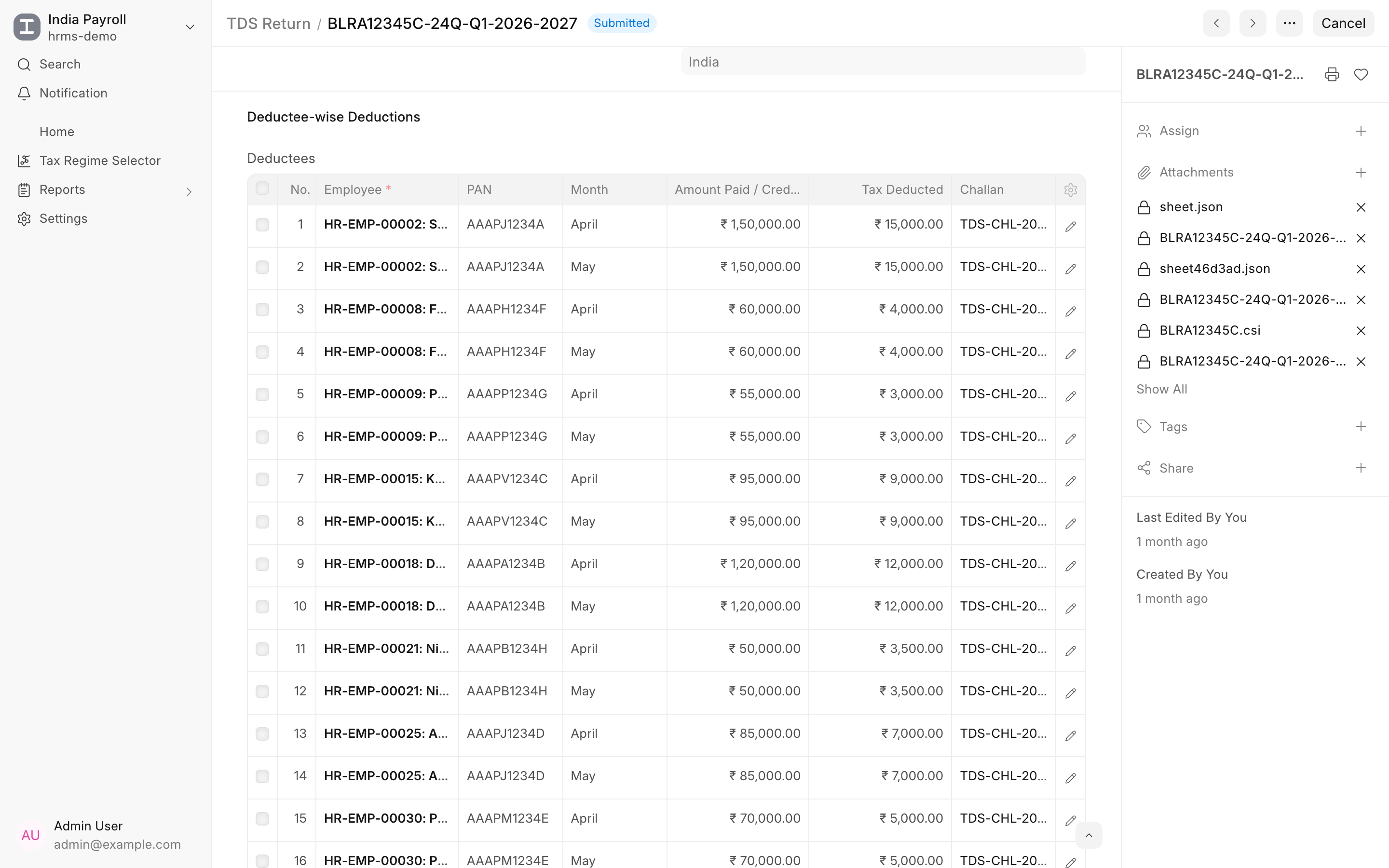
One click from salary slips to deductees. Create a TDS Return for the company, financial year and quarter. The deductor block fills itself from the Company and its linked address and contacts. Hit Fetch from Payroll and every submitted salary slip with income tax deducted becomes a deductee row, one per employee per month, with PAN, amount paid, tax deducted and the matching challan. Rows stay editable for the odd correction. Totals for amount paid, tax deducted and tax deposited sit side by side, and the return will not proceed if deducted exceeds deposited.
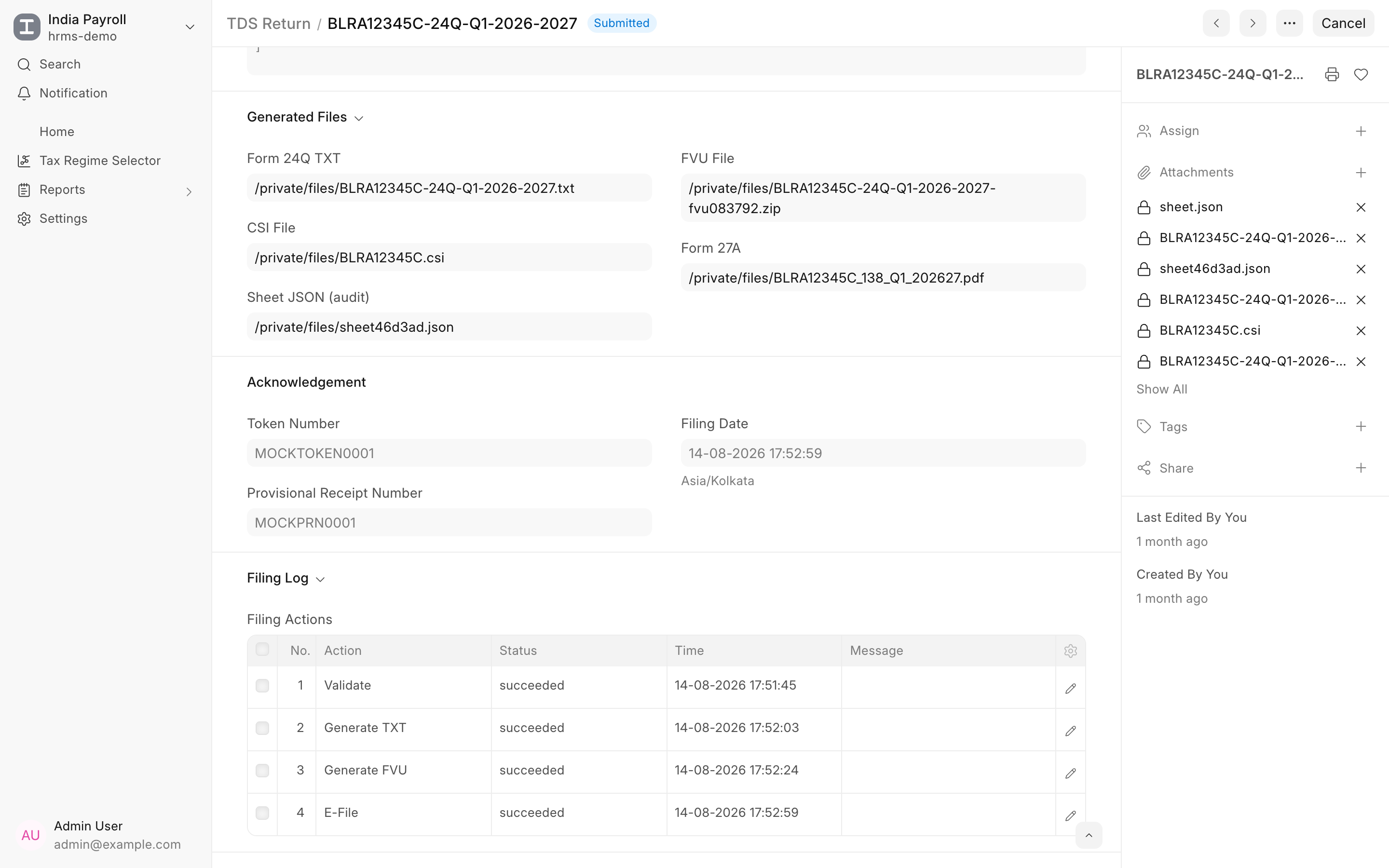
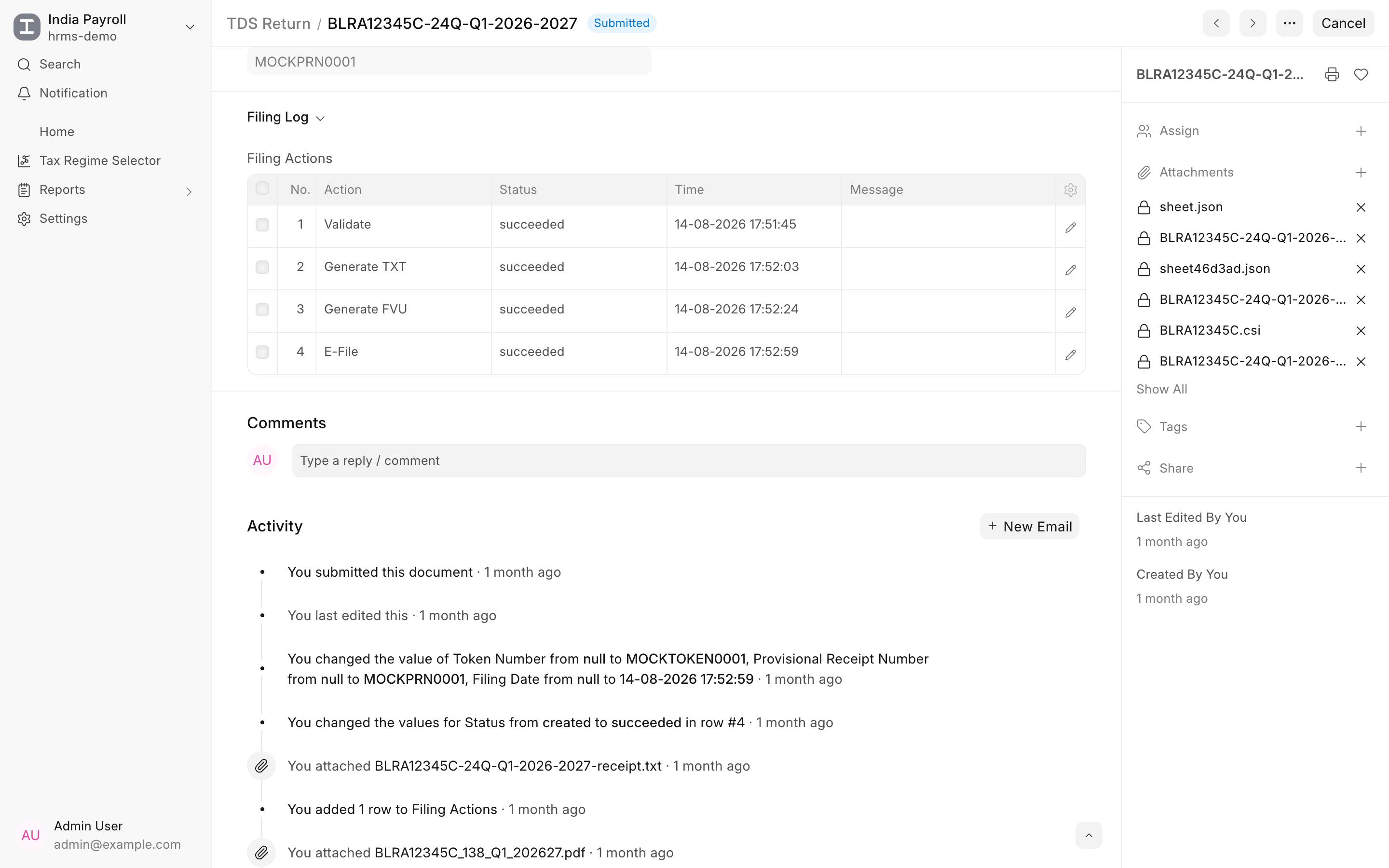
A four step, audited pipeline. Each step runs as a background job and is logged on the return.
- Validate runs Sandbox's potential-notice check and shows any issues before you commit anything.
- Generate TXT produces the return file in the department's format.
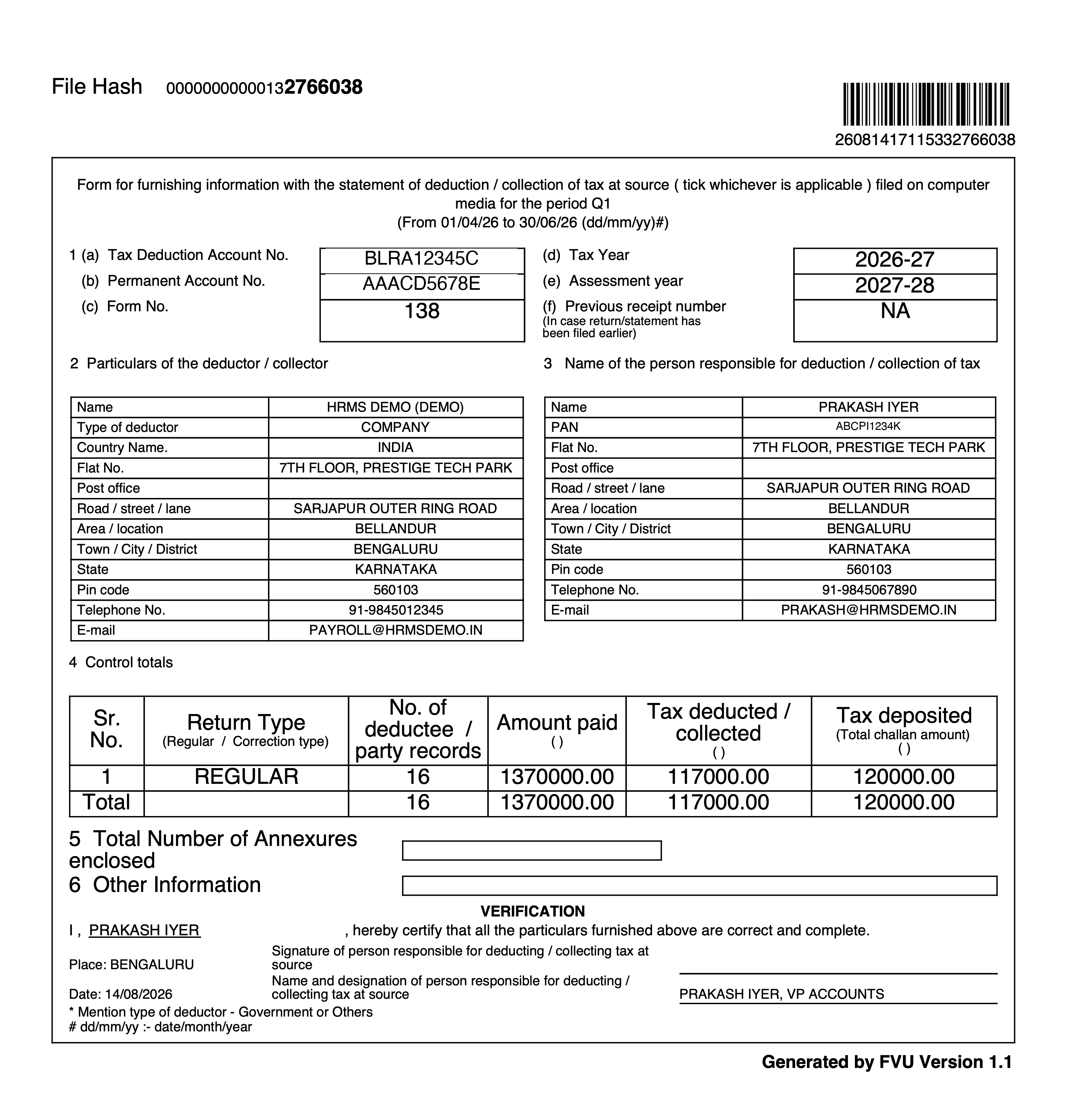
- Generate FVU validates the TXT against the CSI file and returns the FVU along with Form 27A, both previewable and printable from the return. The CSI file is fetched with an OTP sent to the deductor's TRACES-registered mobile.
- E-File submits the FVU and writes back the token number, provisional receipt number and filing date.
Submitting the document locks the filed return. Revised returns work too: pick Revised and enter the previous receipt number.
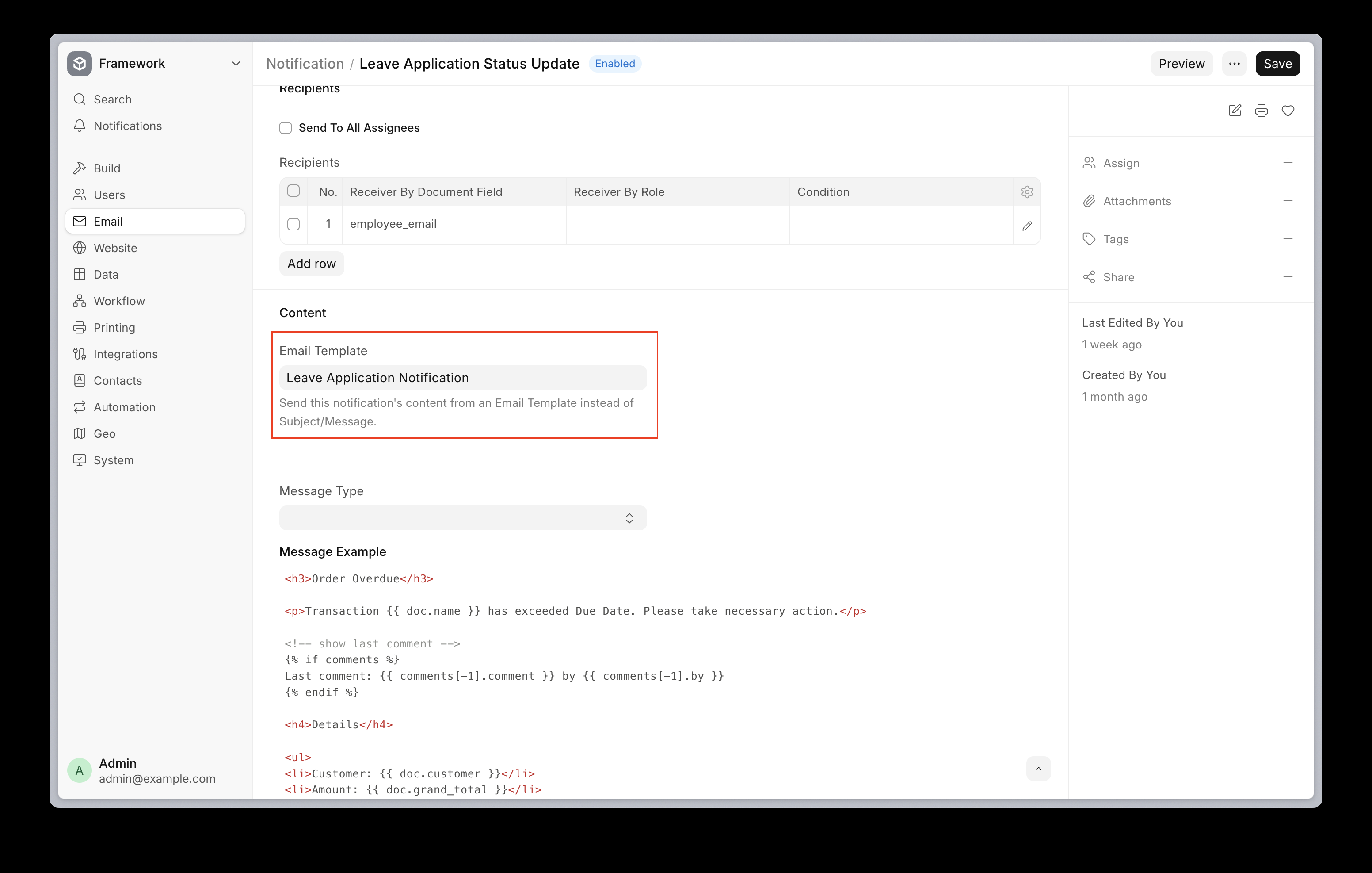
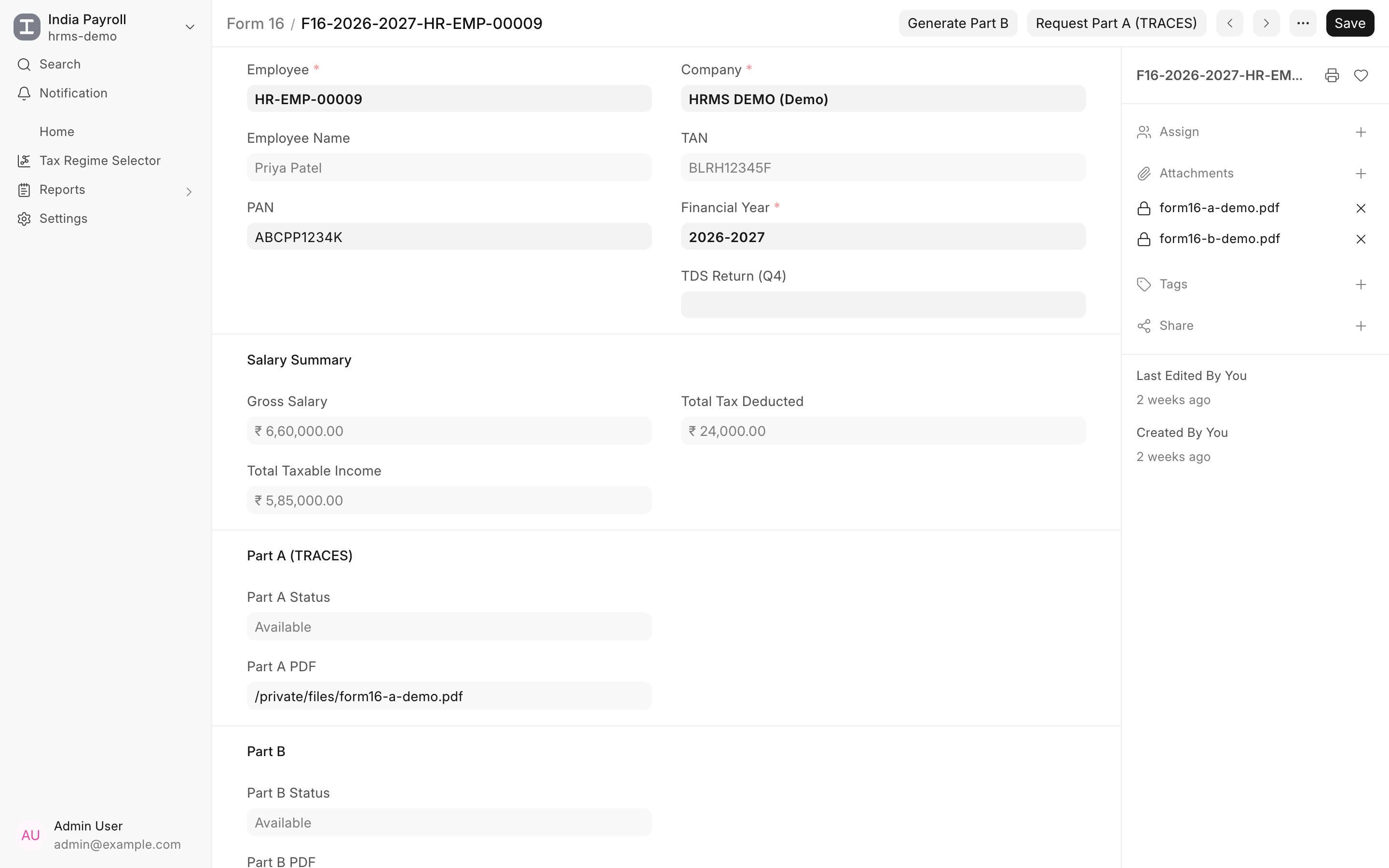
Form 16 without the scramble. Once the Q4 return is filed, Create Form 16 generates a record for every employee in the annual annexure. Part B is built from the employee's salary data and Part A is requested from TRACES using the deductor's TRACES login stored in Payroll Settings. Both PDFs attach to the Form 16 record, ready to share.
Ready for the new Income-tax Act. Returns for periods under the Income-tax Act 2025 are generated in the new Form 138 layout automatically, so the same flow carries over when the switch happens.
TDS filing ships with the India Payroll app for Frappe HR. Enable it from Payroll Settings, record your challans, and file your next quarter from payroll.














 Ritvik Sardana