

In modern web apps, wherever you go you are accompanied by a sidebar. It shows you all the nooks and crannies of the app. It acts like a guide and is helpful for new and old users alike. At Frappe we had already started releasing benefits of this design in the CRM and Helpdesk apps. Their experience was far too focused and simple for users to get started with.
Tough love
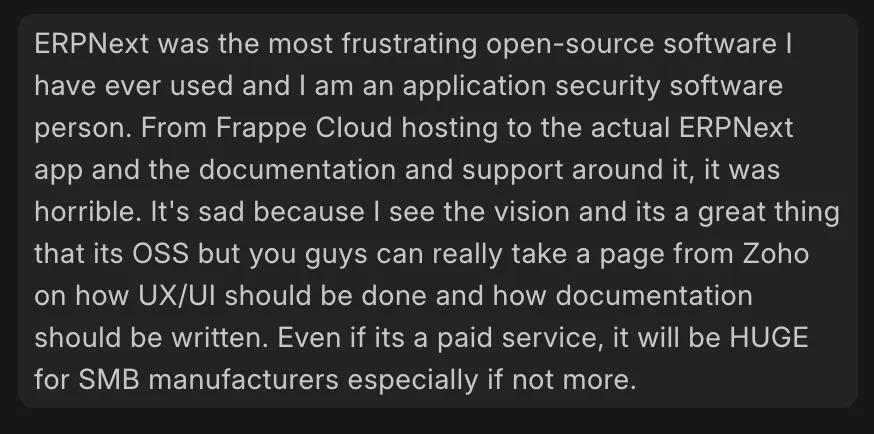
ERPNext’s UI is nothing but configuration files and some Javascript cobbled together to tie it all up. As most of it is auto generated by Frappe Framework. This ability is what I found fascinating when I first heard about Framework. So if Framework’s UI isn’t being worked on, ERPNext’s UI and UX suffer. This happened after the birds had flown away (Framework UI devs left to build other experiences, leaving it orphaned). This feedback was taken to heart by Rushabh and he started working on some fixes. This was not sustainable as he could not give development his full-time attention like he used to. After my onboarding in the team, I stepped in to take up the mantle. My first task - add a collapse button to the sidebar, and that began my journey
Sweet Sixteen
Our stated goal for the release was to fix the feeling of being overwhelmed when first exploring and using ERPNext. CRM and Helpdesk had already charted a path for Frappe Framework to follow. And it did.
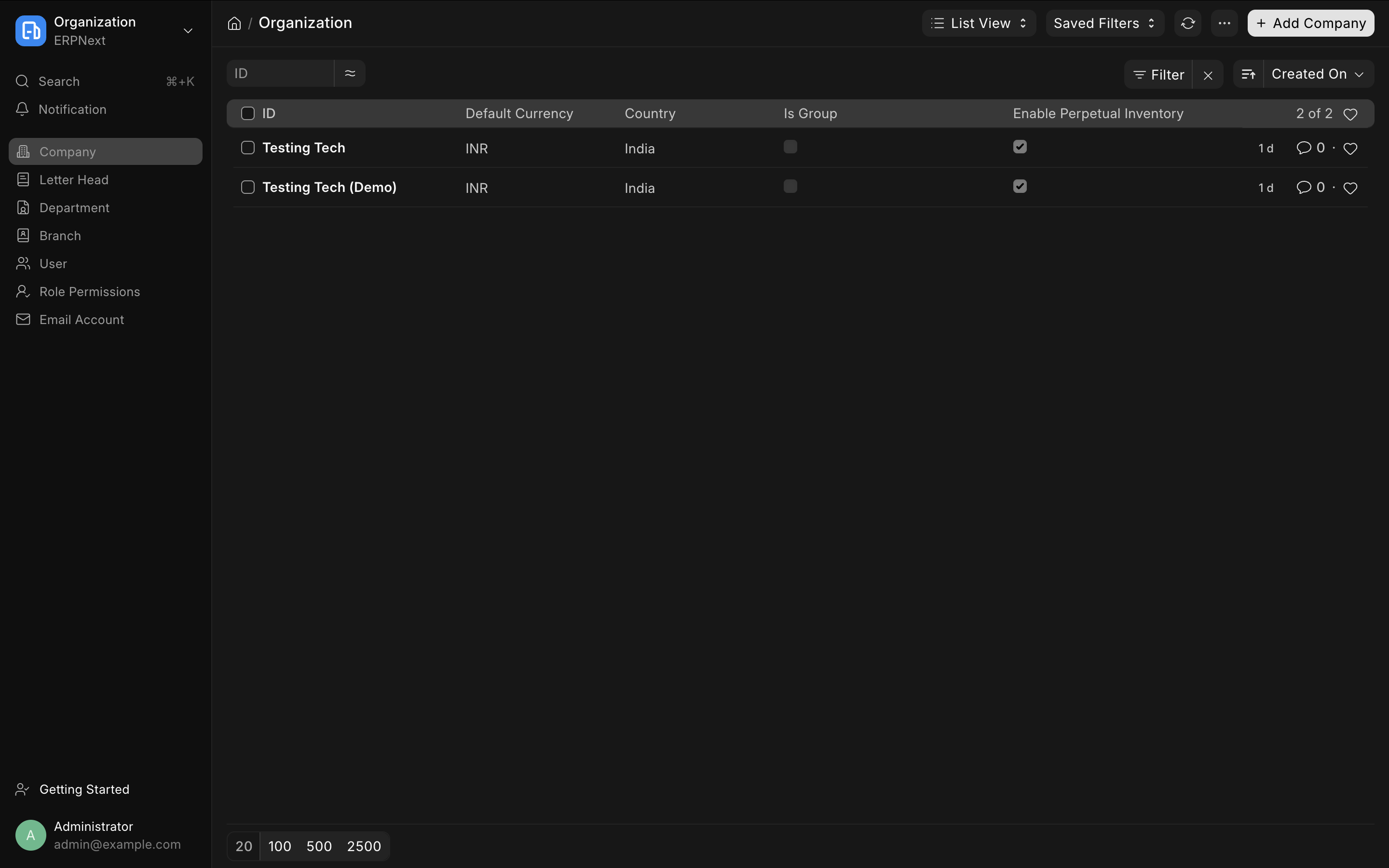
For this release we also brought back Iconic Desktop from version 7, as it is the perfect homepage for the system.
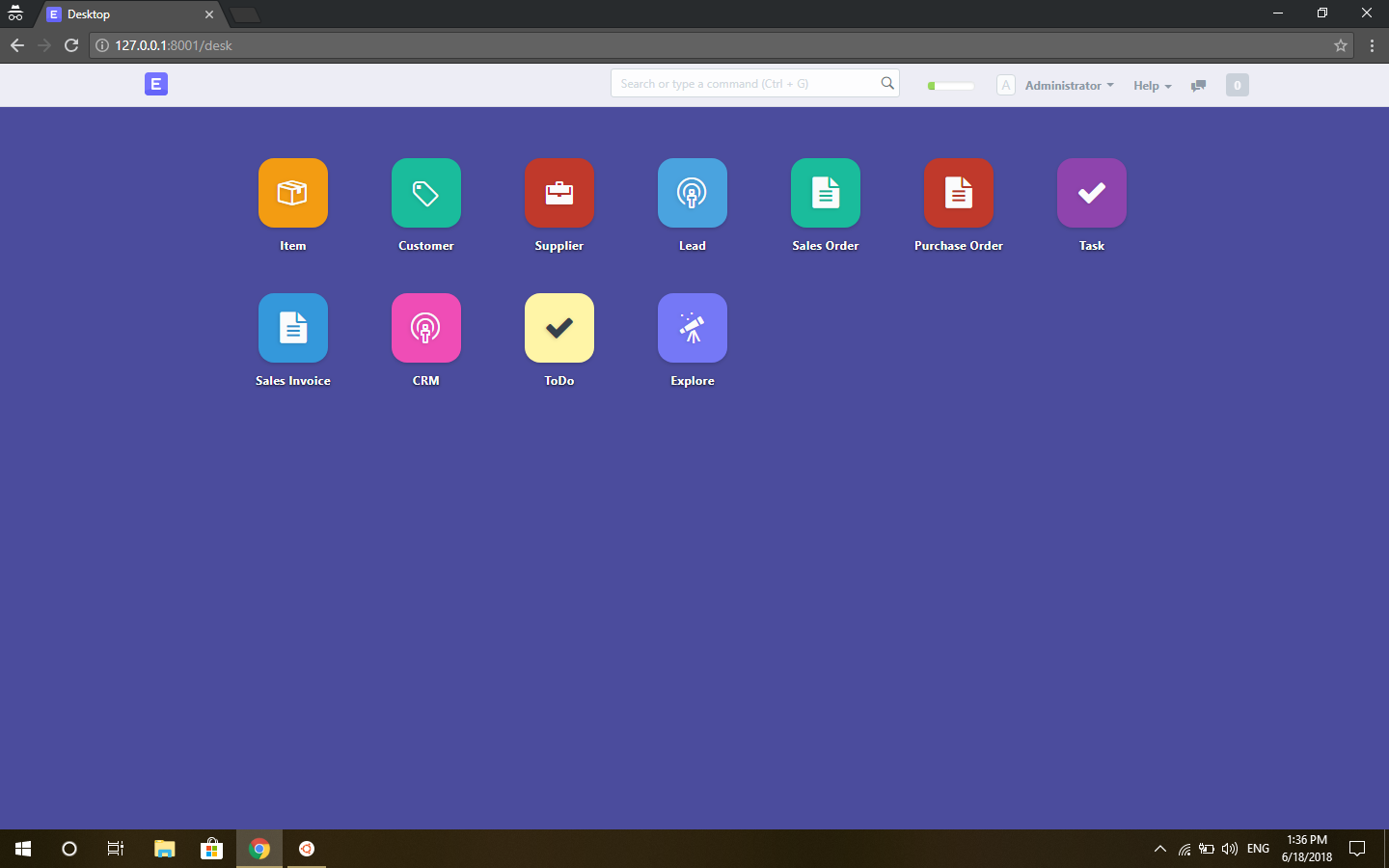
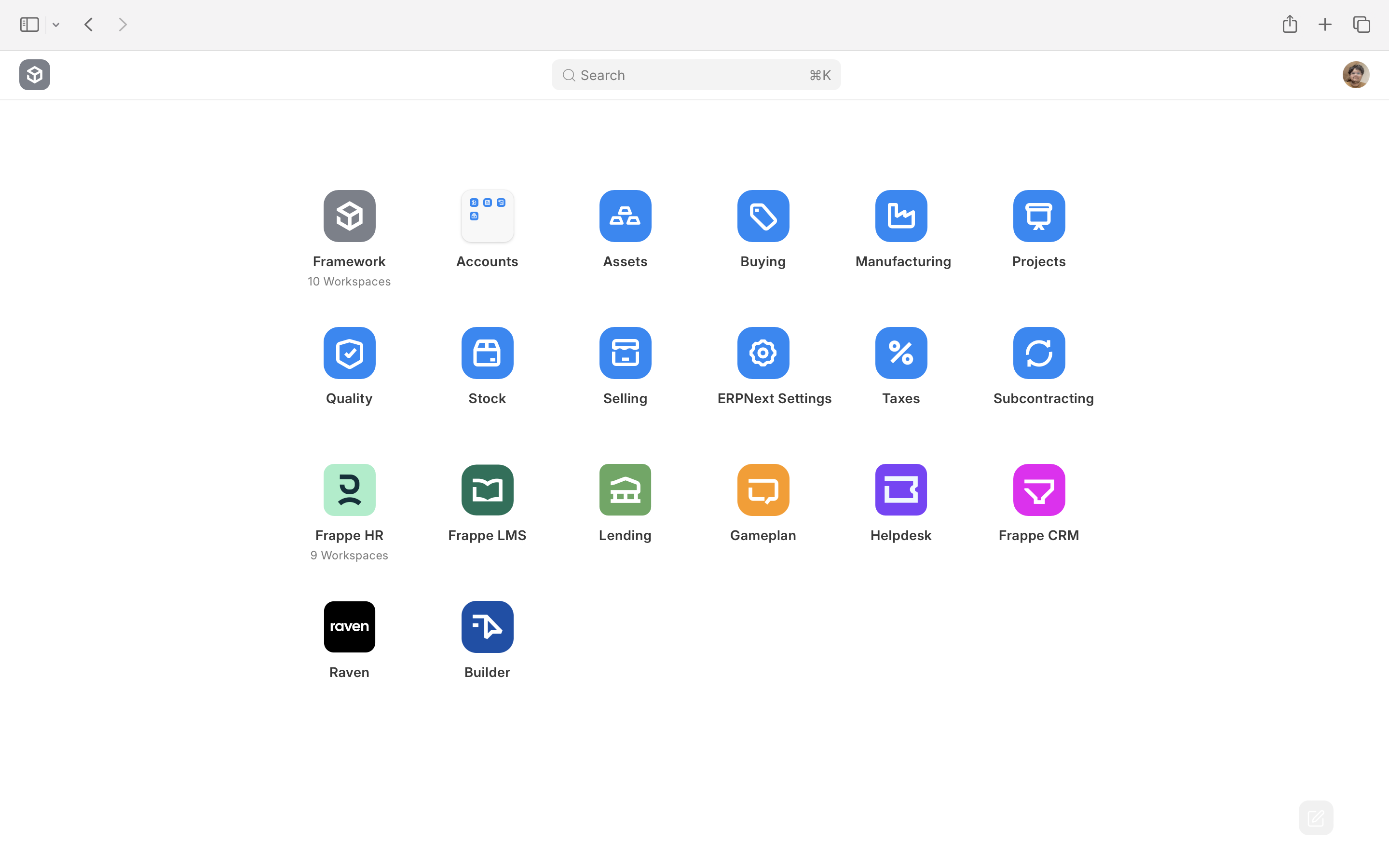
With the home page and sidebar, it was set to be the sweetest release—guiding users through these module shells—until it wasn’t.
Navigational Fog
After all the butterflies about this release had gone, users started complaining that configuring the UI with the correct roles and permissions was hard and it was way too different from what they expected. Lack of documentation drove another nail into the coffin, because my idea was to make the experience so good that docs are not needed.
Alongside the configuration problems was another nightmare: the sidebar kept changing on the user. Once, during a call on a live site, we saw that the Employee DocType was shown in the Stock sidebar. The navigation between apps and even modules was janky, awkward and absurd. It was more complicated than it needed to be. I had done various fixes to the permission system for desktop icon and workspace sidebar but they were all somehow worthless. Those fixes were like putting lipstick on a pig.
Then one day, a sort of wake-up call happened: Sanjay from the support team posted a rant on Gameplan, and Nikhil called me out, asking what the blocker was. I knew the issues and was fixing them one at a time but by then everything had gone wrong.
Why did it all go wrong?
Before talking about the root cause it is important to explain some history and evolution
Let me walk you through these one by one.
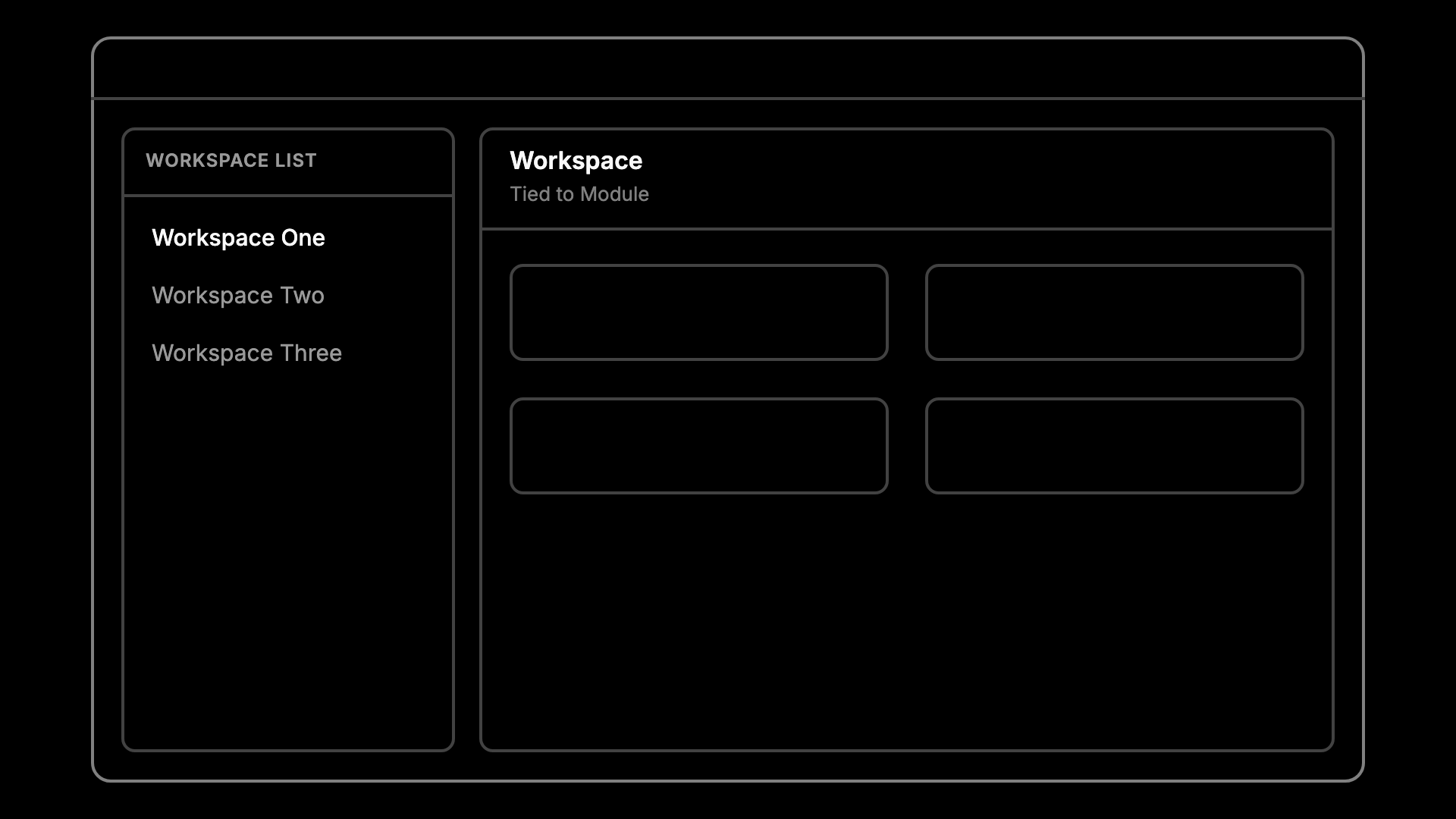
In v15, the hierarchy was a list of workspaces on the left and the workspace on the right. Every workspace was tied to a module. Simple, but the list kept growing and the workspace page became a dumping ground for links. There was a sidebar of sorts but it was not persistent
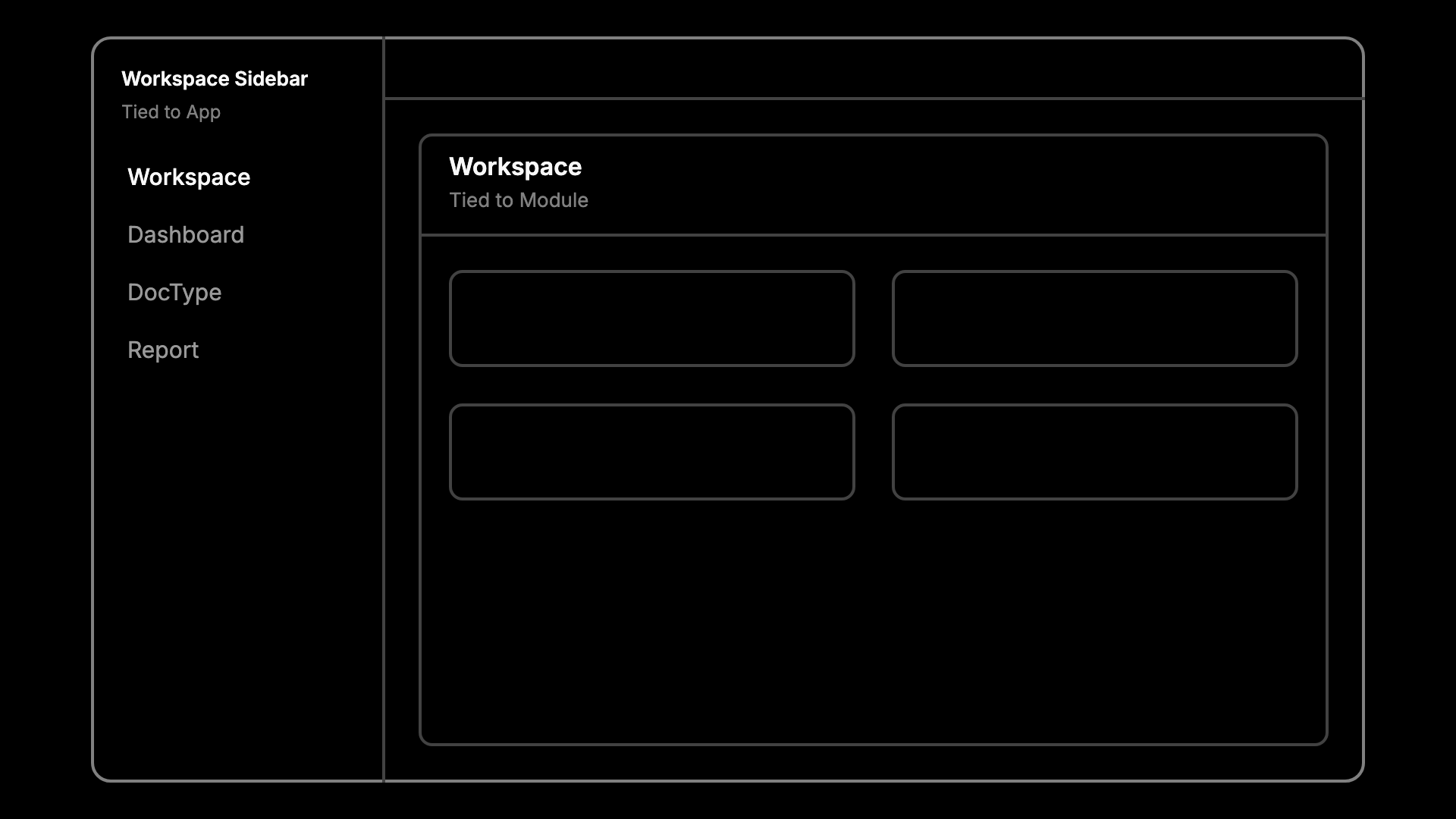
In this release I added the Workspace Sidebar, which holds the workspace, dashboards, DocTypes and reports. The sidebar is tied to an app, but the workspace inside it is still tied to a module. You can see the design fall apart in that line itself. Two things describing the same area, anchored at two different levels of the hierarchy. But we did that for a reason.
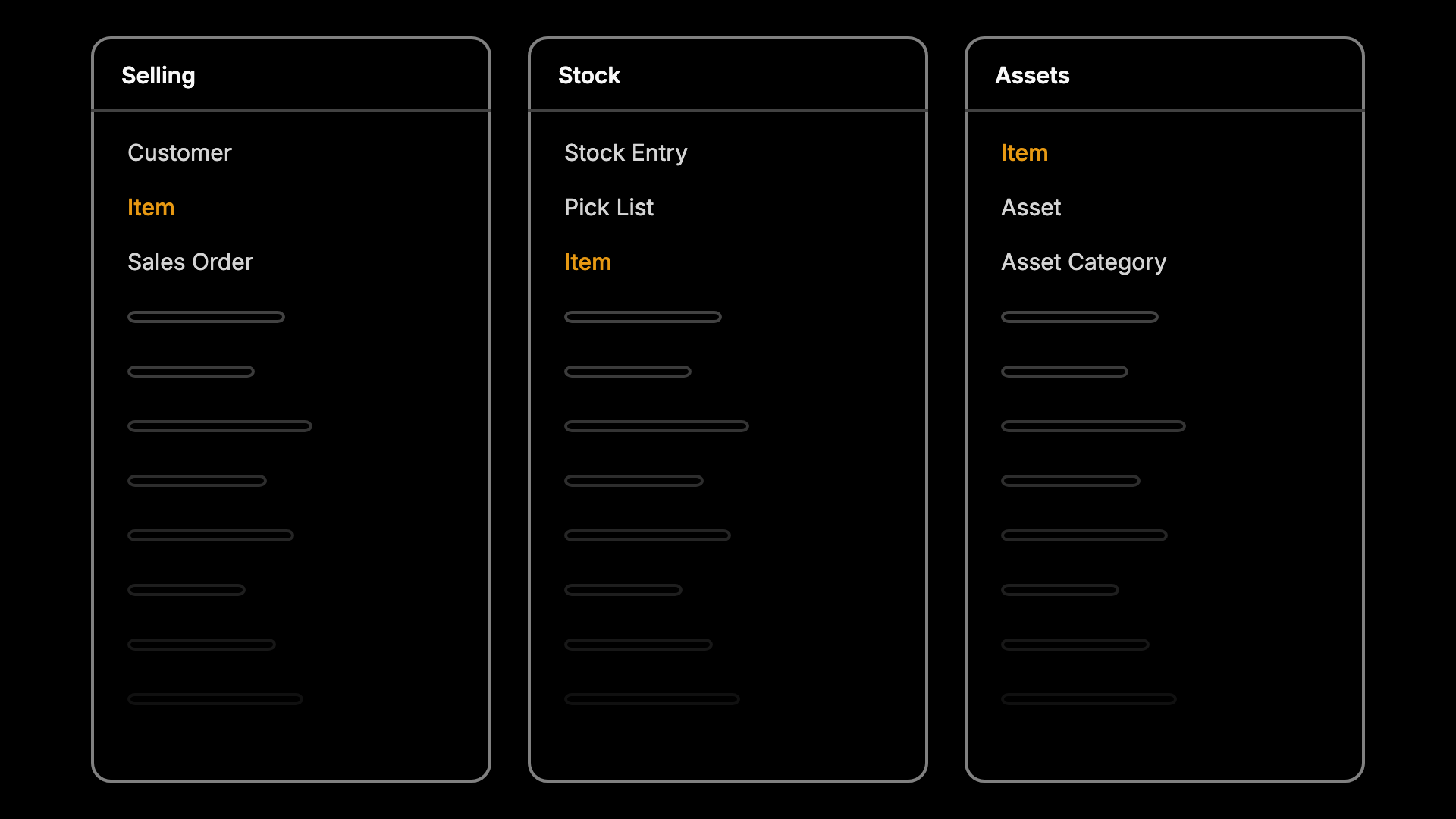
To build sidebars where ERPNext modules such as Selling, Stock, and Assets could all include Item—a DocType required in all three user flows—we introduced the root cause of the sidebar-selection issue.
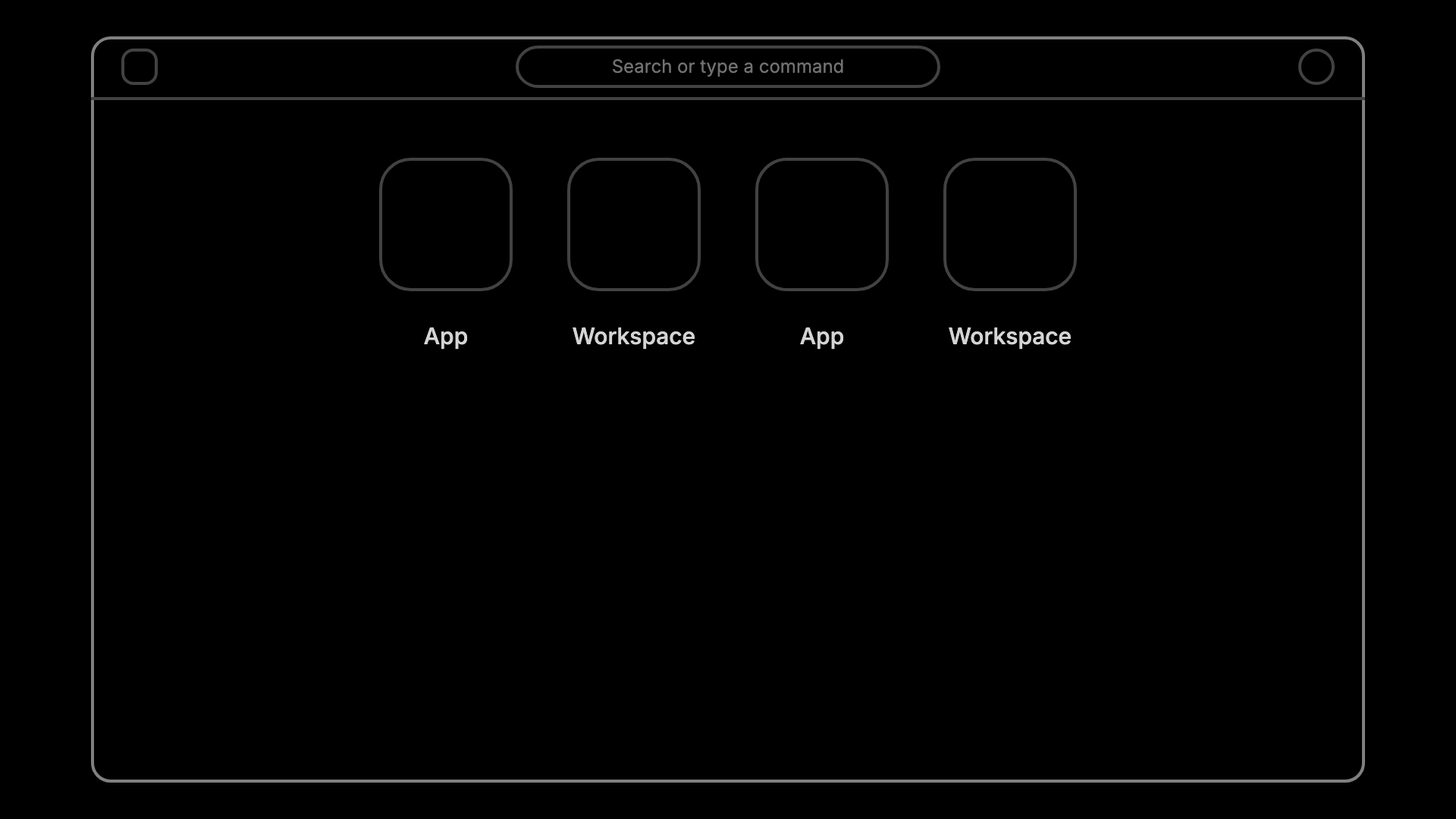
However nostalgic it felt, it was quite noisy as it put apps and workspaces side by side as icons, mixing two different levels of the hierarchy on the same screen. And this became an unhappy experience for all.
All of this happened because of a broken information hierarchy. It happened because we left a conflict unresolved within Frappe Framework.
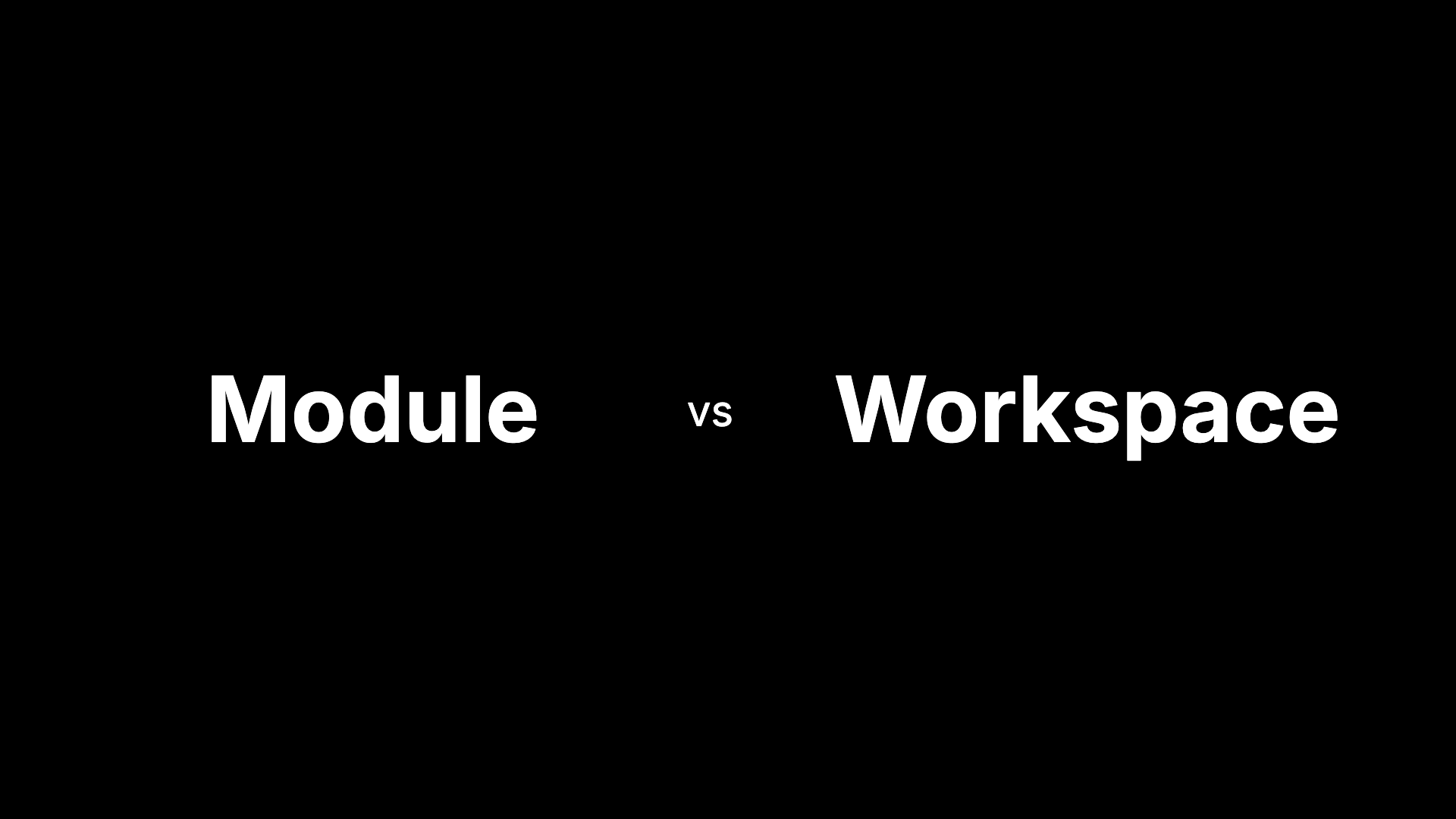
Module and Workspace have been fighting over the same job for a long time. Every DocType, Report, Page and Dashboard in Frappe already belongs to a module, so the module is the natural way to group things. But the Workspace was tied to a module too, and slowly it became the thing people actually navigated by. Two concepts describing the same area, and we never picked a winner.
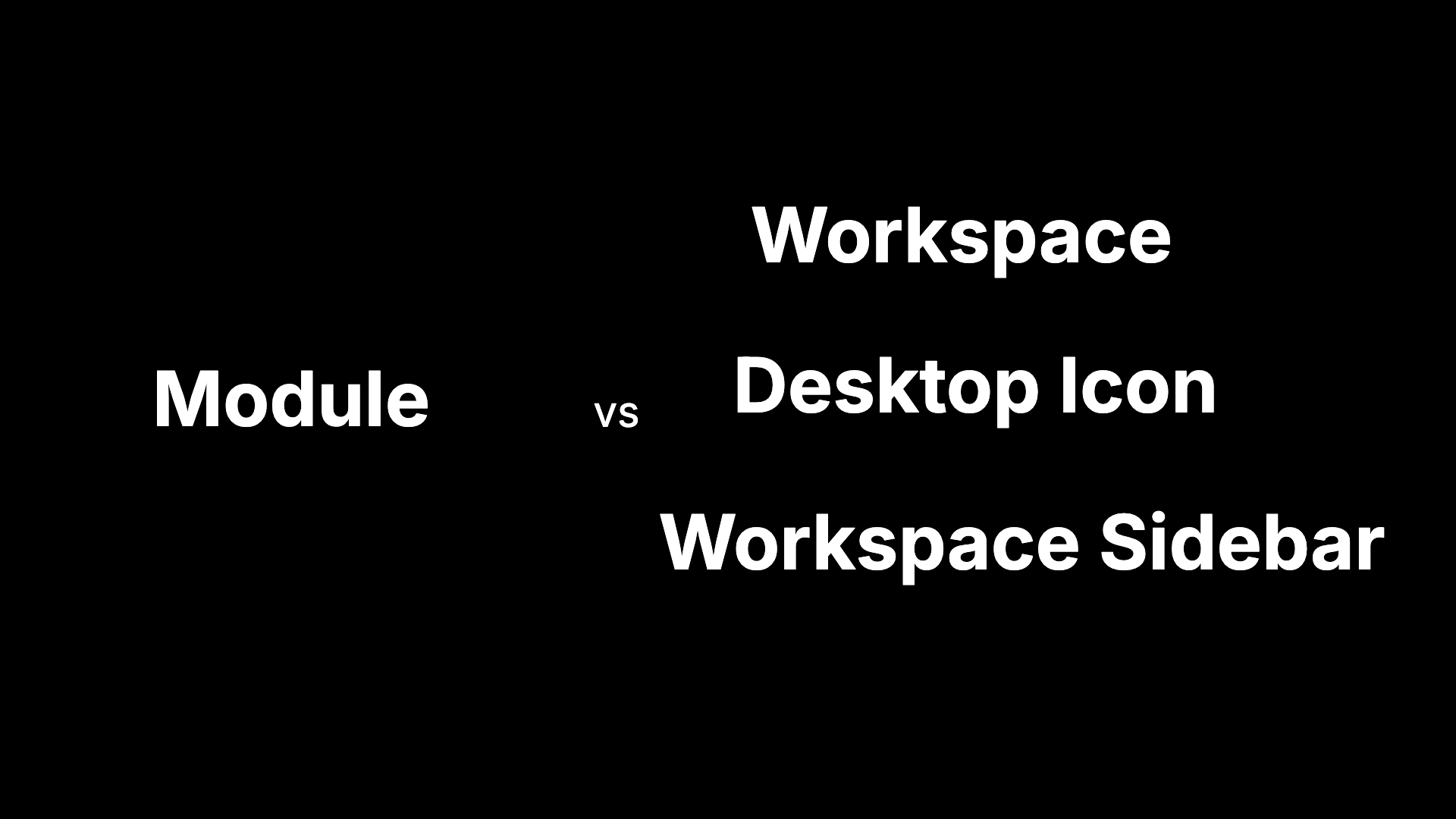
In v16 we made the fight unfair. Instead of settling it, we brought in two more contenders: the Desktop Icon and the Workspace Sidebar. Both were tied to the app, not the module. Now the Module was up against three different things, each with its own idea of where a page belonged.
We ignored the rightful heir to the throne: Modules.
As soon as I came to the conclusion that this was the right answer, I started working on it. This rewrite felt good; I was fixing past mistakes to arrive at the right answer. We did show off the right answer at Frappeverse but it was far from done. One more thing that helped us reach the answer was the month of July. We had called July the adoption month which led developers and non-developers to share the work they were doing to drive adoption.
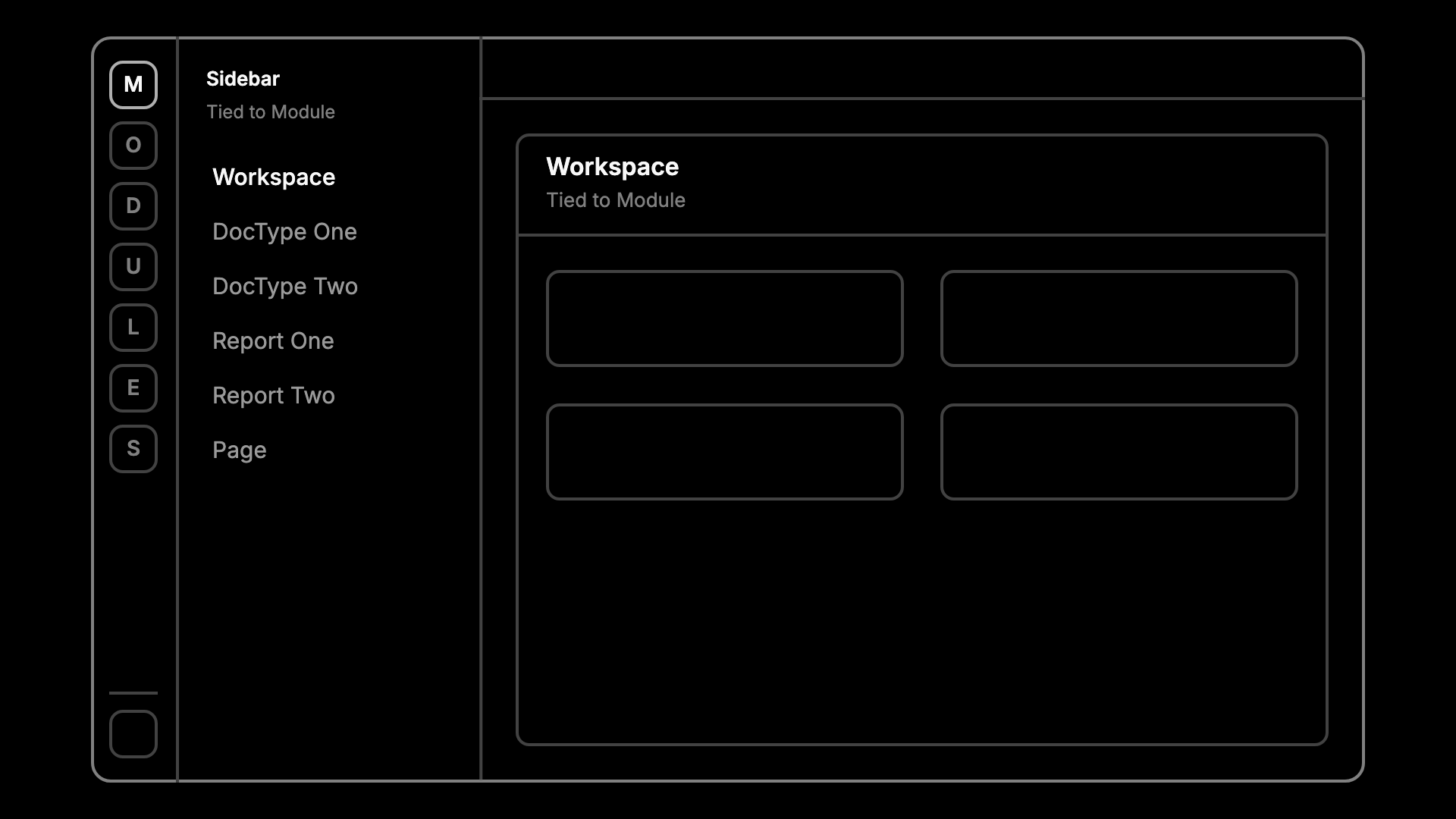
This allows us to show the hierarchy and allow users with access to multiple modules to switch between them faster.
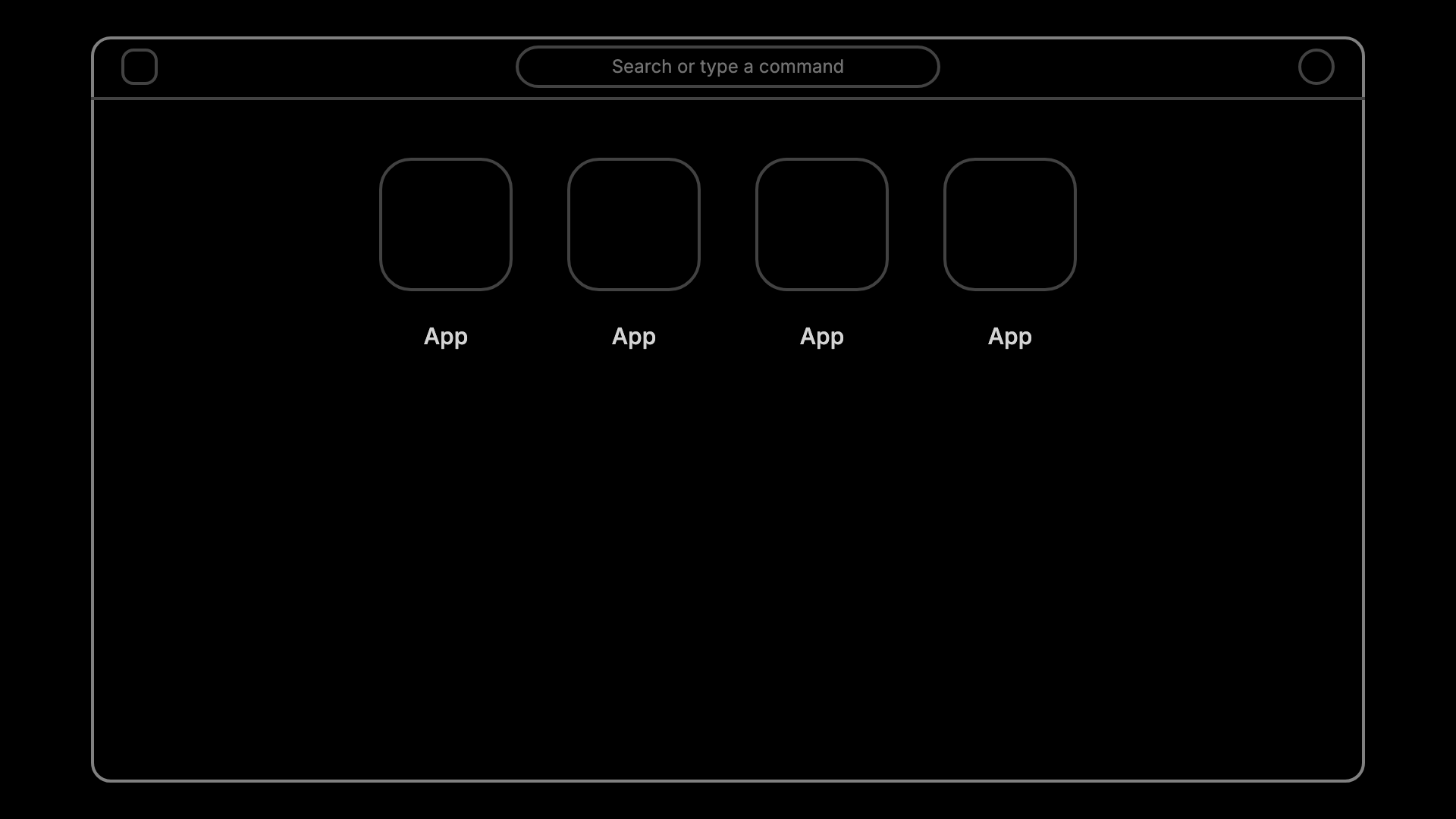
The desktop now just becomes the apps page. With that, all the jazzy desktop-editing features go away. This was somehow only the beginning of the fix.
Iterations Galore
The iteration I showed in Frappeverse was somewhat close to the final answer. But after some more thought, it too felt like the wrong answer. Showing just icons for modules was very unclear. The icons in the dock were vivid but not recognisable. Ankush, Nikhil and I played a game of guessing the module icons. I guessed two and then lost.
That's why I made the dock look like the sidebar, with an icon and a label. The second sidebar opened like a flyout: clicking a module made it fly in. It worked and solved the problems, but it felt wrong. For a user with access to only one module, it looked bad.
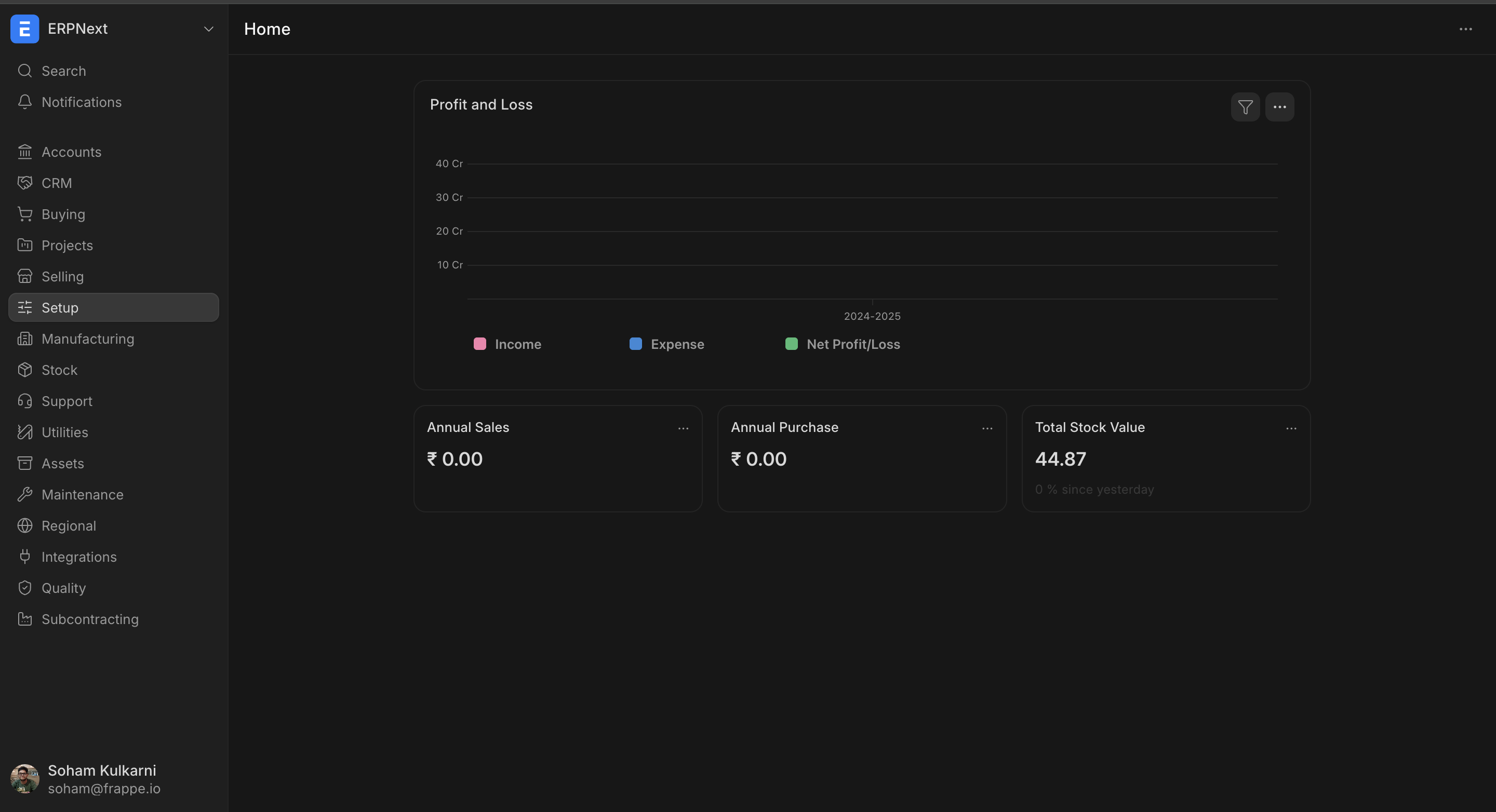
I couldn't shake the feeling that this interaction was wrong. One afternoon I'd had enough and went to Shruti for a designer's perspective, since she was redoing the Projects module. We both agreed that a flyout makes sense for a horizontal navbar, but not here. She showed me some low-fidelity mockups she had made in Figma, and we did some pair prototyping. Making the flyout feel good seemed like the answer, but our final solution still felt out of place.
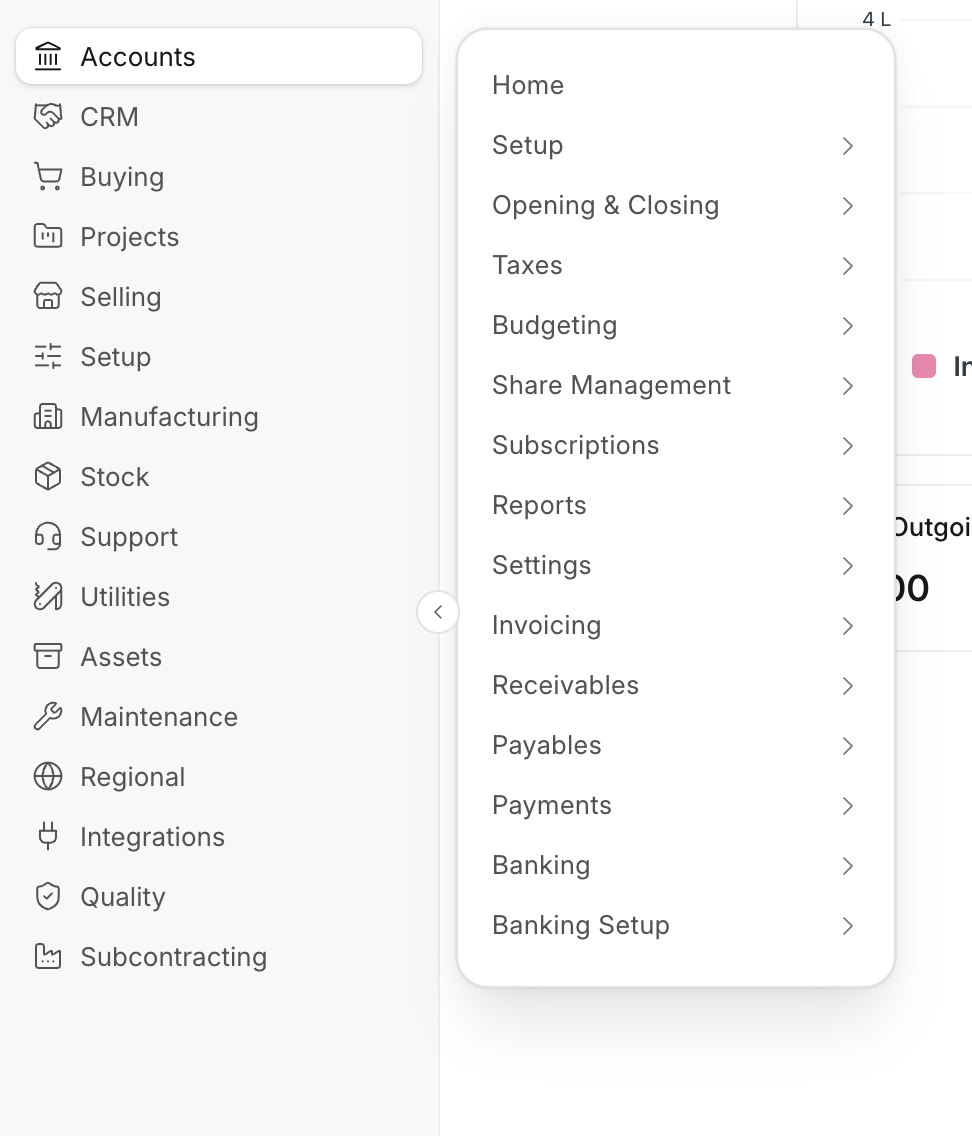
Sometime later, I went to one of my v16 sites to check something for support. I opened the Item DocType and quite liked the contained feeling. v16 had its heart in the right place. It didn't work out because it was structurally flawed. The module shell is what makes ERPNext and friends less overwhelming, so it had to come back. So I decided to make it work and look like v16 itself.
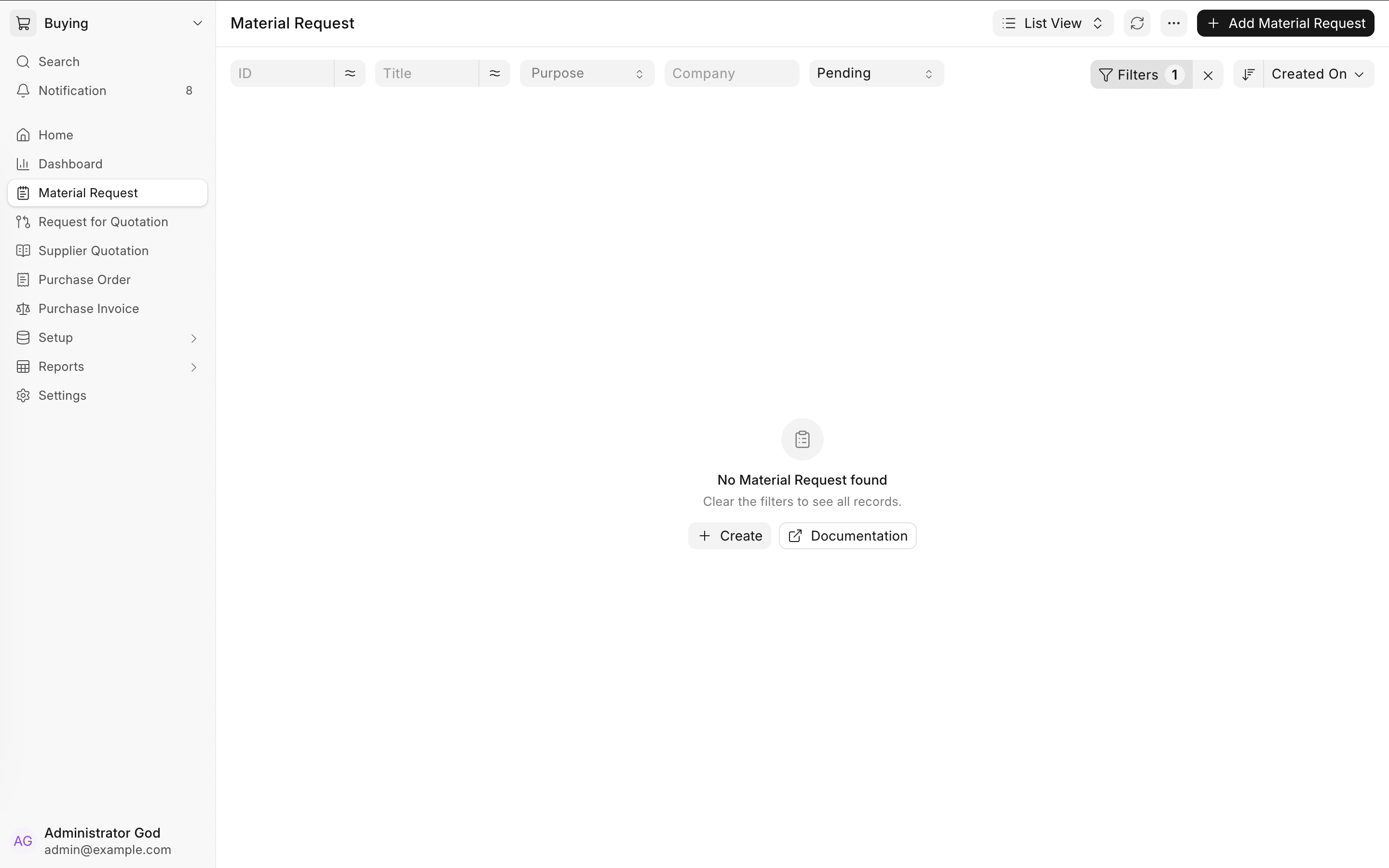
The experience is now simpler to configure and more predictable because its structure is stable.
Sins of Sixteen
These are mistakes we made in version 16. When it came time to release these course corrections, the focus was on fixing version 16 itself. I’m now testing migrations so that upgrading to these new version 16 releases will be smoother.
A personal reflection
This journey has had its ups and downs—mostly downs, and now, finally, some ups. The system is much stable and this seems to be the right answer until the more correct answer comes along. I would also like to apologise to my team members and all the customers for ruining your favourite ERP software, only to make it smoother and more modern
I was trying to build a compass using gravitational waves instead of Earth’s poles and then saying the compass is not right. This was a good and a hard learn lesson. I am less naive than before and still want to improve Frappe Framework, make it less of a thorny experience.
I also want to thank a few people for helping me in my journey. Faris for helping me get started and getting my hands dirty and for “ideas“. Saqib for brainstorming and helping me gain confidence in my approach. Nikhil for showing patience and help when things were falling apart. Ejaaz for holding the maintenance fort and supporting me. Rushabh, Nabin and Ankush for blind trust and allowing me to own this subsystem. And to Arun who showed me the Framework for the first time and being a catalyst in my programming journey

